


If you’re working on a 2019 Ford Mustang with a smart key system and find yourself in an all keys lost situation—especially with the alarm actively triggered—the process can seem daunting. However, with the Xhorse VVDI Key Tool Plus (KTP) and the appropriate Ford AKL (All Keys Lost) cable, you can successfully program a new key and disable the alarm.
What You’ll Need
- Xhorse VVDI Key Tool Plus
- XDFAKLGL Ford AKL smart key programming cable
- New, uncut Ford smart key
- Jumper cables (if the vehicle battery is low)
Step 1: Prepare the Vehicle
Confirm the alarm is active – In an all-keys-lost scenario, the vehicle’s factory alarm is often triggered and will sound or flash lights.
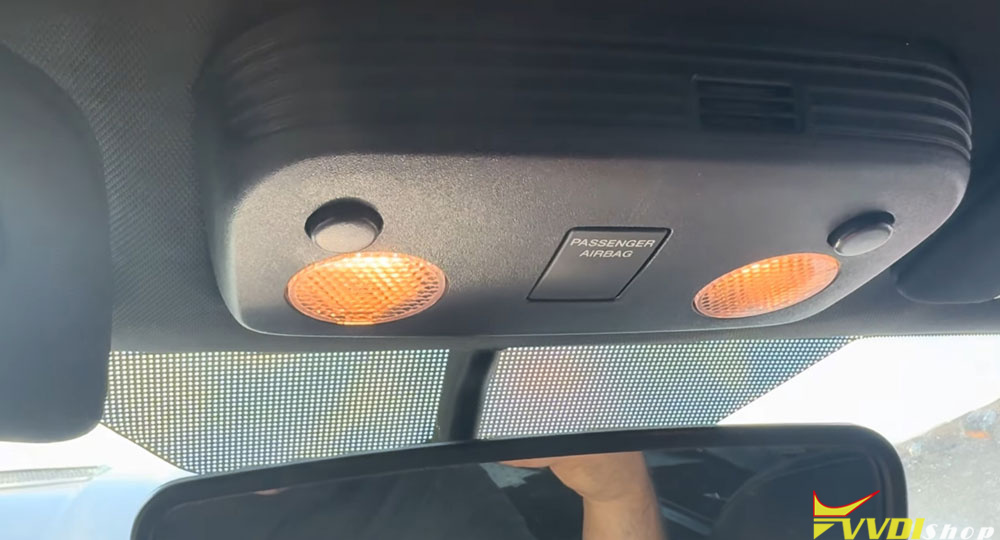
Close all doors – Make sure every door is completely shut. The programming sequence requires the vehicle to be in a stable state.
Place the new key in the slot – Even though it’s an AKL situation, the key must be physically present in the interior key slot (usually located inside the center console or glove box).
Step 2: Connect the Xhorse Key Tool Plus with the Ford AKL Cable
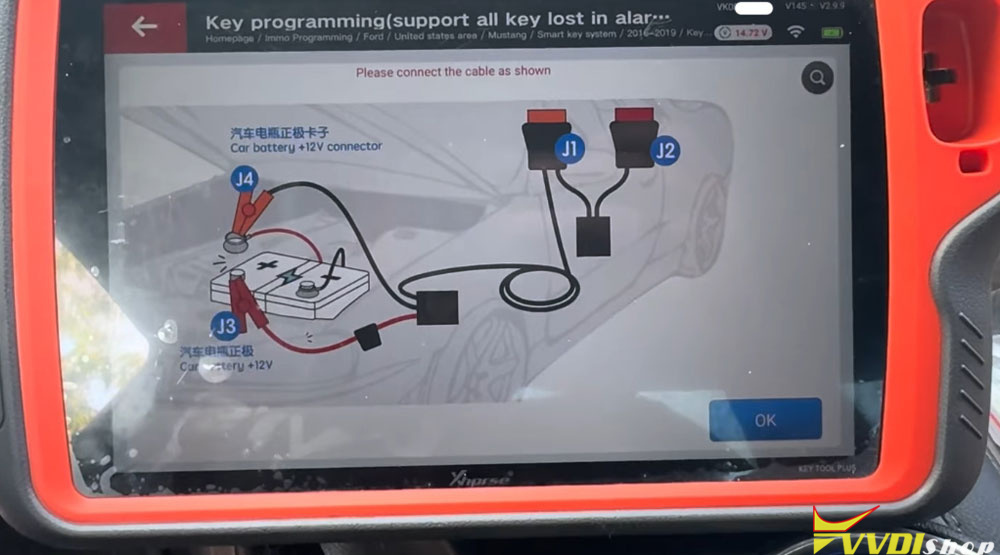
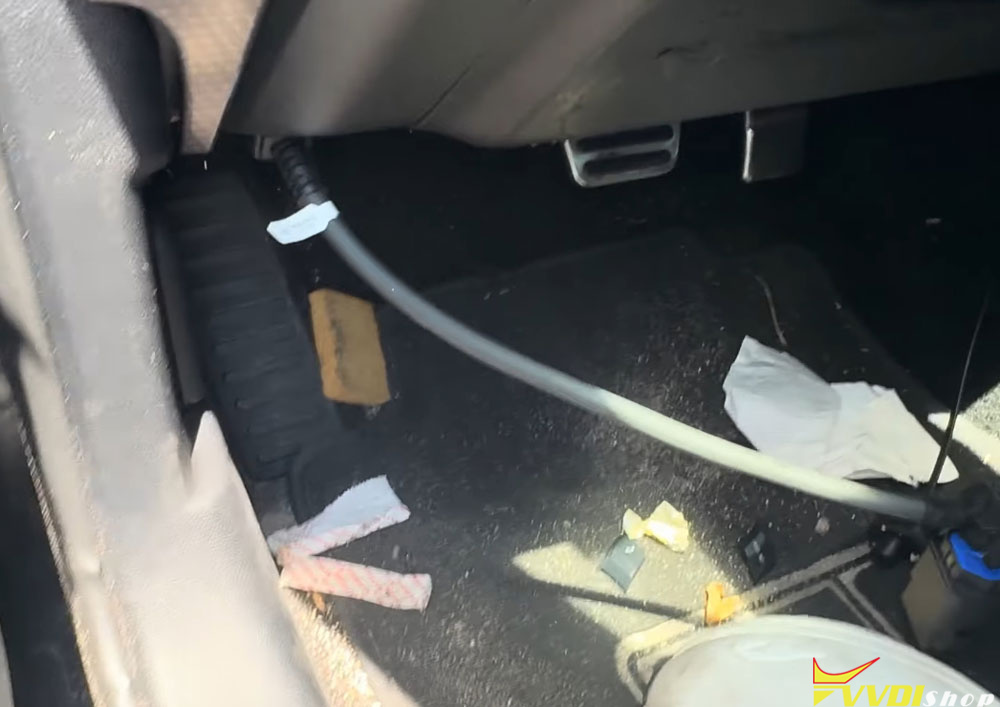
The Ford AKL cable has specific wiring:
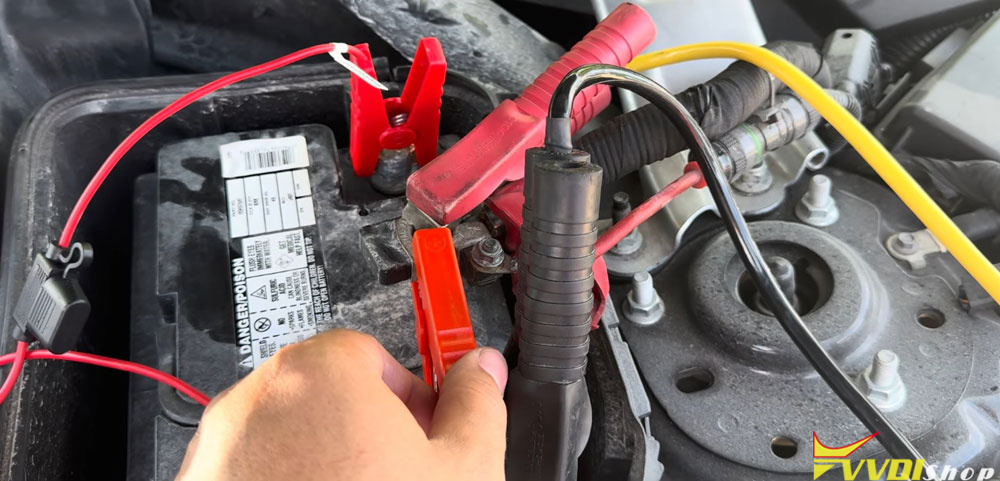
Red cable → Connect to the vehicle’s battery positive terminal.
Orange cable → Connect to the vehicle’s positive side (power distribution).
Jumper → Use if the battery voltage is too low to maintain stable power.
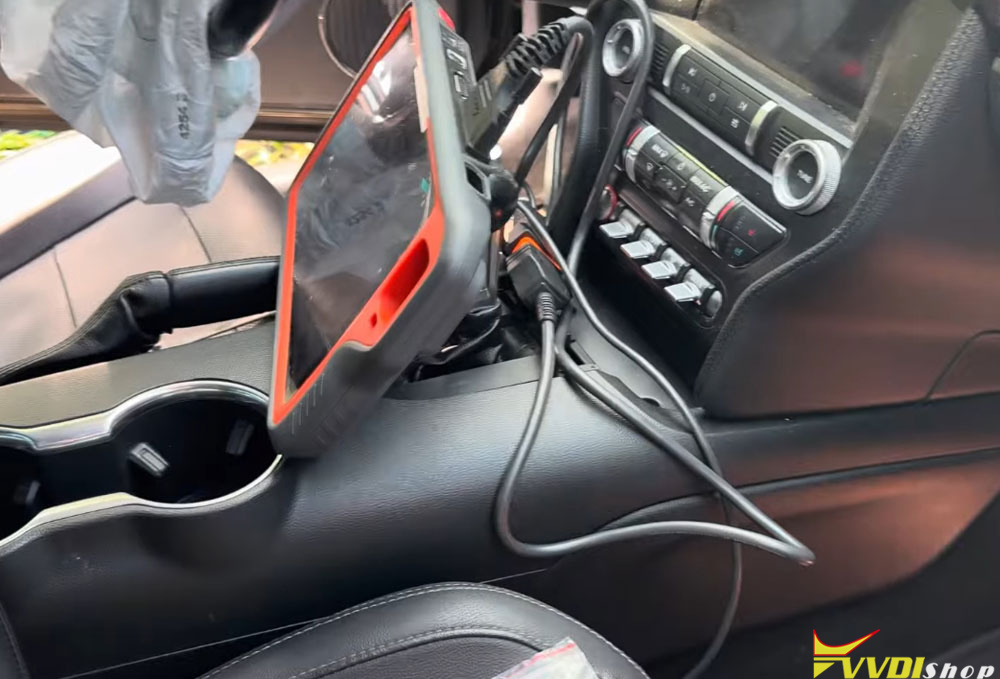
OBD connector → Plug into the vehicle’s OBD port, then connect to the Xhorse scanner.
This setup ensures the tool can bypass the immobilizer and communicate with the smart key module even during an active alarm state.
Step 3: Start the Programming Sequence
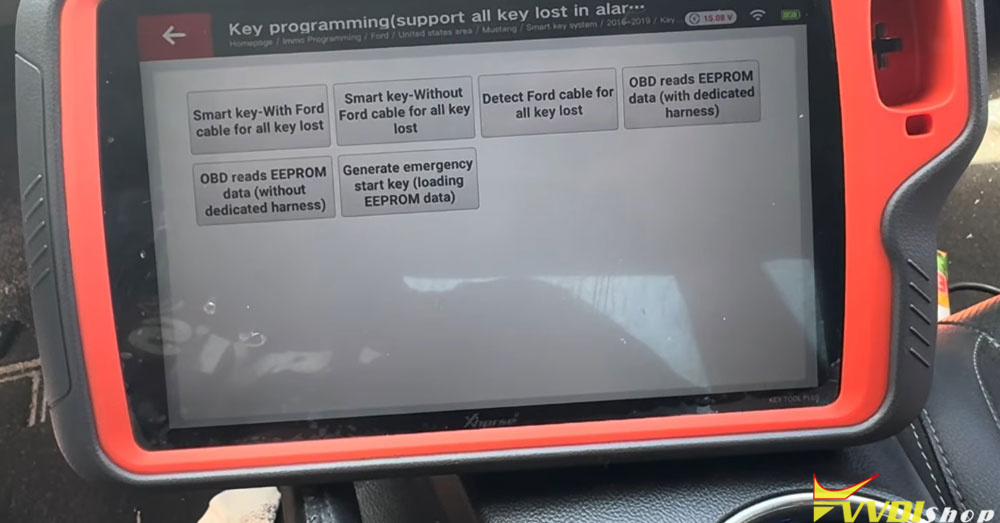
On the Key Tool Plus, select:
North America -Ford -United States – Mustang -2019 – Smart Key System – All Keys Lost with Active Alarm.
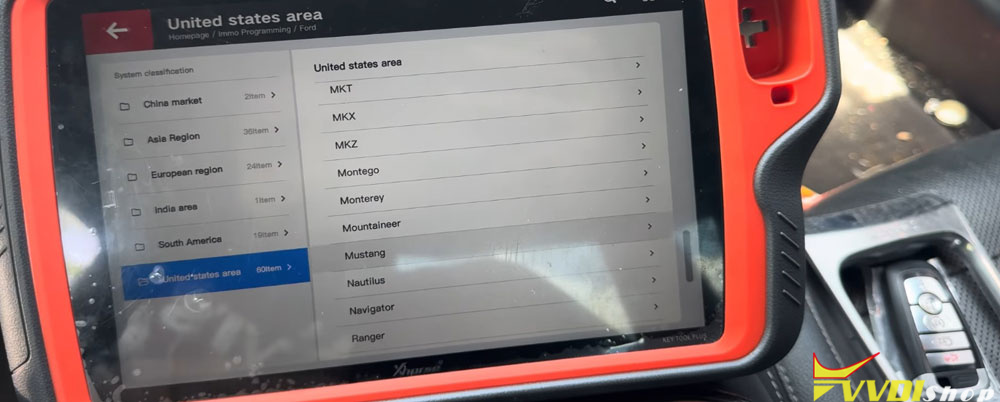
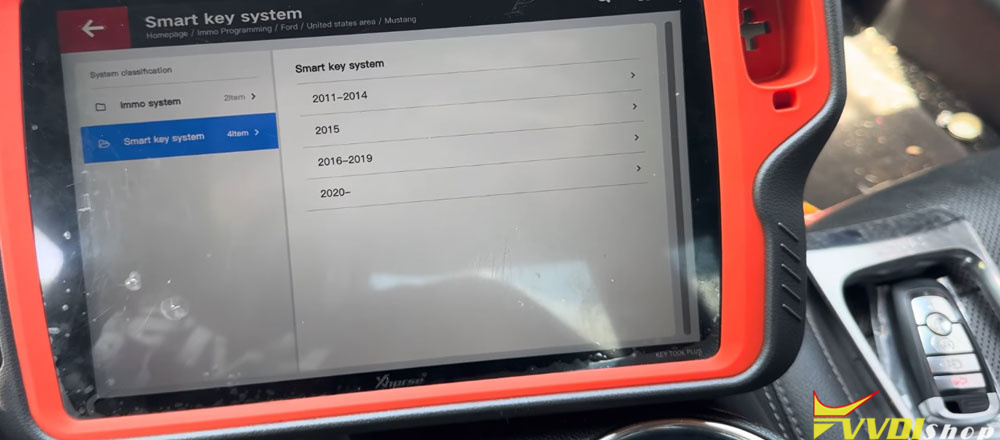
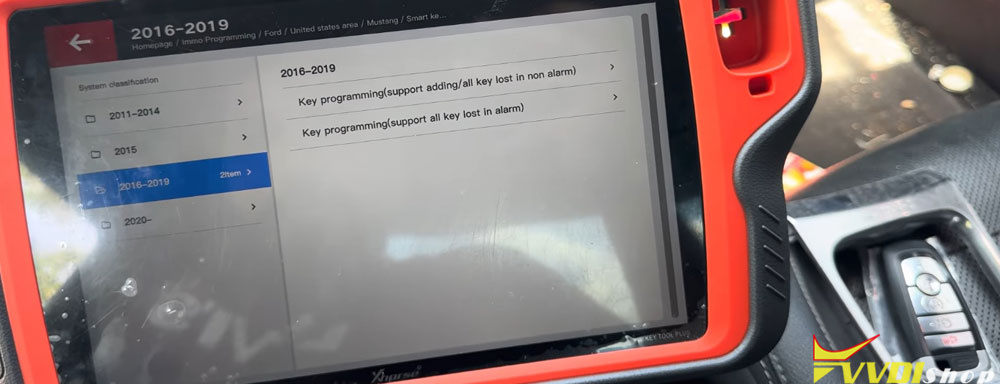
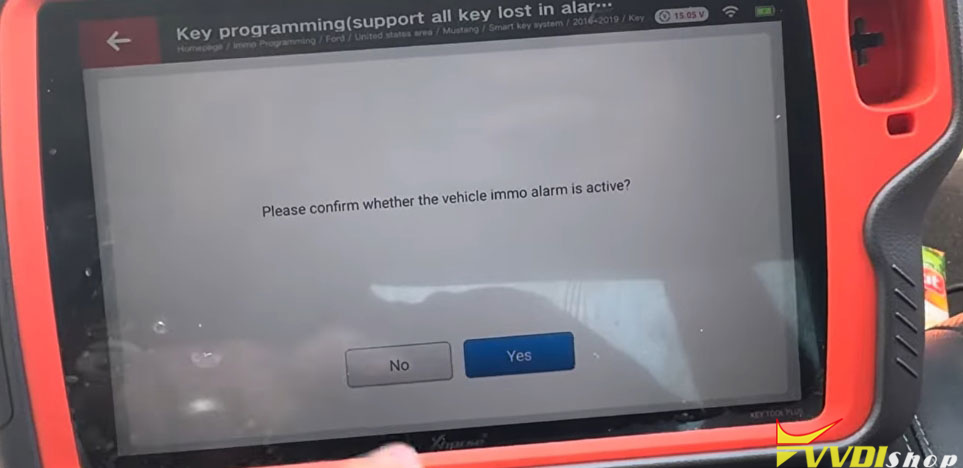
Press Yes to begin. The tool will display a 10-minute waiting period.
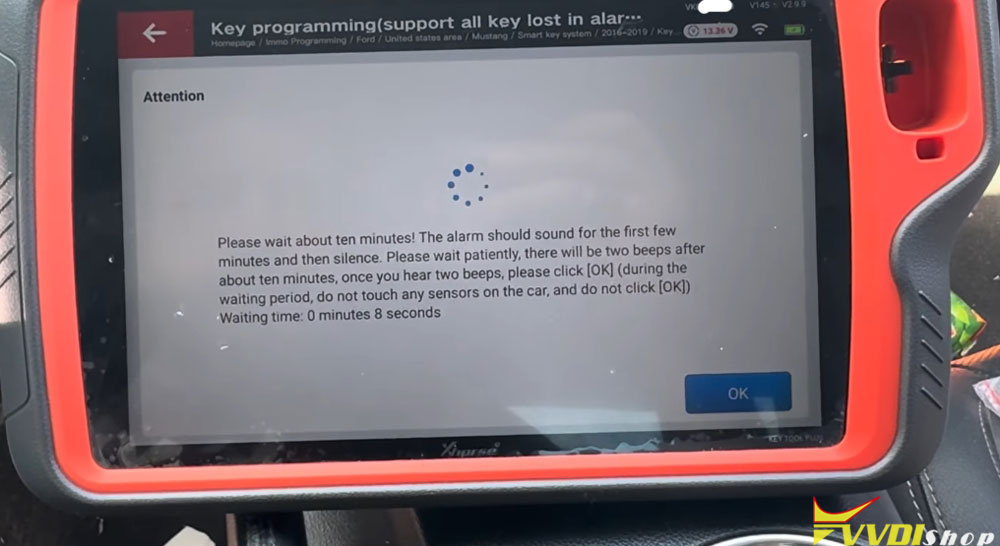
Do not press any buttons or open doors during this time.
The alarm may or may not beep during the wait—this is normal.
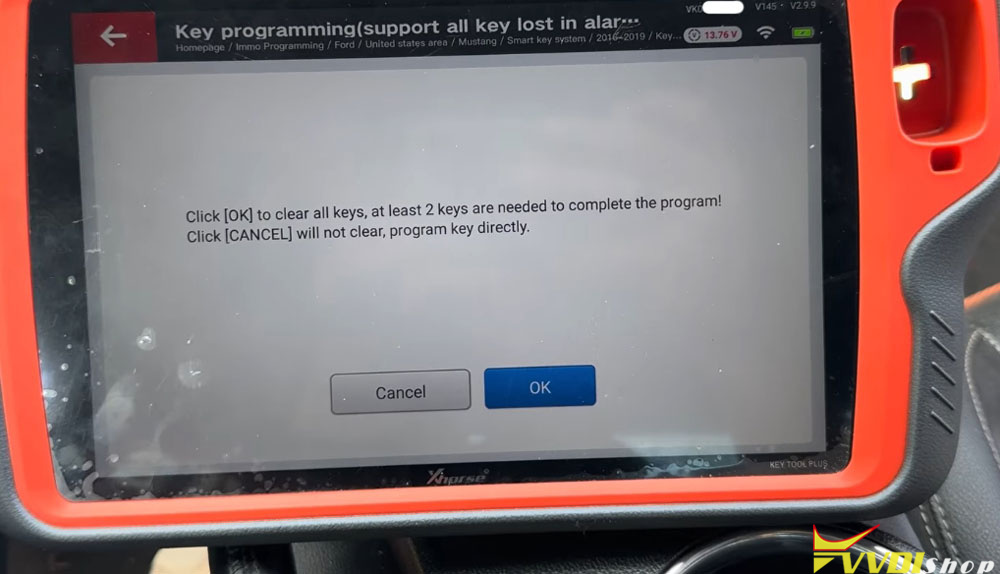
After the wait, the tool will ask:
Erase all keys? (Press OK)
Add a key? (Press Cancel)
In most AKL cases where the original keys are truly lost, you would press OK to erase. However, if you only want to add a new key without erasing existing ones (e.g., some keys remain available), press Cancel.
Place the new smart key in the slot (if not already there) and press the start button once.
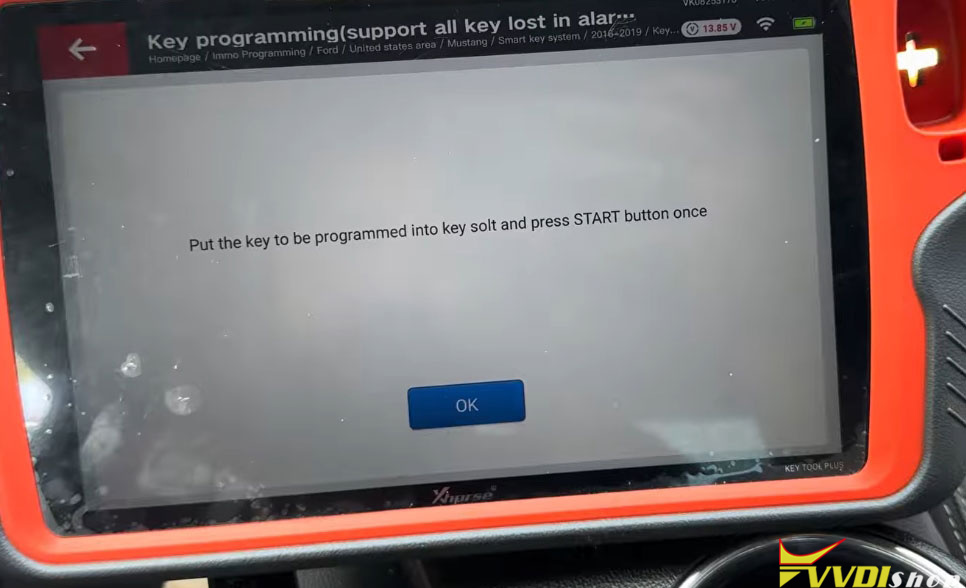
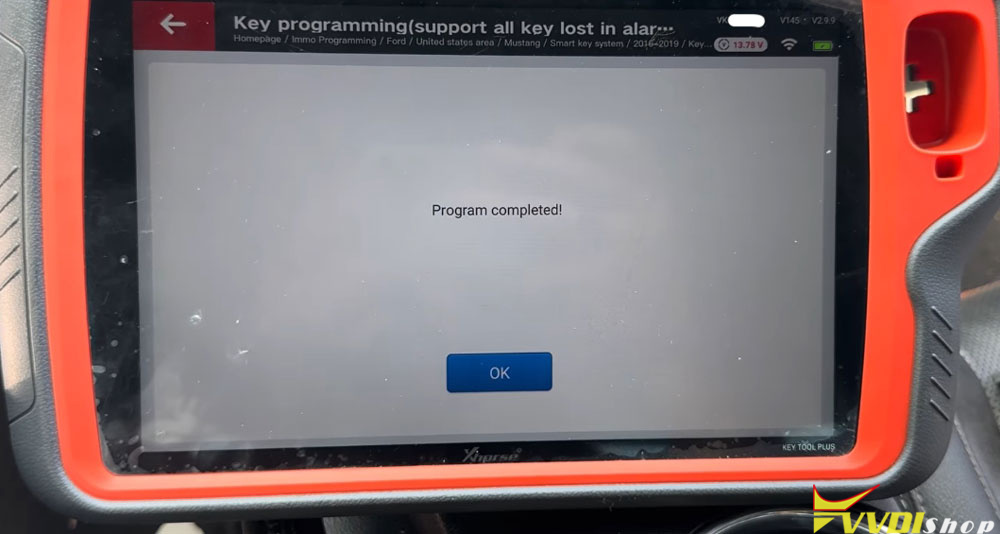
Press OK on the tool.
You should hear the door locks cycle (lock/unlock sound) – this confirms successful programming.