


2022 Ford Escape all keys lost. The issue was finding the correct key. Finding the right key was a pain. These come in 315, 433, 868, and 902 frequencies. Then once you find the right mhz, you still need to find the right profile.
Programming was done with Xhorse VVDI Key Tool Max pro which has built-in CAN FD. VVDI Key Tool Plus will do the same. This car had the sideways door lock that usually indicates programming with FDRS + Nastf but it was not needed.
What You’ll Need
-
Xhorse Key Tool Max Pro or Plus
-
Xhorse universal smart key XSFO02EN XM38 Ford style (or a key with the correct FCC ID and frequency)
-
Good internet connection (for server communication)
-
Battery charger (to maintain stable voltage above 13V)
NOTE:
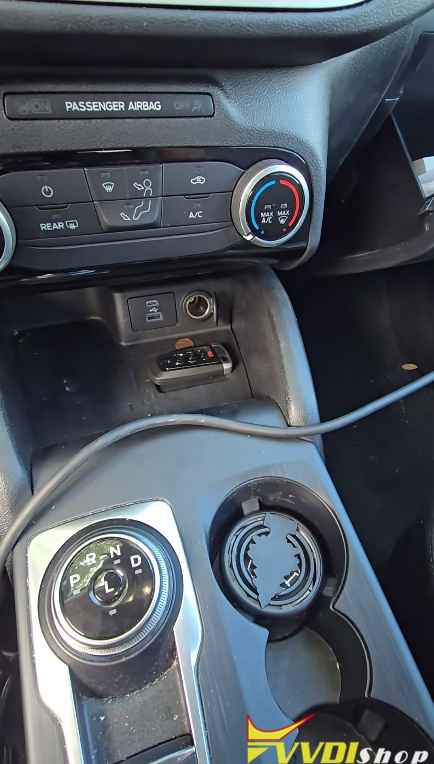
Key programming slot location (on the 2022 Escape, it’s under a mat near the front storage area).
This won’t work with active alarm however.
Step 1: Ignore the Assumptions
The 2022 Escape had the sideways keyhole, it would require FDRS and NASTF. That’s true for many 2022+ Fords, but not this one. Always test your tool first before assuming you need dealer-level access.
Step 2: Locate the Key Programming Slot
On the 2022 Ford Escape, the key programming slot is under a mat in the front storage area (often near the cupholders or center console). Place the key face down in that spot when programming.
Step 3: Use the Xhorse Key Tool Max Pro – AKL Process
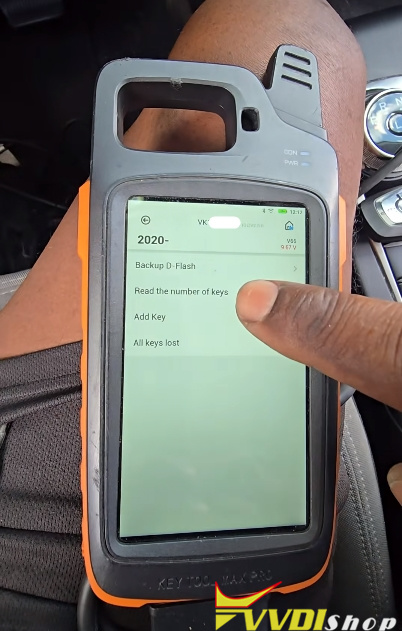
A. Backup the DFlash (Critical Step)
-
From the main menu, select All Keys Lost.
-
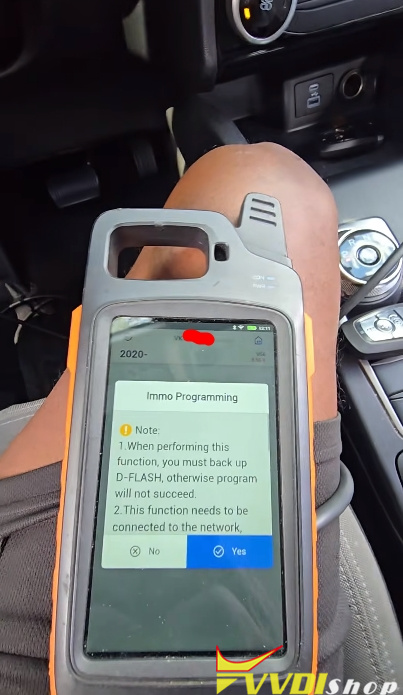
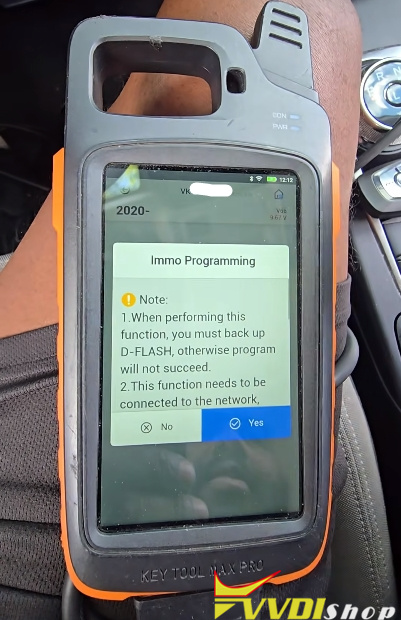
The tool will read and back up the Dflash data from the vehicle.
-
This is a CAN FD vehicle, so there is no 10-minute wait.
-
Save the deflash data to the machine. You won’t need to read it again for subsequent attempts.
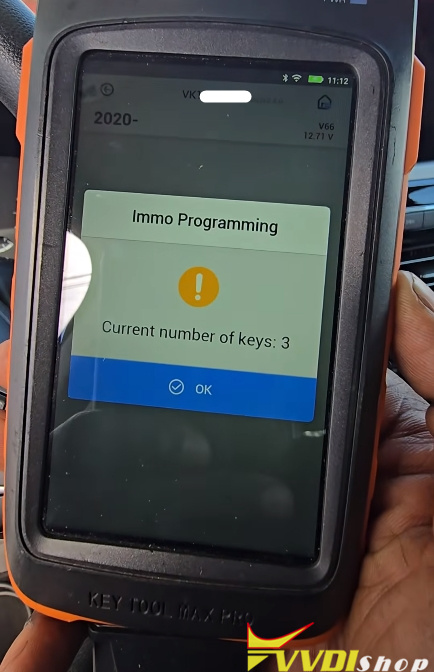
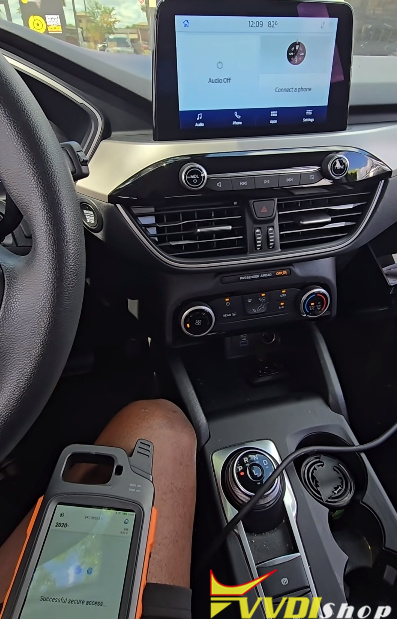
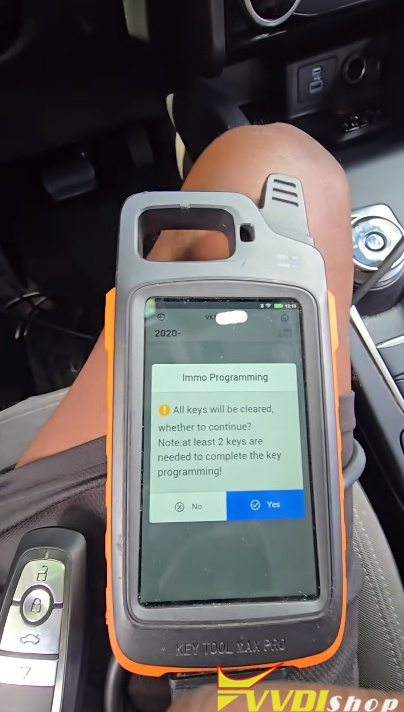
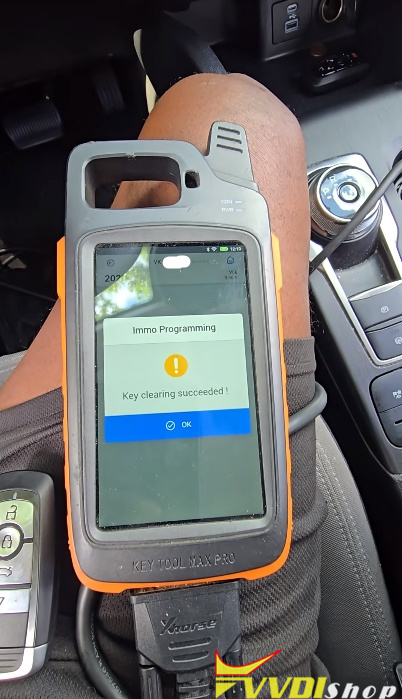
B. Erase All Keys
-
The tool will erase all existing keys from the system.
-
Confirm that the system shows 0 keys before proceeding.
C. Security Access & Server Upload
-
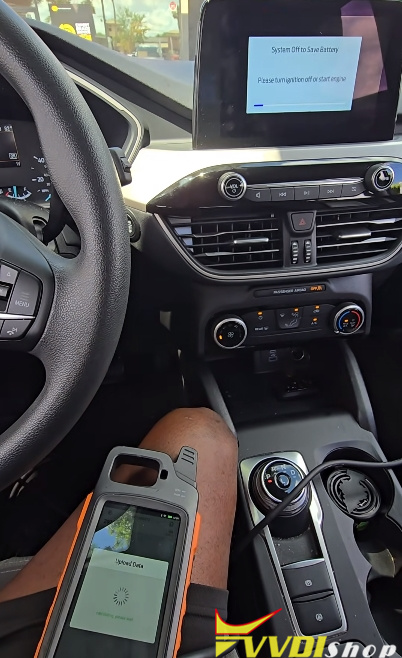
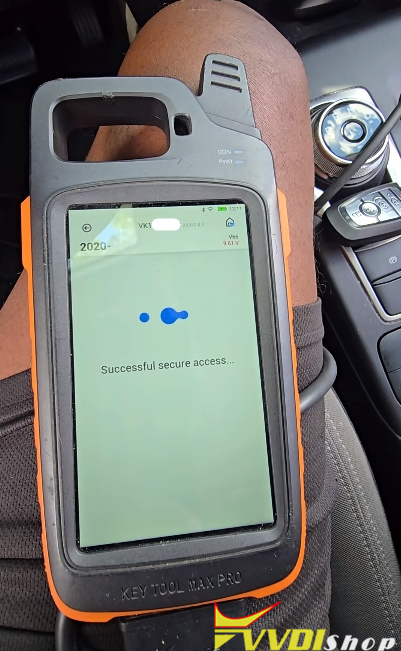
The tool will request security access (successful).
-
It will then upload data to the Xhorse server. A stable internet connection is required.
D. Add a New Key
-
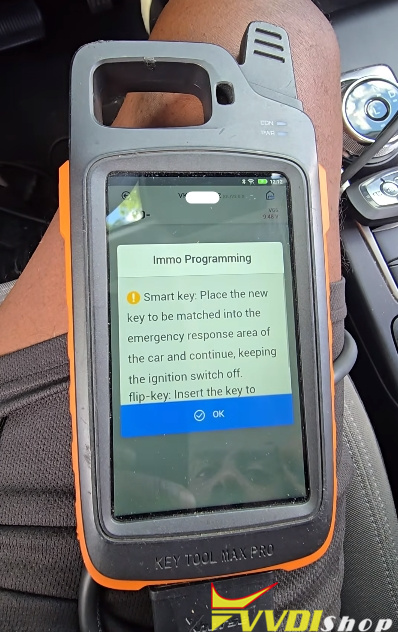
Place the new smart key in the programming slot (face down).
-
Follow the on-screen prompts.
-
If programming fails, check:
-
Key placement
-
Battery voltage (needs at least 13V)
-
Correct key frequency and FCC ID
-
Step 4: Finding the Correct Key Frequency
This was the hardest part. The 2022 Ford Escape can use multiple frequencies:
-
314 MHz
-
433 MHz
-
868 MHz
-
902 MHz
Look up the VIN on Ford’s OEM website, but it showed every option. There’s no easy shortcut—sometimes you have to try multiple keys.
What worked:
-
A three-button black and red key (typically used on Ford EcoSport).
-
An Xhorse universal key with the correct FCC ID and frequency.
-
Lock/unlock worked on some keys, but proximity (passive entry) only worked with the correct FCC ID.
Important: Ford smart keys are reusable. If a key doesn’t work, you can erase it and try again, up to a maximum of four keys in the system.
Step 5: Dealing with Failures
The technician ran into several issues:
-
Low battery voltage – The car’s battery died mid-programming. He had to hook up a charger and maintain 13.36 volts.
-
Wrong FCC ID – Some keys would lock/unlock but not start the car via proximity.
-
Key placement – Poor positioning in the slot caused “no valid key detected” errors.
After cycling through 6–7 different keys, the Xhorse universal key finally worked for both starting and proximity.
Step 6: Final Result
-
Programming successful without FDRS or NASTF.
-
The vehicle now has a working key.
-
The key can start the car for diagnostics (though the engine itself had mechanical issues).
-
Did not cut a blade (didn’t have the HU196 bit), but offered to cut one later if needed.
Very simple job. Don’t be scared of it. Just make sure you have the right key. With the right key, in and out in 10 minutes.