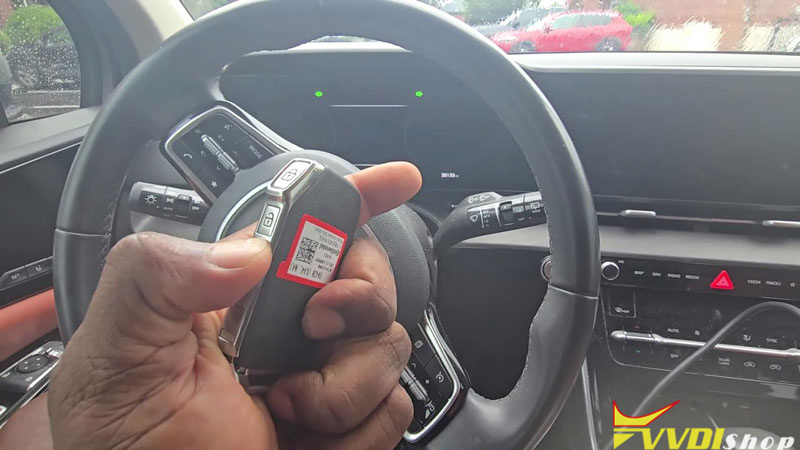

I’m working on a 2023 Kia Carnival for a customer who has one working key. We sourced a new OEM smart key with sliding door buttons, and I’m using the Xhorse VVDI Key Tool Plus to add it.
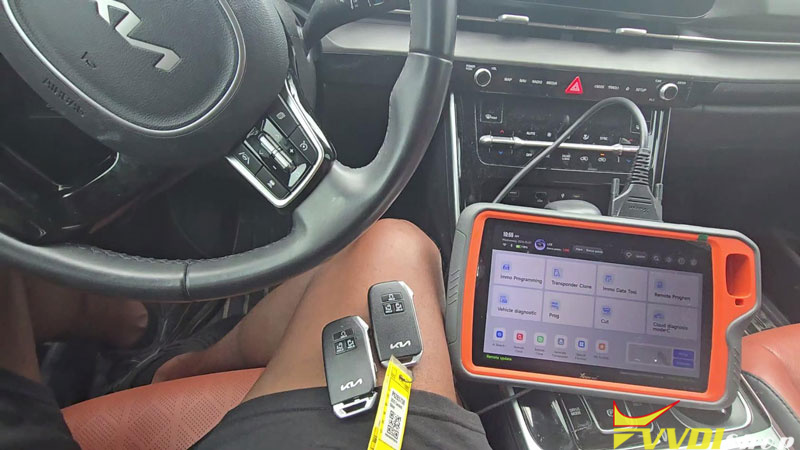
- Read the Smart Key PIN Code
The Carnival uses a 4A smart key. If you’re unsure about the transponder type, read the key before entering IMMO programming.
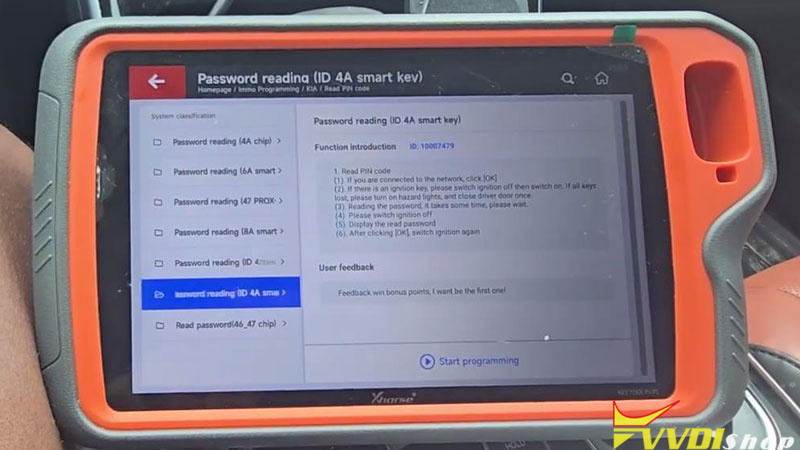
- On the Key Tool Plus, go to Immo Programming >> ASIA >> KIA >> Read PIN Code >> Password reading (ID 4A smart key) >> Start Programming >> Read PIN code.
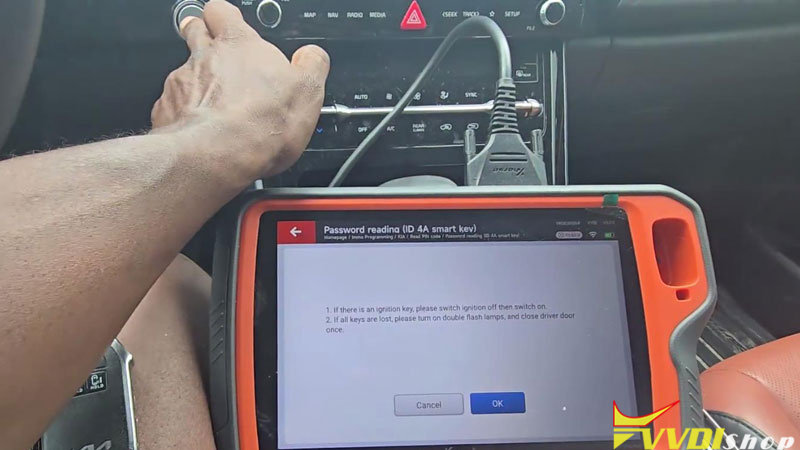
- If connected to the network, click OK. With an existing key, switch the ignition OFF and then ON. If all keys are lost, turn on the hazard lights and close the driver’s door once.
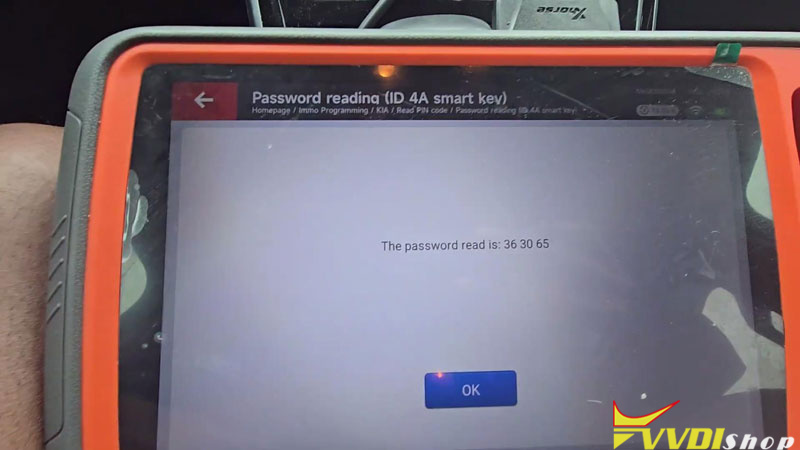
- Click OK and wait for the PIN reading to finish. Switch the ignition OFF when prompted and note the PIN code.
PIN code: 363065
Workshop Note: Hyundai/Kia key programming erases all existing keys and remotes. Ask the customer about additional keys beforehand so they can be added back.
- Enter Smart Key Programming
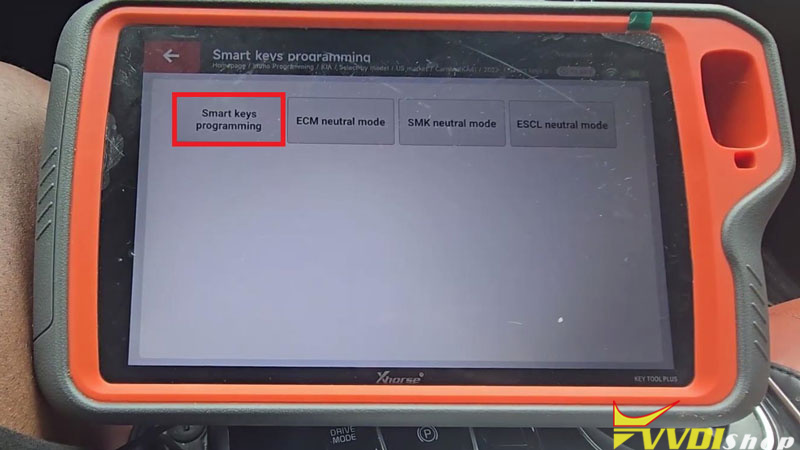
- Go to Select by model >> US market >> Carnival (KA4) >> 2022- >> Smart keys programming >> Start programming >> Smart keys programming.
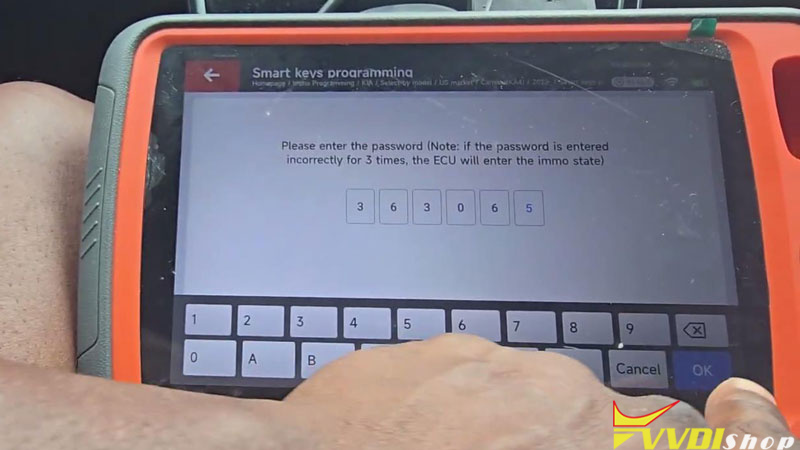
- Enter PIN 363065, then press the Start button once as prompted.
- Switch the ignition OFF, open and close the driver’s door once, and confirm the network connection if requested.
- Match the New Smart Key
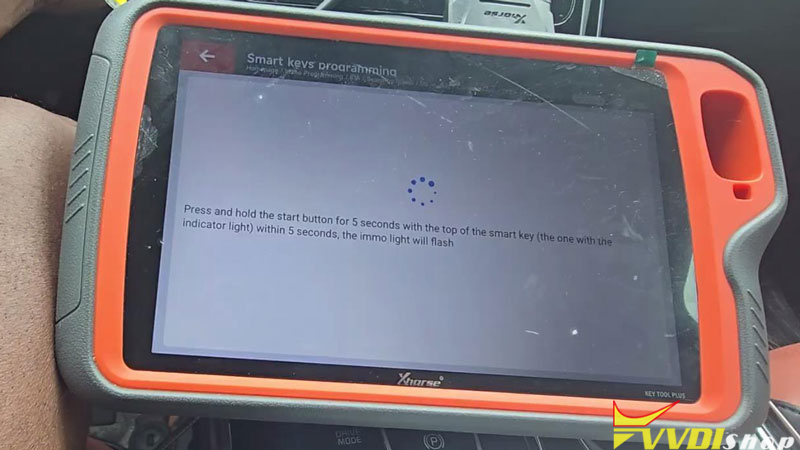
- Within 5 seconds, hold the smart key’s indicator-light end against the Start button for 5 seconds. The immobilizer light will flash during matching. Position the original factory key vertically; for some aftermarket keys, use the back of the key or remove its shell.
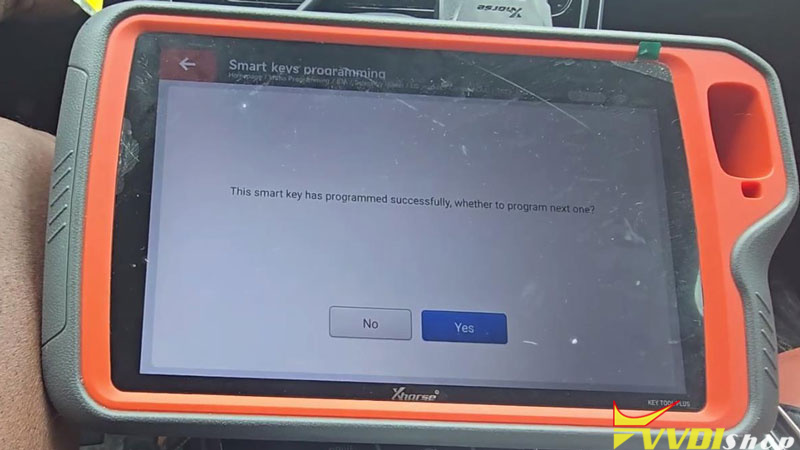
- Once the tool displays “This start key has programmed successfully,” select Yes to program the next key and repeat the matching procedure.
- After programming all keys, select No to finish.
All smart keys must be matched to the vehicle; an unmatched key cannot start it.
- Verify Key Operation
Test both smart keys. Both started the vehicle and worked properly.