


Problem:
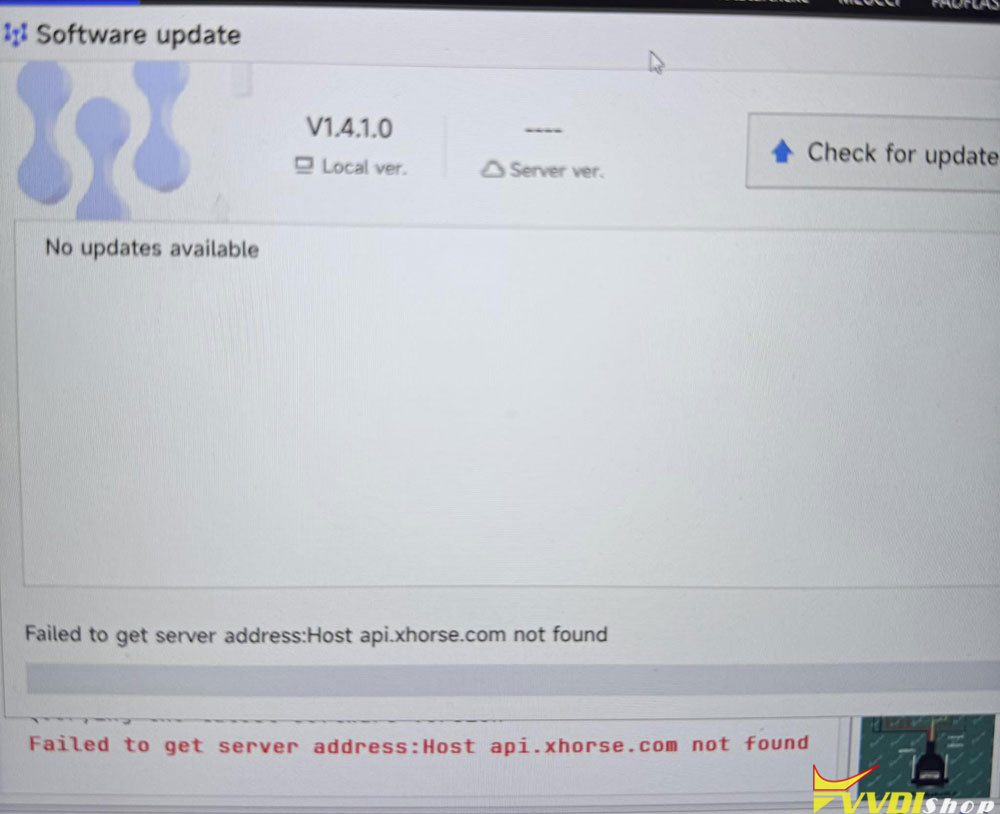
I facing issue with my Xhorse multi prog it’s not find the server so can anyone advise on how to fix the problem?
Solution:
For everyone who may face the Xhorse Multi-PROG error:
“Failed to get server address: Host api.xhorse.com not found”
Do NOT immediately assume the device is damaged, blocked, or that you need paid remote support.
In my case, the solution was:
1. Verify internet connection is working normally.
2. Open https://api.xhorse.com in a browser.
* If you receive a response such as:
{“message”:“Forbidden”}
this means the Xhorse server is reachable.
3. Close Multi-PROG completely.
4. Go to:
C:\Users\YOUR_USERNAME\AppData\Roaming\
5. Rename the folder:
Multi-PROG
to:
Multi-PROG_old
6. Start Multi-PROG again.
7. The software will create a new configuration folder automatically.
8. Run Database Update again.
After recreating the configuration files, Multi-PROG connected successfully and started downloading the latest database version.
It successfully resolved my issue.
www.vvdishop.com