


Problem:
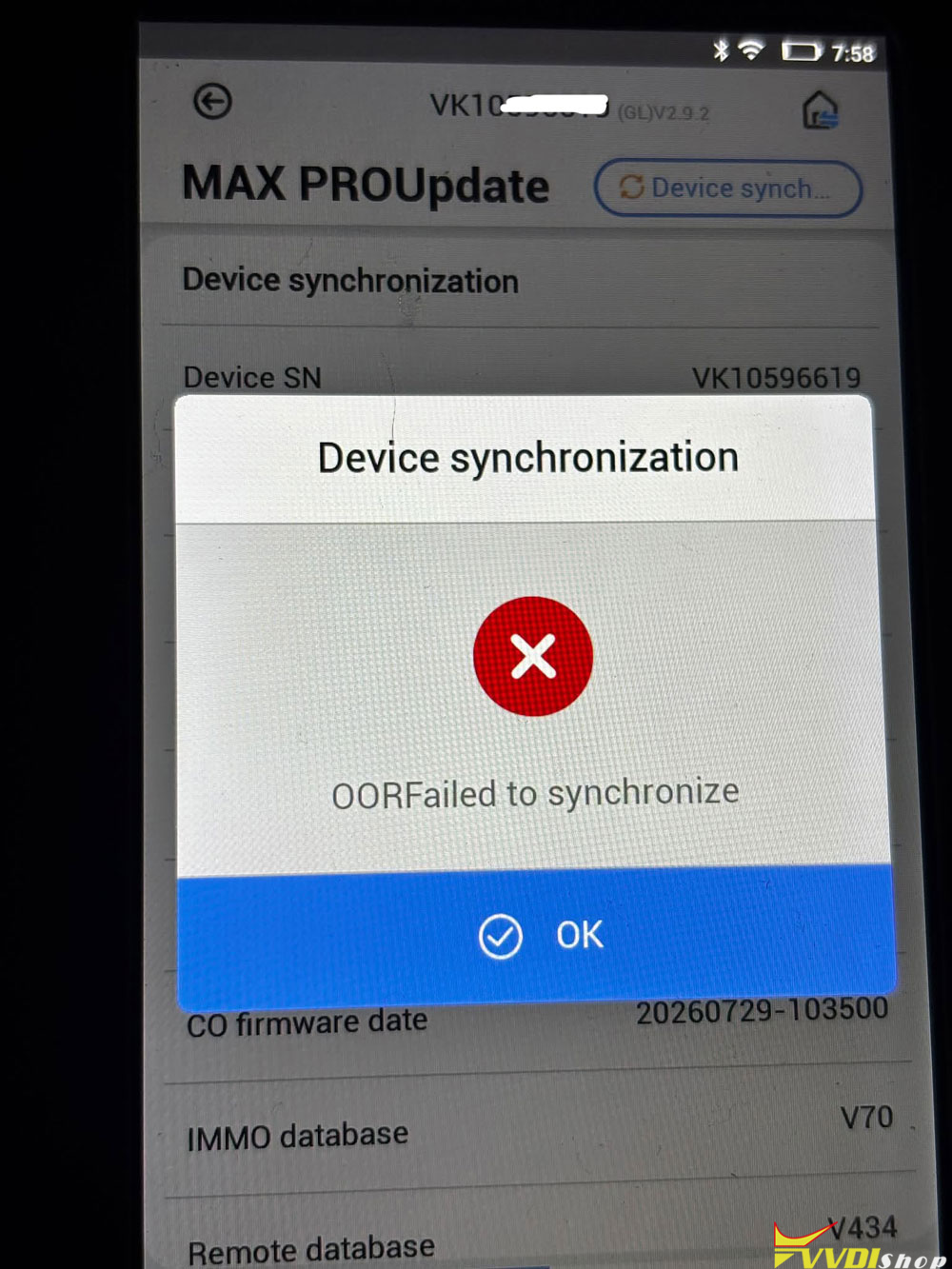
The Xhorse key tool max pro device asks me to sync and then shows an error. Could someone please help me with this?
Error: OOR Failed to synchronize.
Possible solutions:
1). Go into settings and change servers.
2).
Use a Mobile Hotspot:
Disconnect the device from your shop Wi-Fi entirely.
Turn on a 2.4GHz cellular hotspot on your phone and connect the Key Tool Max Pro to that connection instead.
Try updating or syncing over mobile data.
If all failed, the firmware may have a problem. Contact xhorse customer service to see if it needs repair.