


Problem:
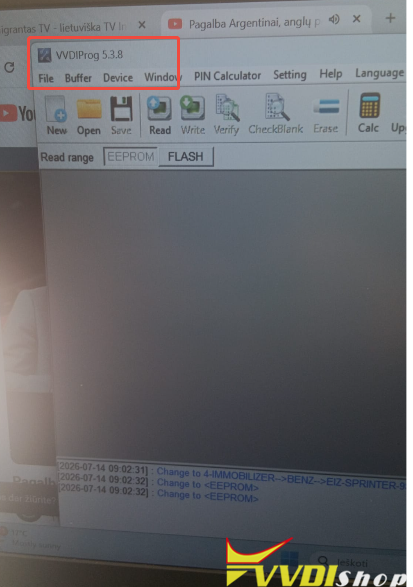
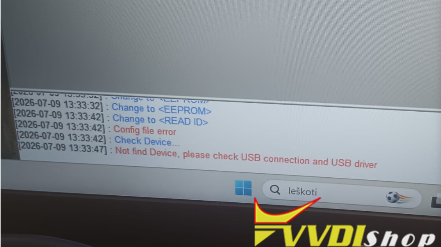
Tried to update Xhorse VVDI Prog software to V5.3.8. But it failed and reported Config File Error and Not find Device. Any idea?
Solution:
Check if the yellow light on the VVDI Prog is flashing. If it isn’t, unplug the device and plug it back in to try reading it again.
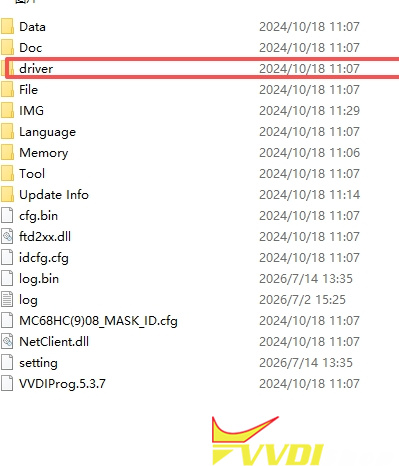
You can also navigate to the VVDI Prog folder, go to the “DRIVER” directory, and double-click the 2016 file to install the driver.
If it still isn’t working, disconnect everything—including the power supply—and connect only the USB cable. If the yellow light doesn’t flash even after unplugging and reconnecting it, the device is faulty.