


Problem:
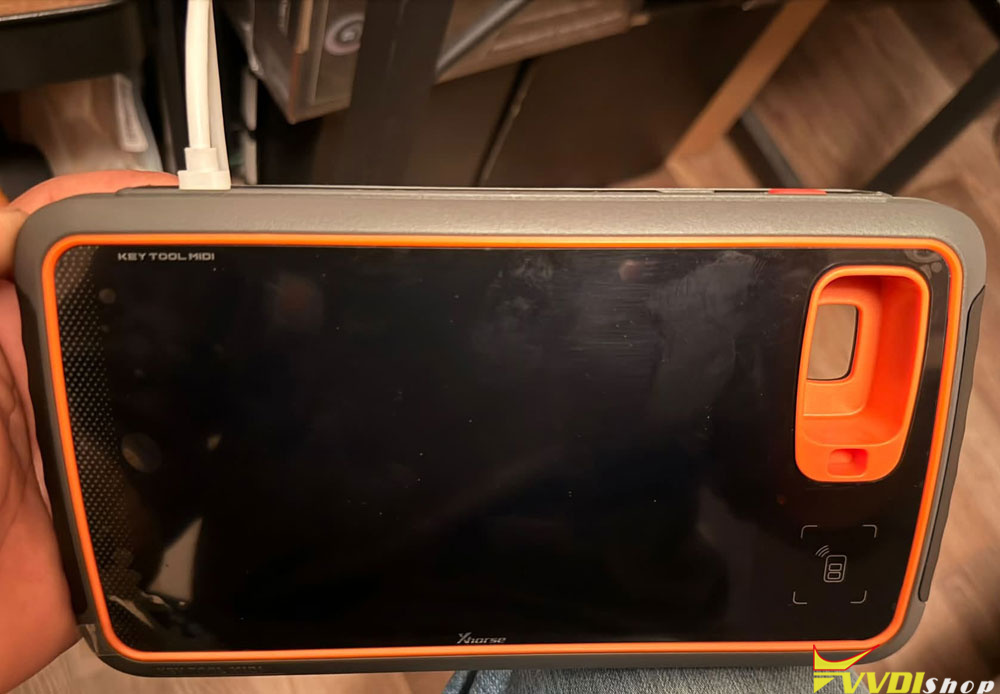
Xhorse key tool midi device failed to turn on. Charged battery for an hour with the original charger.
Solution:
Leave it plugged in for half an hour and check that the charger is actually charging.
Changer another charger. Don’t use a supercharger.
If it’s not working, the battery has gone completely dead; try leaving it plugged in for about 24 hours to see if it picks up a charge. If that doesn’t work, you would otherwise need to open the unit and jump-start the battery directly—bypassing the MIDI voltage regulator—since the battery is fully depleted and won’t accept a charge through the standard circuit when there is no residual amperage.
Open it up, remove the battery, and apply a direct 12V charge to it (bypassing the regulator) before reconnecting everything; or, return the device if you have a warranty.