
Had a 2012 Audi A7 in with all keys lost. Using the Xhorse VVDI Key Tool Plus and BCM2 Solder-Free Adapter, I read the BCM2 data, obtained sync data, and programmed a new dealer key successfully.
Read BCM2 D-Flash and B-Flash
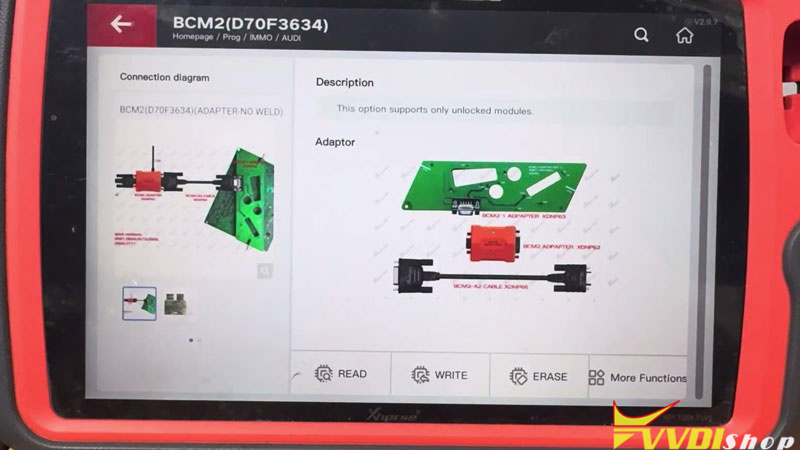
- Go to: Prog >> IMMO >> AUDI >> BCM2(D70F3634) >> Adapter-No weld
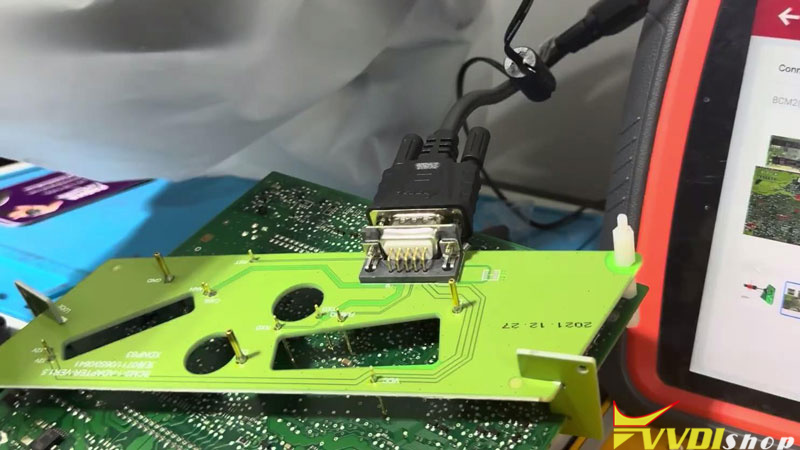
- Install the BCM2 Adapter (0711 in this case), connect the BCM2 cable, and supply 12V power to the adapter.
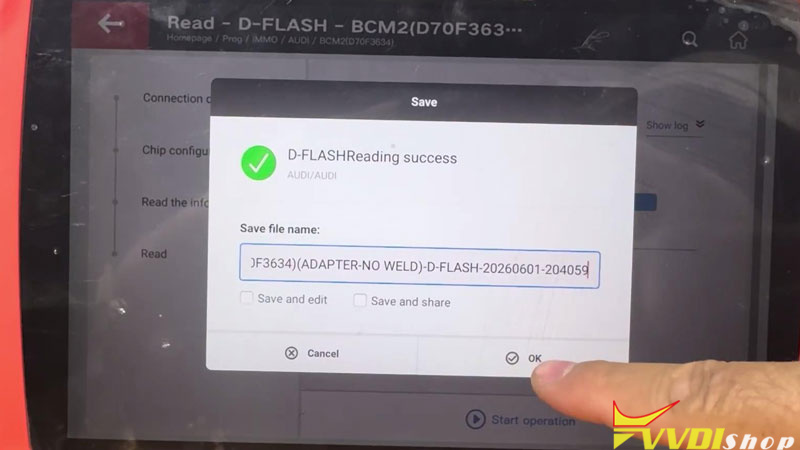
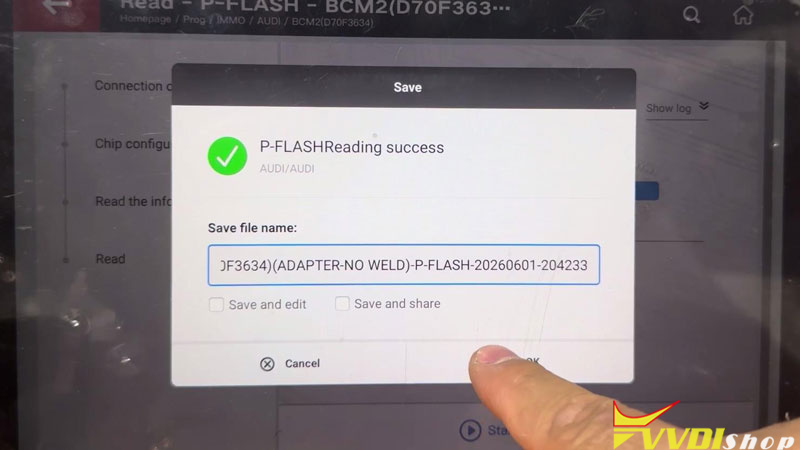
- Read the D-Flash and P-Flash, then save the file.
Read Vehicle Data and Gearbox File
- Reconnect to the vehicle and connect a battery maintainer. Turn the hazard lights on and switch the ignition on.
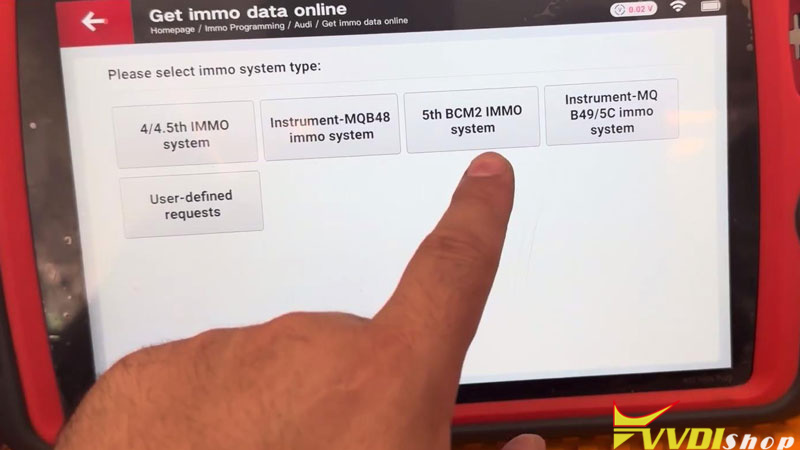
- Immo programming >> Audi >> Get immo data online >> Start programming >> Get vehicle data >> 5th BCM2 IMMO system, save the vehicle information file.
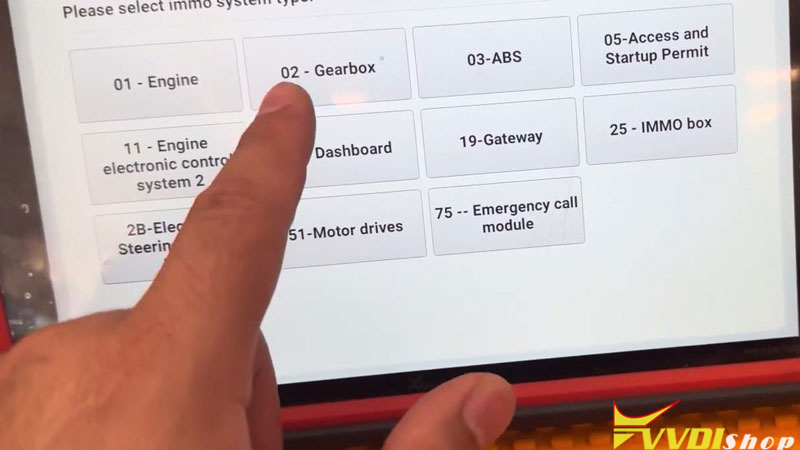
- User-defined requests >> Gearbox >>Read and save the gearbox file.
Transfer Files and Obtain Sync Data
- Transfer all four files from the Key Tool Plus to a laptop.
- Send the files to your sync-data provider.
- After receiving the sync data, copy the returned files back to the Key Tool Plus.
Generate Dealer Key
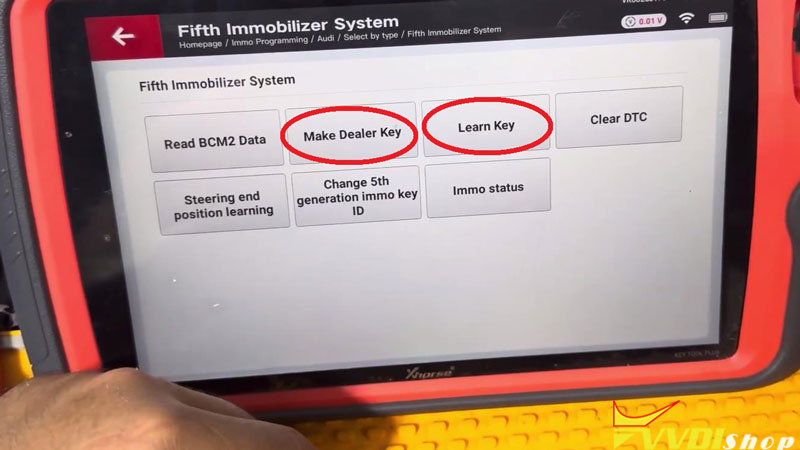
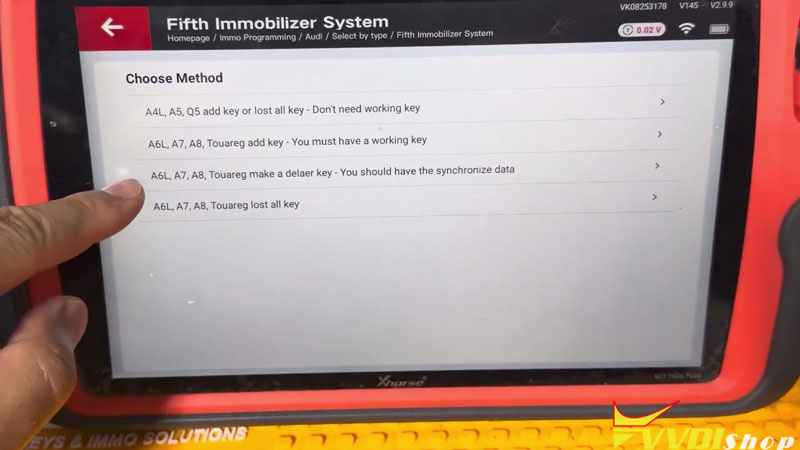
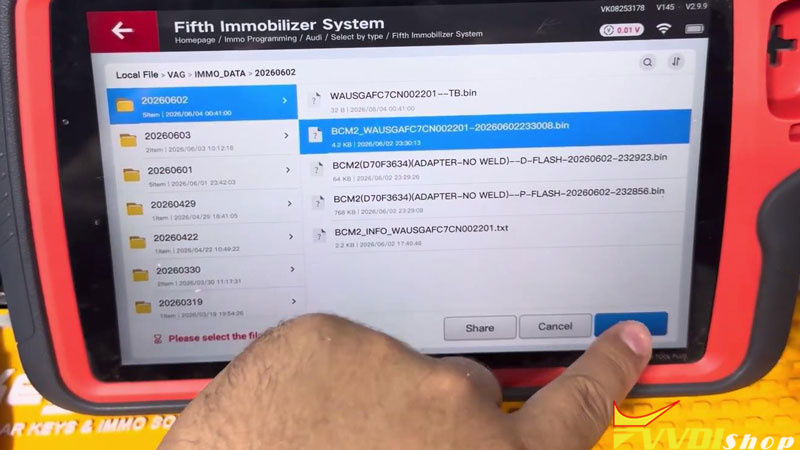
- Select Immo programming >> Audi >> Select by type >> Fifth immobilizer system >> Start programming >> Make Dealer Key >> No to prepare OEM key >> A6L, A7, A8, Touareg make a dealer key – You should have the synchronize data
- Load the sync data file and BCM2 data file.
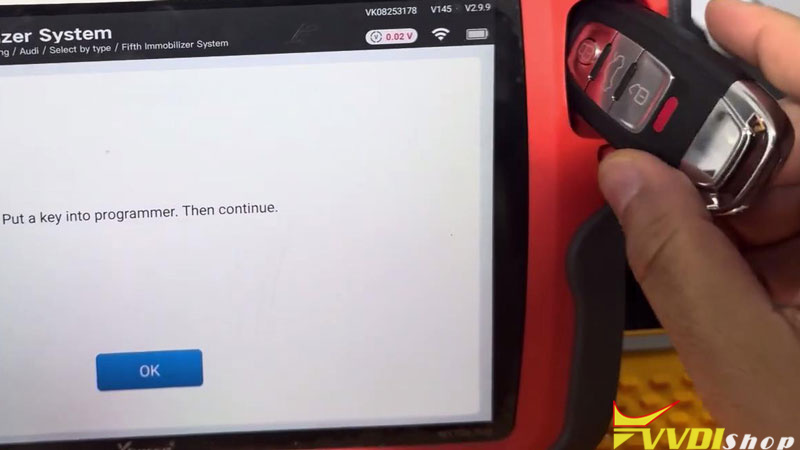
- Place a blank key on the programmer coil.
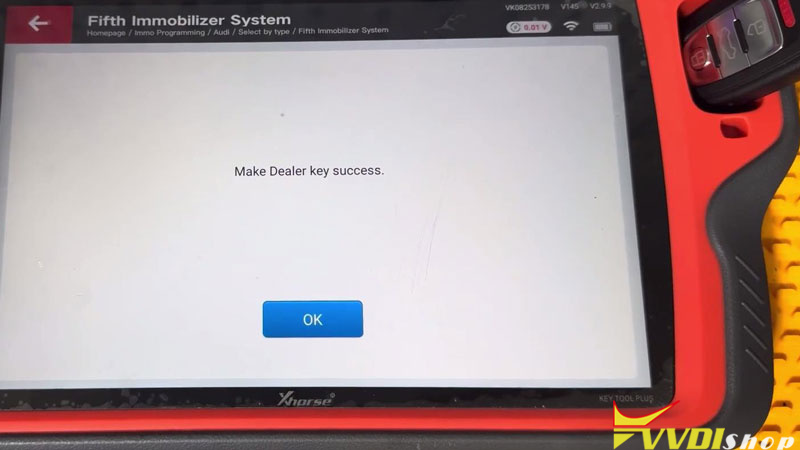
- Start the procedure and wait for dealer key generation to complete.
Learn the Key
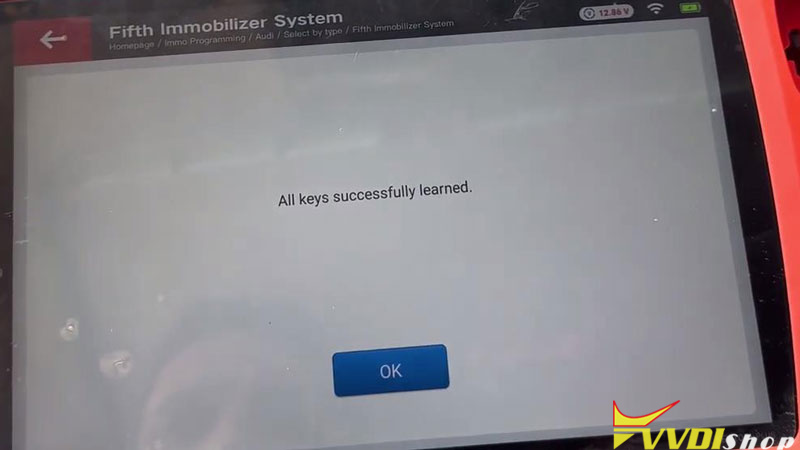
- Enter Learn Key >> Input the number of keys to be learned >>Load the BCM2 data file.
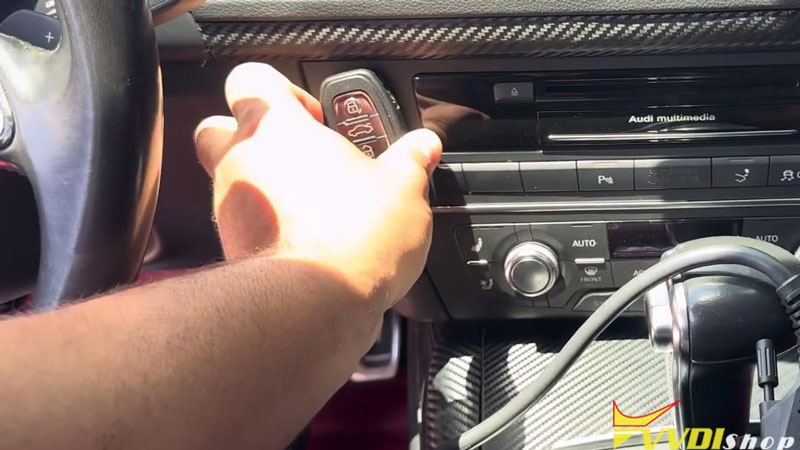
- Place the key on the vehicle sensor and start programming.
- Keep the hazard lights on and maintain ignition power until learning is completed.
Verification
Start the vehicle and confirm the key operates normally.