


If you’re dealing with an all-keys-lost BMW E60 with a CAS3+ module, the Xhorse VVDI Key Tool MIDI can program a new key directly through OBD. For this job, the CAS module was removed from the vehicle and connected to a BMW Full Tester Platform for bench programming.
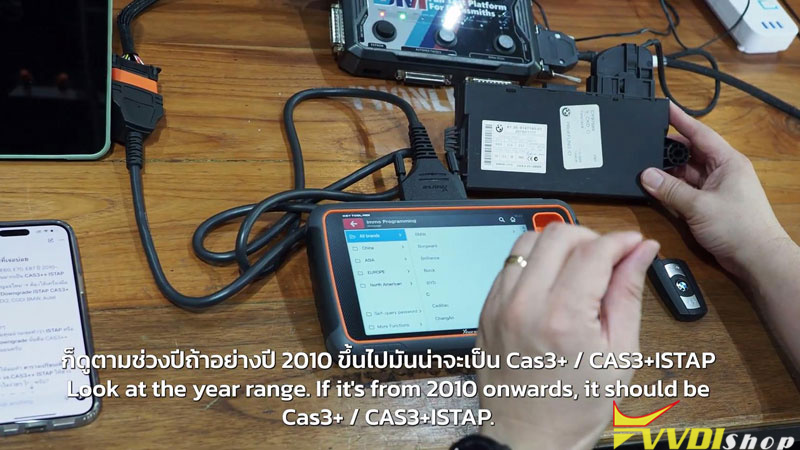
Connect the CAS Module and Read Vehicle Data
Connect the CAS module to the BMW Full Tester Platform,
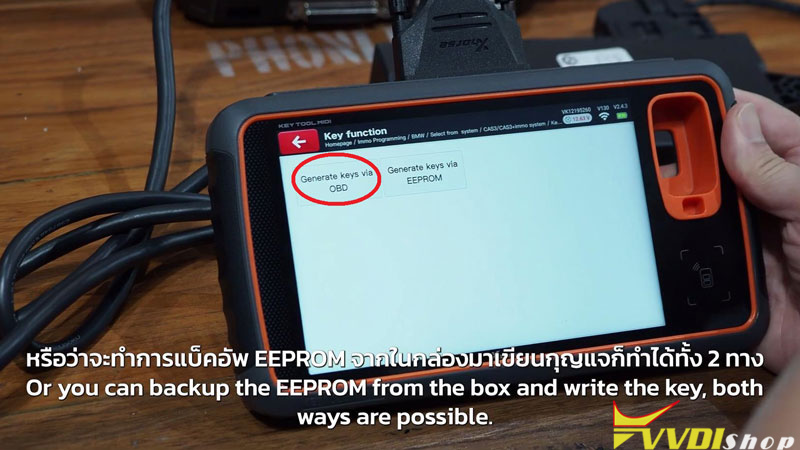
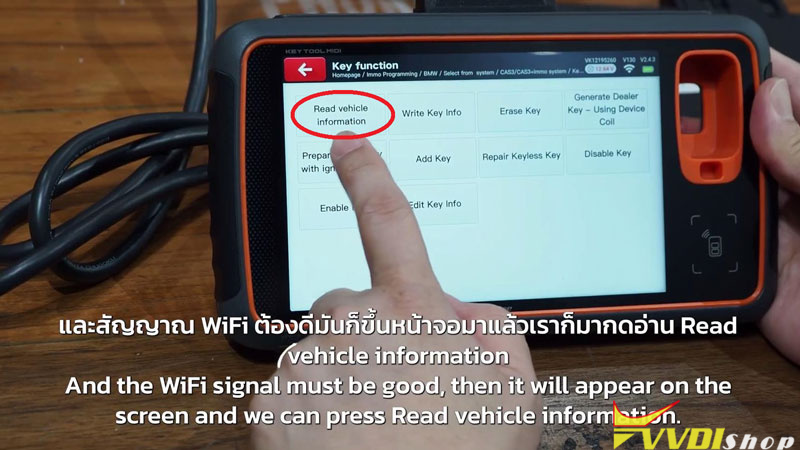
- On the Key Tool MIDI, select Immo Programming >>BMW>> Select from system >> CAS3/CAS3+ immo system >>Key Functions>>Start Programming>>Generate Key via OBD>>Readvehicle information
- When asked whether it’s an additional key or all keys lost, select All Keys Lost.
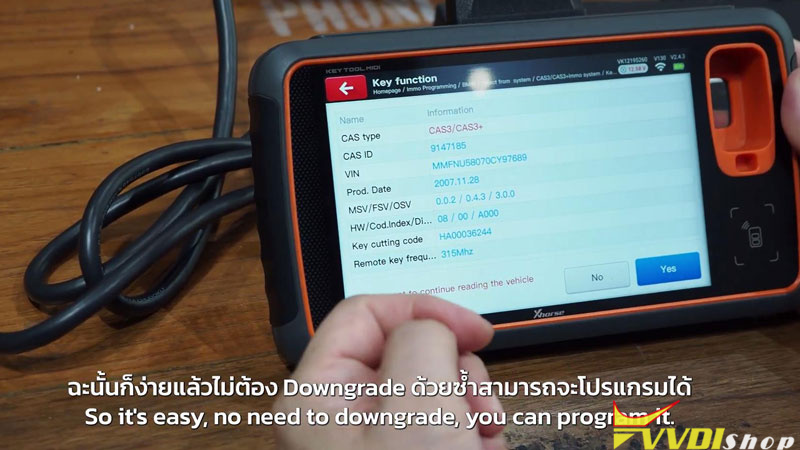
- The tool will identify the CAS version and display the mechanical key code and key frequency. If it’s a standard CAS3+, there’s no need for an ISP downgrade.
Generate the Dealer Key
After the CAS data is loaded, create the new dealer key.
- Enter Security Login and wait until the key information is read.
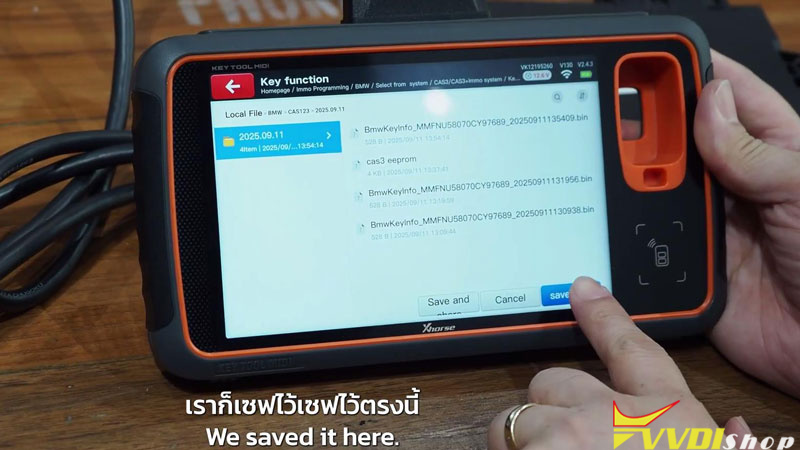
- Save the current key information as a backup.
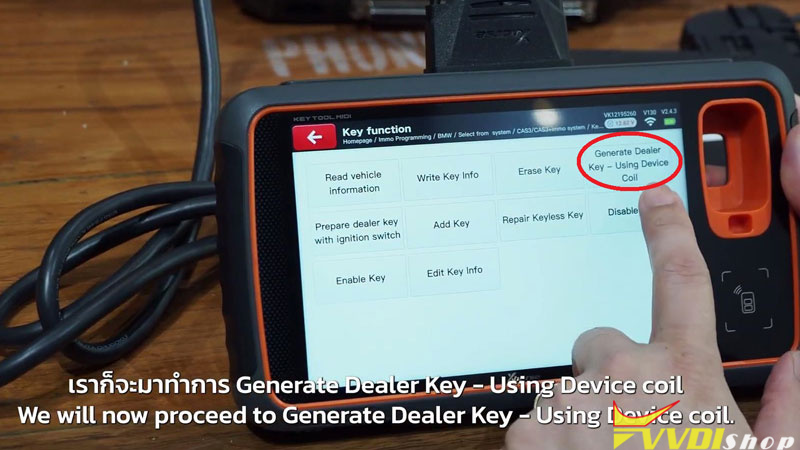
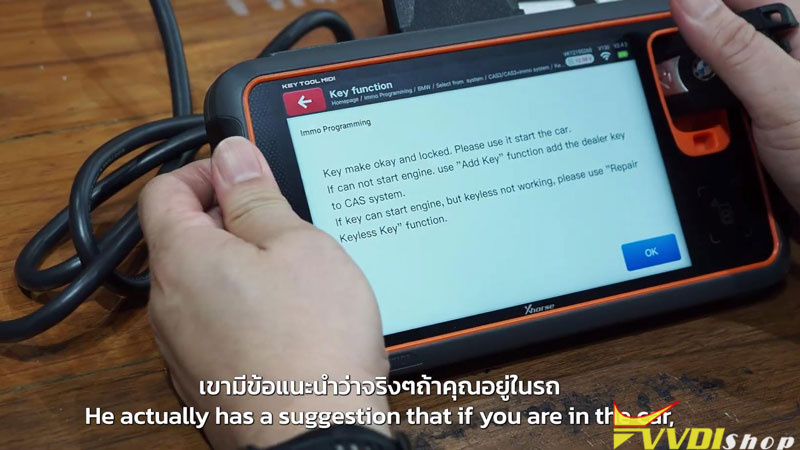
- Select Generate Dealer Key – Using Device Coil.
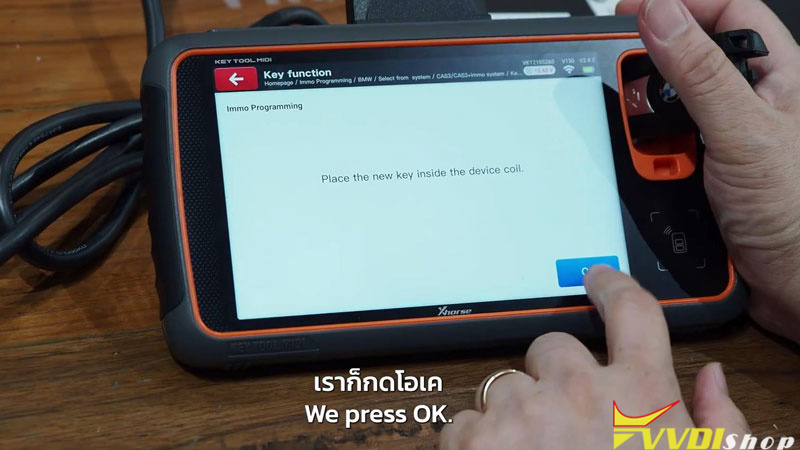
- Choose the first empty key position (Slot 5 in this case), place the new key into the device coil, and generate the dealer key.
Add the New Key
If you’re programming the module on the bench, it’s worth adding the key before putting everything back into the car.
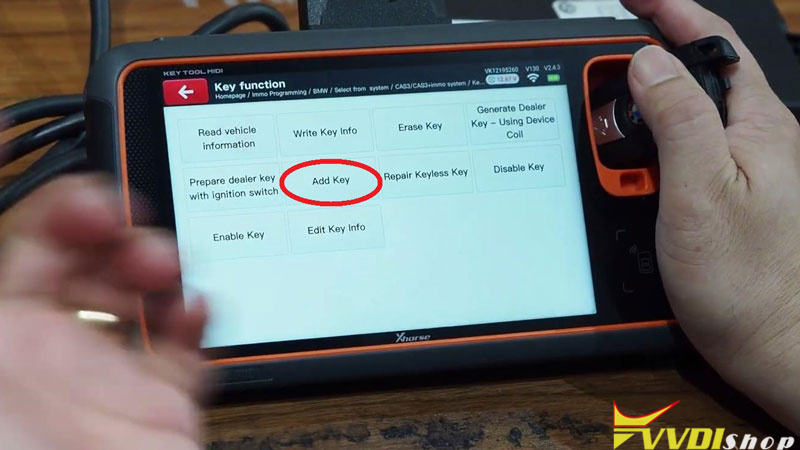
- Open Add Key after the dealer key has been generated.
- Put the same key back into the device coil and follow the prompts.
- Wait until the tool reports New Dealer Key Success.
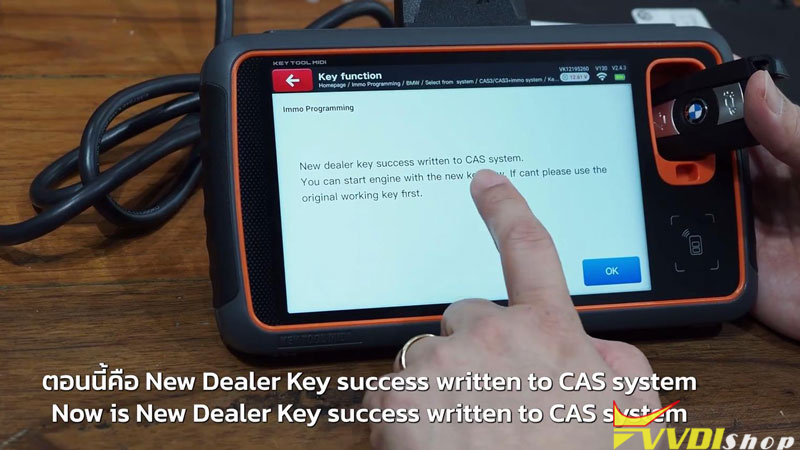
Verification
Read the key information once more and make sure the new key appears in the selected slot. Reinstall the CAS module, start the vehicle, and confirm the key works normally.
Workshop Notes
With the Xhorse Key Tool MIDI, the first step is always to generate the dealer key. If you’re working on the vehicle and it starts right away, the job is finished. For bench programming, or if the key won’t start the car after generation, run Add Key before reinstalling the CAS module. That writes the new key into the CAS key list, so it’s ready to go once everything is back in the car.