

A faulty remote on a 2010 Citroen Berlingo can be replaced by generating a new remote with Xhorse VVDI Key Tool Plus and cutting the blade with Dolphin II. In this job, the original key still locks the vehicle, but the unlock button no longer works.
Generate the New Remote
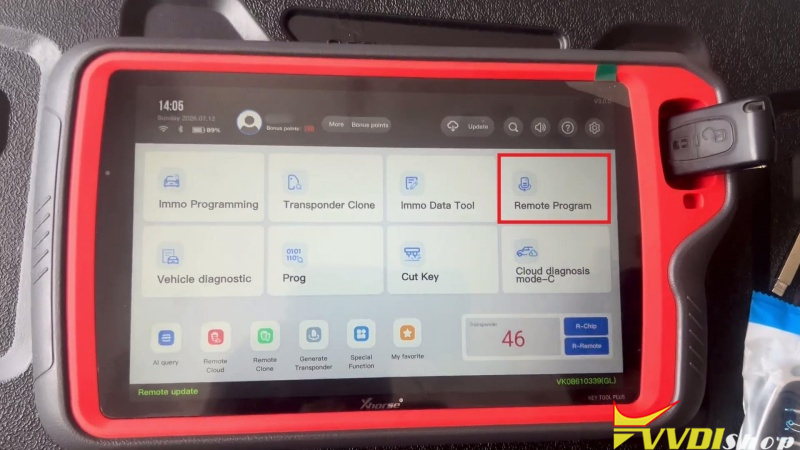
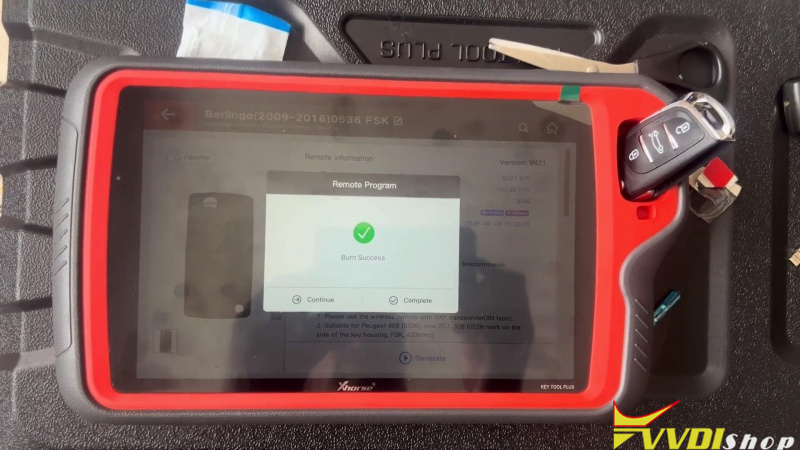
Start in Remote Program on VVDI Key Tool Plus and follow this path:
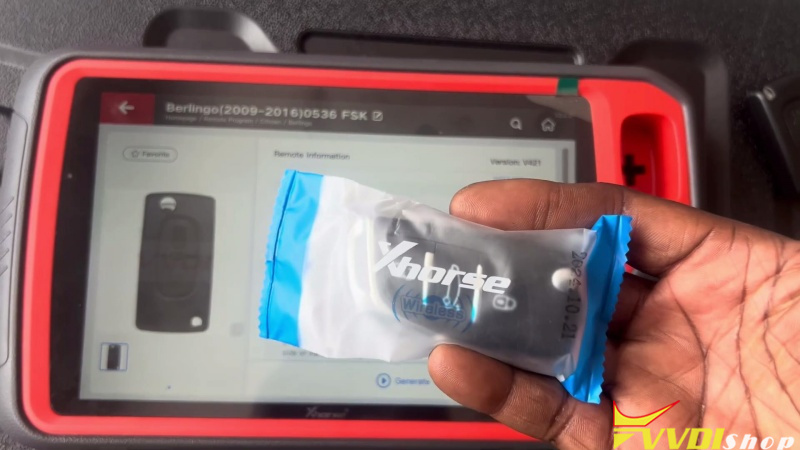
Europe → Citroen → Berlingo → Berlingo (2009–2016) 0536 FSK
- Insert the blue Xhorse XN Remote into the Key Tool Plus.
- Install a brand-new battery in the remote before generating it.
- Confirm the red LED flashes, then place the remote in the Key Tool Plus coil and press Generate.
- Wait until the tool reports the generation is complete.
Cut the Key Blade
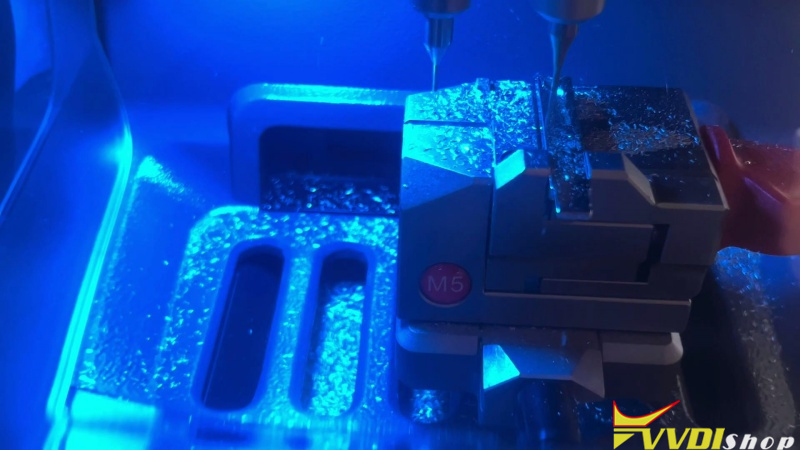
With the remote generated, cut the mechanical blade using Dolphin XP005L.
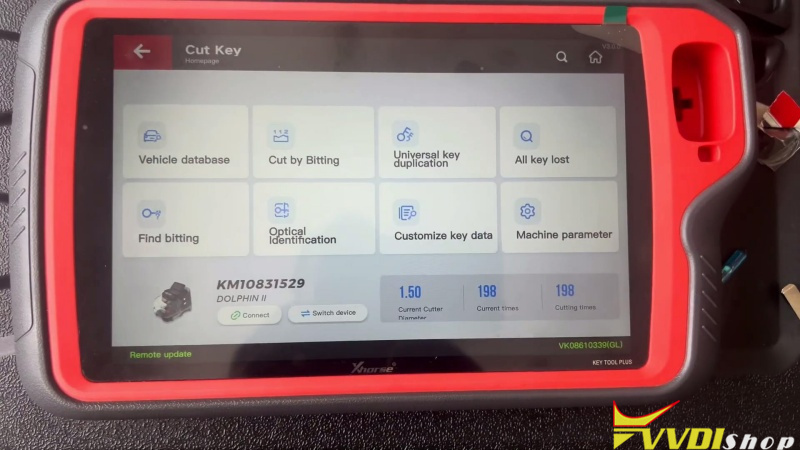
- Go to Cut Key and decode the original key.
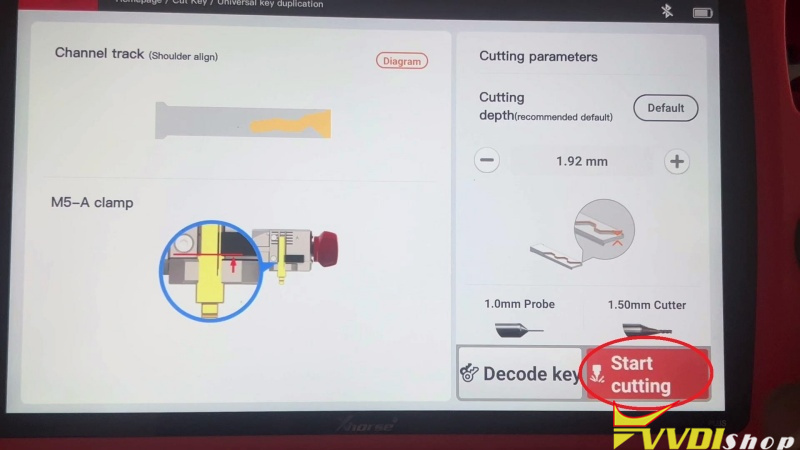
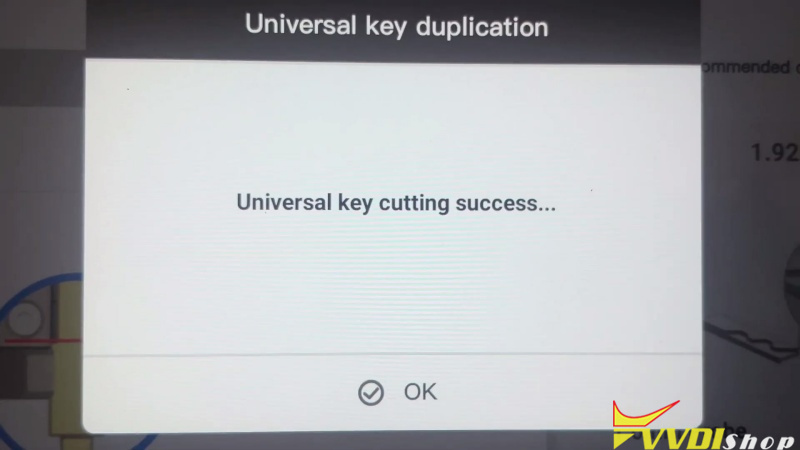
- After decoding succeeds, press Start Cutting to machine the first side of the blade.
- Flip the key over and cut the second side.
Verification
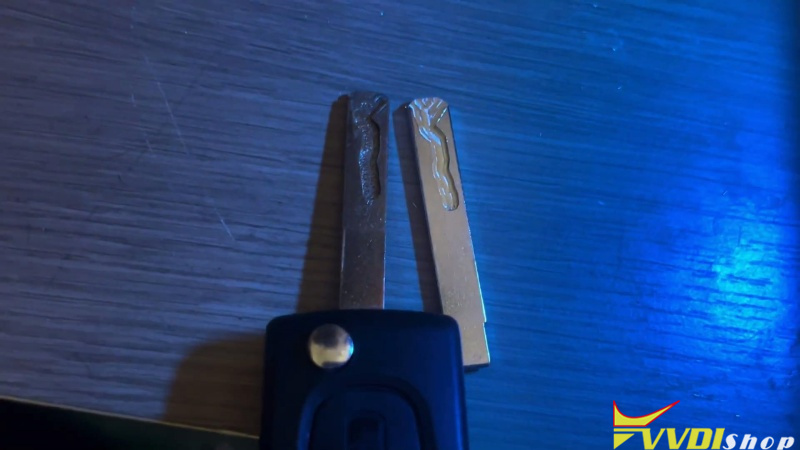
Compare the new blade with the original. The profile should match, and the finished key should start the vehicle and operate the basic key functions normally.
Once the blade is cut, continue with remote programming using Xhorse VVDI Key Tool Plus.