


Xhorse VVDI Key Tool MIDI programmed Haval H6 2020 all smart keys lost successfully.
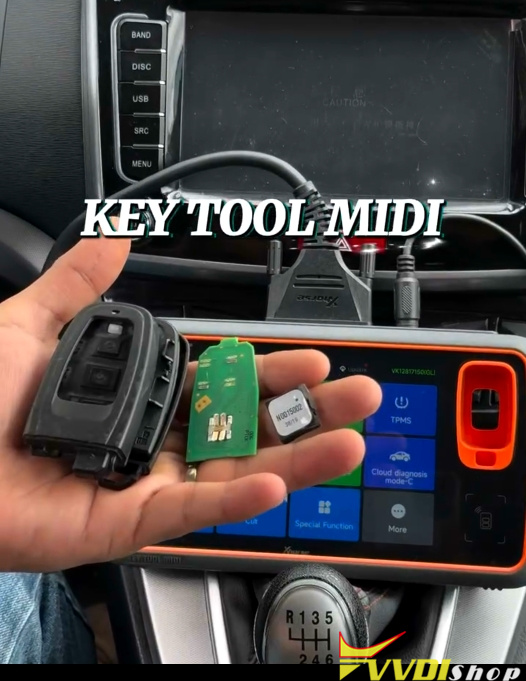
Step 1: Generate remote
Generate an Xhorse remote with the proper remote program.
Step 2: Program key
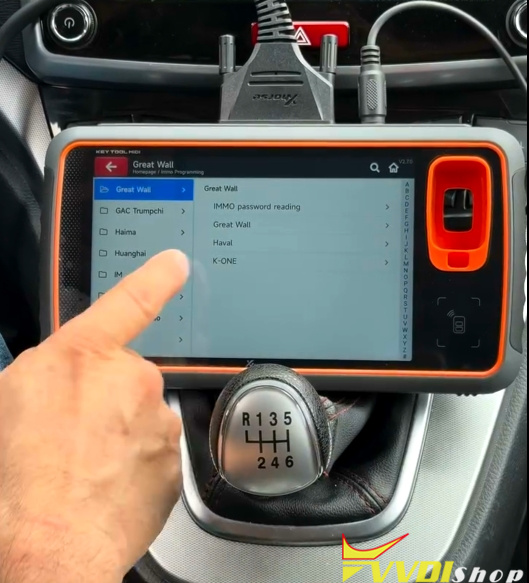
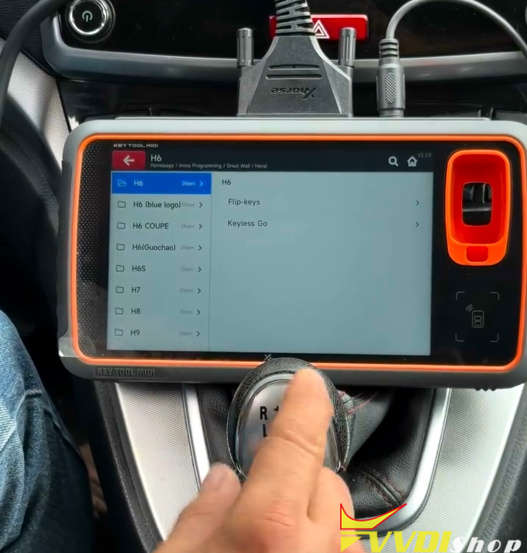
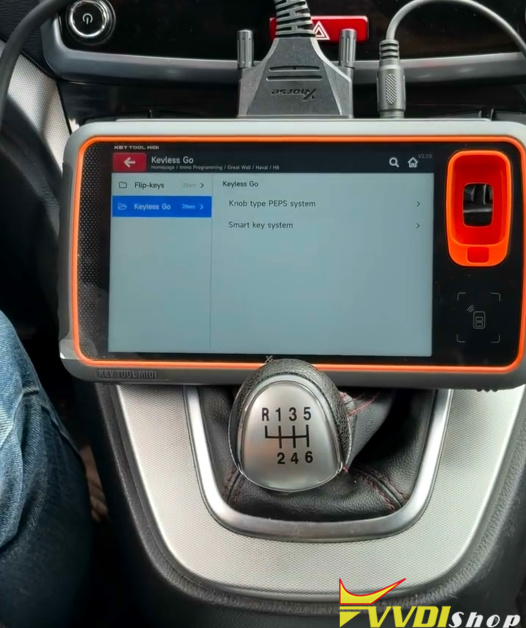
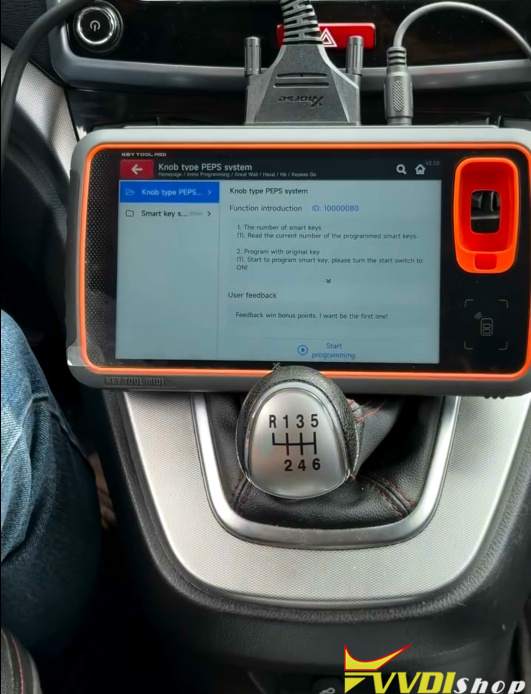
Go IMMO Programming- Havel- H6- KeylessGo- Knob type PEPS system
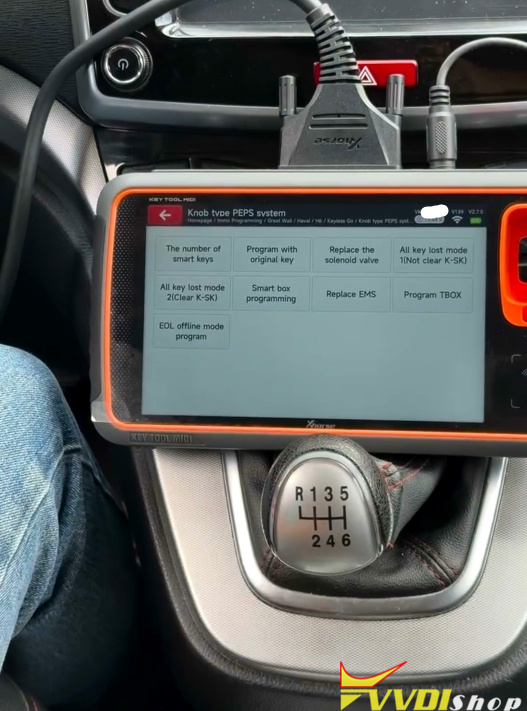
Select All keys lost mode 1 (Not Clear K-SK).
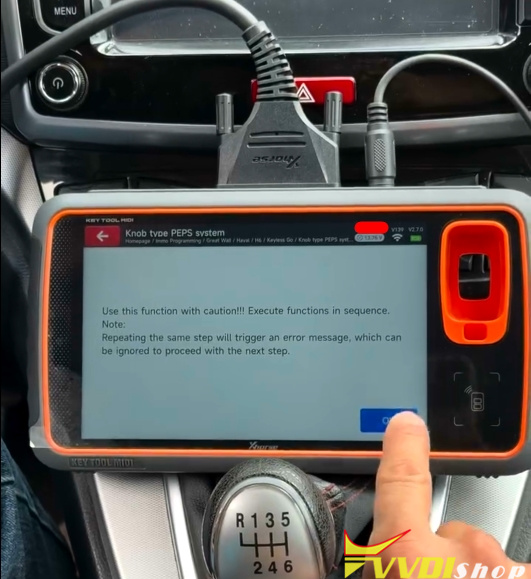
Enter restore EOL program mode.
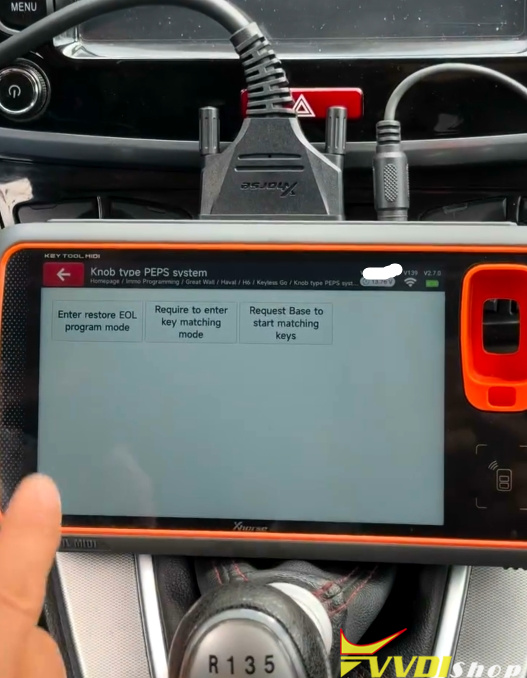
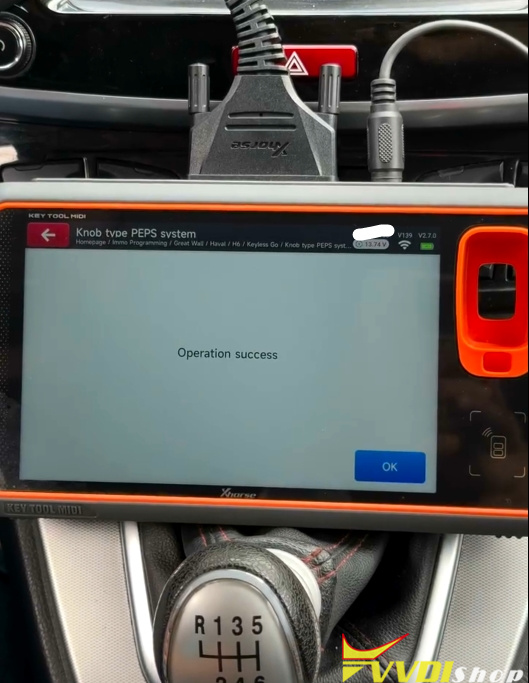
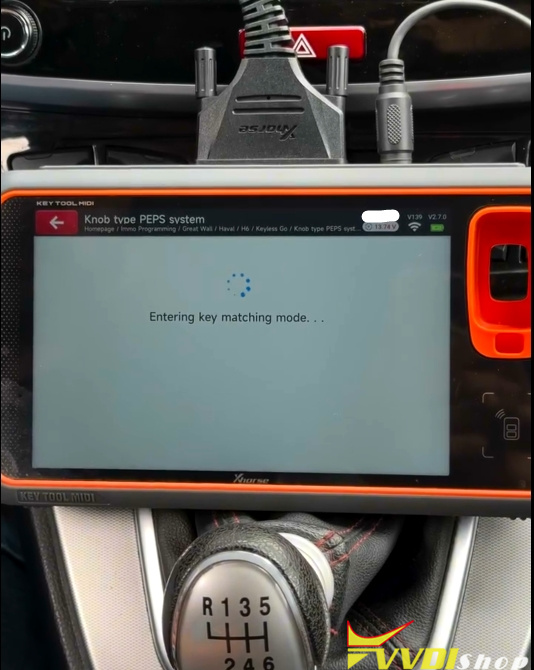
Requires entering key matching mode.
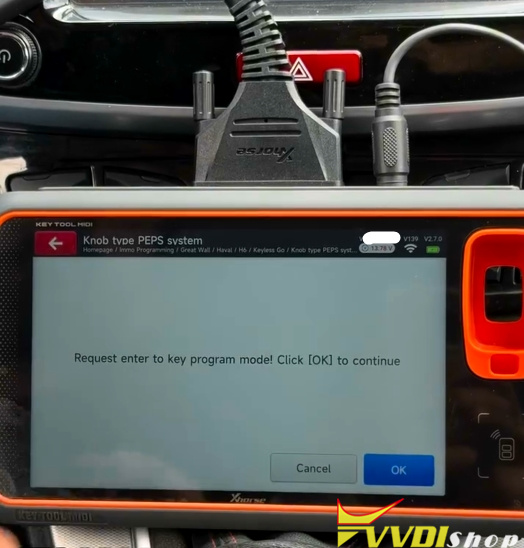
Request to enter key program mode.
Request Base to start matching keys.
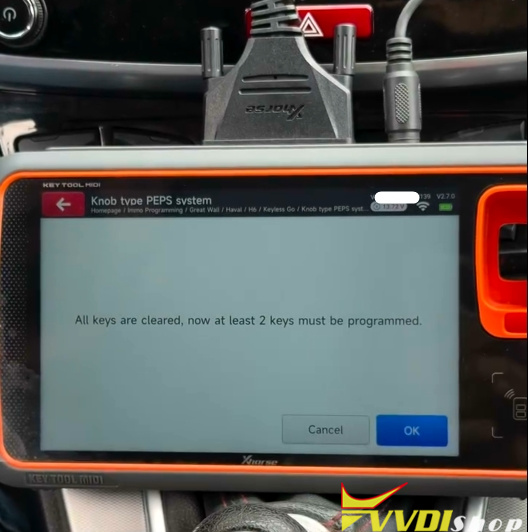
All keys are cleared. At least 2 keys must be programmed.
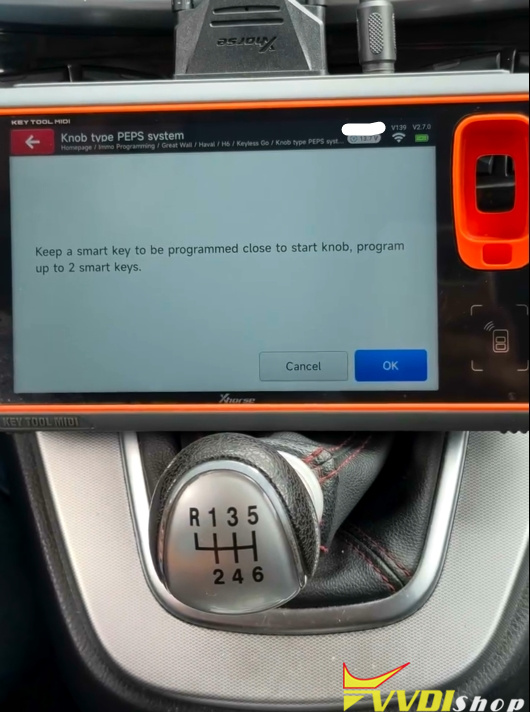
Keep a smart key to be programmed close to the Start knob, program up to 2 smart keys.
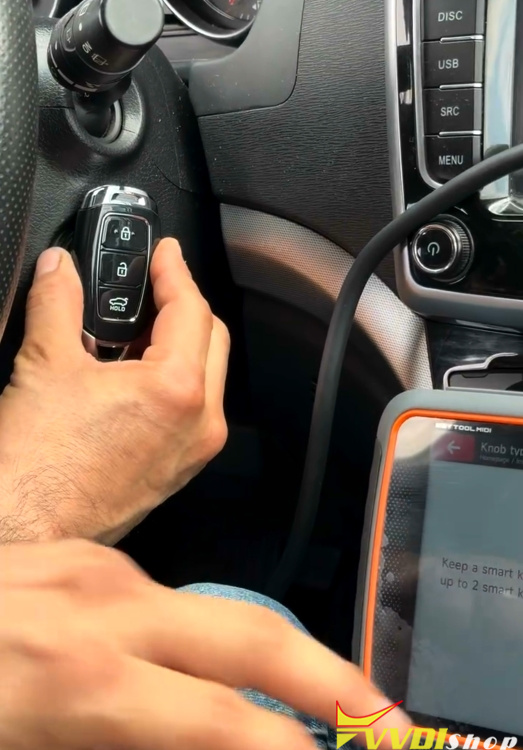
Program the next key until programming is finished.