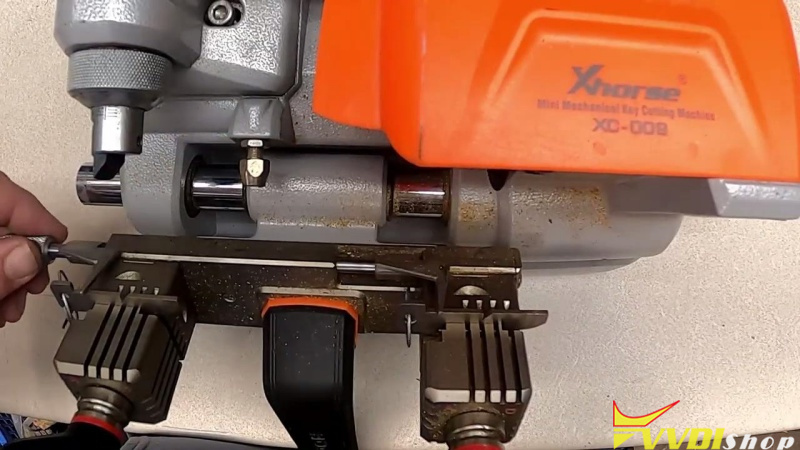



Proper calibration ensures precision and extends tool life. Follow these steps to align your Xhorse Condor XC-009 before its first use or after mechanical impact. Ensure the power remains OFF throughout the entire procedure.
Preparation & Required Tools
Before beginning, verify that your work area is clean and you have the following tools from your kit:
- Allen Wrenches: 5mm and 3mm hex keys included in your kit.
- Calibration Gauges: Two standard gauges provided with the Condor XC-009
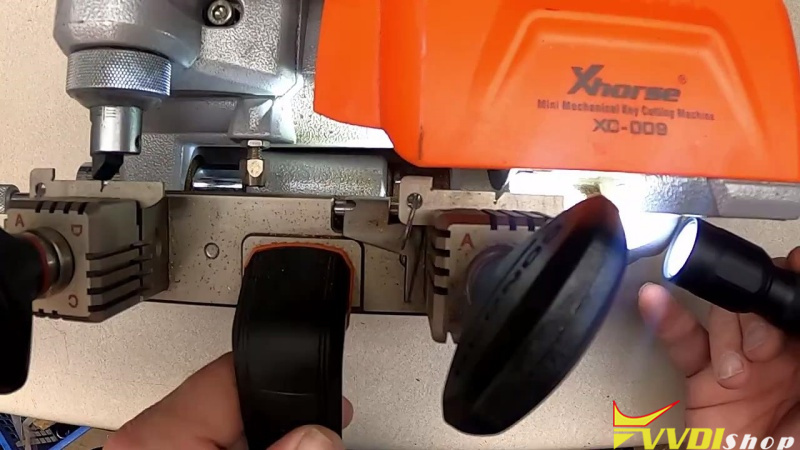
- Flashlight: Highly recommended for verifying precise alignment in the jaw.
Step 1: Jaw and Gauge Setup
- Clean the Stopper: Ensure the key stopper is free of debris and perfectly straight.
- Set Jaw Position: Rotate both the left and right jaws to Side A.
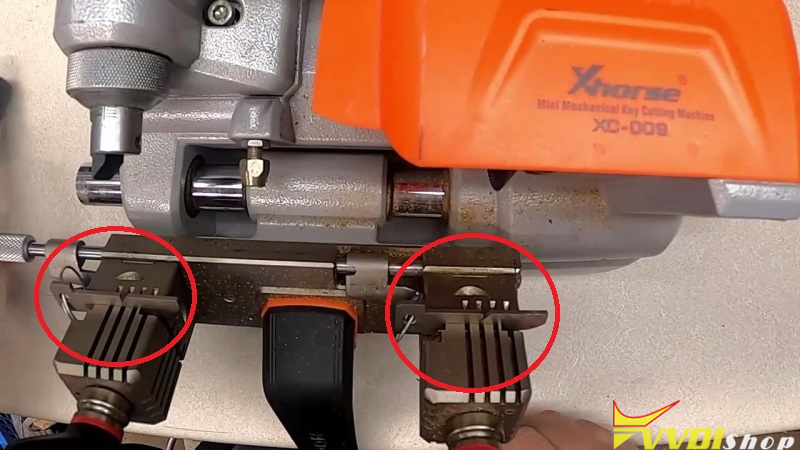
- Install Gauges: Slide the gauges into the jaws until they hit the lip, hold them tight, and lock them down.
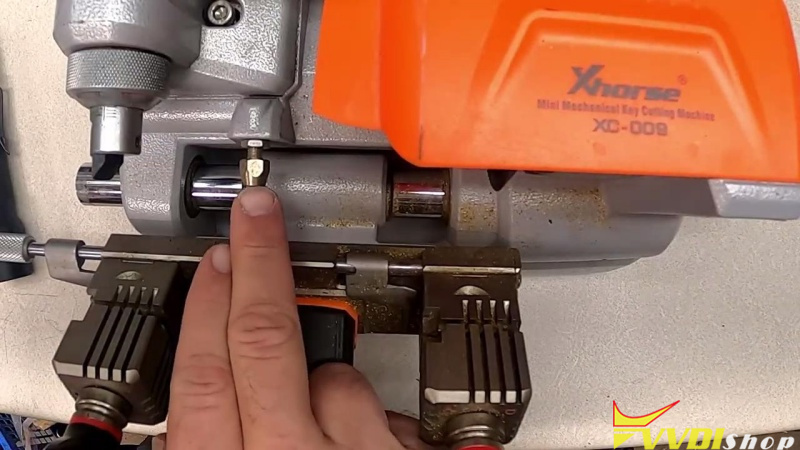
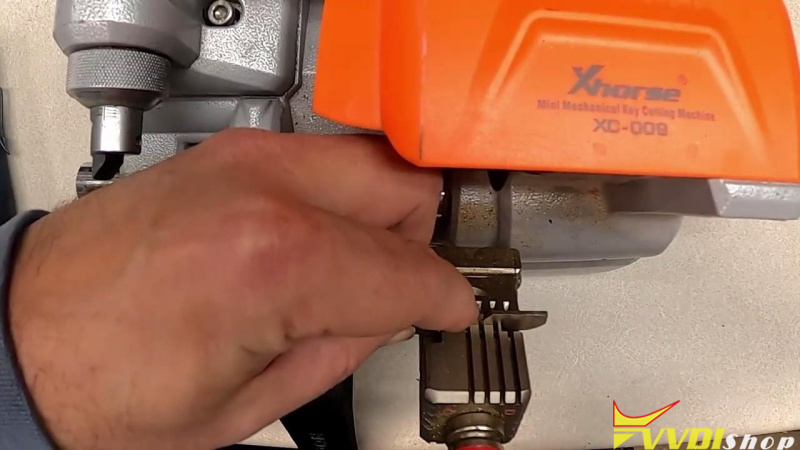
Step 2: Lateral (Horizontal) Adjustment
If the tracer does not align horizontally with the gauges:
- Unlock the Axis: Use the 3mm Allen wrench to unlock the lateral adjustment mechanism.
- Adjust Movement: Use the 2.5mm Allen wrench on the bottom of the unit to shift the guide until it slides smoothly into the gauge.
- Secure the Setting: Relock the adjustment screw once horizontal alignment is achieved.
Step 3: Depth (Micrometer) Fine-Tuning
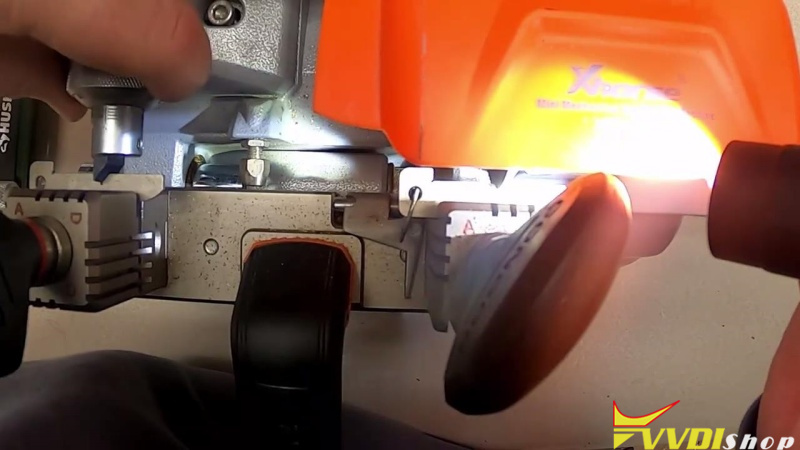
- Release Top Lock: Slightly loosen the lock/unlock knob at the top of the machine.
- Dial the Micrometer: Turn the micrometer knob to adjust the depth.
- Control Direction: Turning the micrometer can push the guide out or draw it in for a tighter fit.
- Final Lock: Once the guide sits perfectly flush, lock the jaw and the top knob.
Step 4: Verification
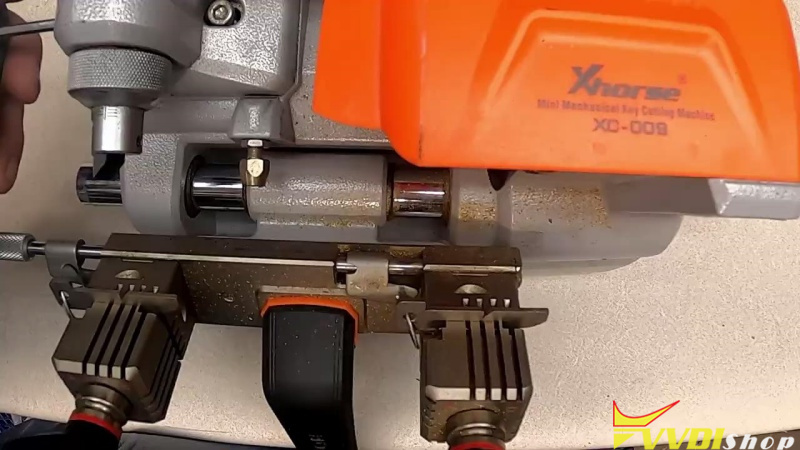
- Shoulder Stop Check: Verify that the shoulder stop is functioning correctly and aligning with your gauges.
- Visual Inspection: Use a flashlight to confirm the tracers are properly seated in the gauges.