


Here vvdishop.com introduces two ways to read VAG MQB49 5C 5D original key data and generate dealer key using Xhorse Multi Prog programmer.
Function:
- Read original MQB49 5C 5D key data
- Generate dealer key (write data to new key)
- Modify original key ID
Method 1: Solder wire method
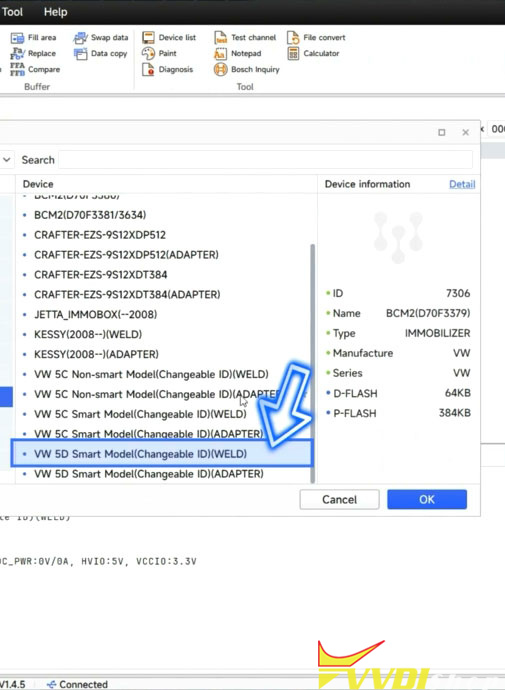
Select MQB49 5C or 5D smart model (weld) options.
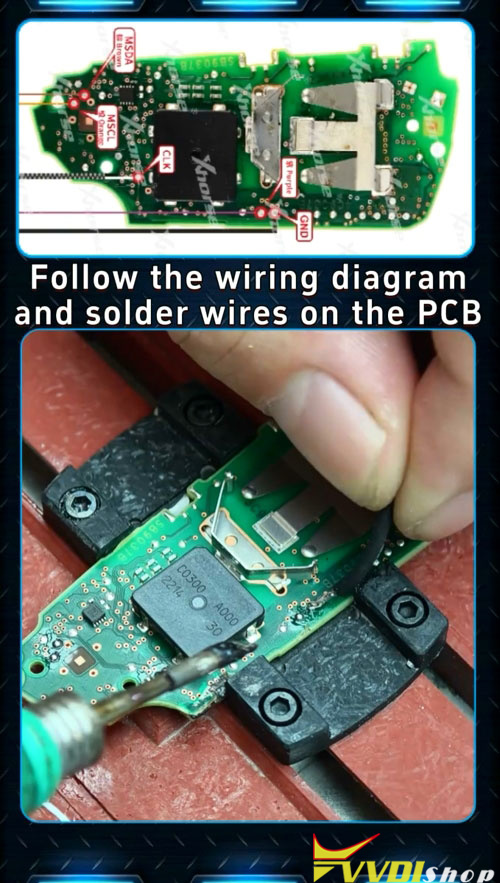
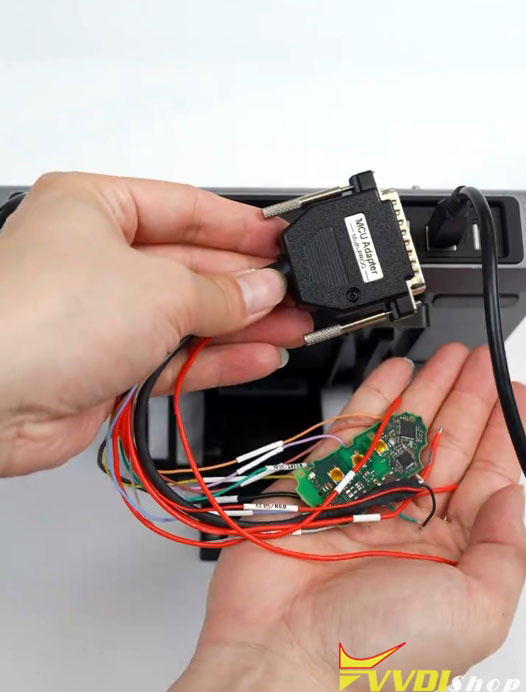
Check wiring diagram and solder the original key to MCU cable.
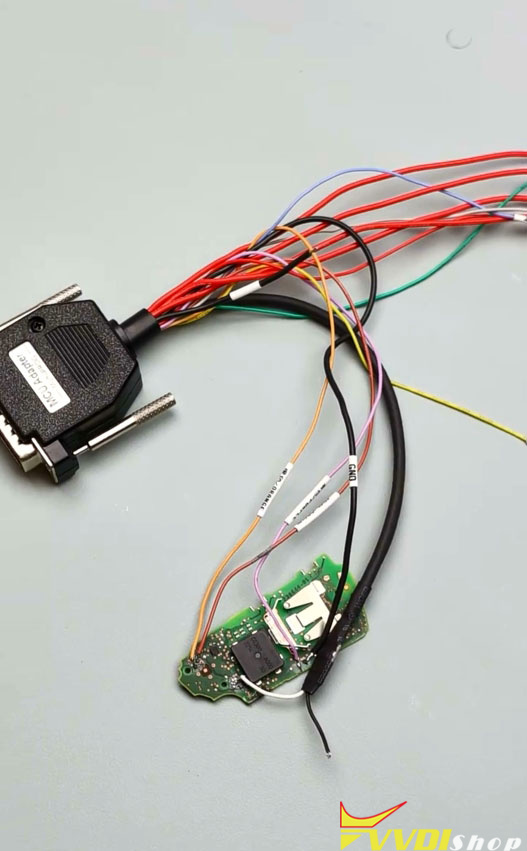
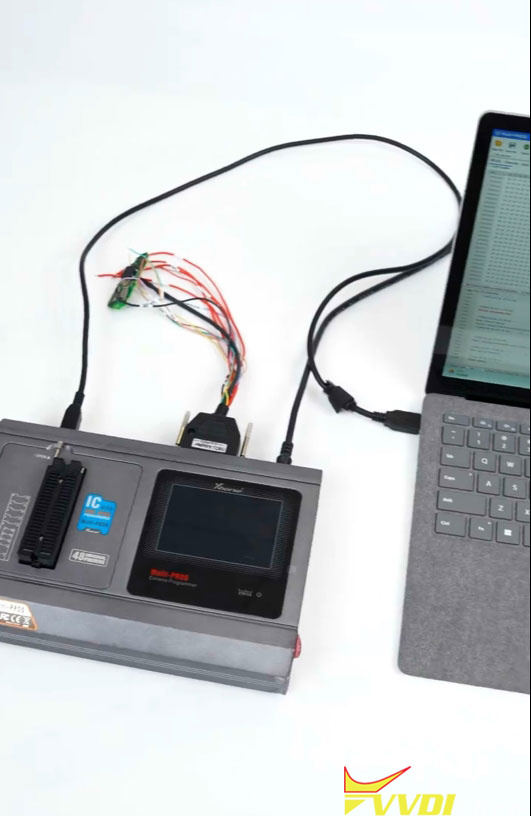
Connect MCU cable with the multi-prog and computer.
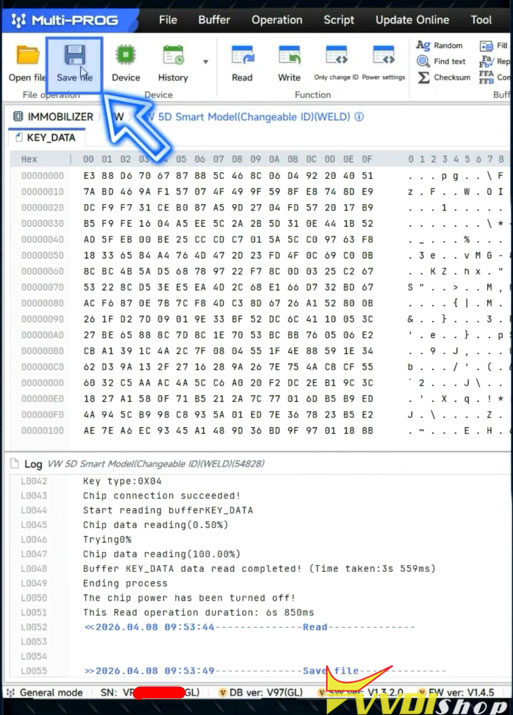
Click Read to read the original key data.
Save data.
Disconnect original key.
Solder the new original key for generation.
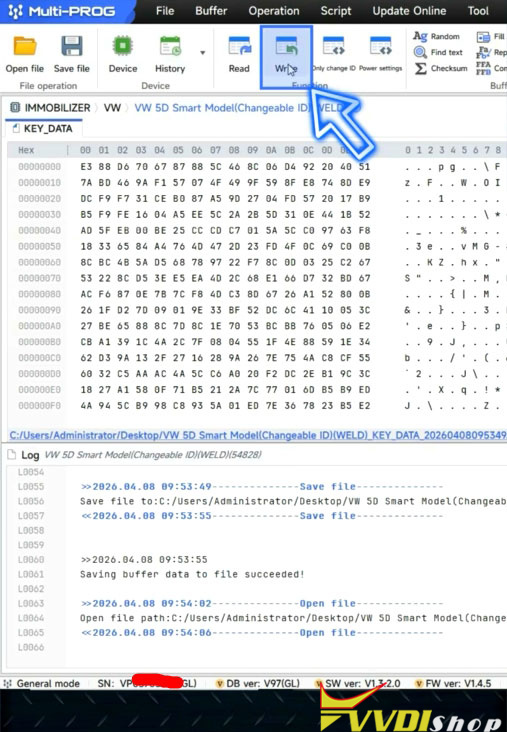
Open file and load the original data.
Write data to the new key.
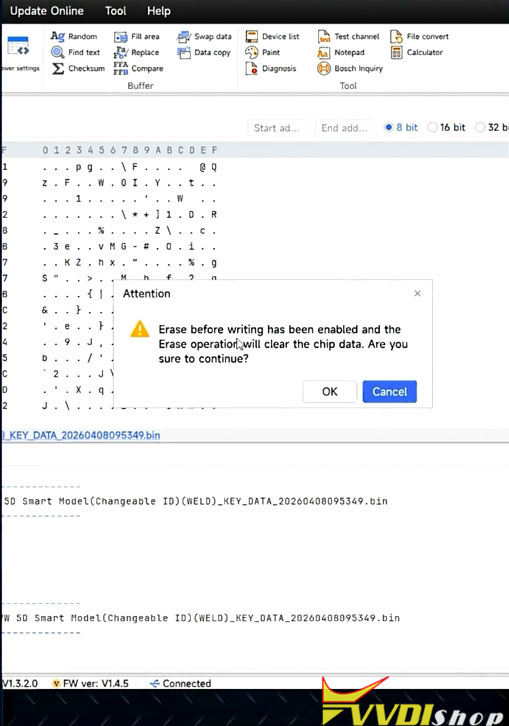
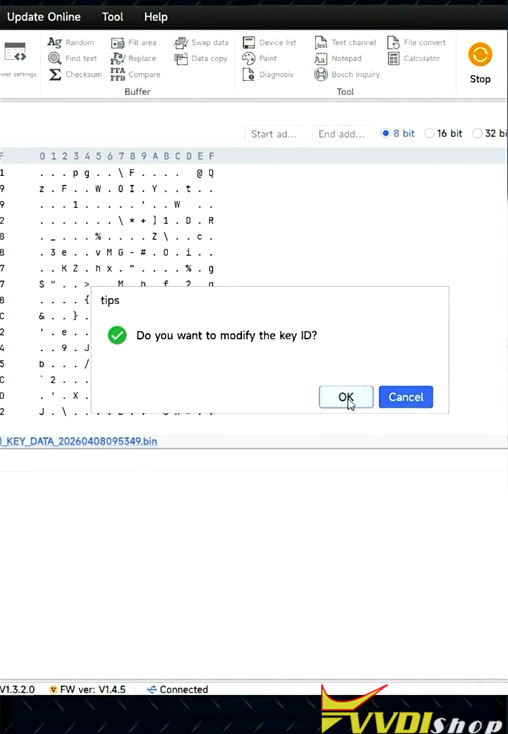
Multi-prog also allows modifying the original key ID.
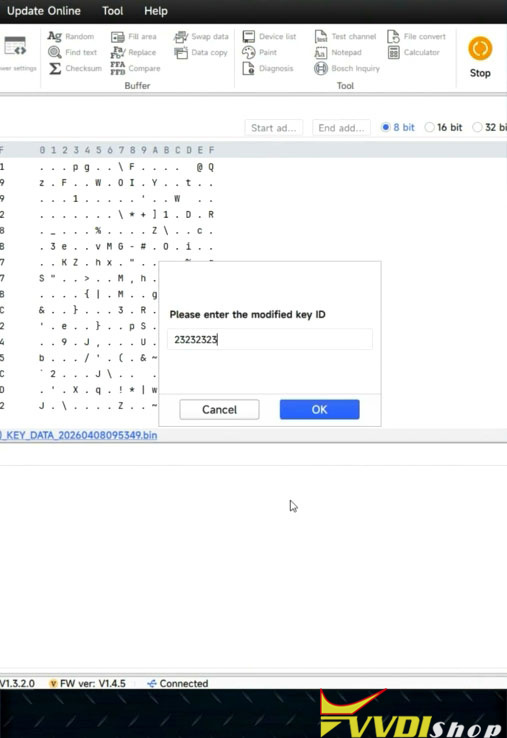
Modify the original key ID and write key.
Generate dealer key successfully.
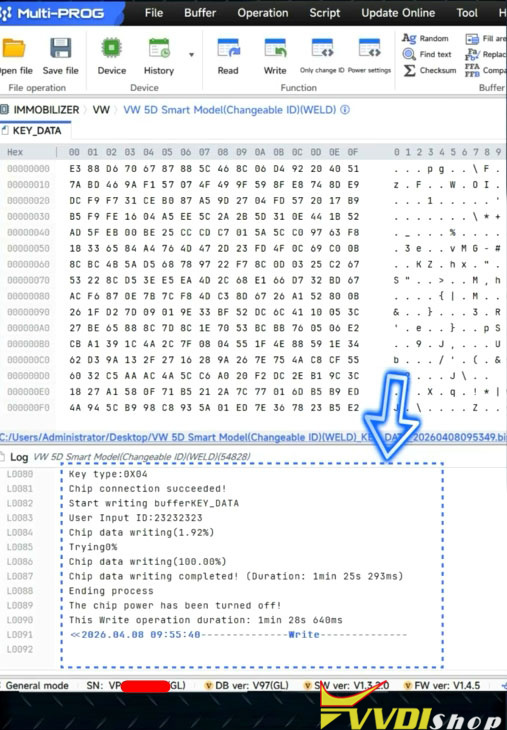
Then learn key in car with vvdi key tool plus or key tool MIDI.
Method 2: Using solder free adapter
Select MQB49 5C 5D (adapter) options.
Clamp the original key on the Xhorse 5C/5D adapter.
The white area shows the shape of the original key.
Place the key accordingly, then install it on the adapter.
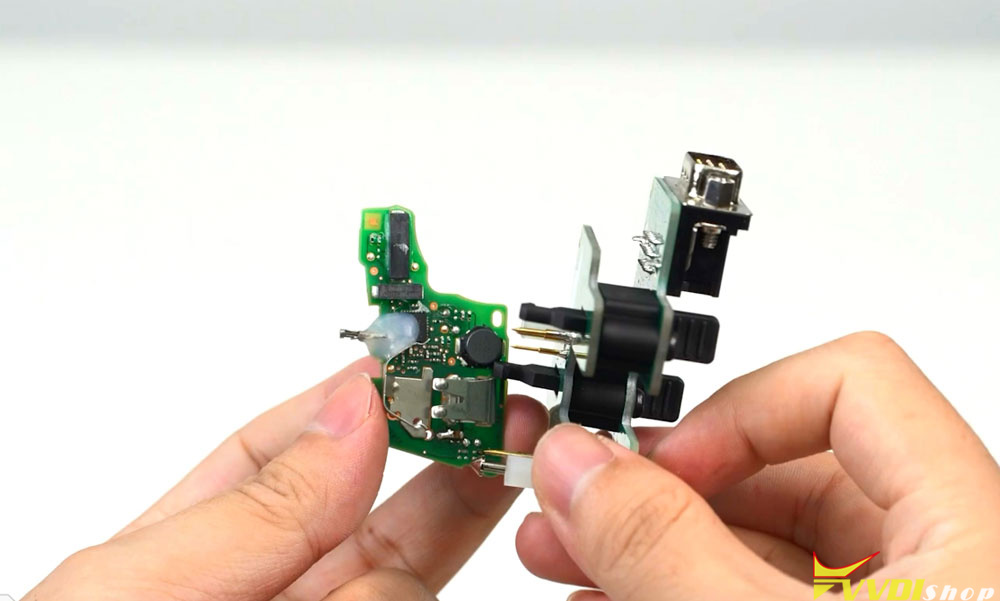
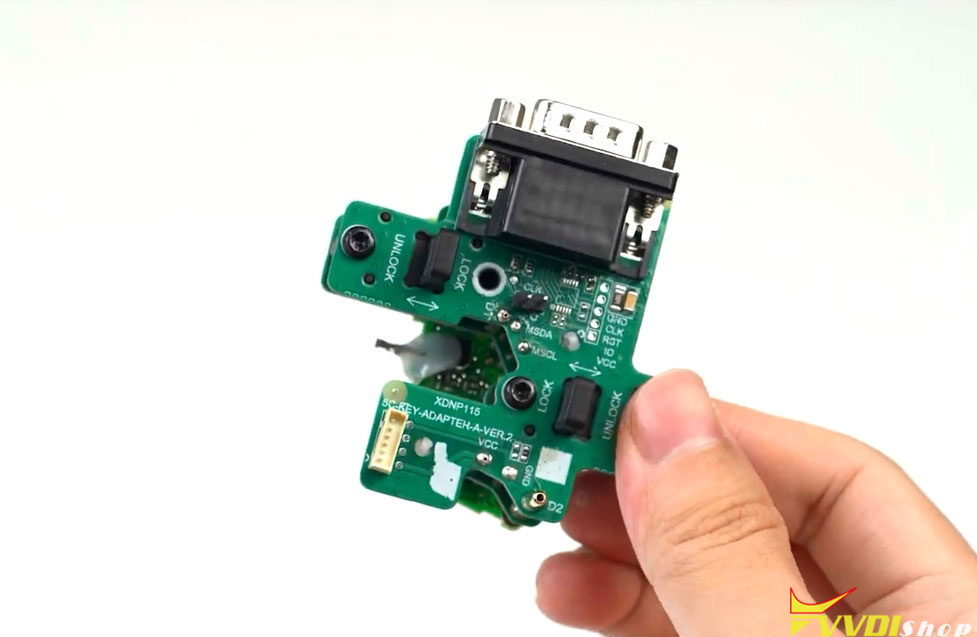
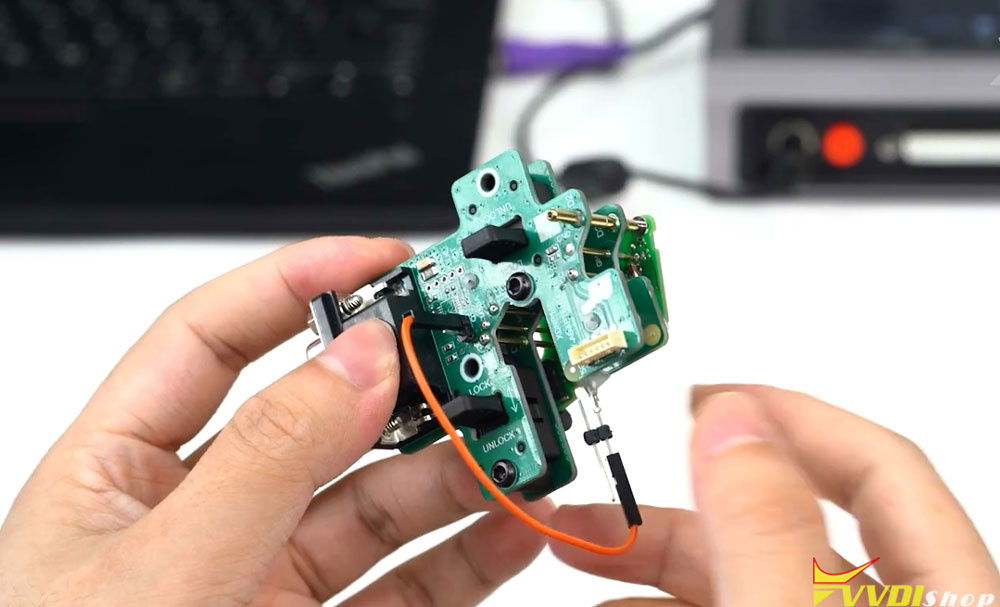
Connect the 5C/5D adapter with MCU cable.
Connect MCU adapter to the laptop.
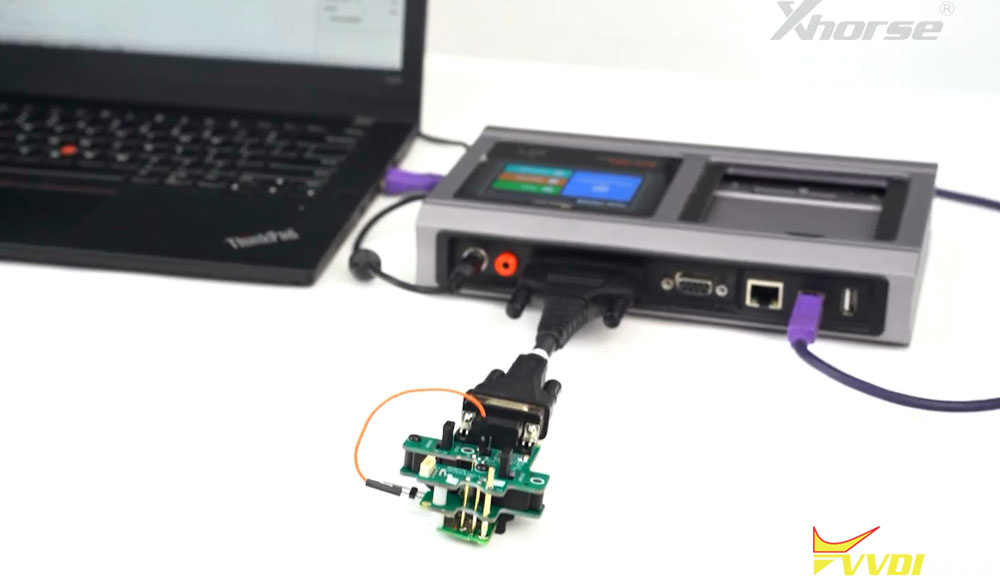
Read and save data.
Disconnect the original key from the 5C adapter.
Clamp the new original on the adapter for generation.
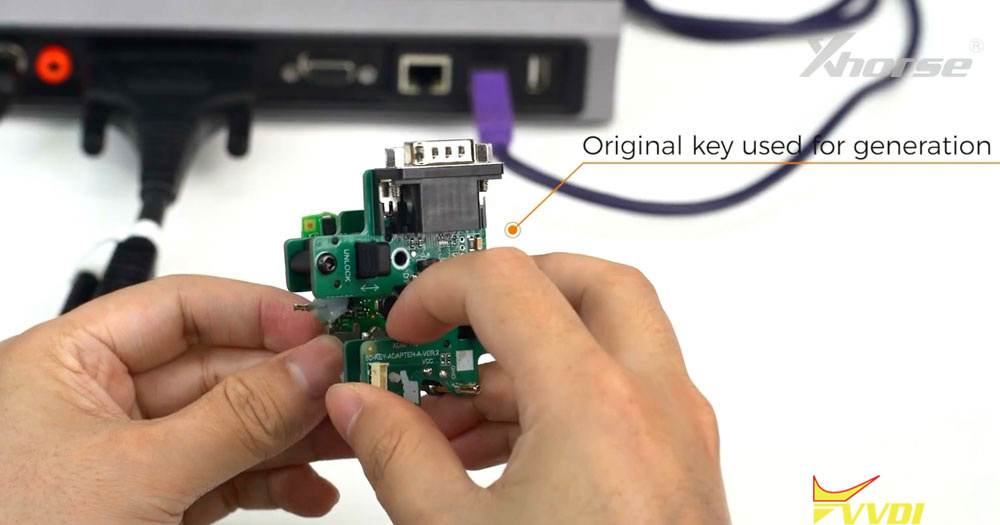
Open file and load the original data.
Write data to the new key.
Multi-prog also allows modifying the original key ID.
Modify the original key ID and write key.
Generate dealer key successfully.
Then learn key in car with key tool plus or key tool MIDI.