

This guide walks you through replacing a faulty battery in the Xhorse Dolphin IIXP005L.Follow the steps below to remove the old battery, install the replacement, and reassemble the machine.
Required Tools
2.5 mm hex key
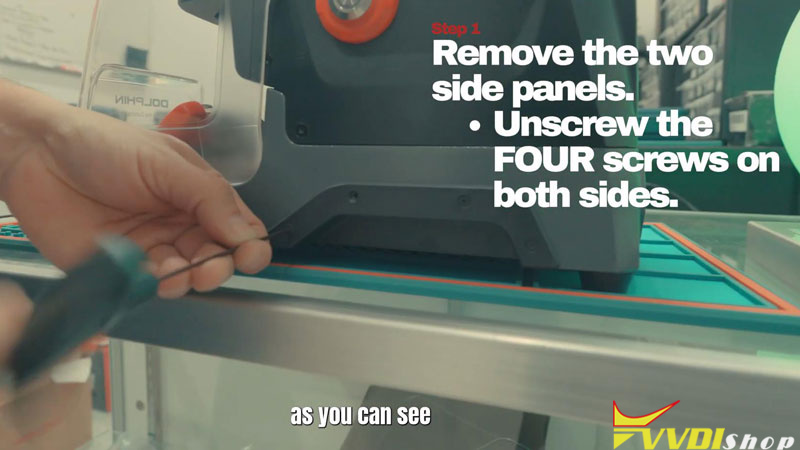
Step1. Remove the Side Panels
- Use the 2.5 mm hex key to remove the screws securing both side panels.
- Remove the panels and set them aside with their screws.
Step2. Open the Battery Compartment
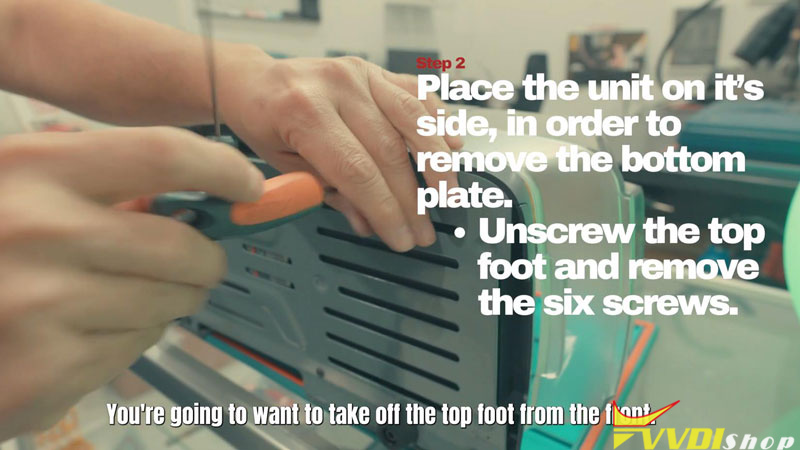
- Place the machine on its side. Remove the top foot at the front, then undo the six screwssecuring the bottom cover.
- Lift off the bottom cover to access the battery.
Step3. Remove the Old Battery
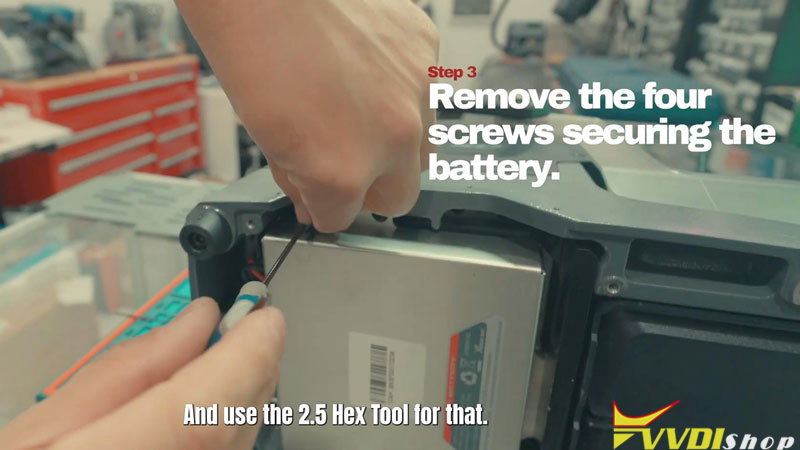
- Remove the four screws securing the battery, with two at the top and two at the bottom.
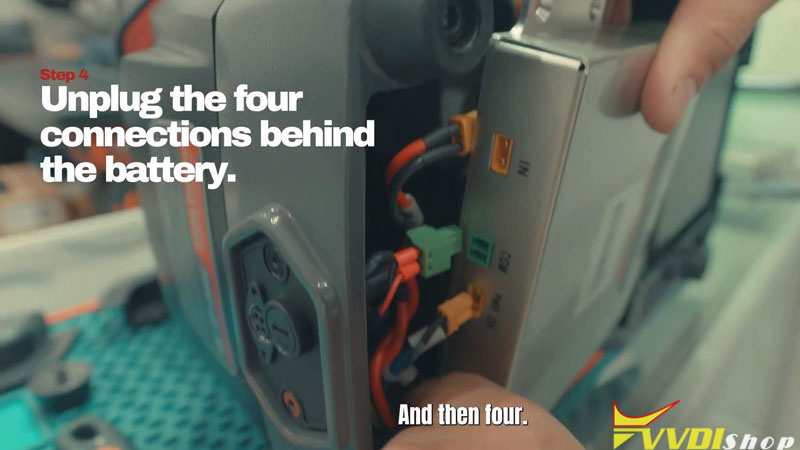
- Disconnect the four connections behind the battery, then remove the old battery.
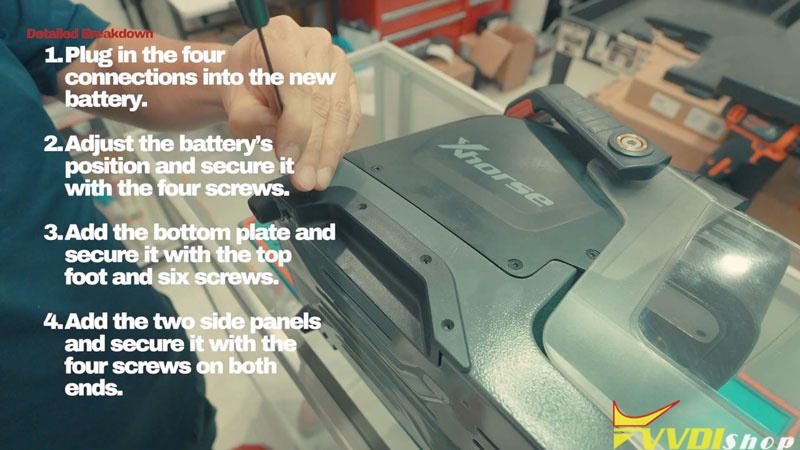
Step4. Install the Replacement Battery
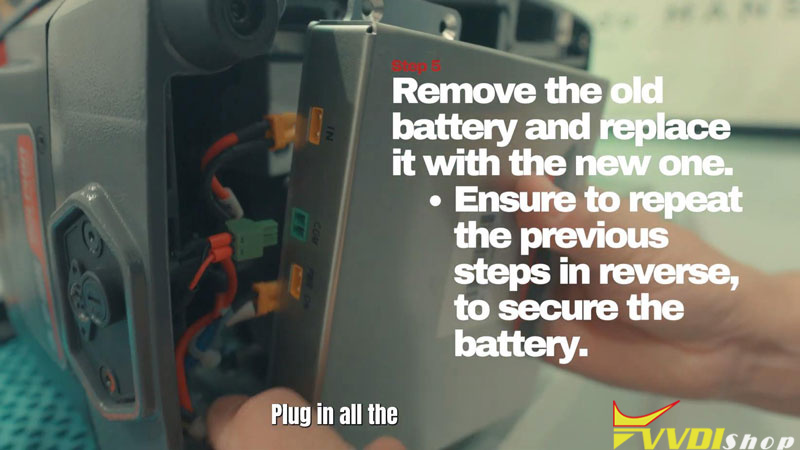
- Connect all four plugs to the new battery before adjusting its position in the compartment.
- Position the battery correctly and reinstall the four retaining screws. Start with the upper screws to help hold it steady, then secure the remaining screws without overtightening.
Step5. Reassemble the Machine
- Refit the bottom cover and top foot, then reinstall the six cover screws. Start with the upper screws to help secure the assembly.
- Refit both side panels and reinstall their retaining screws.
Verification
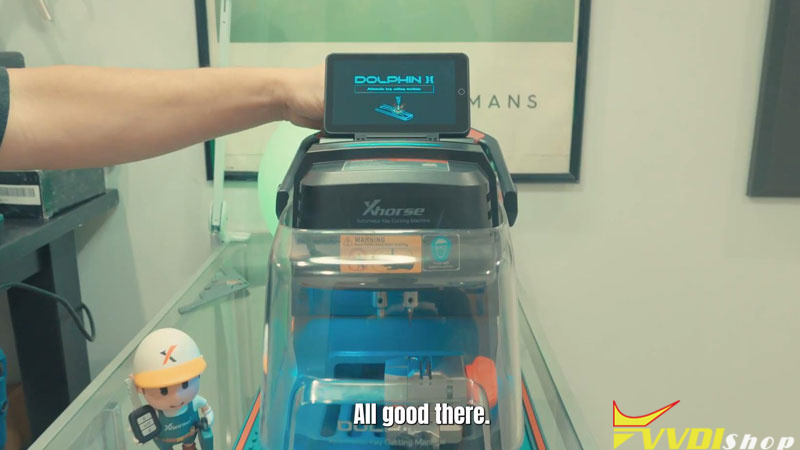
Power on the XhorseDolphin II and check whether the unit starts and the battery charge level is close to full capacity.