

How to add a Jaguar/Land rover 2015-2018 smart key? If you own a 2018 Jaguar XE and need to add a spare key or replace a lost one, you might be relieved to know that the process is achievable with the right tool—specifically, the Xhorse VVDI Key Tool Plus. While dealership programming can be expensive, this guide walks you through the procedure based on a real-world demonstration.
What You’ll Need
-
Original working key (that can start the car)
-
New blank key (with an available ID—keys showing all zeros cannot be programmed. Here use Xhorse XM38 JLR smart key)
- VVDI Key Tool Plus device
- Battery maintenance/Power supply
Before starting, it’s important to know that the Key Tool Plus copies the identity of your original key onto a new key that has a writable ID. Keys that display “000s” cannot be programmed because they lack a unique identifier.
In the demonstration, the original key had the ID 780737, while the new keys were blank. The goal is to copy that identity onto one of the blanks.
How to copy 2015-2018 JLR Smart Key with Xhorse Step-by-Step
1. Prepare the Original Key
Place the original working key inside the induction coil area of the Key Tool Plus. The device will read its identity.
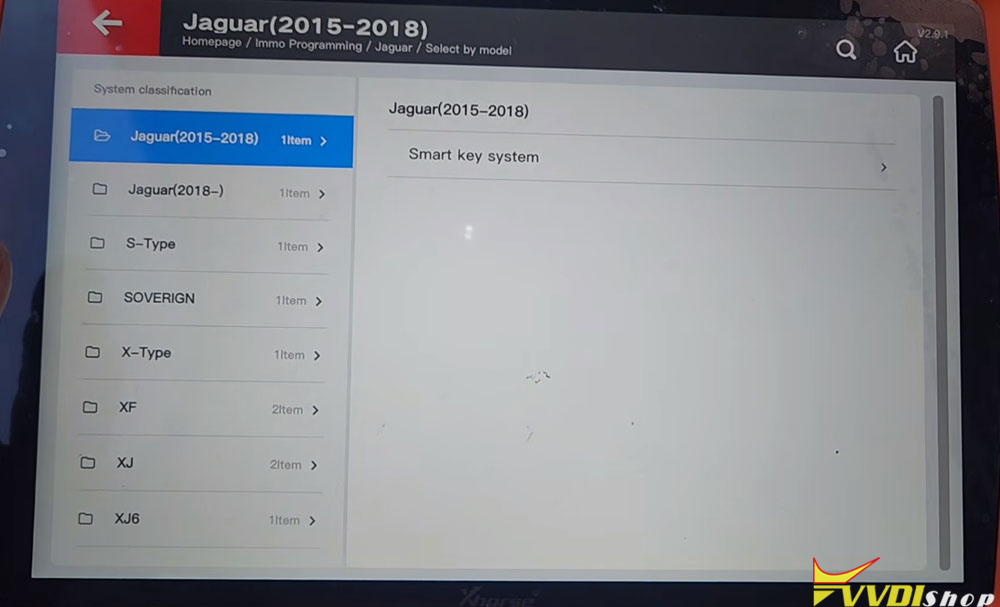
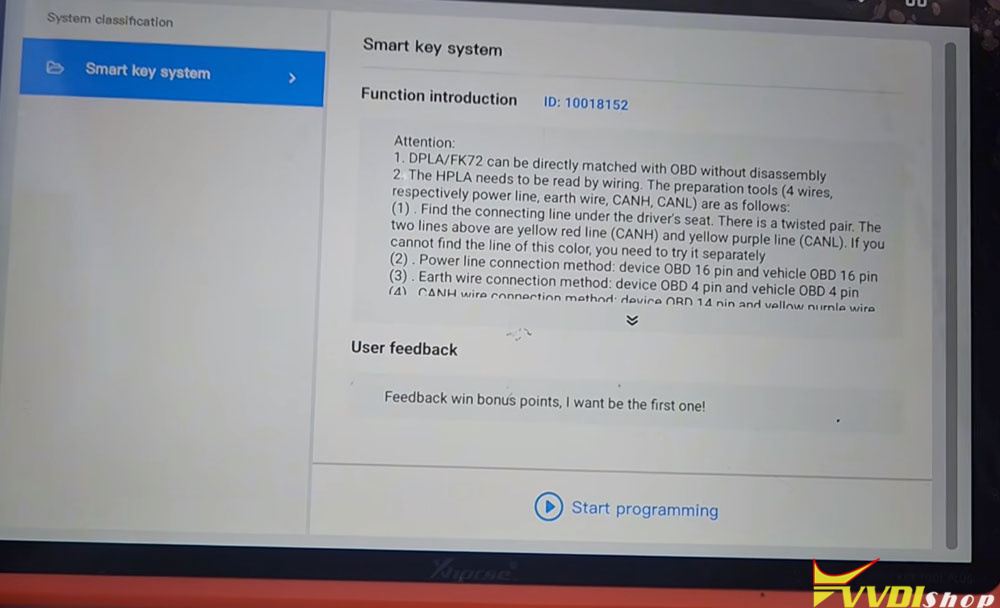
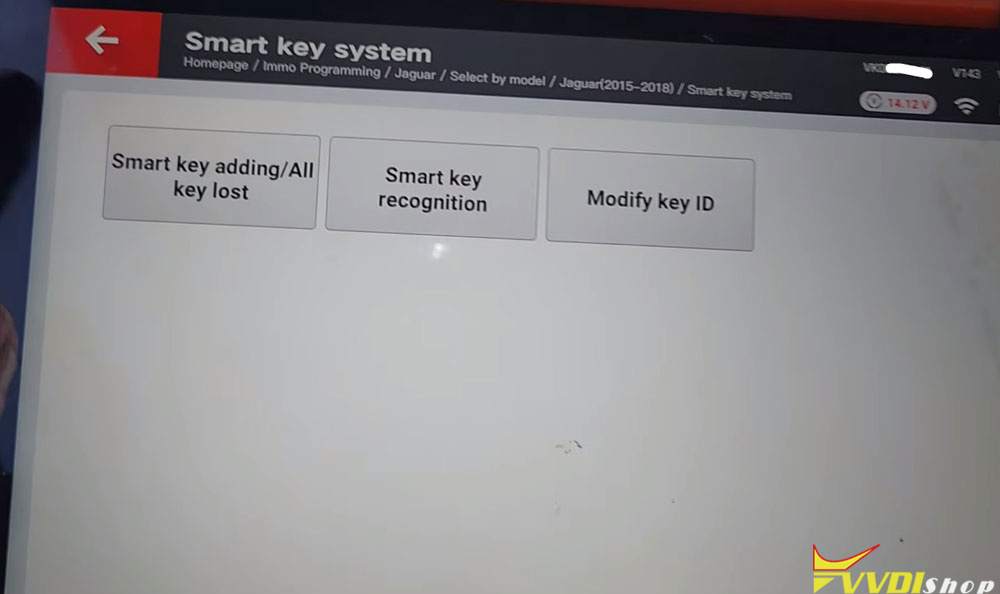
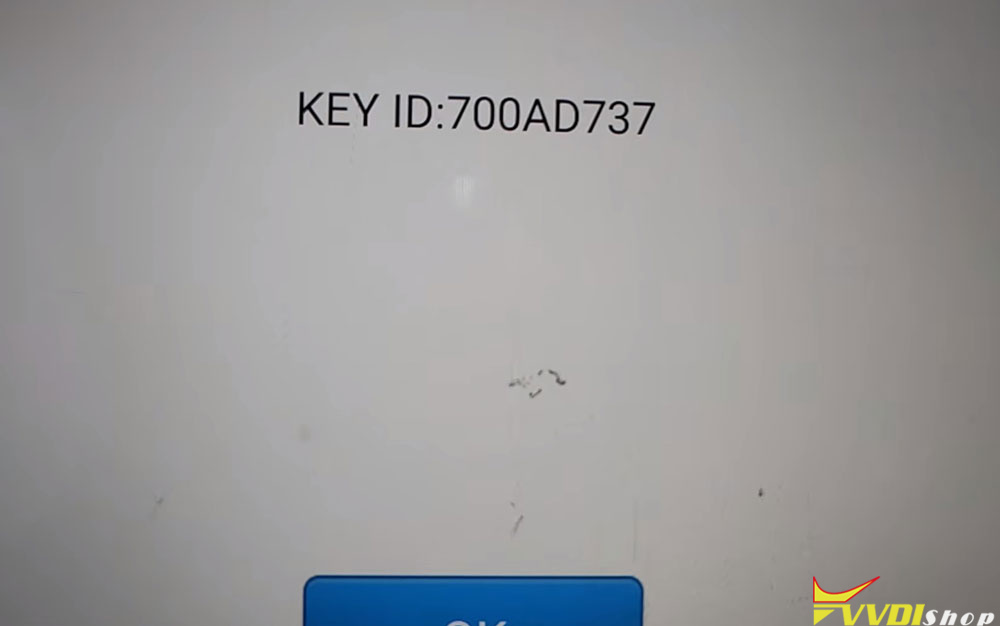
2. Select the Target Key
Choose which blank key you want to program. The tool allows you to pick from available slots.
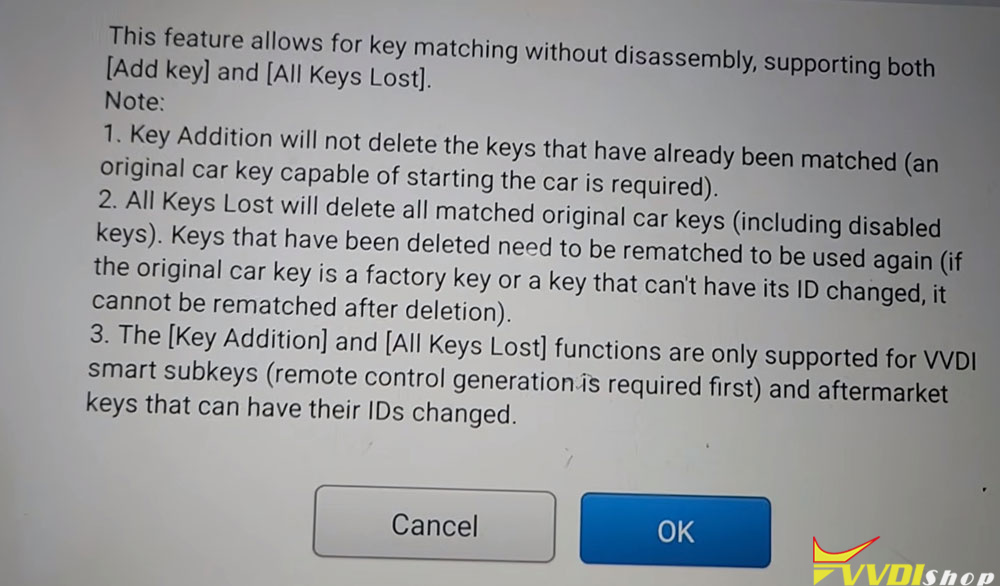
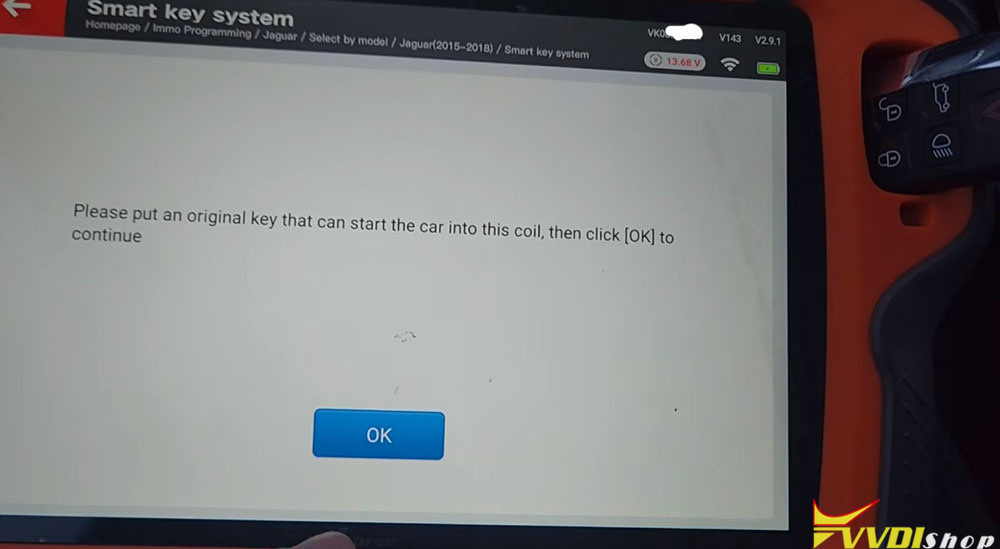
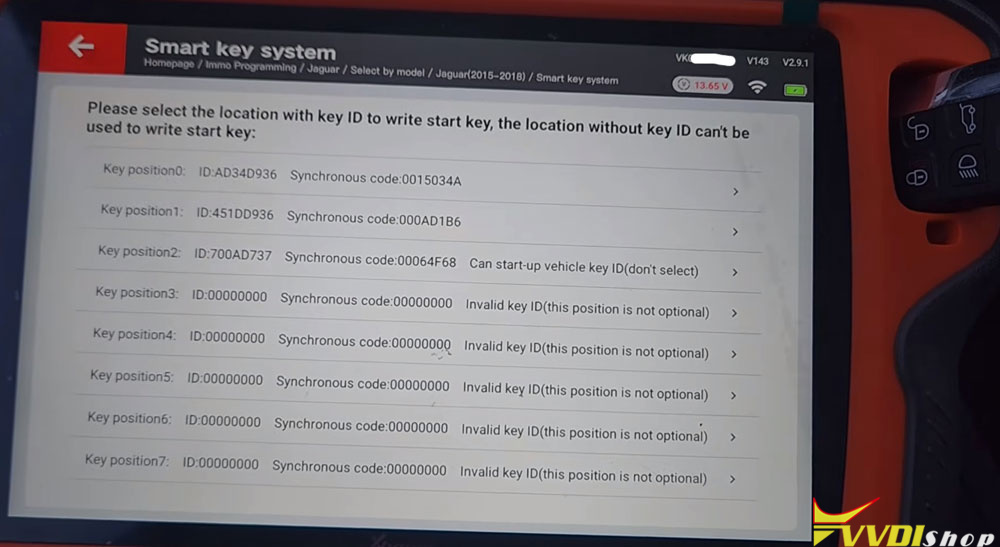
3. Remove the Original Key
Once the identity is captured, take the original key away from the device.
4. Insert the New Key
Place the blank key you wish to program into the induction coil area.
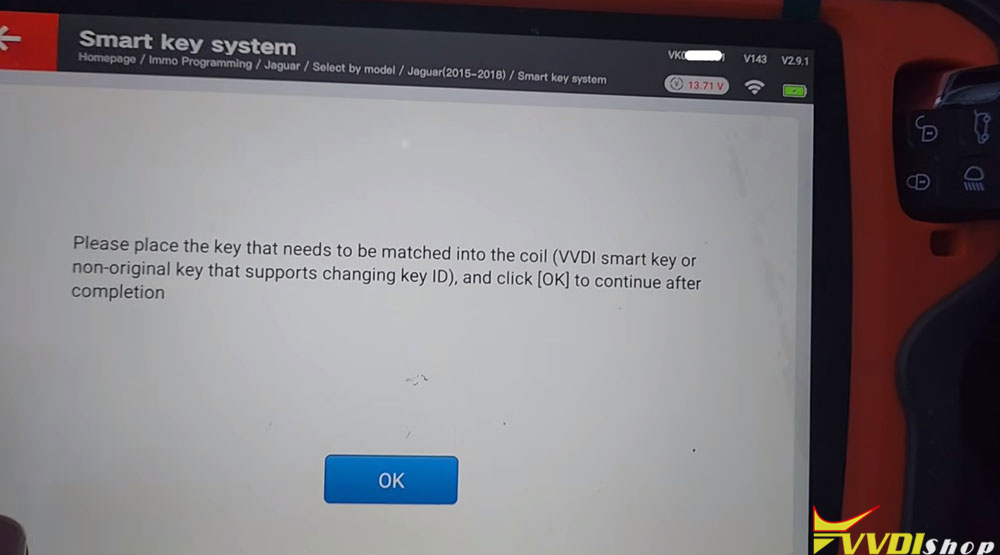
5. Start Programming
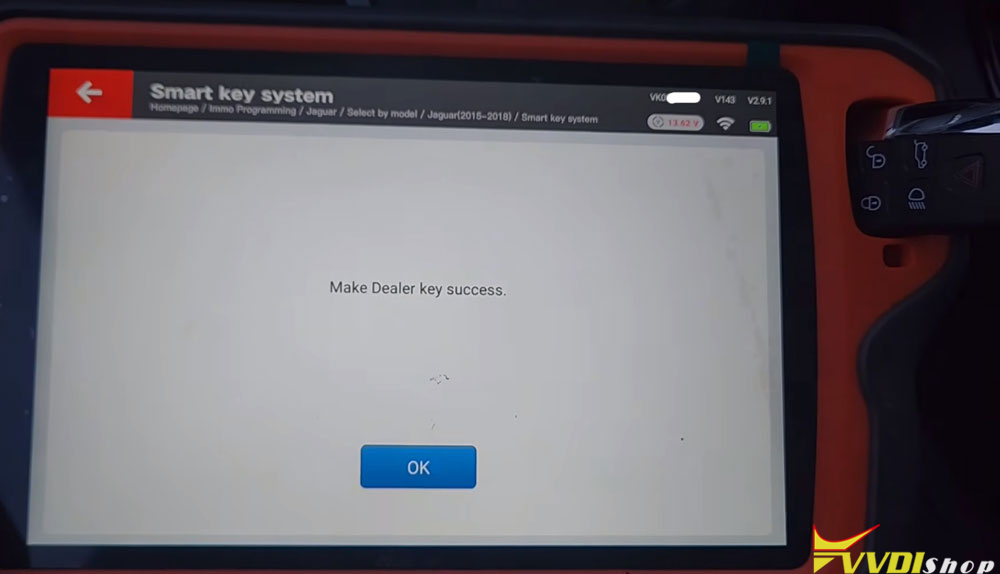
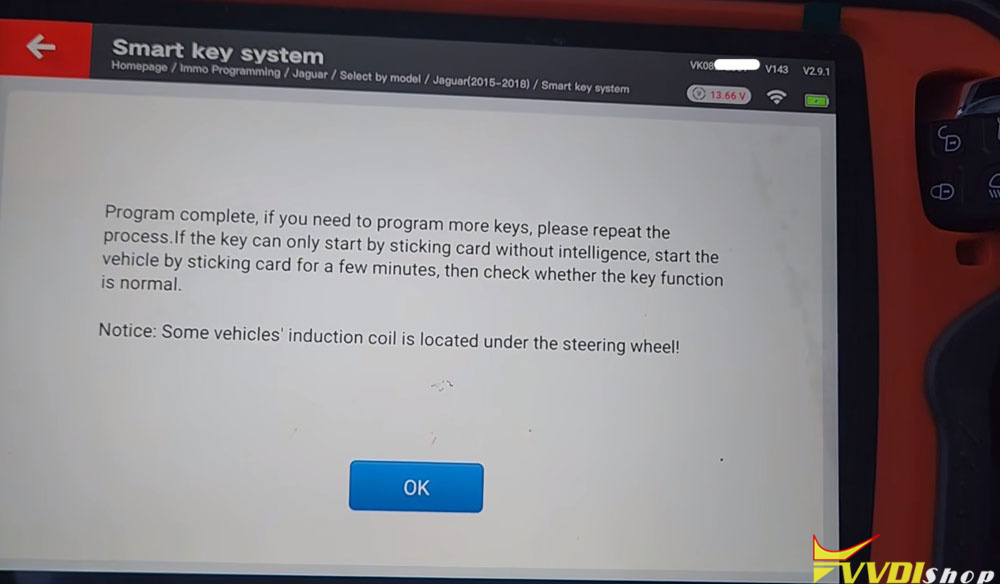
Press “Okay” on the Key Tool Plus. You should see a message: “Make dealer key success. Program complete.”
If you have more keys to program, simply repeat the process.
Post-Programming: Syncing and Testing
After programming, the key may not immediately work for proximity (keyless entry and push-button start). Here’s how to finalize:
Step 1 – Initial Start Attempt
Try to start the car with the new key only (original key removed from the vehicle). If the system says “Key not recognized,” don’t panic.
Step 2 – Locate the Induction/Sensing Area
Place the new key in the designated sensing area (often near the steering column or center console). Hold it there for a few seconds to allow synchronization.
Step 3 – Test Remote Functions
Check the following:
Lock / Unlock buttons
Trunk release
In the demonstration, the remote worked immediately.
Step 4 – Test Proximity Start
With the key still inside the vehicle, depress the brake pedal and press the start button. If the car starts, the proximity function is now working.
Step 5 – Final Verification
Turn off the engine, exit the vehicle, and test the remote again from outside. Then re-enter and start the car once more to ensure everything is consistent.
Troubleshooting Tips
- Proximity not working? Hold the key at the induction coil for a few minutes while the car is running or in accessory mode. This often syncs the key’s smart functions.
- Key not recognized at all? Double-check that your blank key actually has a writable ID (not all zeros). Some aftermarket keys may be incompatible.
Repeat the process if the first attempt fails—sometimes a second cycle helps.
Final Verdict
In the walkthrough, the 2018 Jaguar XE accepted the newly programmed key without issues. The remote functions worked immediately, and after a brief synchronization, the proximity start also functioned correctly.