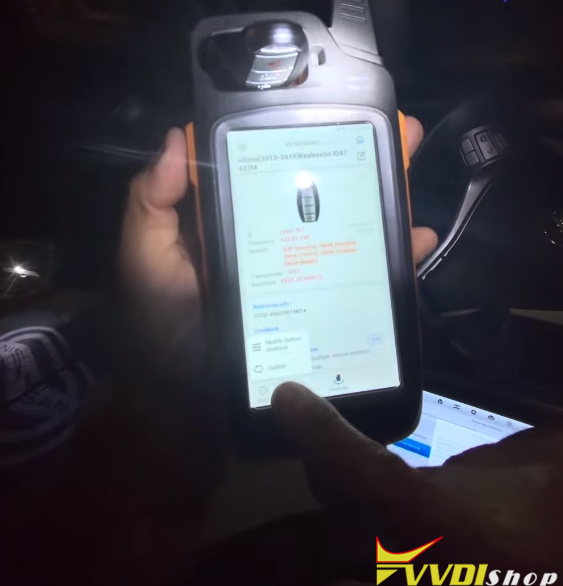


Problem:
After generating an Xhorse XSNIS2EN Nissan smart remote and program to a 2015 Nissan Altima (ID47 chip type), the car starts, but the Xhorse key trunk button triggers the panic function.
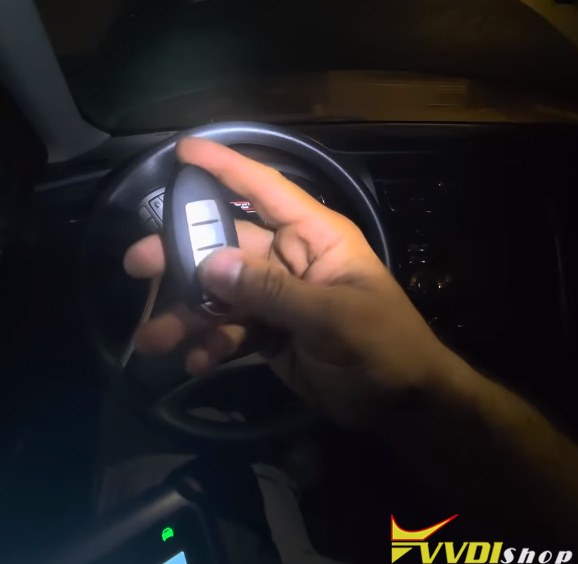
Solution:
Button functions may need to be customized afterward to match the vehicle’s layout.
To fix this:
Go to More → Modify the buttons read.
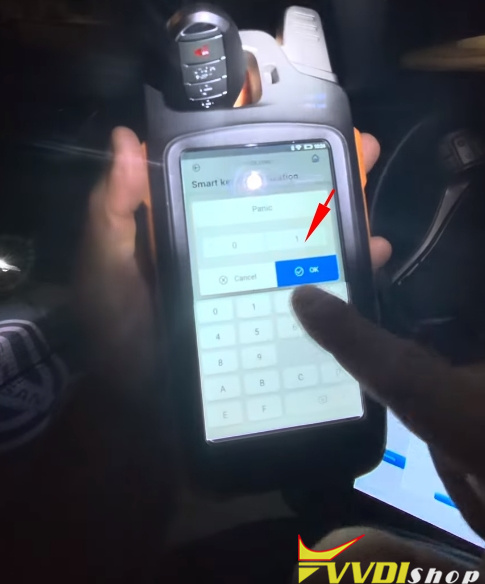
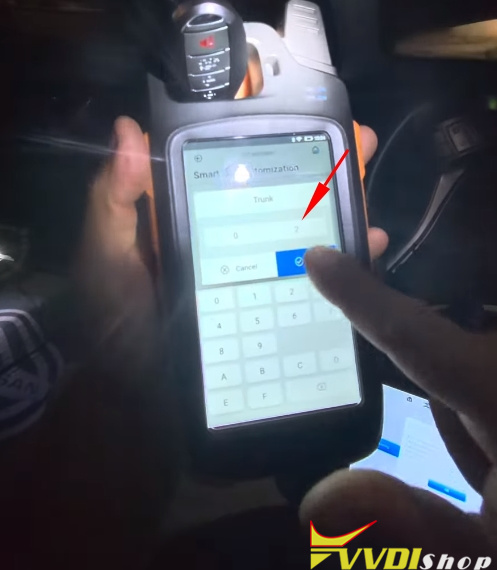
Go to Smart key customization.
The panic function is mapped to 02, and the trunk is mapped to 01.
Switch them: trunk to 01, panic to 02.
Select Settings to confirm and write the new key configuration.
With that, the job is complete.