



Problem:
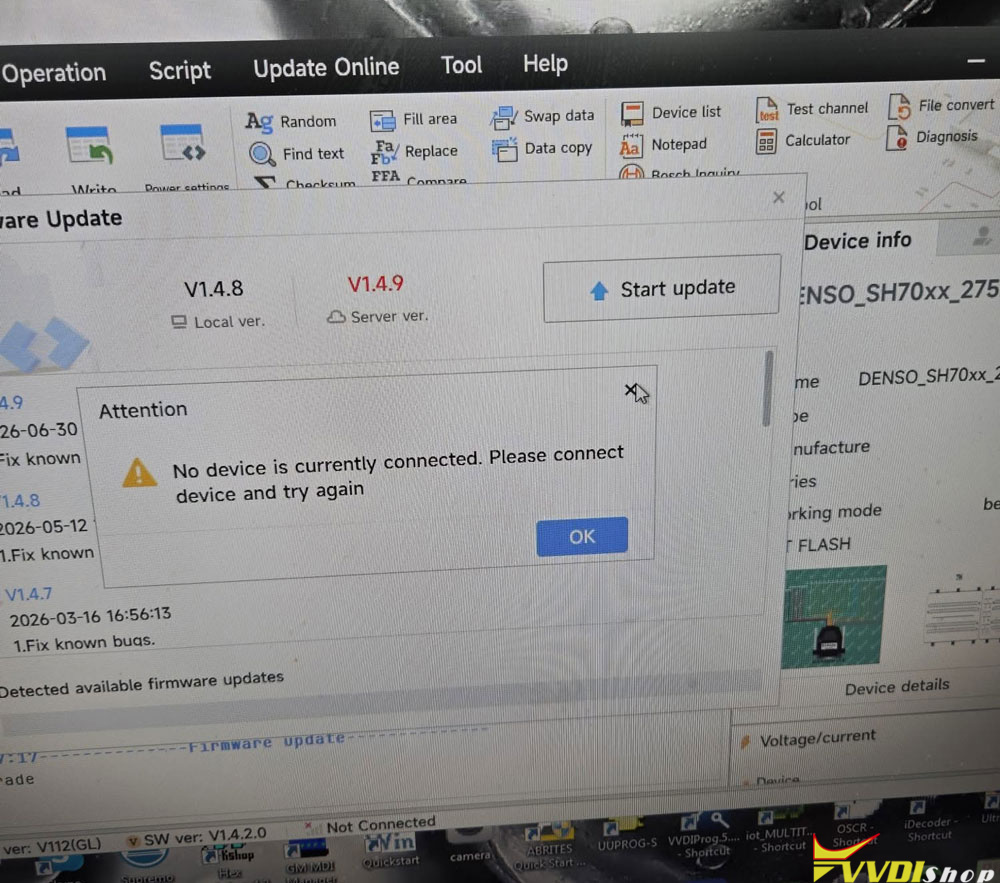
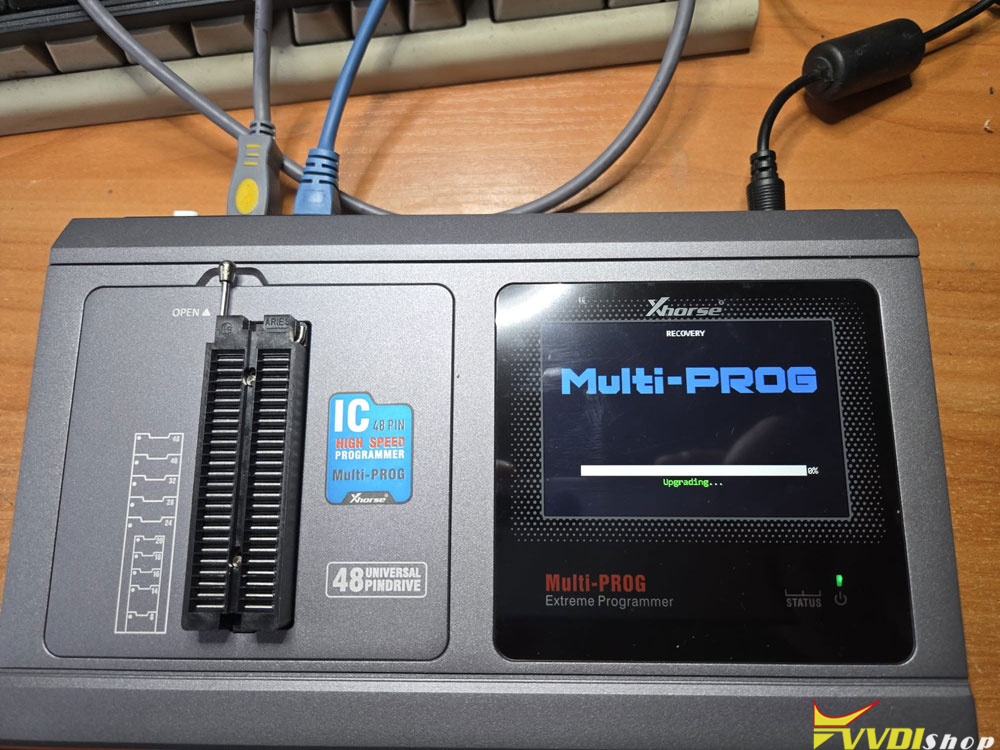
After start update Xhorse multi prog firmware 1.4.9, the programmer stopped the connection and write on display ” UPDATING “. How to fix it?
Solution:
During the V1.4.9 update, the programmer switches USB modes, and if the PC drops the driver for a second, it gets stuck in bootloader mode (“UPDATING”).
You’ll need to do a hard power-reset, plug into a direct USB 2.0 port, and run the firmware recovery mode from the software menu.
·
Reset device, you have to conect it to the app and press reset 10 sec.