


Here’s step-by-step guide on programming smart remote key BMW X1 CAS3++ 2013 with Xhorse VVDI2 BMW key programmer.
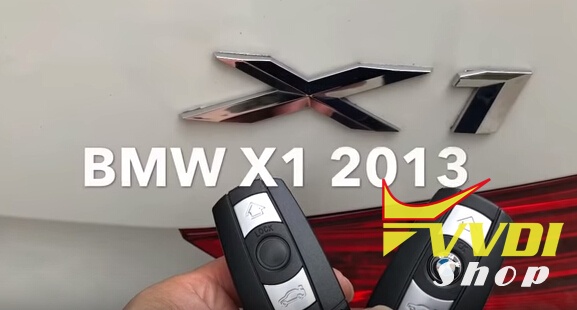
Connect VVDI2 with vehicle and computer
Choose VVDI2 BMW menu
Select Auto Detect> Connect

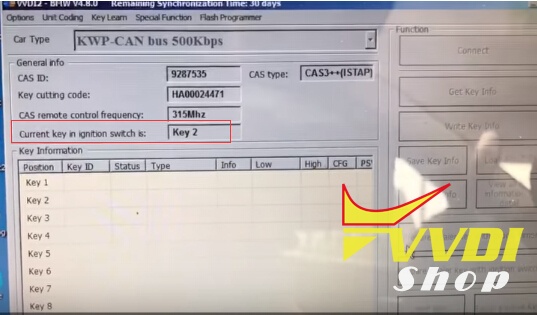
VVDI2 read information: CAS ID, Key cutting code, frequency 315MHz etc

Click on Get Key Info:
Add key: You should insert a working key into ignition and connect device with car before continue.
If you want to program all keys lost, you should insert a new key into ignition and connect device with car before continue (You need backup CAS EEPROM for CAS3 encrypt version and ISTA P4 version)
VVDI2 will ask to flash CAS firmware

Need to flash CAS firmware 10 minutes to continue
Current CAS is ISTAP version, we need flash CAS firmware to continue OBD opeartion
Press YES to flash CAS firmware

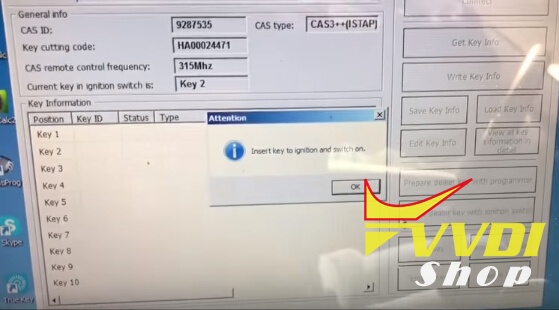
Flash success. Insert working key to ignition and turn on
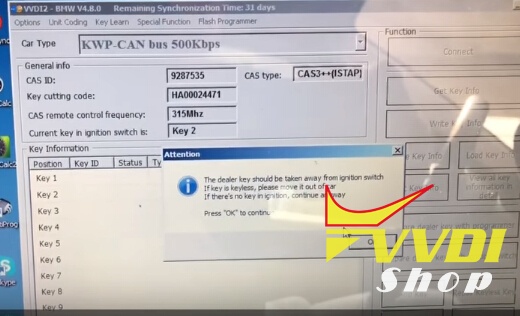
The dealer key should be taken away from ignition switch
If key is keyless, please move it out of car
If there’s no key in ignition, continue anyway

USE “Save Key Info” to save the original key information
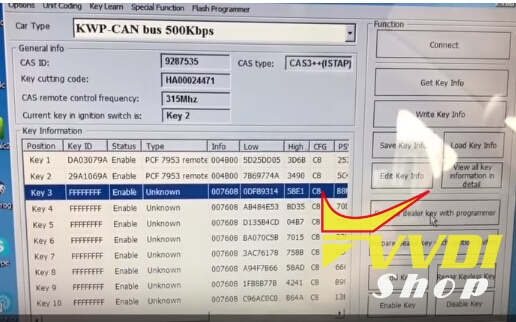
Add new key to key number 3
Select Prepare dealer key with programmer
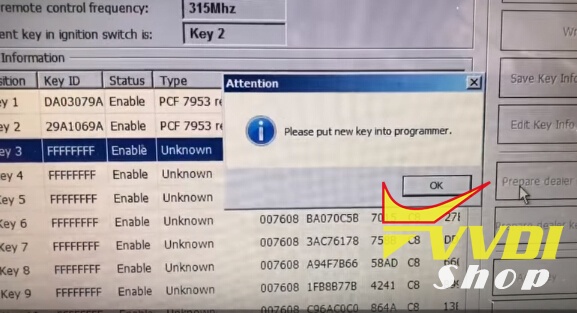
Put new key into VVDI2 key programmer
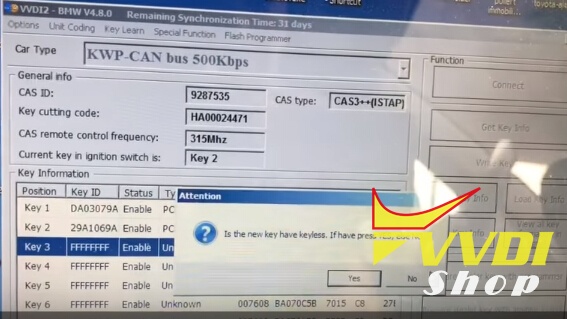
New key is not keyless, press NO
VVDI2 makes BMW X1 2013 dealer key success
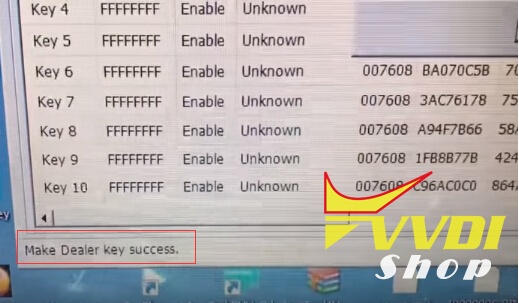
Try to start, synchronize then can start

Success.
Done!