

Successfully programmed a 2024 Opel Corsa F flip key when all keys lost using Xhorse Key Tool MIDI programmer.
Step 1: Read PIN Code
Decode door lock with Lish auto pick.
Go to IMMO Programming- Peugeot- Password Reading- Type 3 CAN (adding).
Select Read Password.
Turn off the ignition switch.
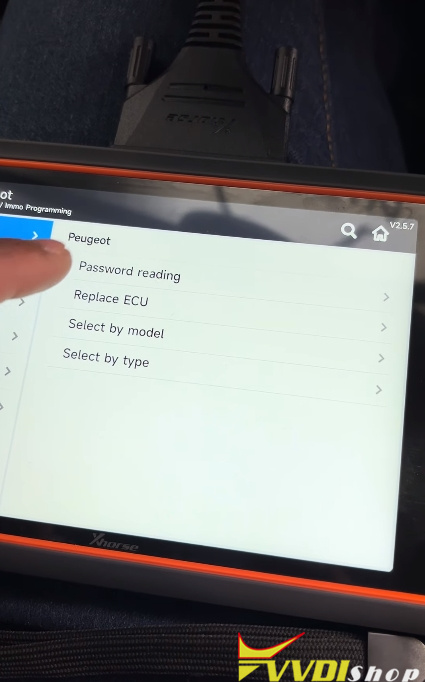
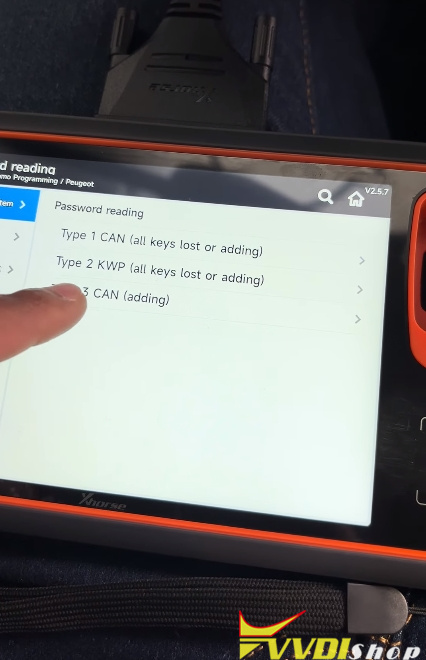
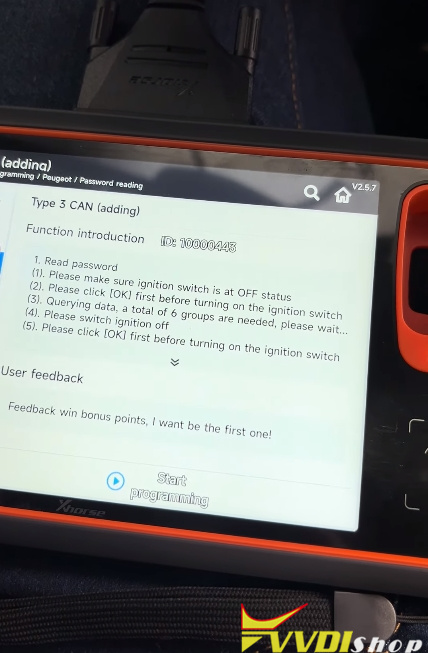
Switch ignition off and wait 5 sec, then switch on; repeat this process until MIDI retrieves the 4-digit password.
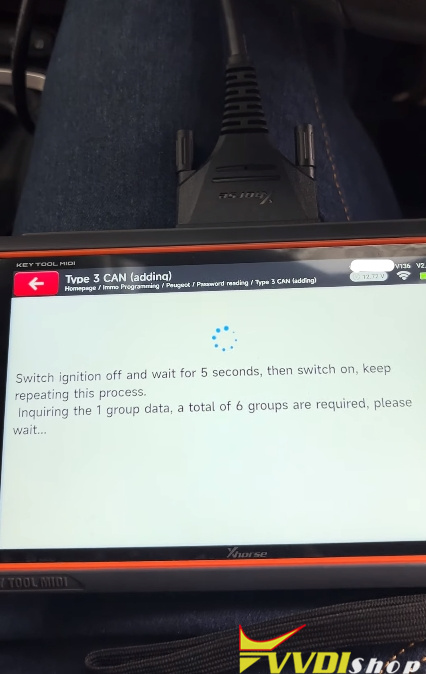
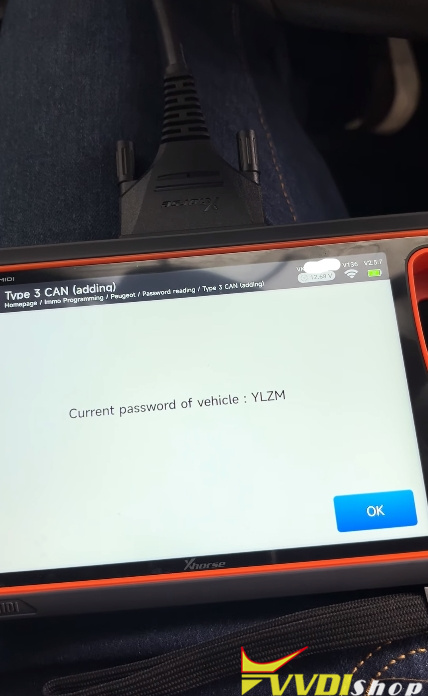
NOTE: Opel and Peugeot share the same DNA on this model and on this type it was easy to read it via Peugeot, just knowing the systems
Step 2: Program All Keys Lost
*Add key and all keys lost share the same procedure.
Go to IMMO Programming- Opel- Select model- Corsa- Corsa F- Flip keys- 2019 onwards- All keys lost.
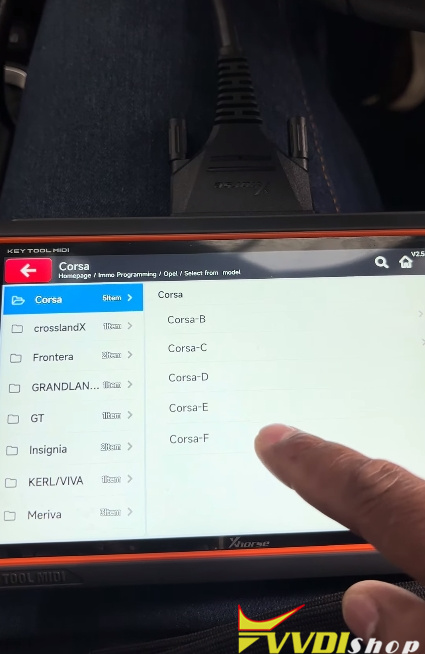
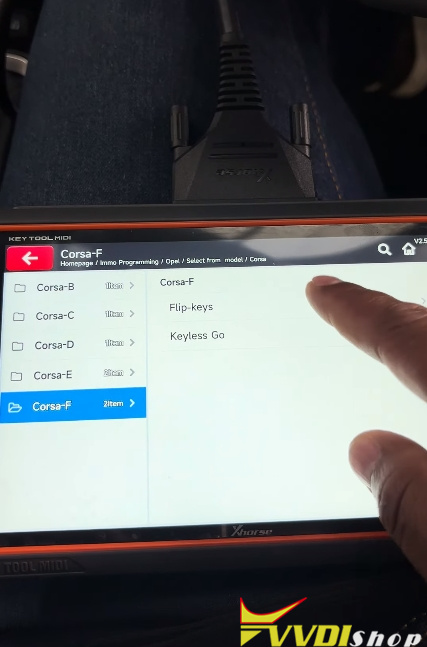
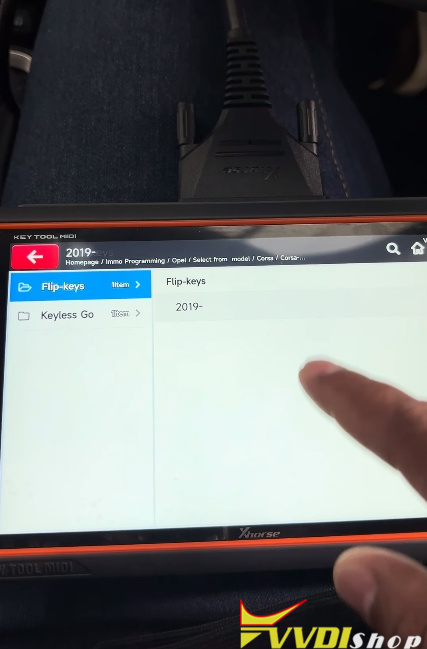
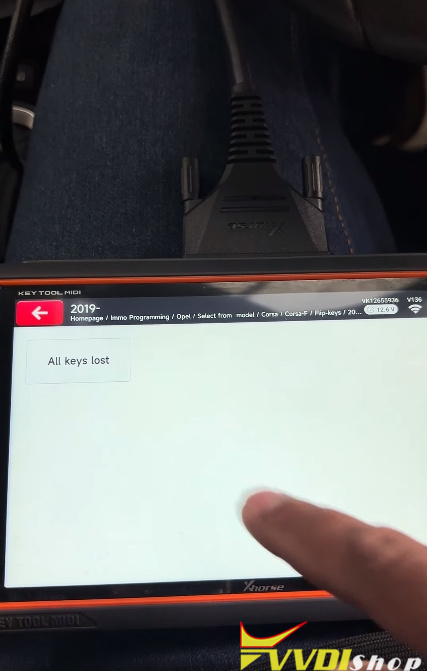
All keys will be cleared after performing this function.
Enter pin code to proceed.
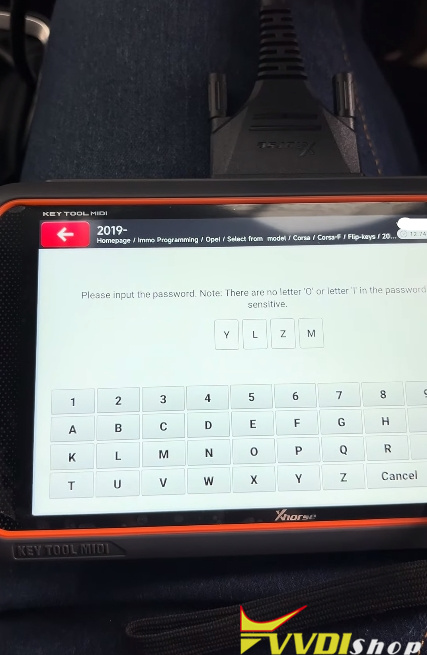
Input the number of keys to be programmed: 2
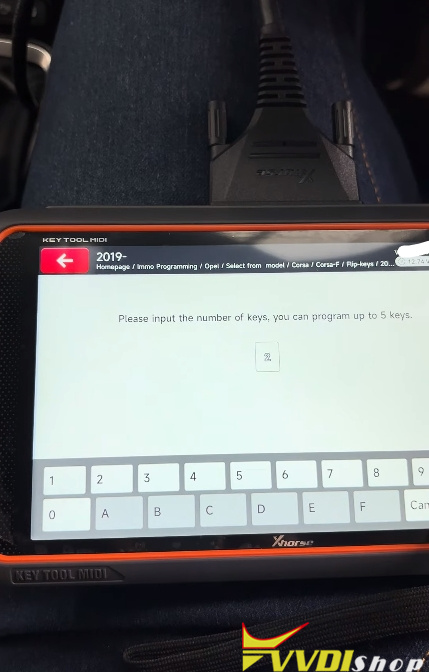
Insert 1st key to be programmed and switch the ignition on within 15s.
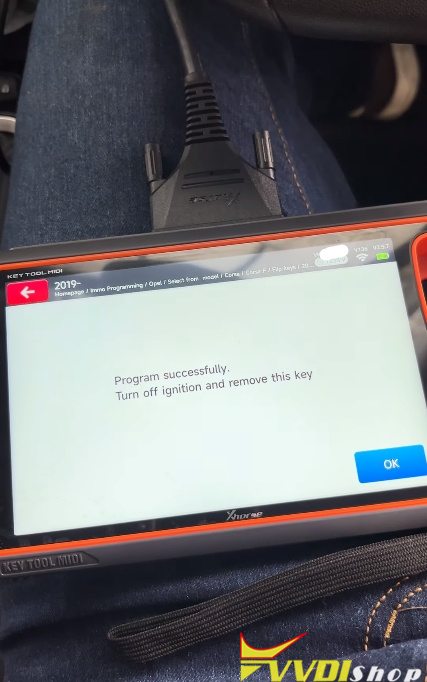
Program 1st key successful.
Turn off ignition and remove this key.
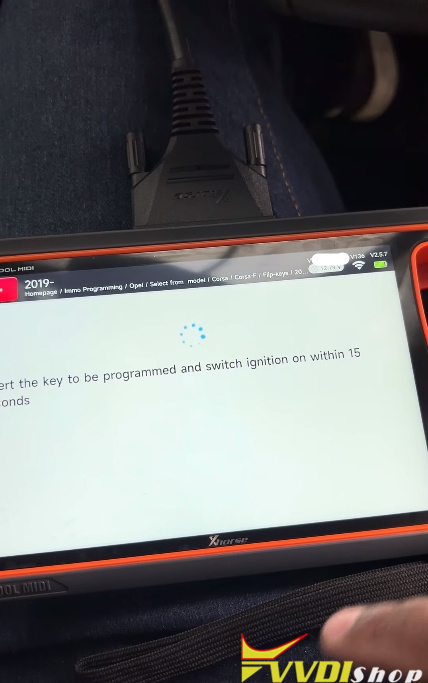
Insert 2nd key to be programmed and switch ignition on within 15s.
Program successful.
Turn off ignition and remove this key.
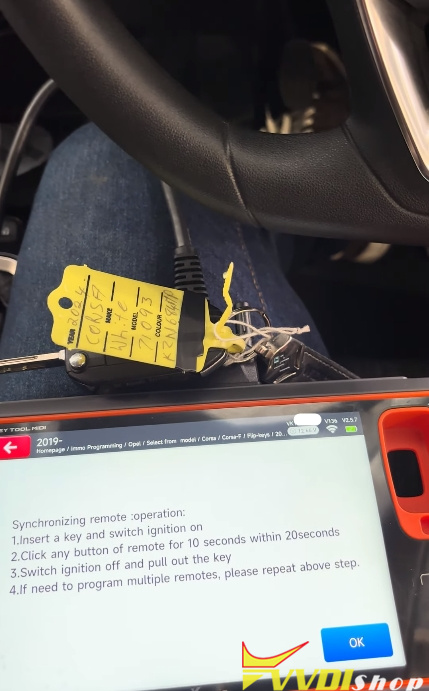
Then sync remote.
Follow steps below to sync remote:
- Insert a key and switch ignition on.
- Click any button on the remote for 10s within 20s
- Switch ignition off and pull out the key.
- Repeat the steps above to sync the 2nd remote.
Test both keys.