
Doing a spare key on this VW Caddy using the Xhorse VVDI key tool plus. When we try to automatically diagnose the model it won’t actually detect what system it is.
It says unable to automatically diagnose and it gives us a few options on the side to try.
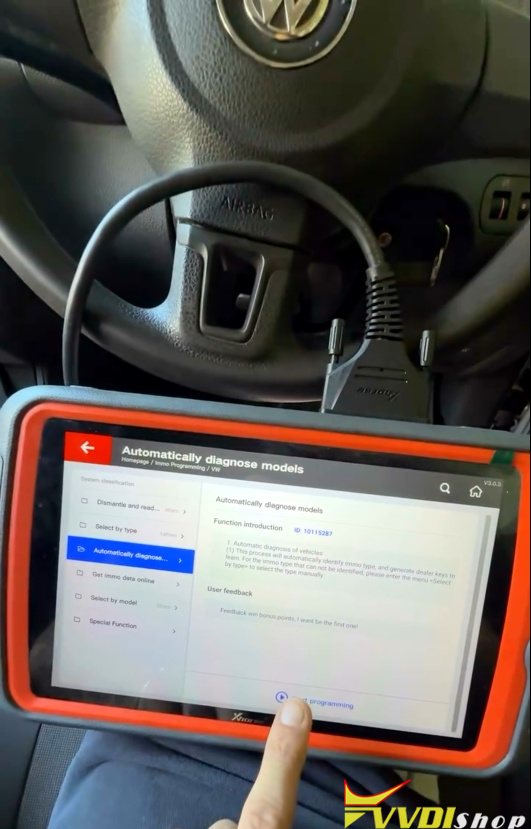
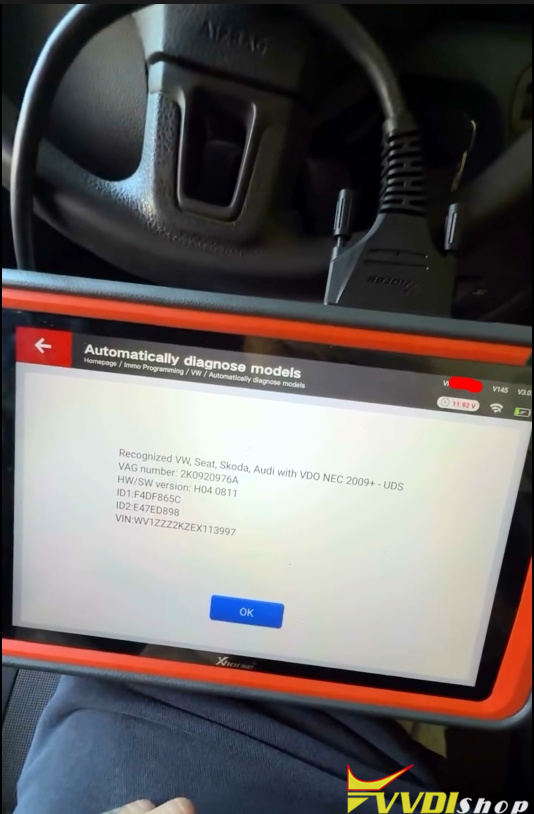
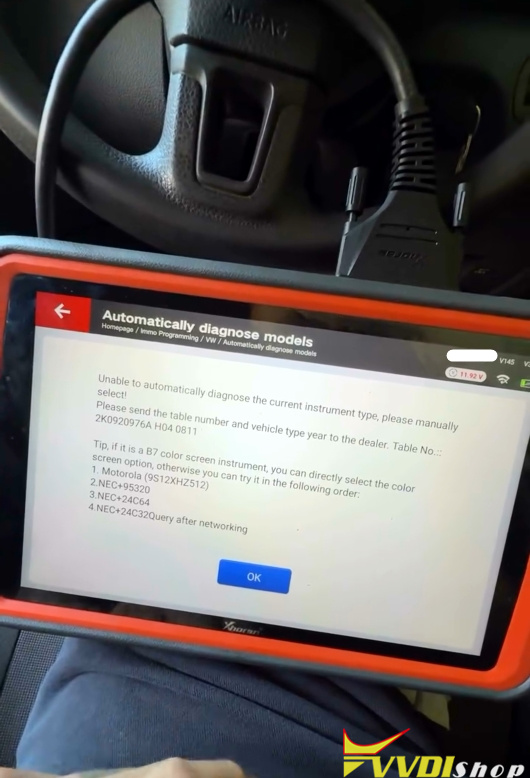
VAG systems when auto diagnose doesn’t work – Do this.
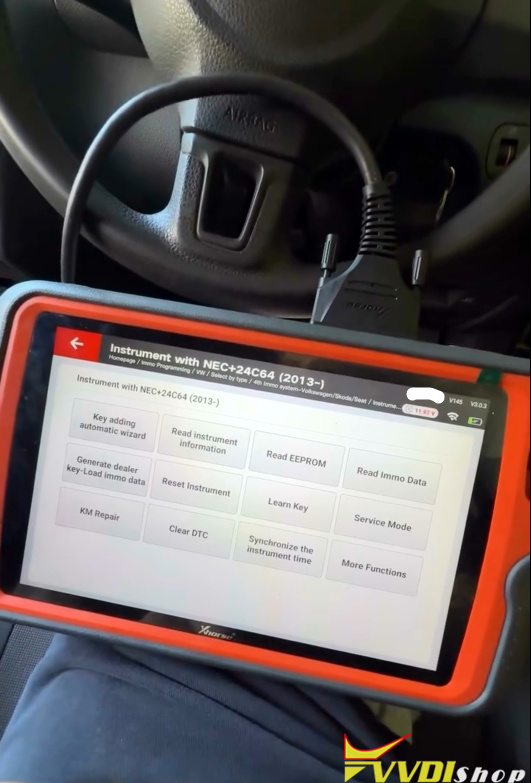
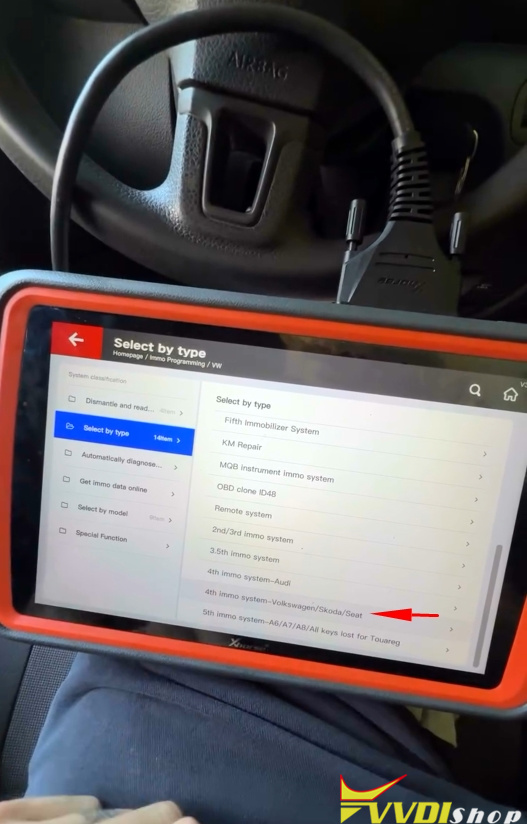
We go to Select by type and then we come down and select 4th Immobilizer system that it showed you on the last screen.
It tells us to try a 24C64. Let’s try this.
Let’s try reading the eeprom. If it does not working, we will go back and try other options.
Dashboard is off; failed to read data.
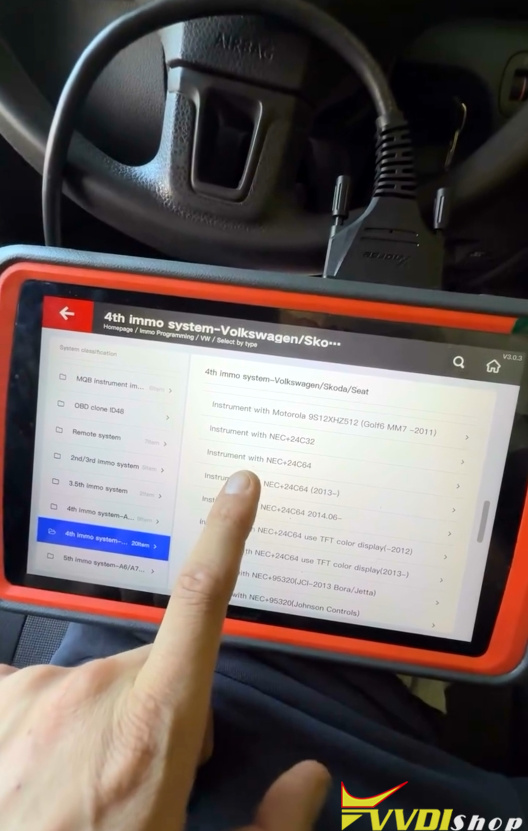
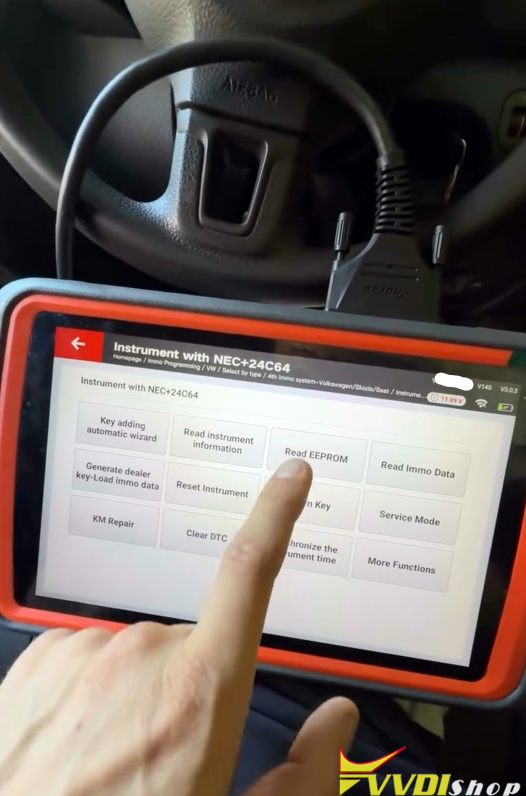
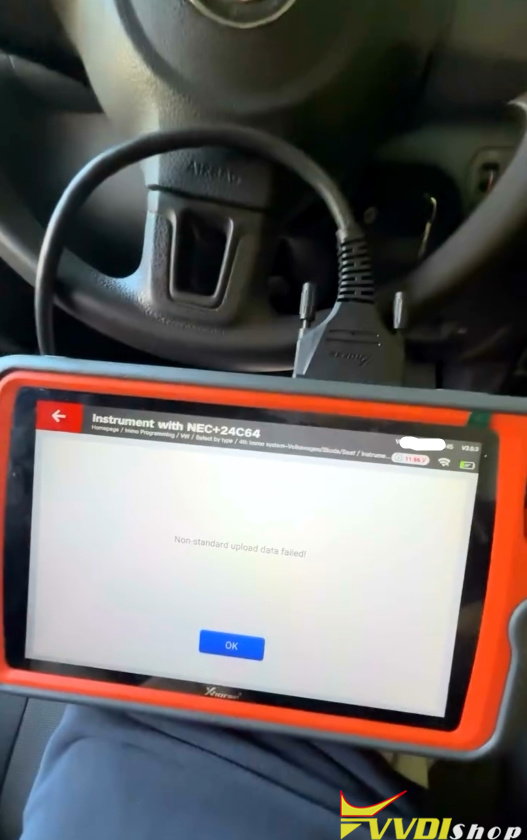
Let’s go back and select other options.
Go back and setect 24C64 2013 onwards.
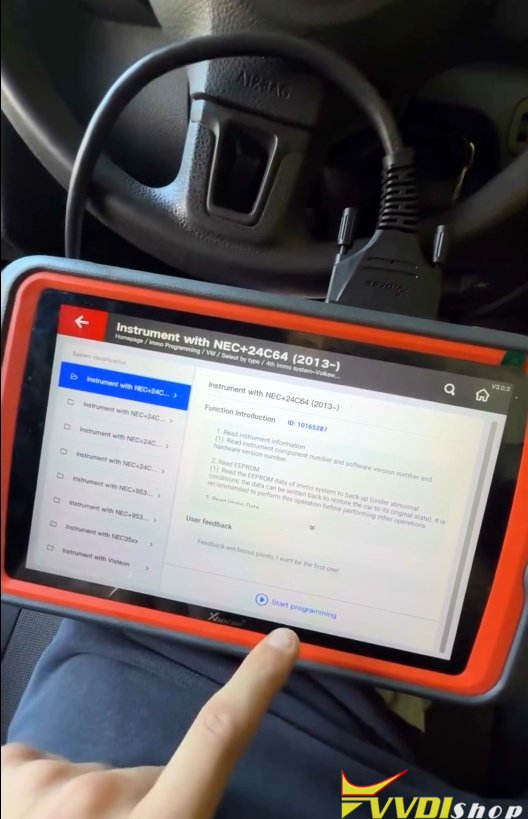
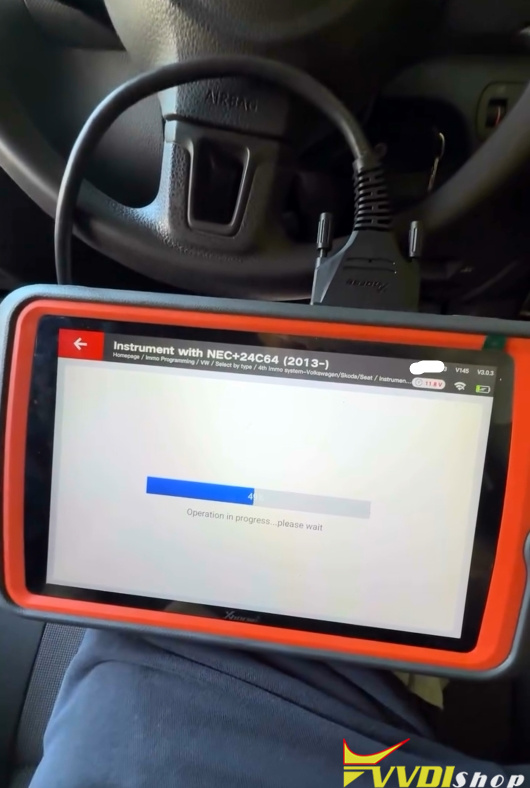
Try reading eeprom.
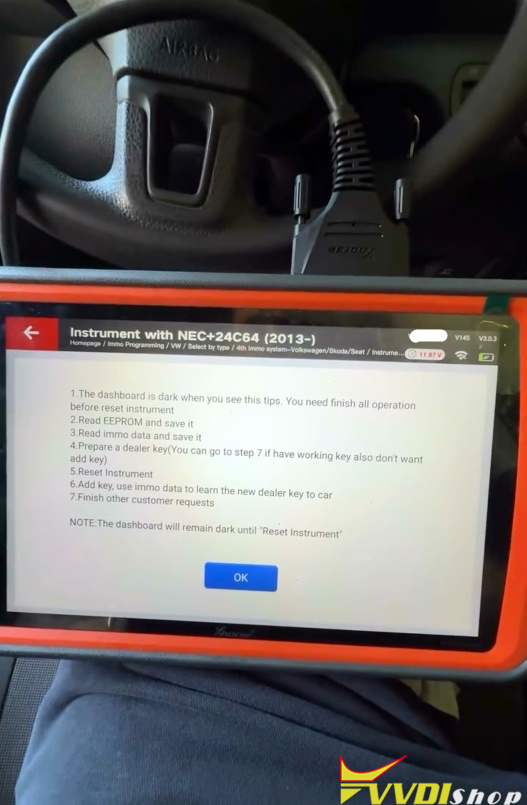
Dashboard goes dark.
Original key is in the ignition.
When you see this means that we have the correct dashboard and we can start to read the eeprom.