


This guide walks you through programming new smart keys for a 2020 Nissan Sentra B18 chassis when all keys are lost.
Tools used:
- Xhorse VVDI Key Tool Plus
- Xhorse XDKP36GL Nissan 16+32 gateway adapter
- At least two new smart keys (recommended to have a spare)
- Stable internet connection (required for the programming process)
- Vehicle battery maintainer (recommended to prevent voltage drops)
Step-by-Step Programming Process
1. Locate the Special Connector
The 2020 Nissan Sentra cannot be programmed through the standard OBD port alone. You need to access a hidden connector:
- Look under the dashboard on the driver’s side
- Find the white connector (may be difficult to see)
- Disconnect the factory connector
- Connect your 16+3 adapter cable between the vehicle’s connector and the OBD port

2. Connect Key Tool Plus
- Plug the 16+3 cable into the vehicle’s white connector
- Connect the other end to your vehicle’s OBD port
- Connect your Xhorse Key Tool Plus to the OBD port
- Ensure all connections are secure
3. Navigate the Programming Menu
On your Xhorse Key Tool Plus:
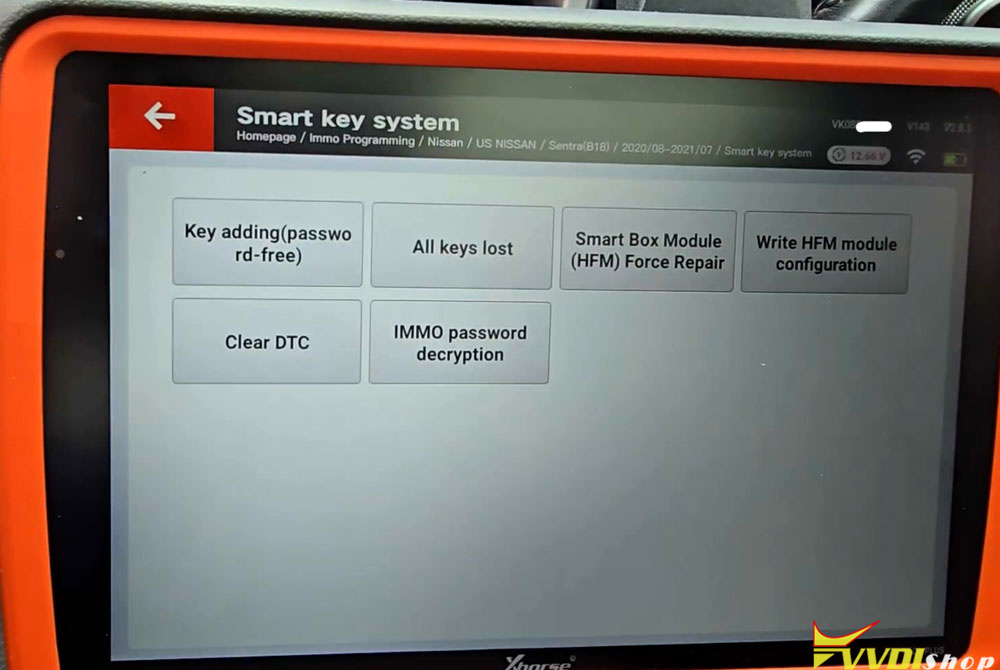
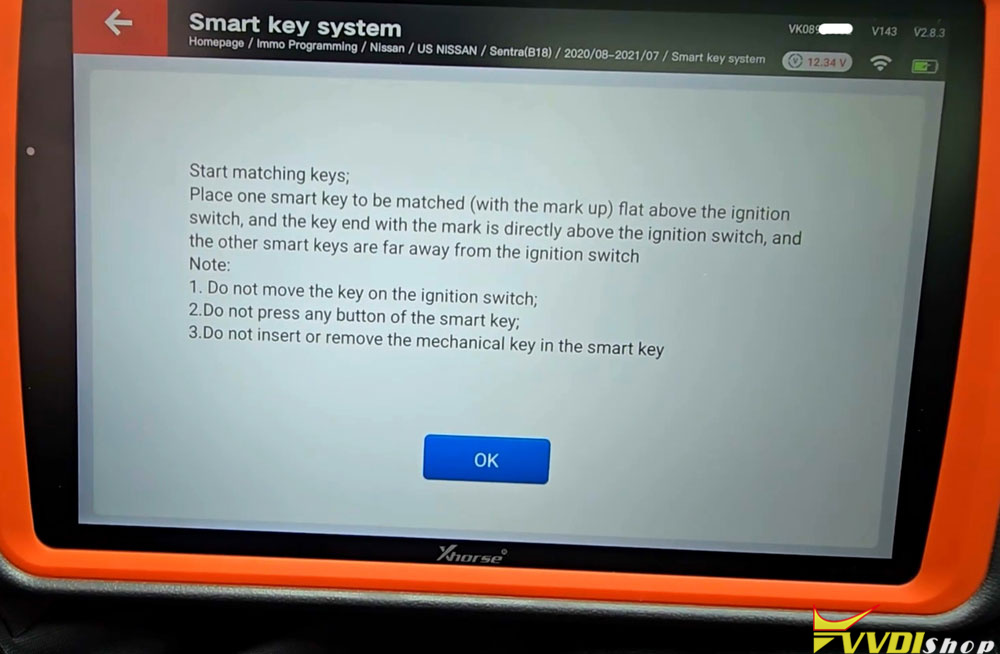
Select IMMO Programming- Nissan- US Nissan-Sentra B18- 2020/08 to 2021/07- Smart Key System
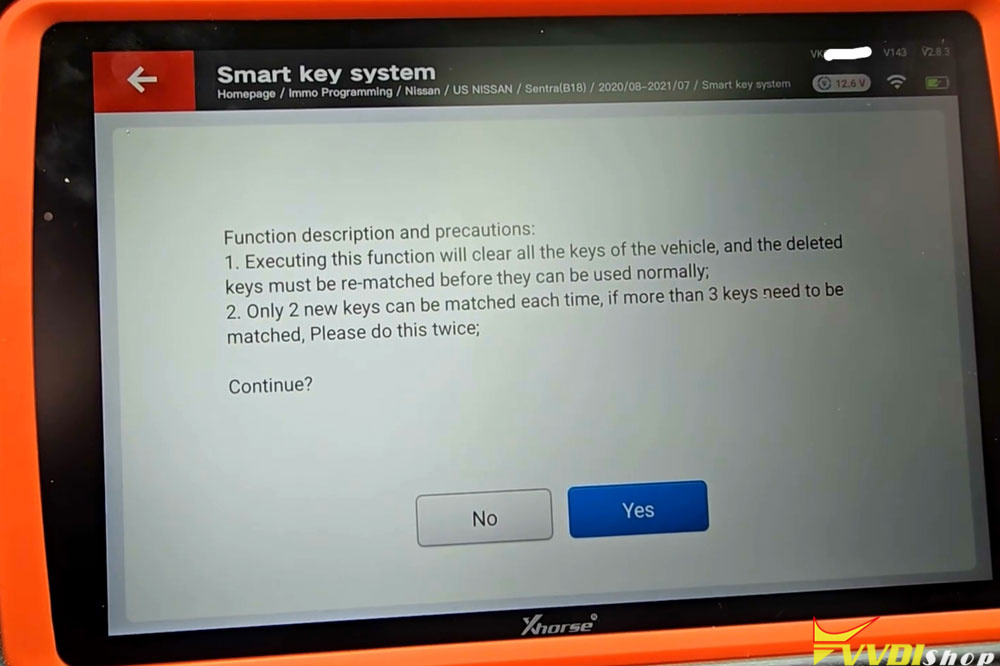
Read the on-screen instructions carefully
4. Begin All Keys Lost Procedure
Select All Keys Lost from the menu options.
The tool will prompt you to ensure the 16+3 cable is properly connected
Confirm that you have an internet connection (this is mandatory).
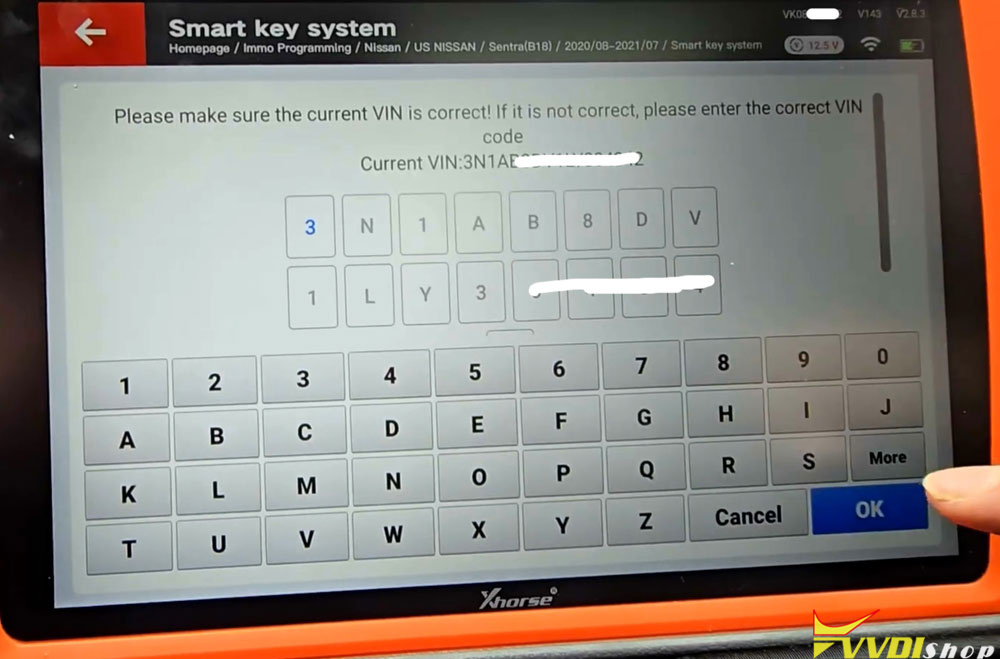
The tool will display the vehicle’s VIN.
Verify that the VIN displayed matches your vehicle.
Confirm it’s correct and proceed.
The Reading Process:
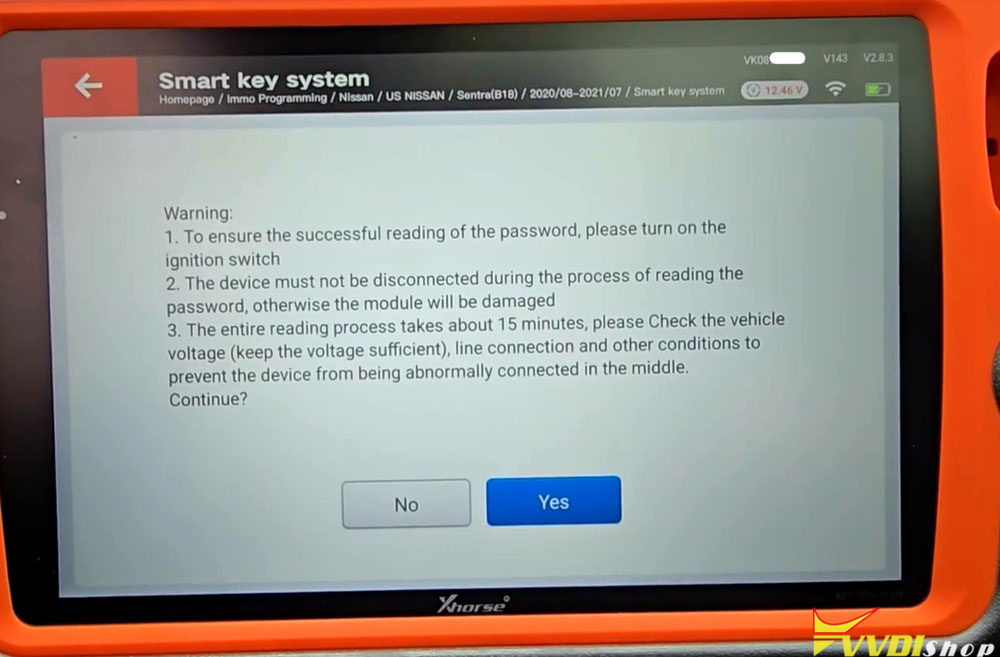
Important: This step takes approximately 15-20 minutes and requires patience:
The tool will instruct you to turn the ignition on – but with all keys lost, you cannot!
The system understands this and proceeds anyway.
Warning: Do not disconnect the device during this process.
Ensure stable vehicle voltage throughout.
The tool reads data from the vehicle’s modules.
The process involves multiple data readings:
First data read: approximately 10-15 minutes.
Second data read: another 10 minutes.
The ignition may turn off automatically during this process.

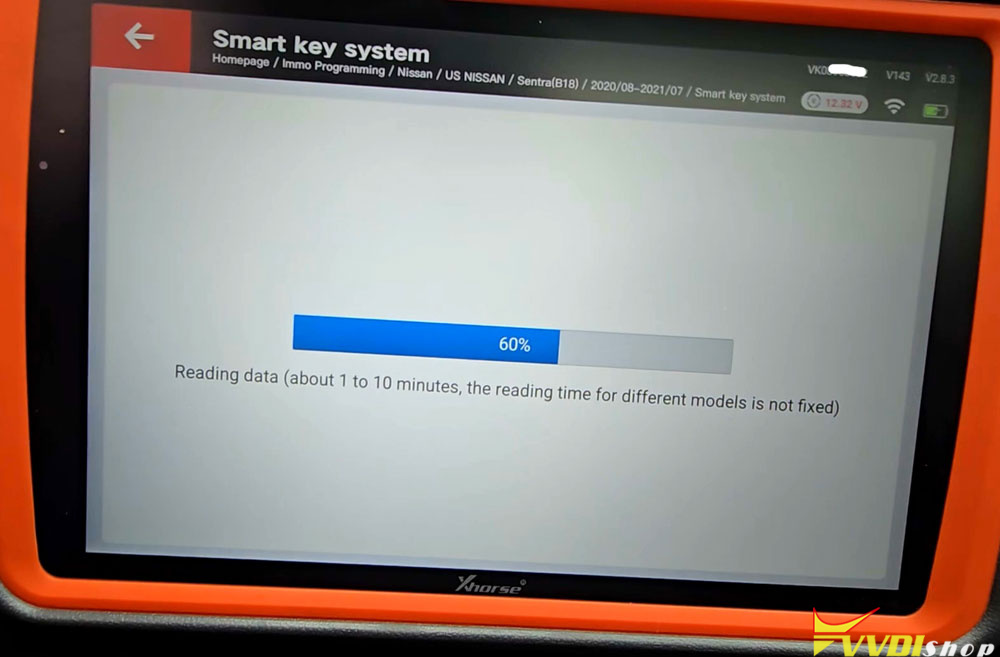


Complete follow steps as soon as possible:
Turn off igntion
turn on emergency indicators
The gear is in P or neutral
The steering column is unlocked.

5.Key Programming Phase
Once the data reading completes:
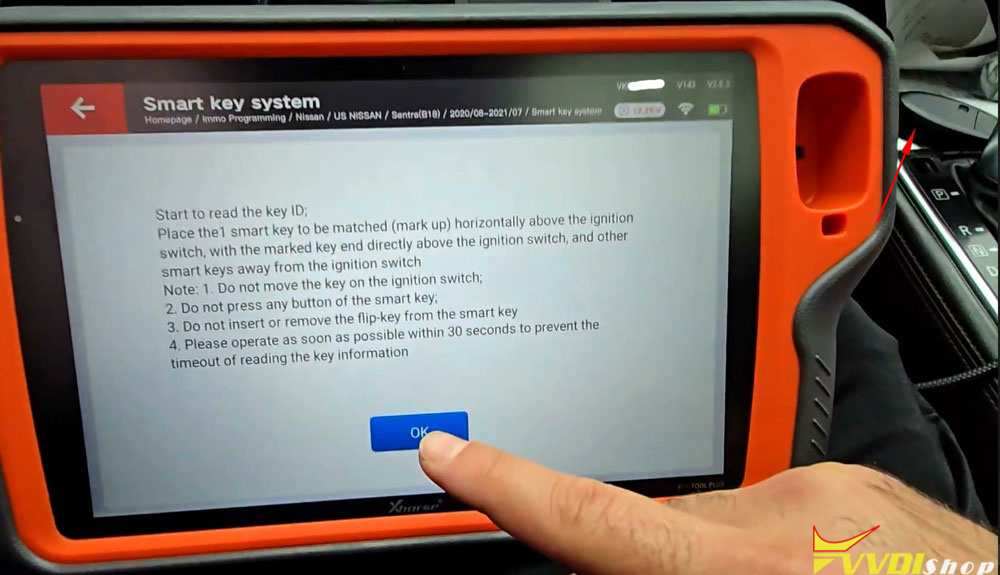
The tool will prompt you to place the first key near the start button.
Place 1st smart key to be programmed horizontally above the ignition switch with the marked key end directly above the ignition switch and take other smart keys away from the ignition switch.
Do not press any buttons on the key during programming.
Keep the key stationary in the programming position.
The system will register the first key.
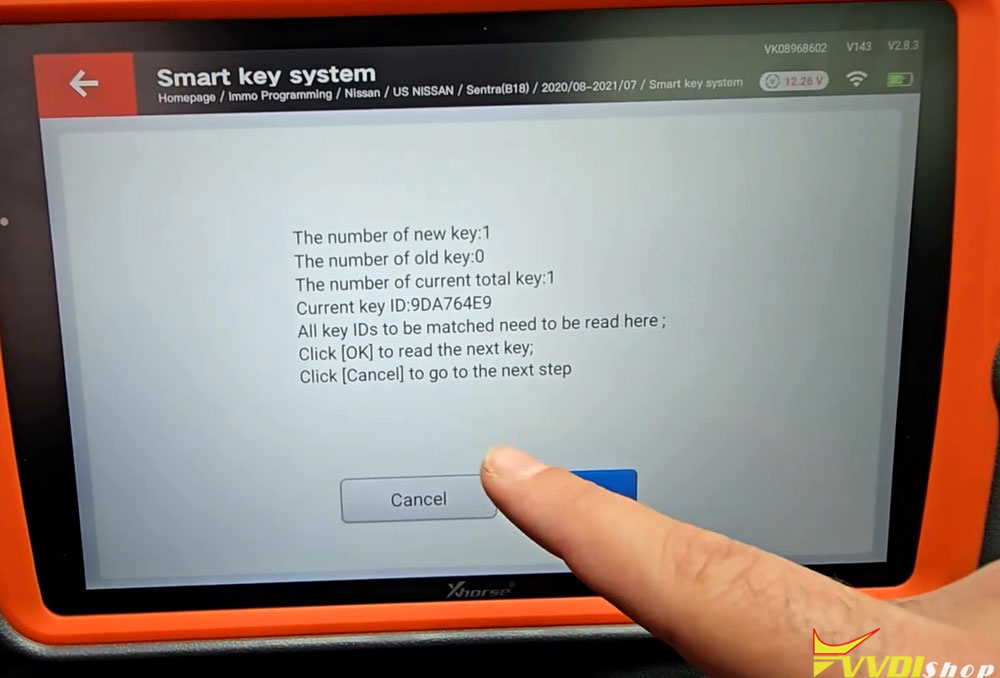
Place 2nd key to register 2nd key.
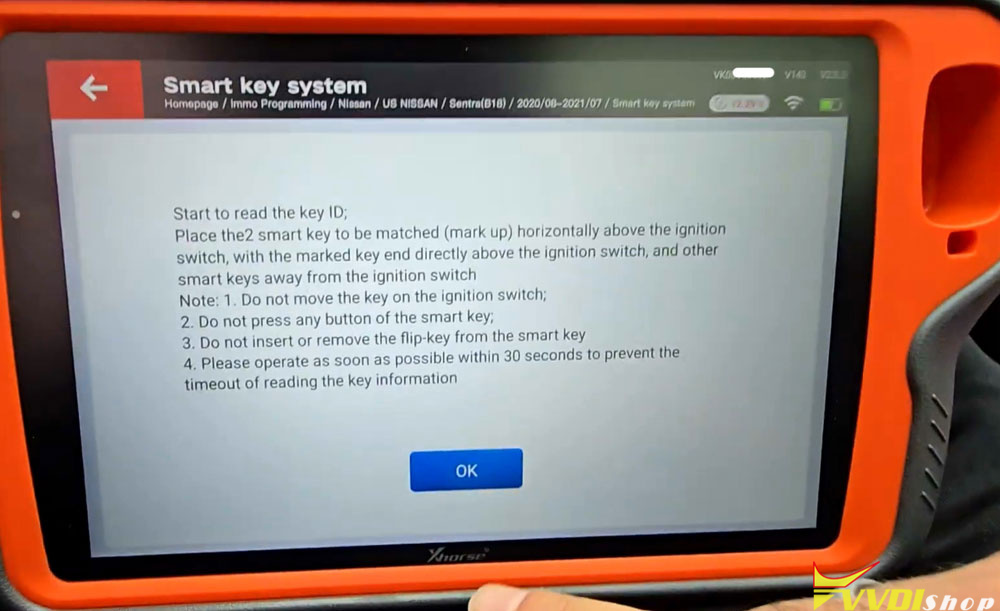

6. Adding Additional Keys
The system allows you to program up to two keys in one session:
After the first key is programmed, the tool will ask if you want to add another.
Remove the first key from the programming area.
Place the second key in the same position.
Again, do not press any buttons.
Confirm when prompted to complete the second key programming.
Pro tip: Always program at least two keys. If one aftermarket key fails, you’ll have a backup.

7. Final Steps
After programming completes:
The tool will display “Program Complete”.
Remove the 16+3 adapter.
Restore any original connections.
Test both keys to ensure they start the vehicle.
If Keys Don’t Work Properly
The tool may suggest performing a Write HFM Module Configuration if keys don’t function correctly after programming. This option is available in the menu if needed.
Check Engine Light
After programming, you may notice the check engine light illuminates. This is normal. Simply use a diagnostic tool to clear the codes. Note that some diagnostic tools may not connect properly to 2020 models, so ensure your scanner is compatible.
Remember: the specialized 16+3 cable is essential – you cannot complete this programming through the OBD port alone. Always maintain stable voltage throughout the process, and consider programming at least two keys to ensure you have a backup.
Read also:
VVDI Key Tool Plus Adds 2022 Nissan Sentra Key with 16+32 Cable