

How to use Xhorse VVDI Key Tool Plus with godiag VAG 5C clip adapter to read MQB49 5C key data?
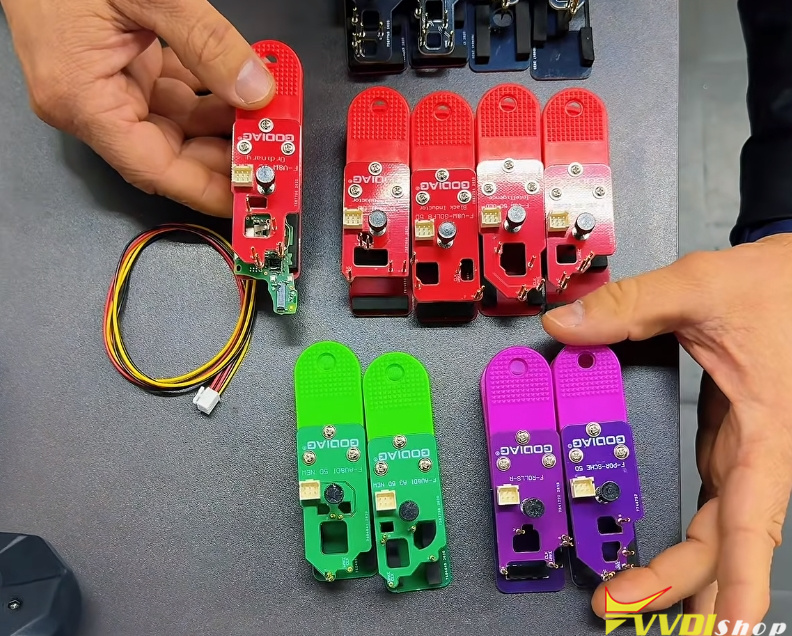
I already positioned a Volkswagen 5C board. Here all the red connectors refer to the Volkswagen line, the black ones BMW, the purple ones Porsche and Rolls-Royce.
Let’s position it here. There, the adapter is here. Take a little walk here. Let’s come here to IMMO programming. Let’s go to Volkswagen. Let’s select by type. Here I have instrument panel system MQB. I have here MQB49 5C. Here it is.
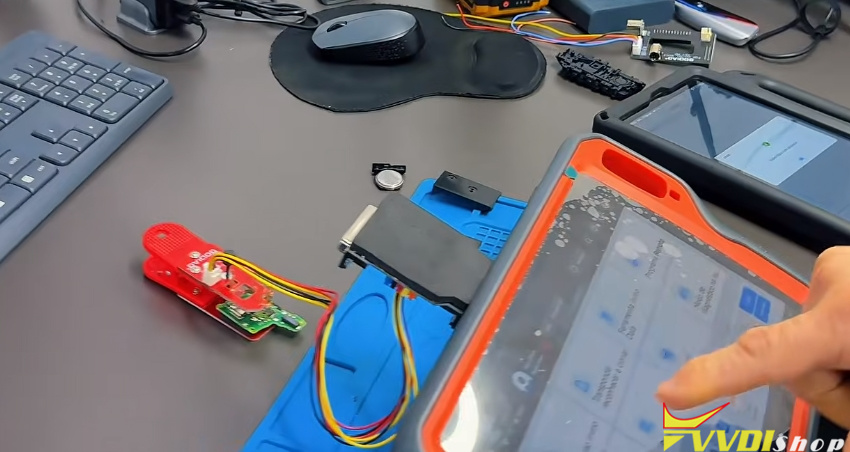
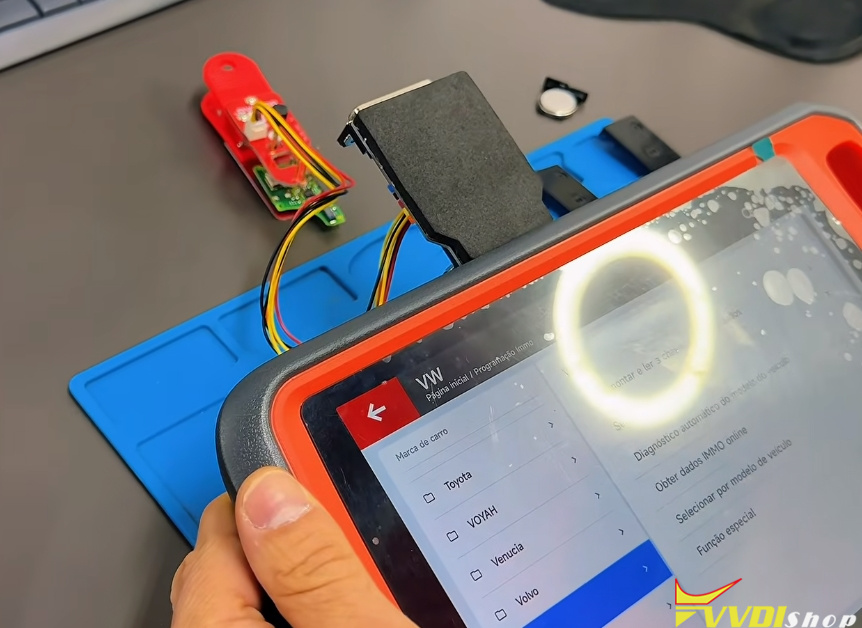
Let’s read the key data, as if we were making a copy. Add key, method one, key file data. Non-smart key. This is a key that does not have a presence sensor. Here. Disassemble and read key data. Original key. We are reading an original Volkswagen board.
Here, wire solder. Here is the Xhorse adapter. Here, let’s use here, wire solder. Method two. OK. Here we would have to do all the soldering — we won’t need it. We have the read clip there. OK. Yes.
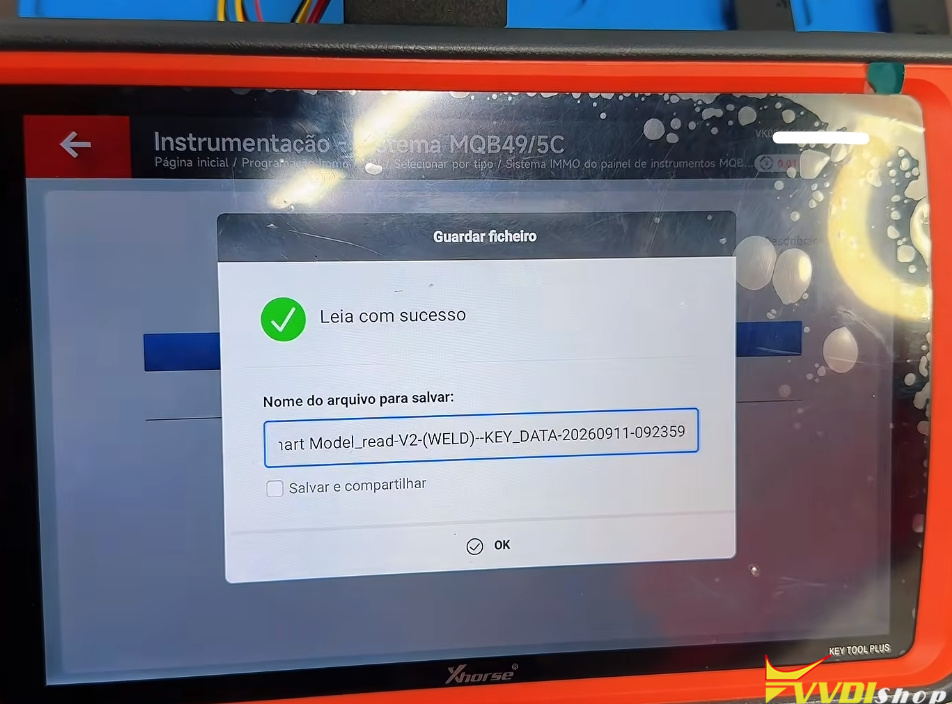
It is reading here, guys. Let’s go. Well, it already read, see? Perfect, guys. It already read. I can come here just to confirm. Put it on the antenna here. Key verification correct.