
Xhorse VVDI Key Tool Plus Data Communication Failed Solution

Problem:

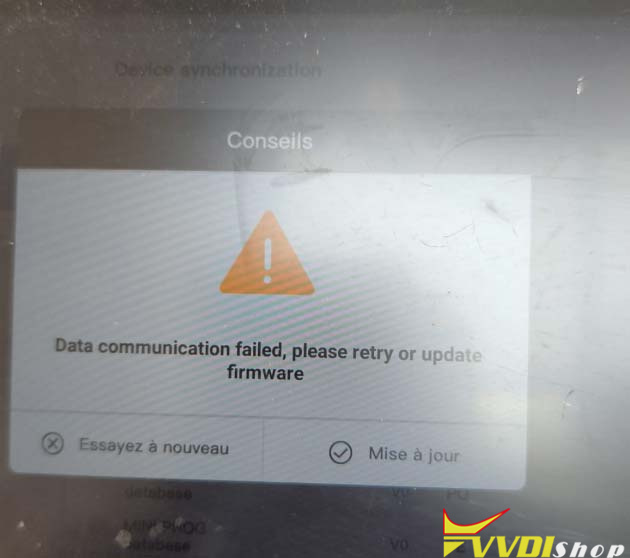
Xhorse VVDI Key Tool Plus device has no communication after the software update.

“Data communication failed, retry or update firmware”.

Any solution?
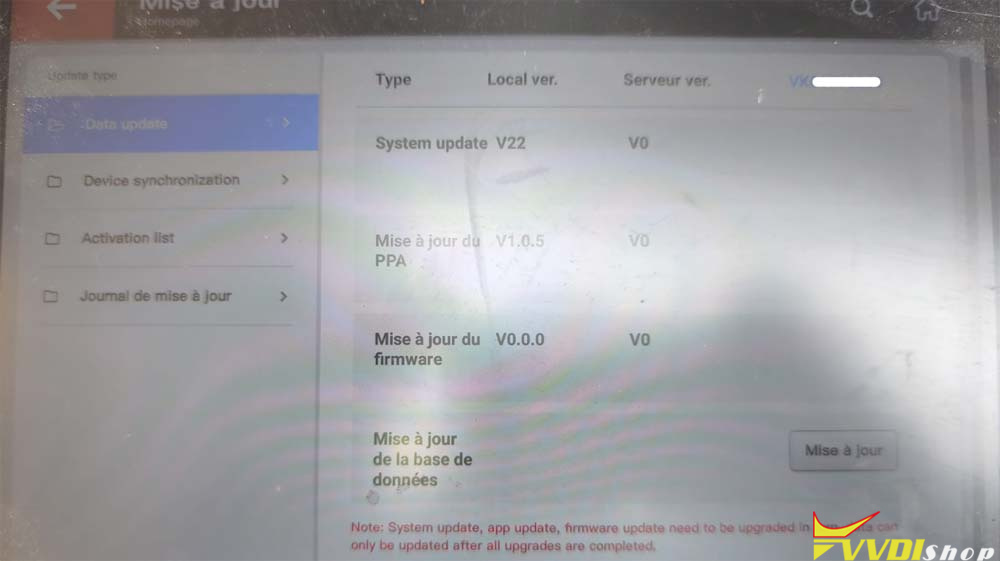
vvdi key tool plus Data communication failed 1

vvdi key tool plus Data communication failed 2

Solution:

Follow the steps below to clear the cache.

Scroll up on the tablet. Press the Home button.
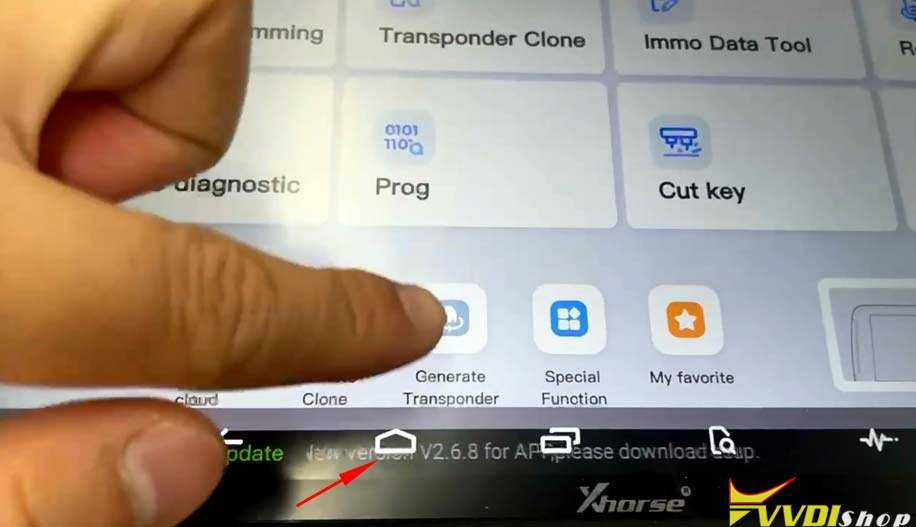
vvdi key tool plus Data communication failed 3

Long press the Xhorse icon. Click App info.
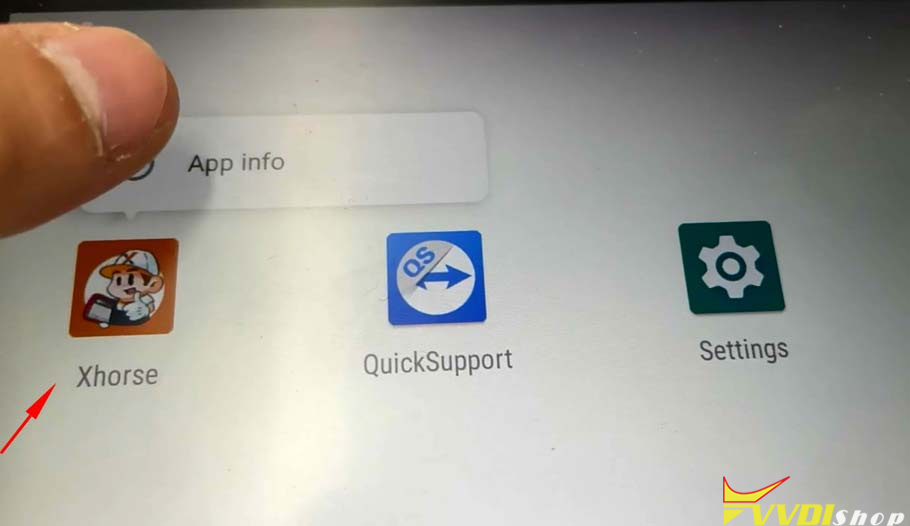
vvdi key tool plus Data communication failed 4

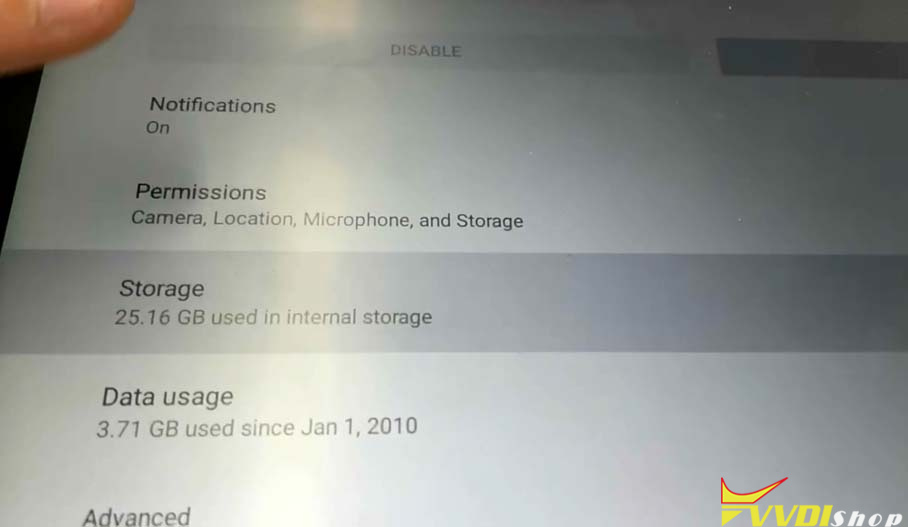
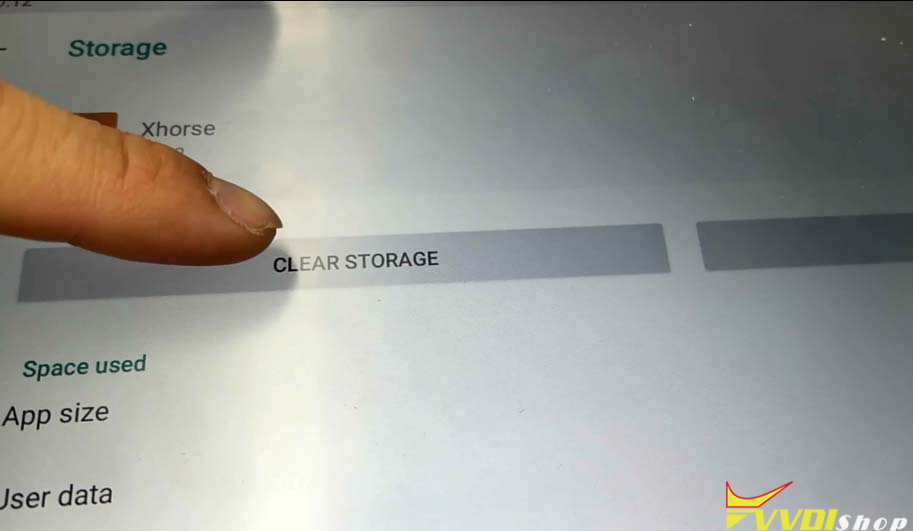
Click Storage.

vvdi key tool plus Data communication failed 5

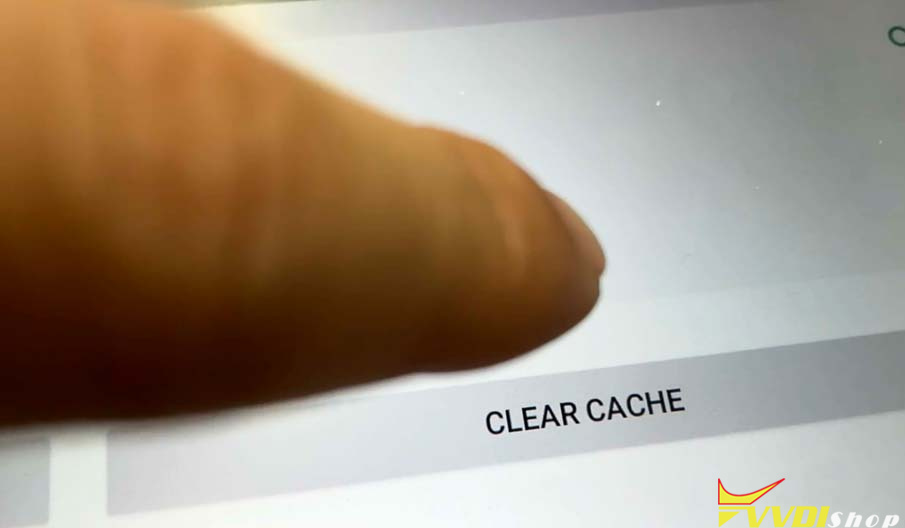
Hit Clear Cache.

vvdi key tool plus Data communication failed 6

vvdi key tool plus Data communication failed 7
Then update the software again.