


In this guide, we are going to explore the latest update from Xhorse. With this new update, you can now perform key and remote cloning on 52-pin series French vehicles using various Xhorse devices.
Required Tools:
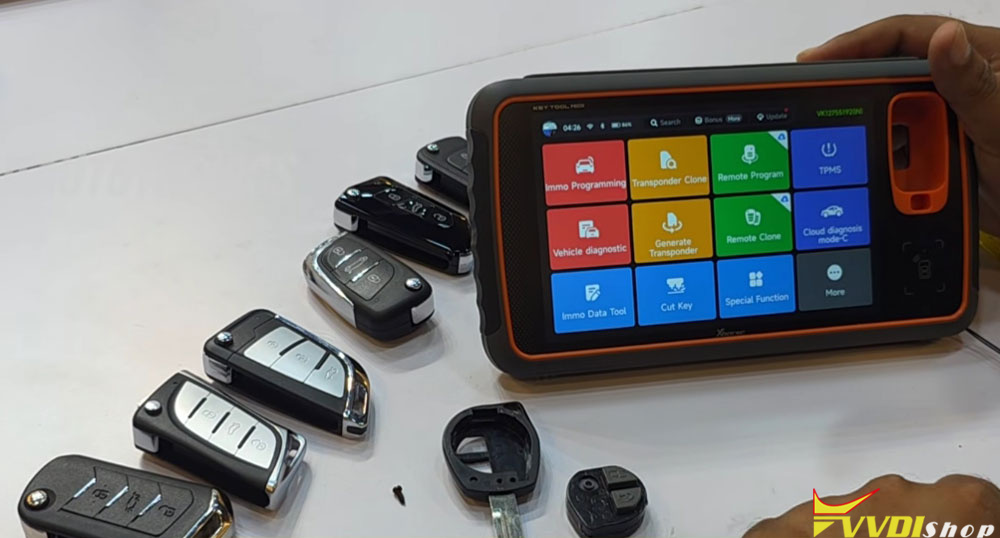
Any Xhorse programmer (VVDI Key Tool Max Pro, Key Tool Midi, Key Tool Plus, etc.)
Internet Connection: Required for online PIN/ID calculation.
Whether you own a Max Pro, Key Tool Midi (Advanced or Basic), or Key Tool Plus (full version), this update is compatible with all of them.
What’s New?
The major highlight of this update is the ability to clone both the key and the remote together. Today, we will be working on a 2025 French vehicle (52-pin series). We will use an original key along with the Xhorse XT57B chip and a CK-style wireless remote.
No matter what type of wireless remote you have, this cloning process will work.
Step-by-Step Cloning Process
1. Generating the Transponder
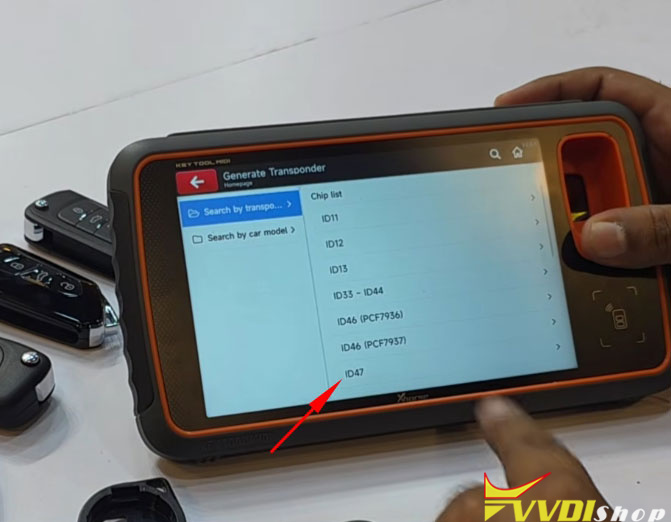
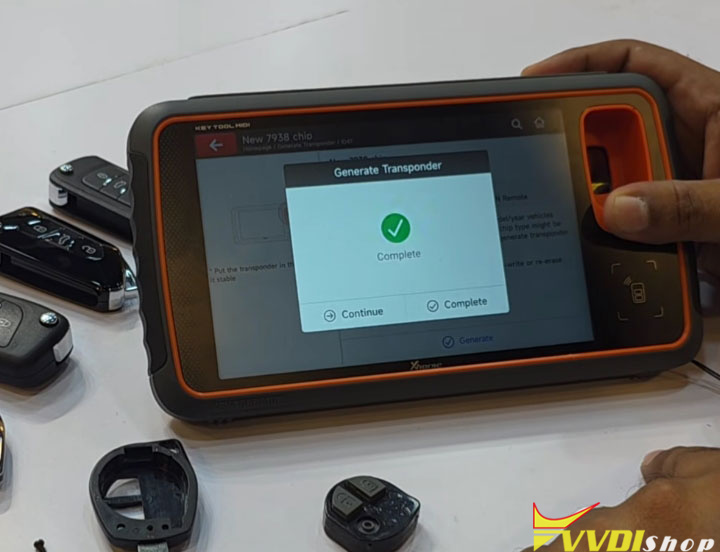
First, go to Generate Transponder.
Select ID47.
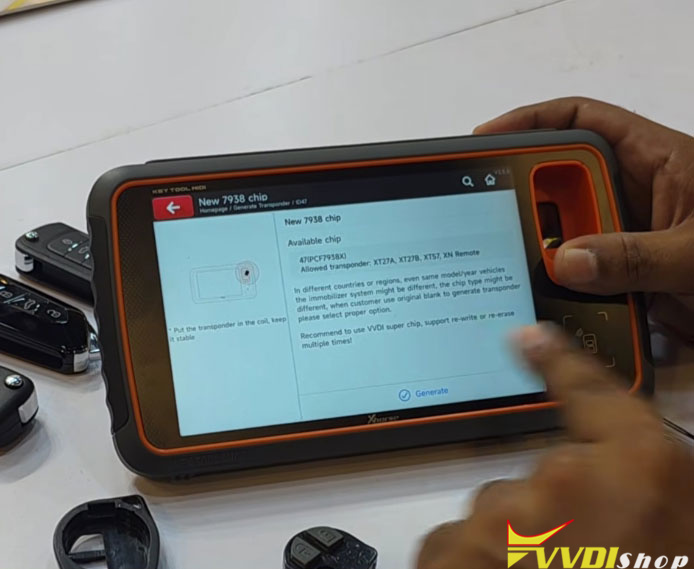
Choose the Blank 47 option (which appears as 7936 Blank Chip in some menus).
Generate the chip.
2. Programming the Immobilizer
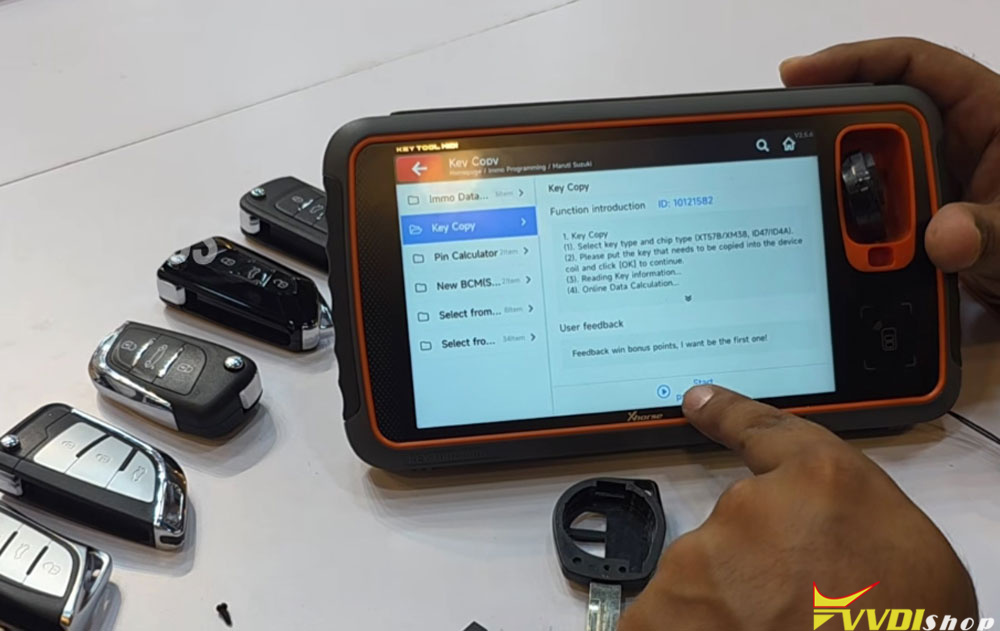
Open the Immobilizer Programming function.
Select Maruti Suzuki (note: for French vehicles, choose the appropriate make/model).
Look for the Key Copy option. If this option does not appear on your device (Max Pro, Midi, Key Tool Plus), make sure to update your Database and Firmware.

Select Start Programming.
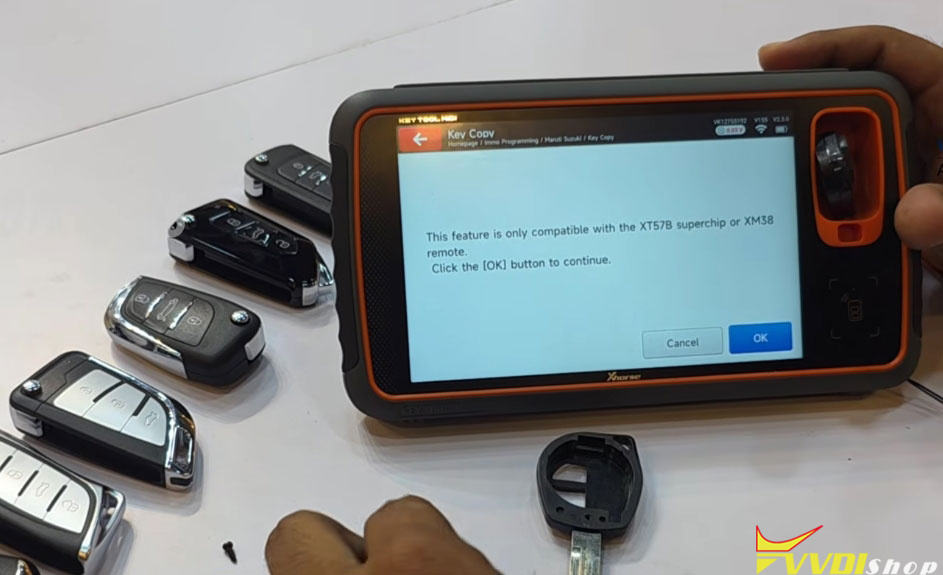
Important Compatibility Note:
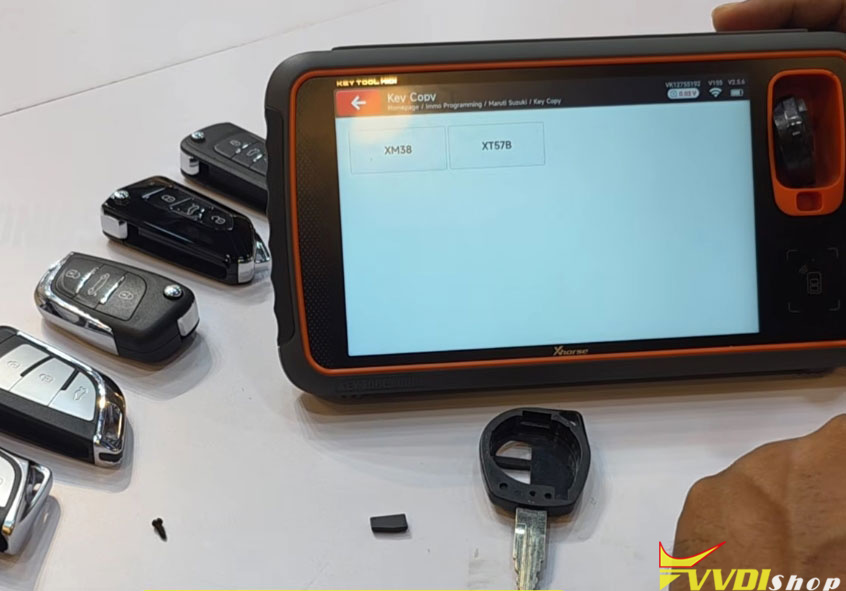
This feature is only compatible with XT57 Super Chip and XM38 Remote.
Specifically, the XT57B Super Chip is supported.
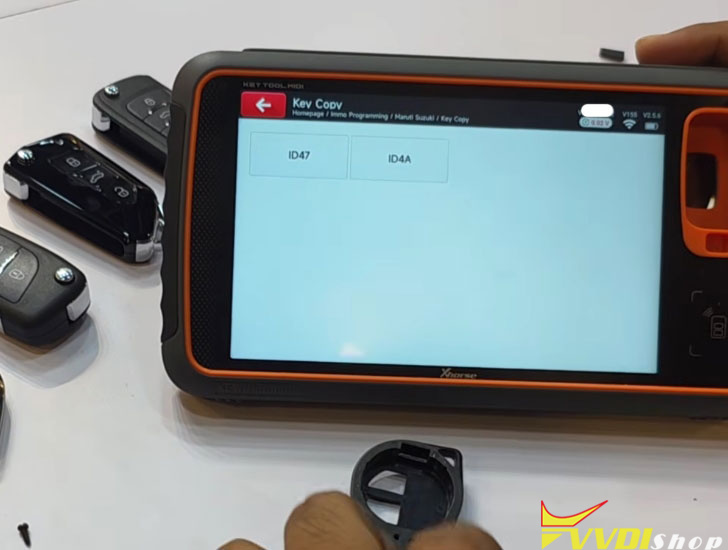
3. Reading the Original Key
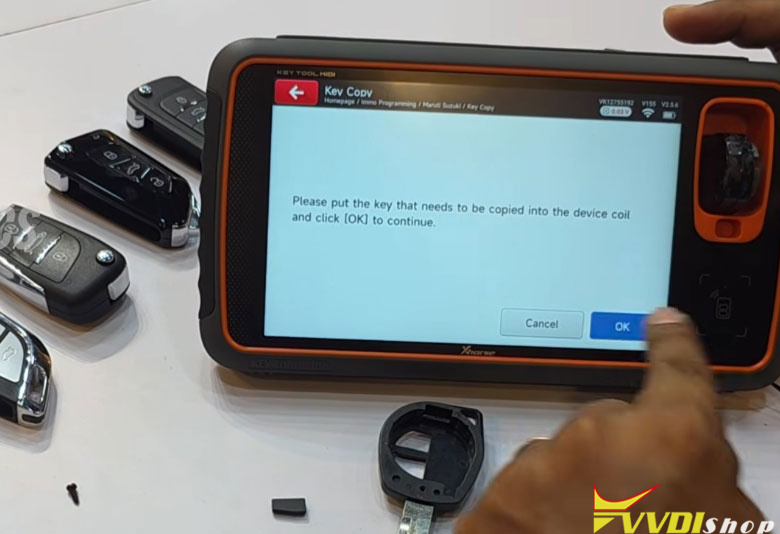
Place the original key (or just the remote) into the device’s coil.
Press OK.
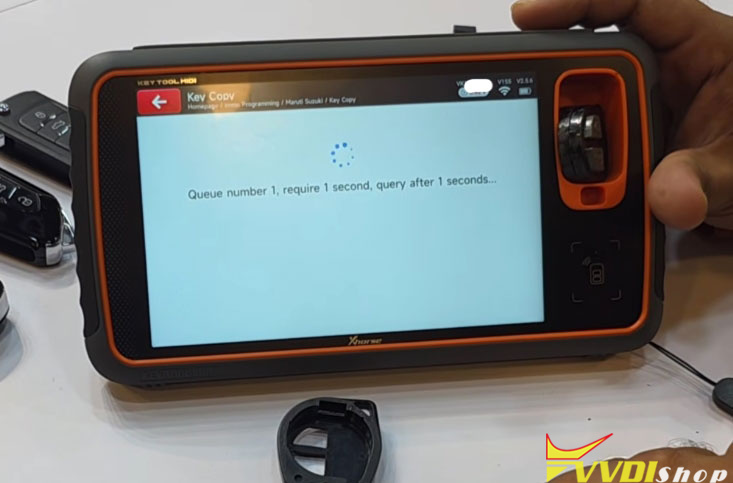
The device will read the key. Note: An active internet connection is required, as the PIN code and ID code are calculated online.
4. Generating the Clone
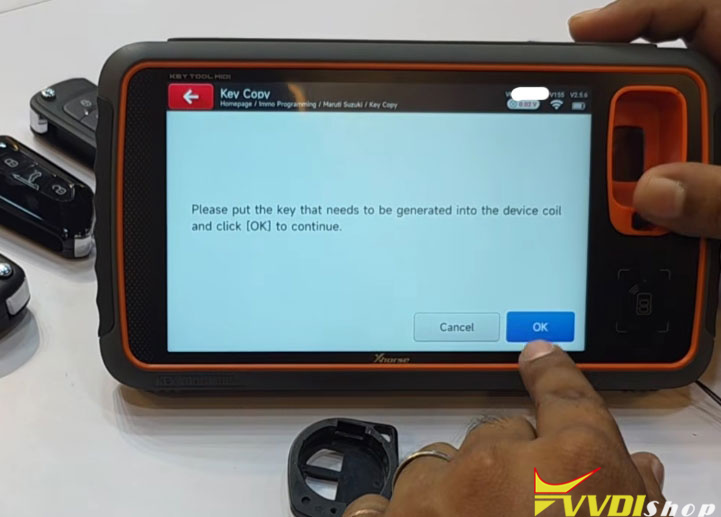
After reading, the device will ask you to place the pre-generated blank chip (XT57B ID47) into the coil.
Insert the blank chip and press OK.
The device will detect the key type and begin copying. Wait for the process to complete.
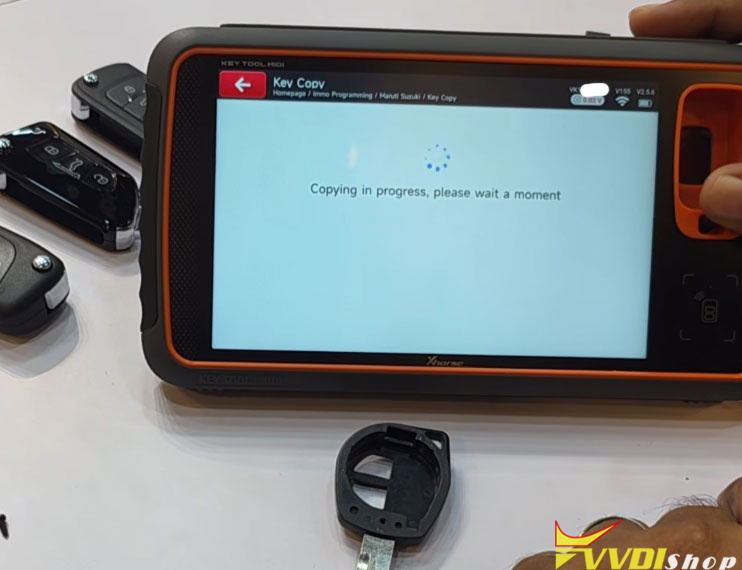
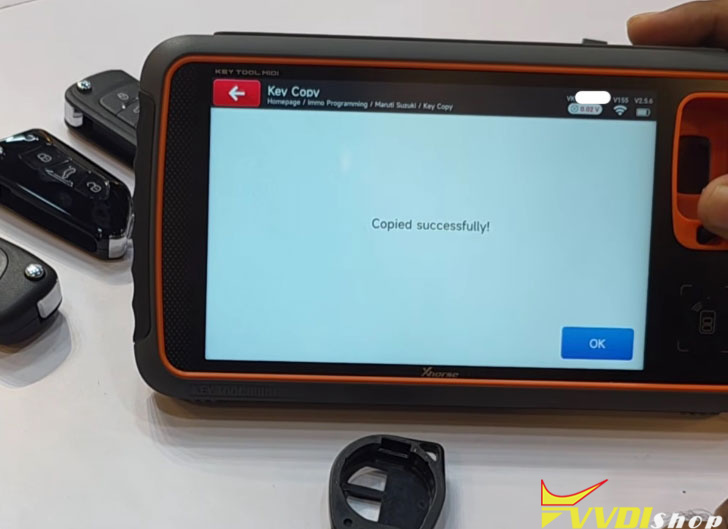
Cloning the Wireless Remote
Now, let’s go through the remote cloning process.
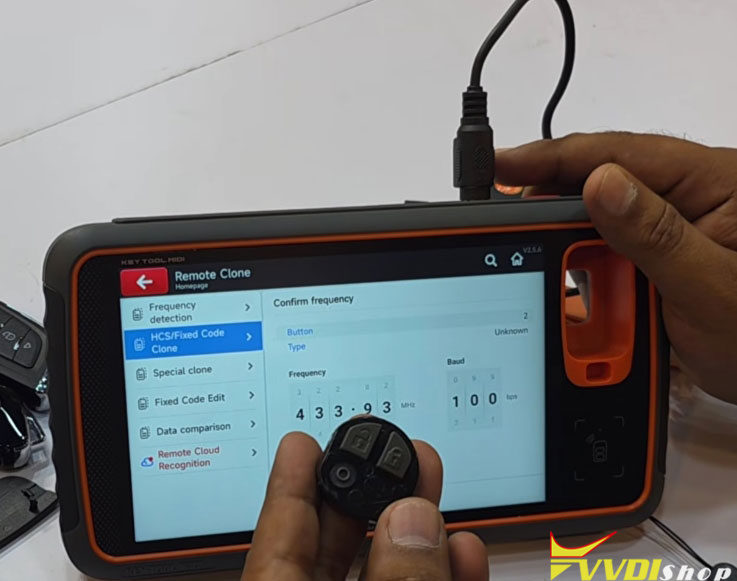
Go to Remote Clone > HS Fixed Clone > Automotive.
Take the original remote and press Start Clone.
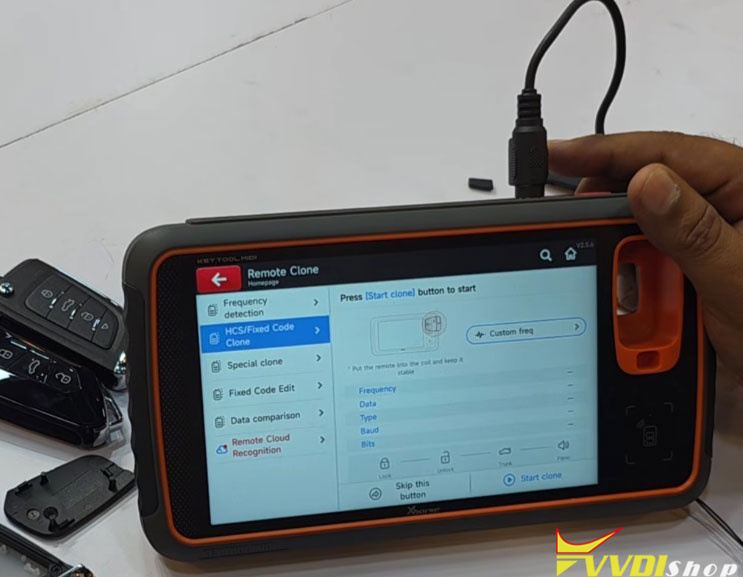
Follow the on-screen instructions:
Press the Lock button.
Press Lock again.
Press Unlock.
Press Trunk (if available; skip if not).
Press Panic (if available; skip if not).
The device will capture the frequency.
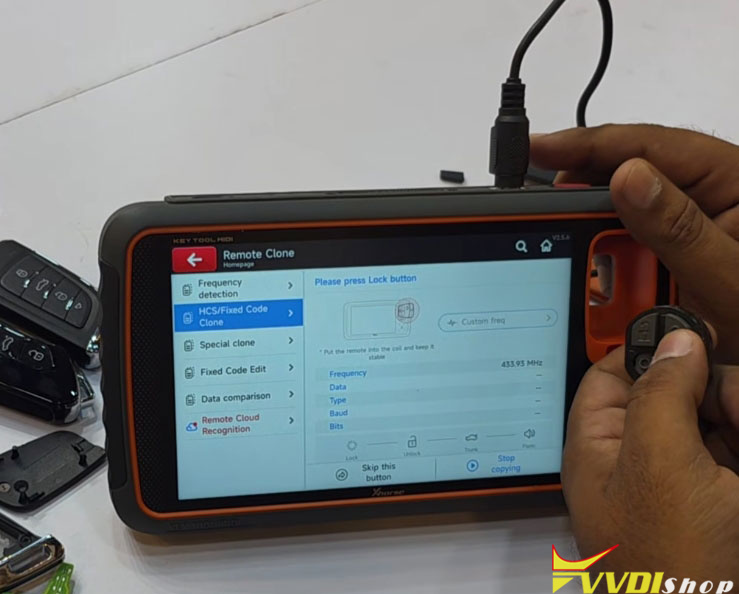
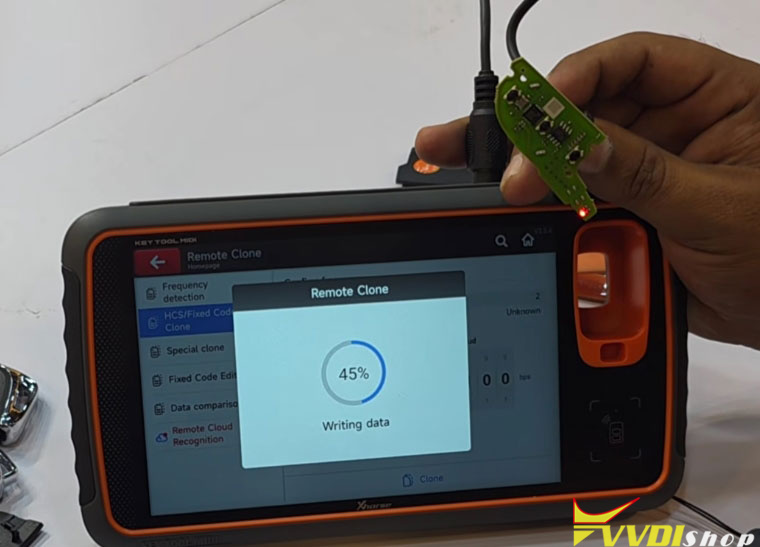
Now, take your target wireless remote (e.g., DS type or any standard wireless remote) and place it in the device.
Press OK to fix and clone.
Normal generation and cloning will start.
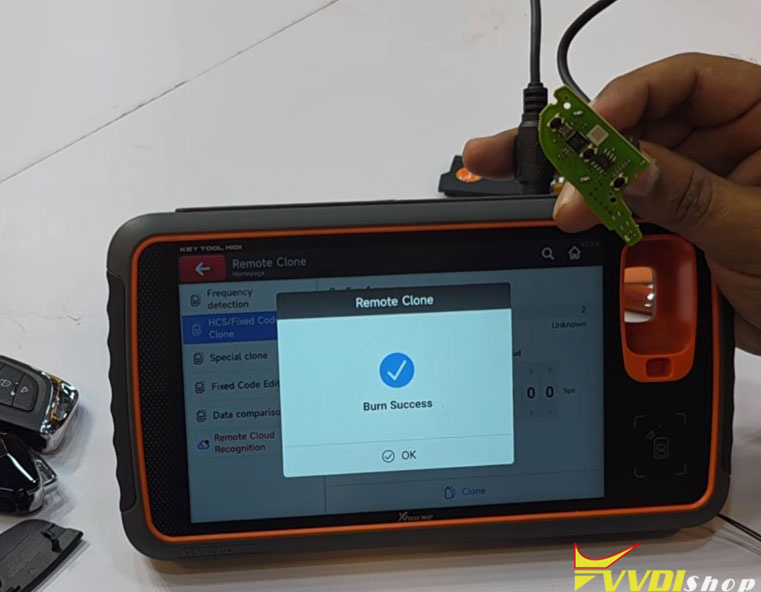
Burn Success – The remote is now cloned.

Testing the Cloned Key & Remote
Test 1: Remote Functions
Original remote: Lock / Unlock works.
Cloned wireless remote: Lock / Unlock works correctly.
Test 2: Vehicle Start
Insert the original key → Ignition ON → Vehicle starts.
Now, take only the XT57B chip (no cut blade, just the chip) and place it near the ignition.
The key light turns OFF (immobilizer recognized).
Vehicle starts successfully.
Test 3: Cloned Remote Check
Lock and Unlock functions on the cloned remote work perfectly.
Important Notes
Original Key Erased?
During the programming process, your original key may be erased. This update ensures that such issues no longer occur.
Compatibility: This method works on all 52-pin series French vehicles (and similar platforms).
Conclusion
With the latest Xhorse update, you can now successfully clone both the transponder and the wireless remote on 52-pin series vehicles. This process is supported across multiple Xhorse devices, and you can use any wireless remote you already have.