

Problem:
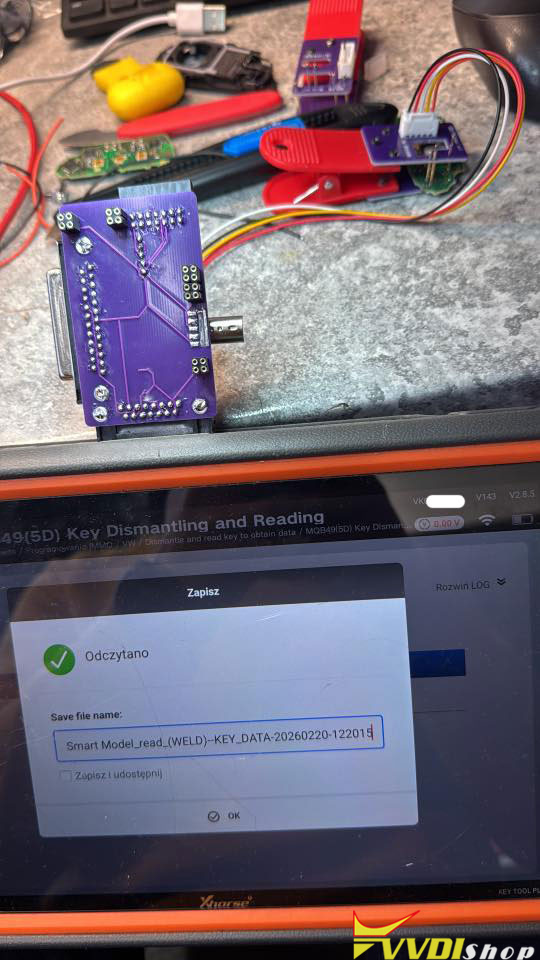
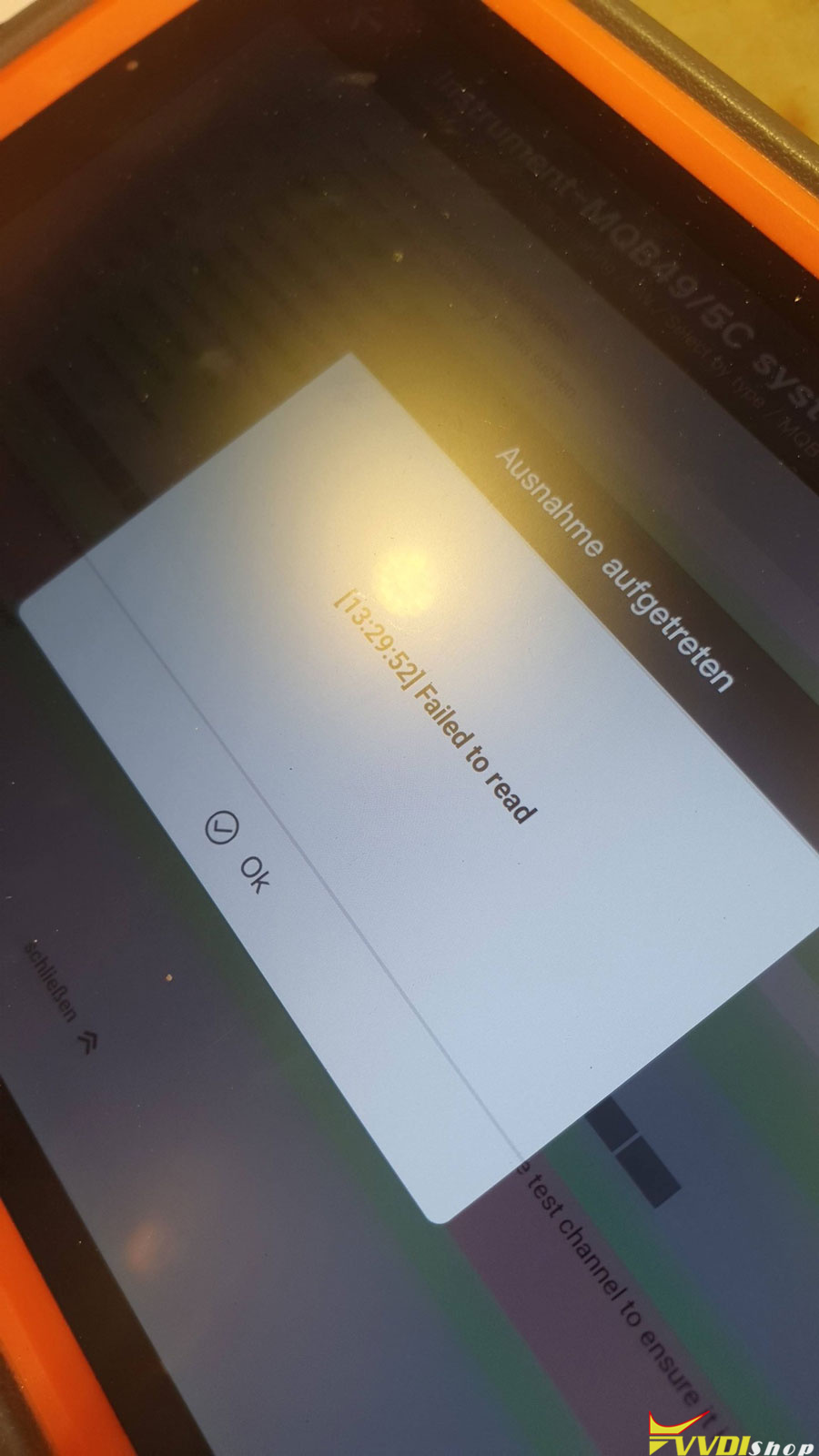
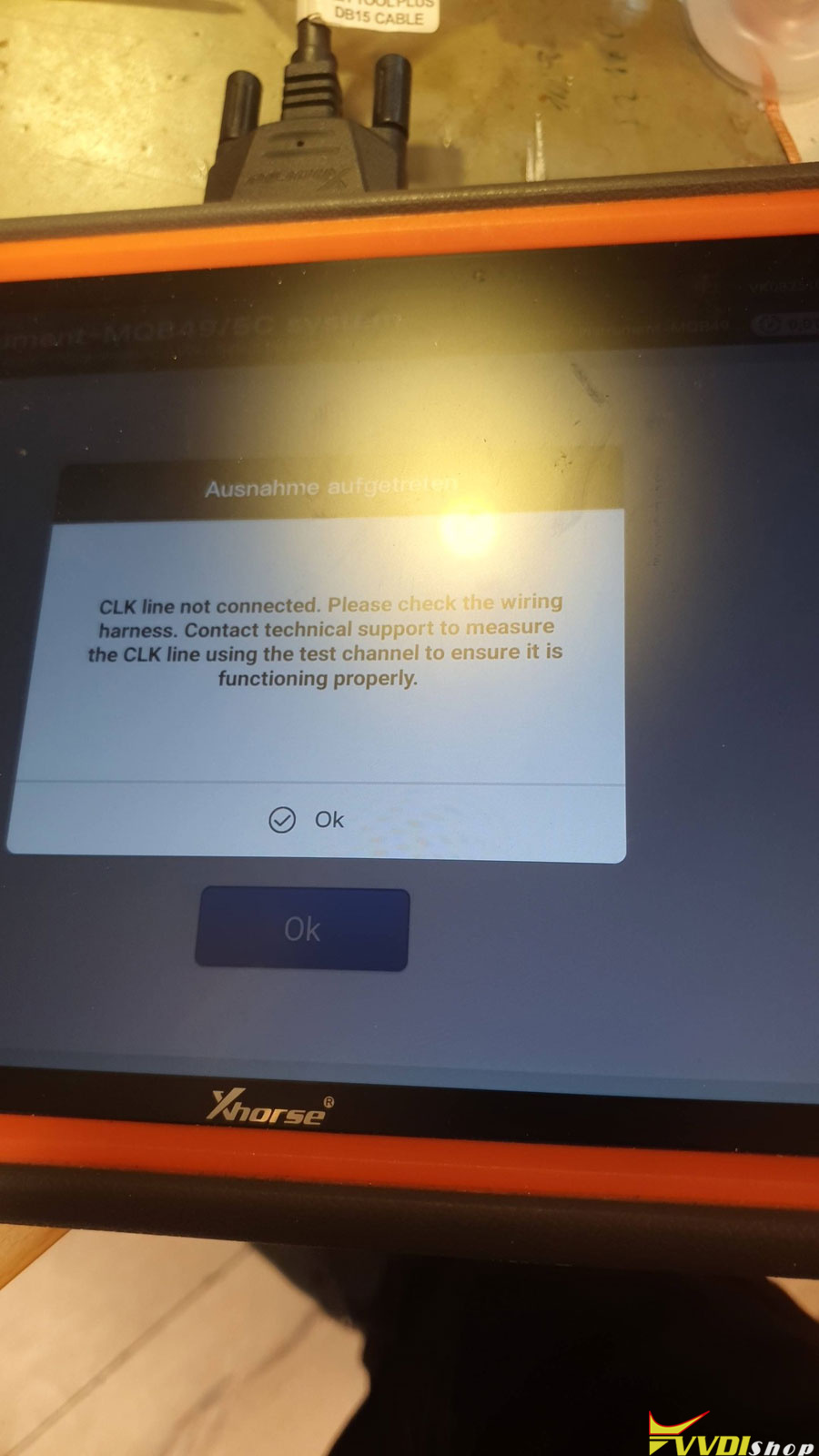
Xhorse VVDI Key Tool Plus failed to read Seat 2019 MQB49 5C non-keyless key data. I have an MCU 1.1 cable. All connections are made. It said CLK line not connected. Any solution?
Solution:
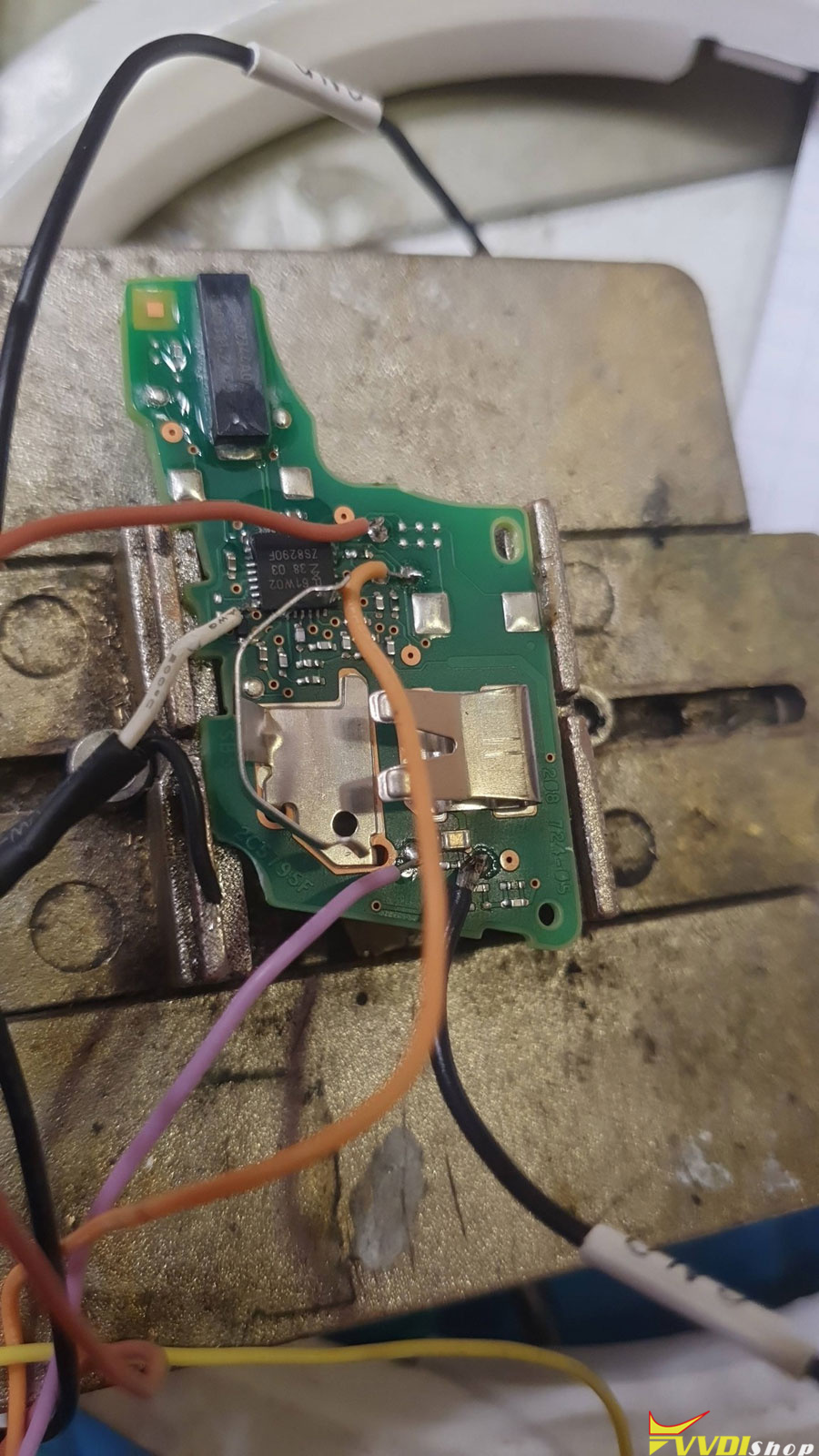
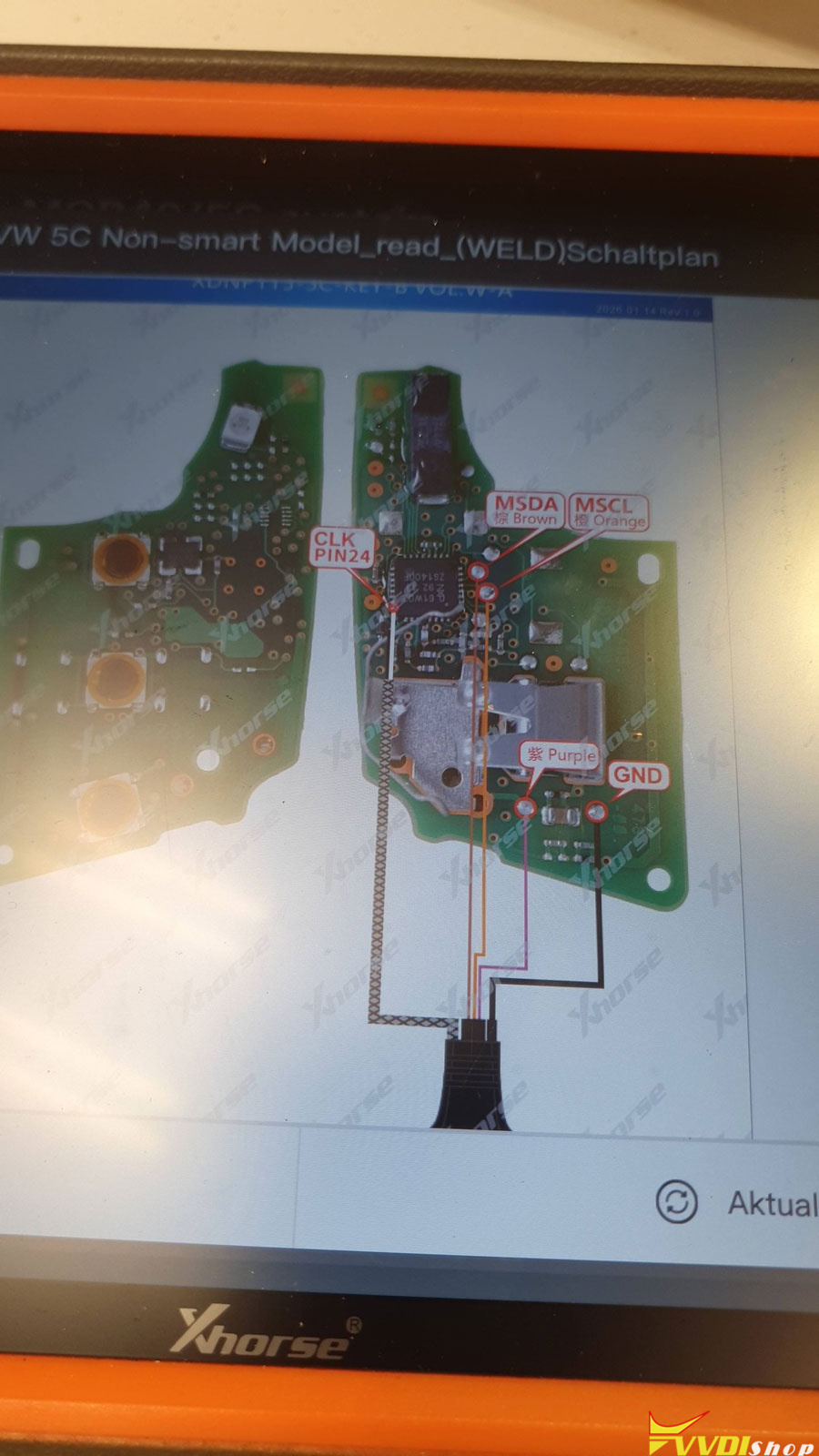
The CLK (clock) cables are very short and must not be extended. They must be carefully soldered to specific processor pins (e.g., pin 24), as shown in the software’s diagram. Precision is essential to avoid short circuits.
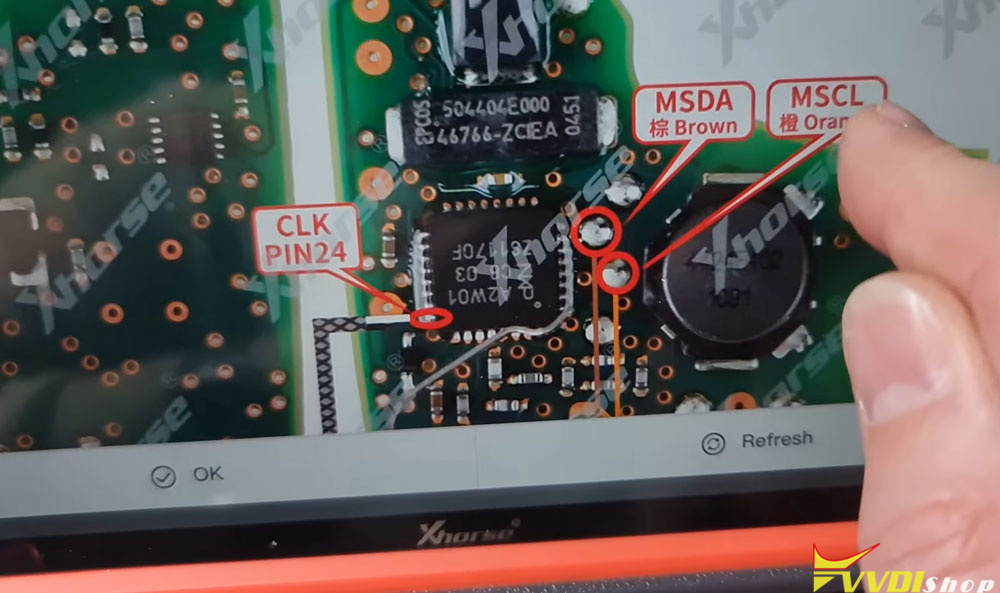
Using the multimeter, check the cable itself, if CLK wire (White) is shorted/connected to VCC wire (Red) or any other wire.
It can be a faulty MCU cable.
Change another MCU adapter or just put wires directly to DB15.
Connect directly to DB15:
2 MSCL
3 MSDA
4 VCC
5 WAKE
10 GND
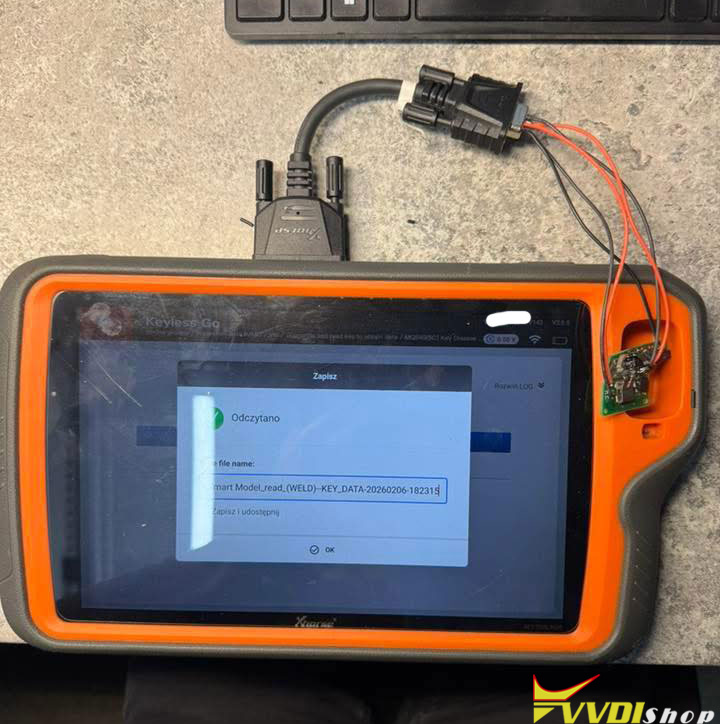
Buy solderless adapters – they are working fine.
Just solder 5 wires and connect to the white plug on main board from this adapter.