

Problem:
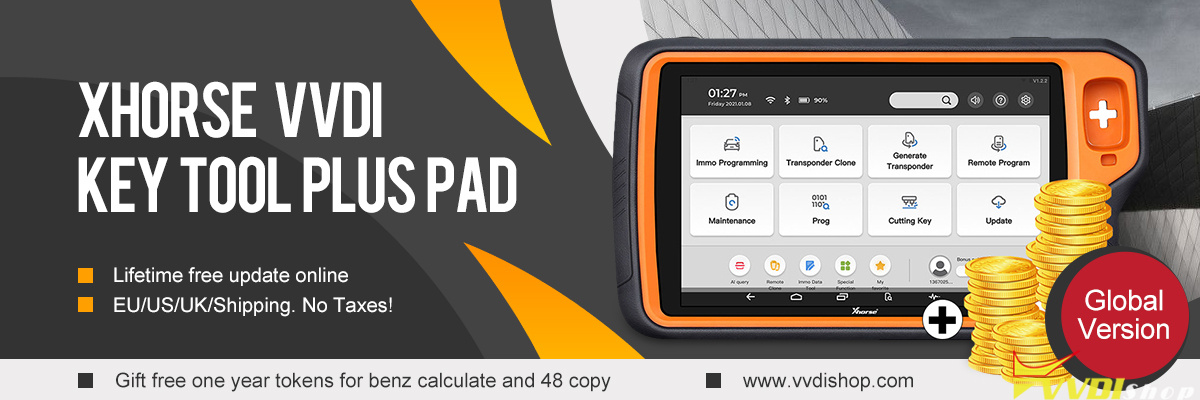
Xhorse VVDI MLB tool adapter not working after update 188 for VVDI KEY TOOL PLUS. Does anyone else have the same problem?
Possible solutions:
If the device is not recognizing the adapter, a system refresh may be necessary:
Go to Settings > System > Advanced > Reset options > Erase all data (factory reset) or simply use the Clear Cache option if available to refresh the device’s database.
Ensure your MLB firmware is also updated to the latest version via the “Update Online” menu.
You may need to manually re-trigger the activation process on the tablet:
Navigate to Immo Programming > More Function.
Select Test Function 8 and then Sub test function 58.
Follow the prompts to reactivate the MLB tool while connected to the internet.