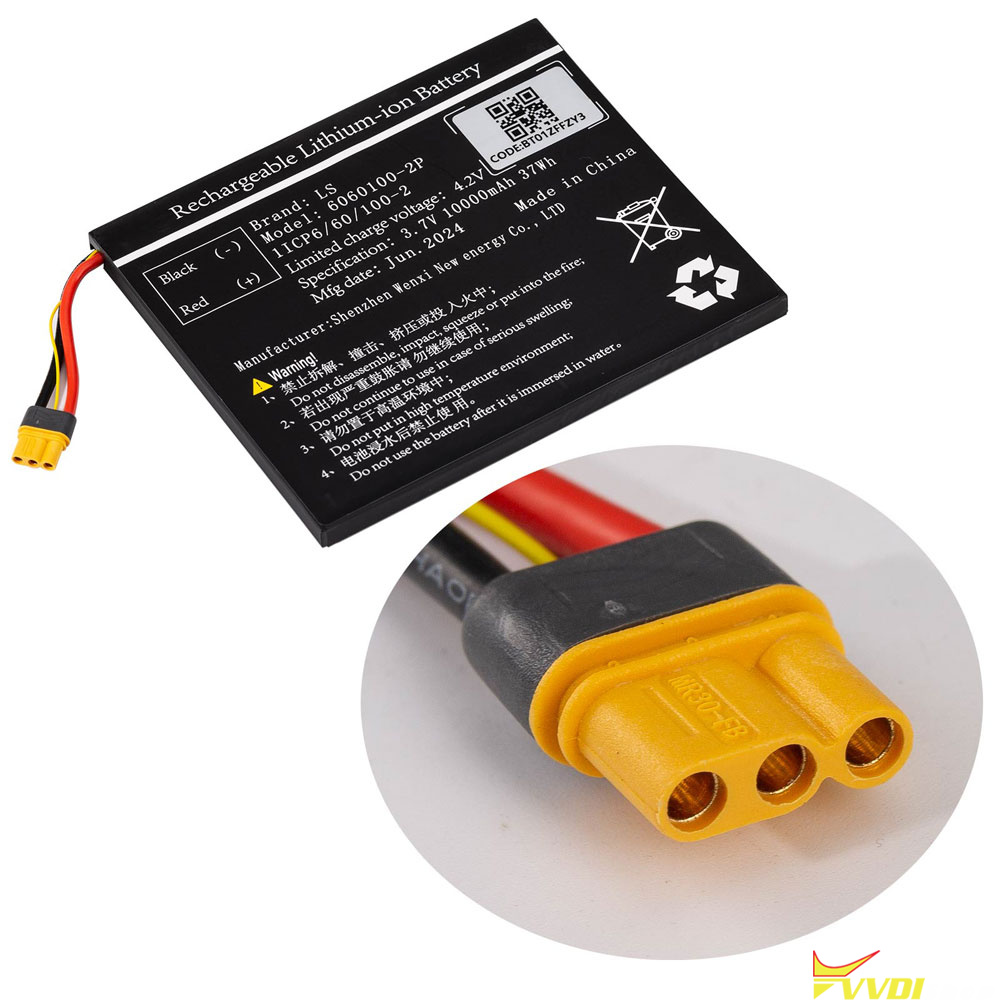


Xhorse VVDI Key Tool Plus full and Key Tool Plus VAG version battery replacement steps are as follows:
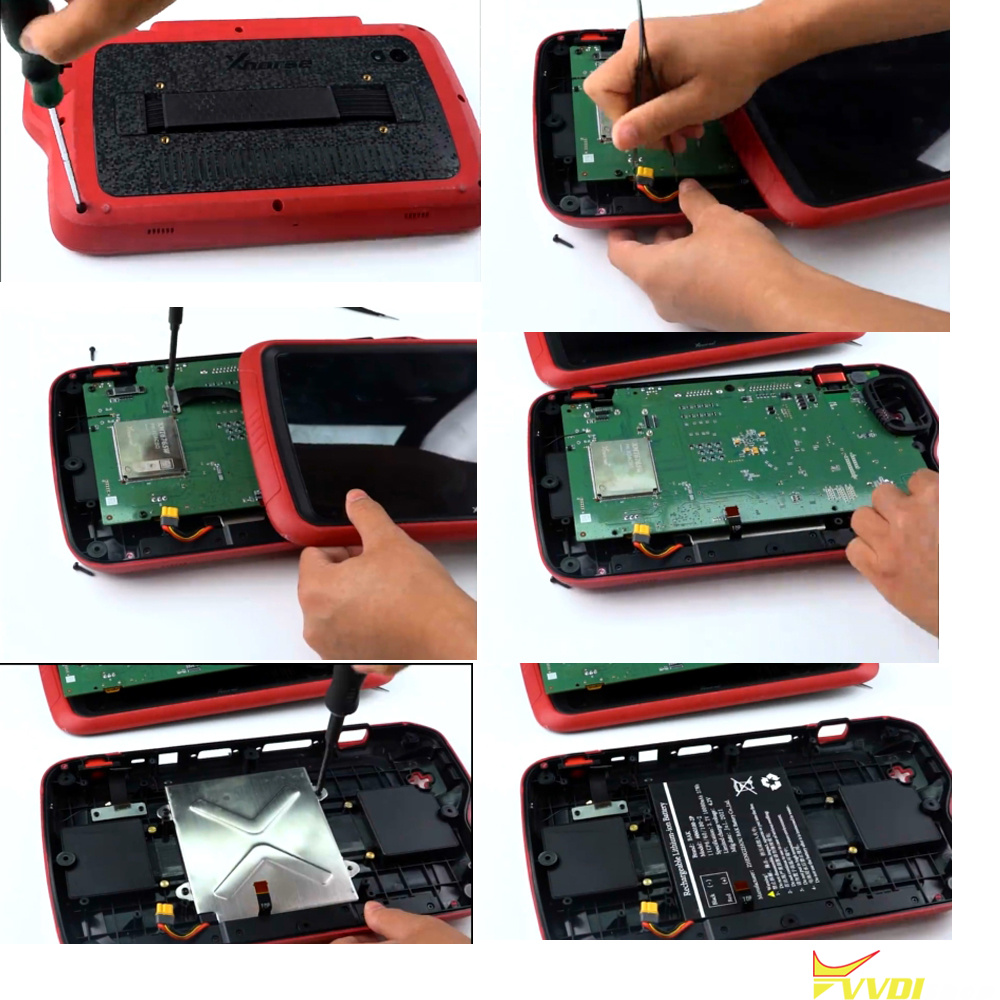
Procedure:
Remove the protective cover.
Remove the screws.
Separate the tablet.
Remove the components and separate the motherboard.
Remove the battery housing.
Replace the battery.
Reassemble in reverse order.
Complete the battery initialization.
NOTE:
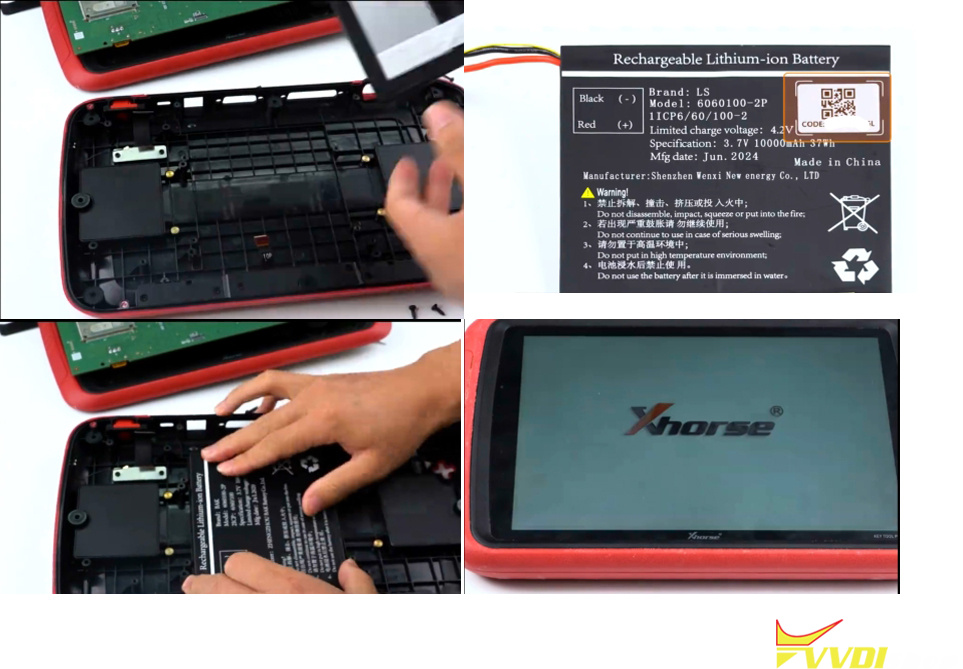
1: Take a picture of the label on the new battery and keep it, install the new battery into the device, then update the APP software version to the latest.
2: Enter KEY TOOL PLUS Main interface -> Setting-> Battery Initialization, enter the code on the label of the battery.
3: Follow the prompts to update, when the pop-up box prompts the battery initialization success, that means the replacement is completed.
Attention: If you have any questions, you can contact vvdishop.com or APP online customer service.
The code can be found in the new battery label. Order Replacement battery for key tool plus