
Problem:
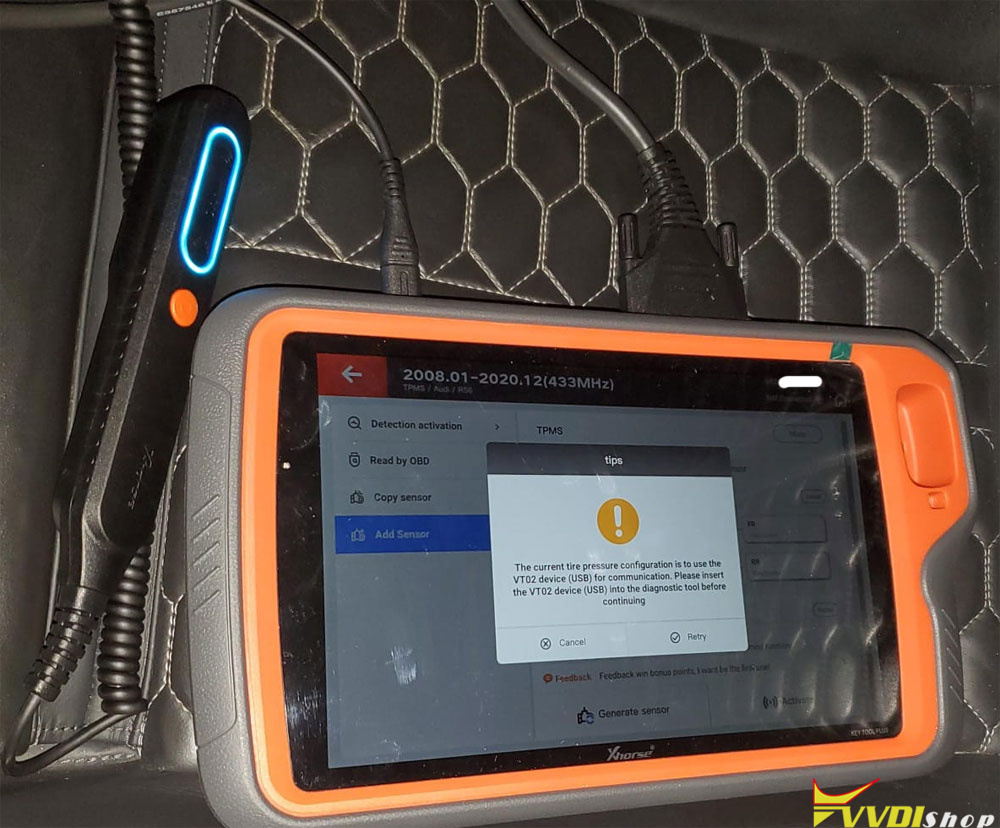
I want to use the Xhorse VVDI Key Tool Plus and TPMS adapter that comes with the Key Tool MIDI. But it won’t connect and says device not connected. Any idea?
Possible solutions:
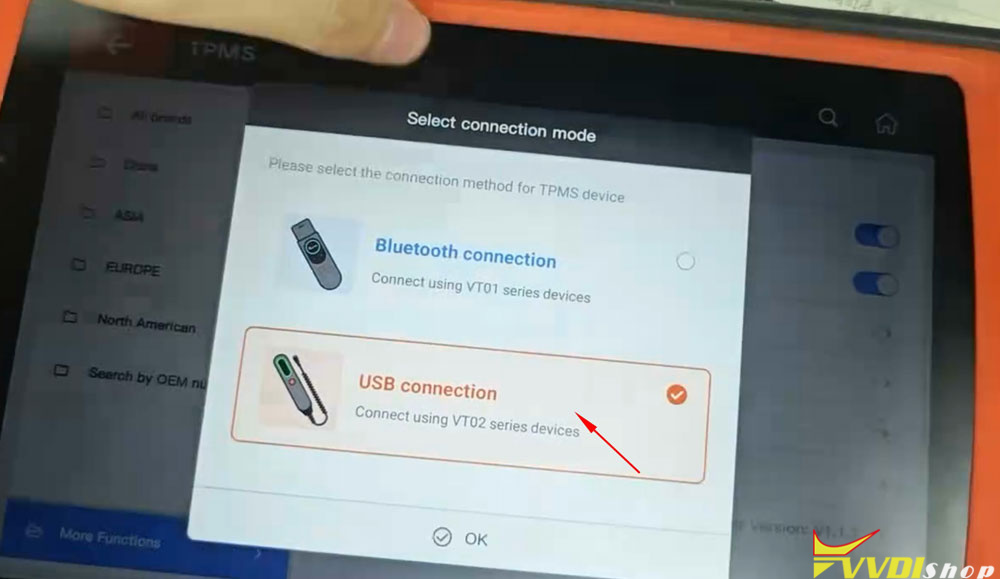
Make sure you have login Xhorse account and select the correct TPMS device type (as VT02).
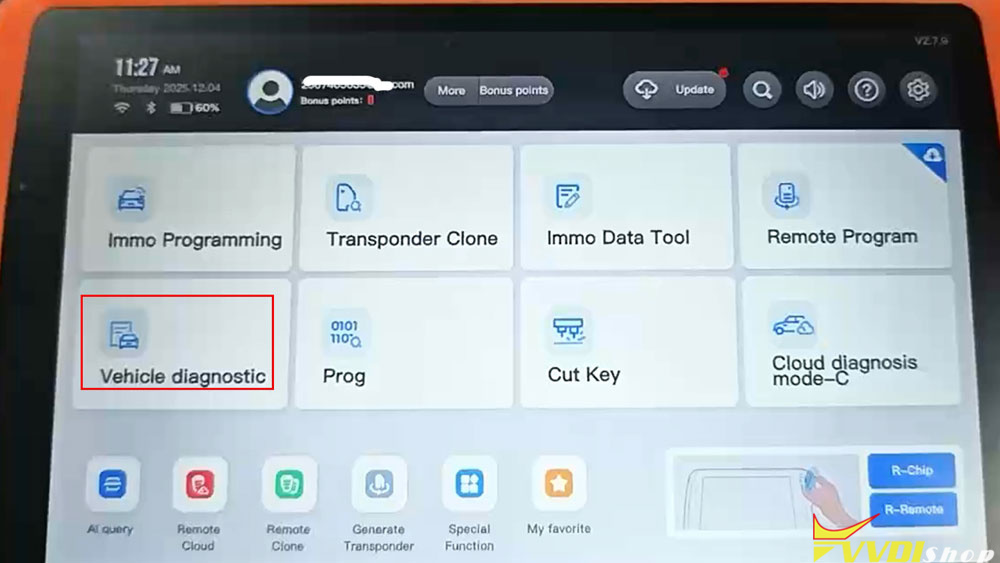
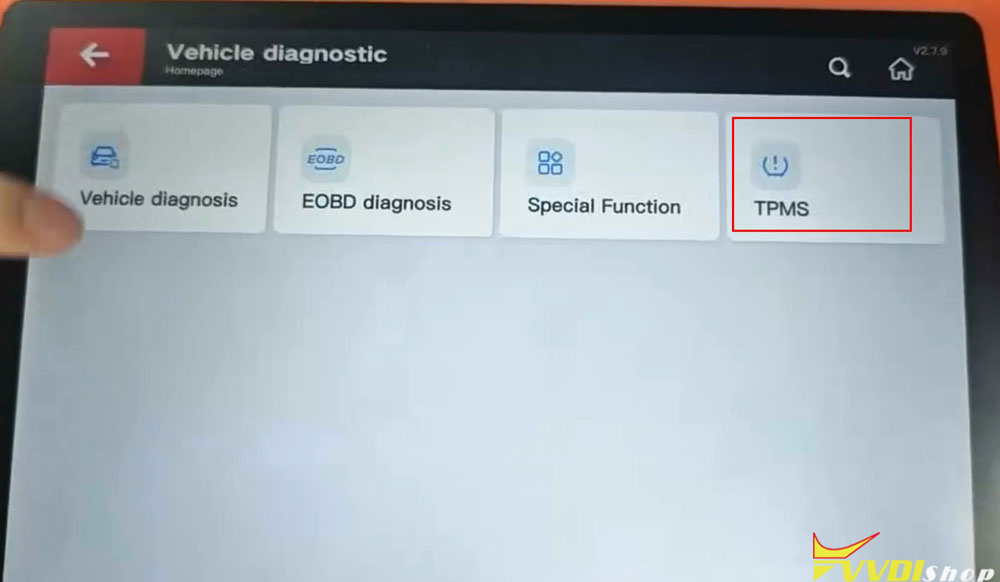
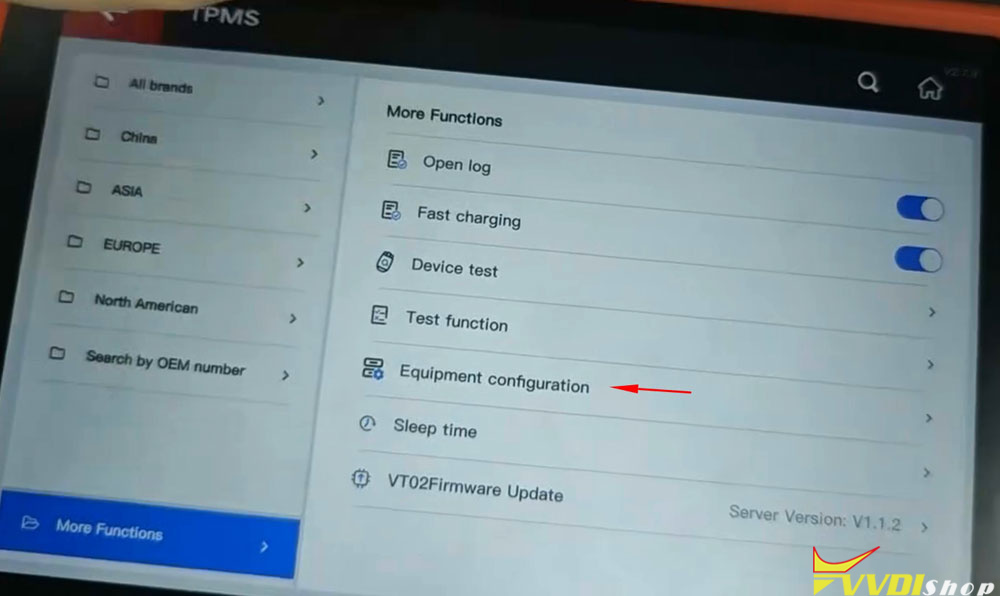
Go to Vehicle diagnostic- TPMS- Equipment configuration-select VT02 USB connection.
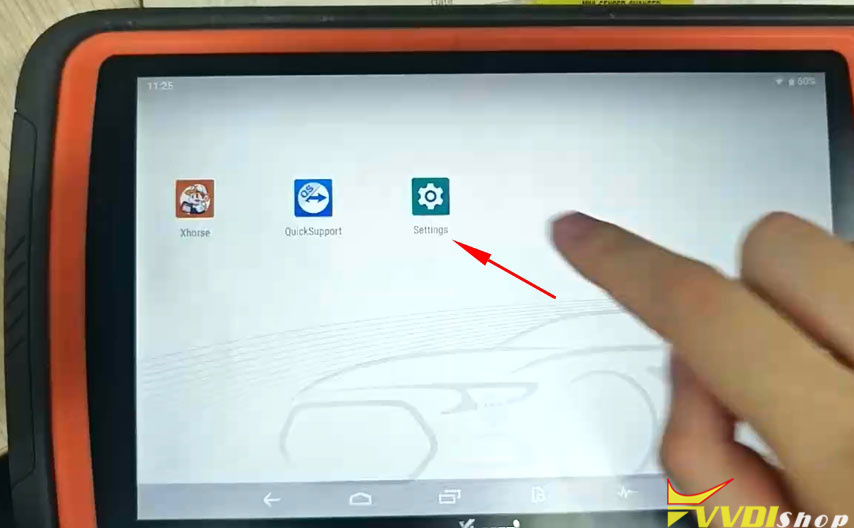
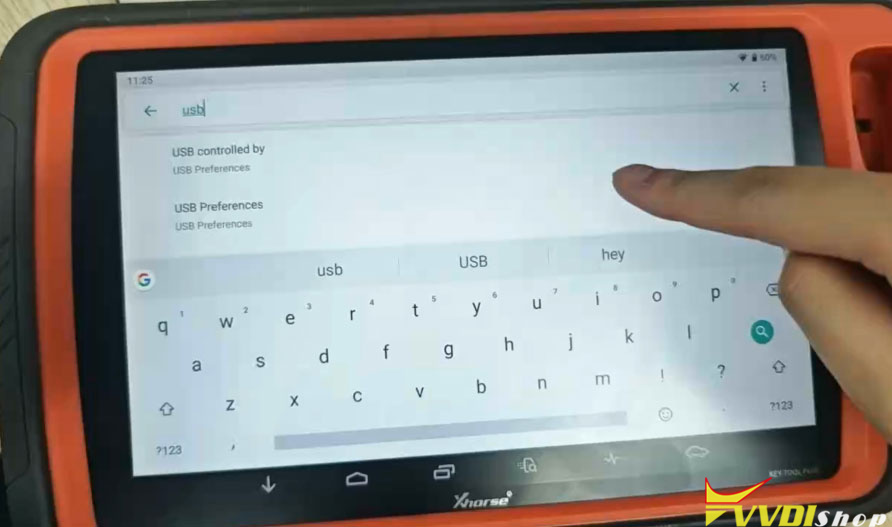
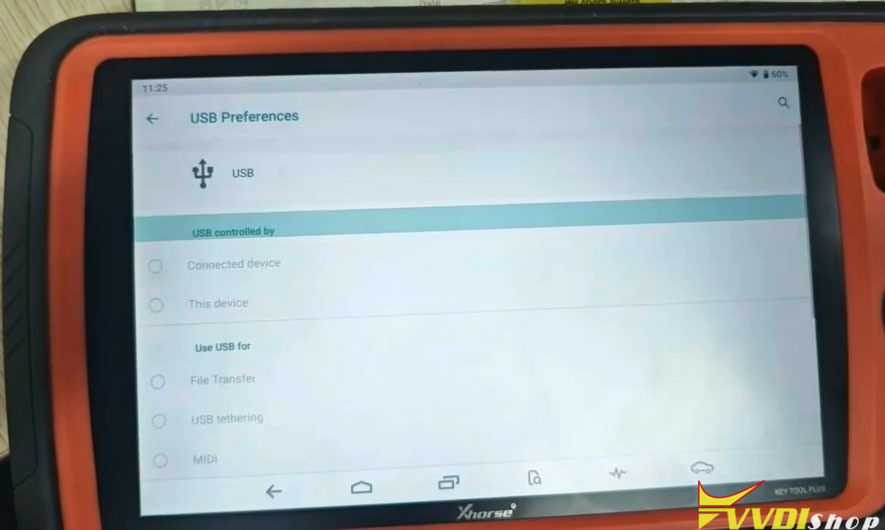
Also go to Settings- USB Preferences and check if the USB is controlled by the connected device.