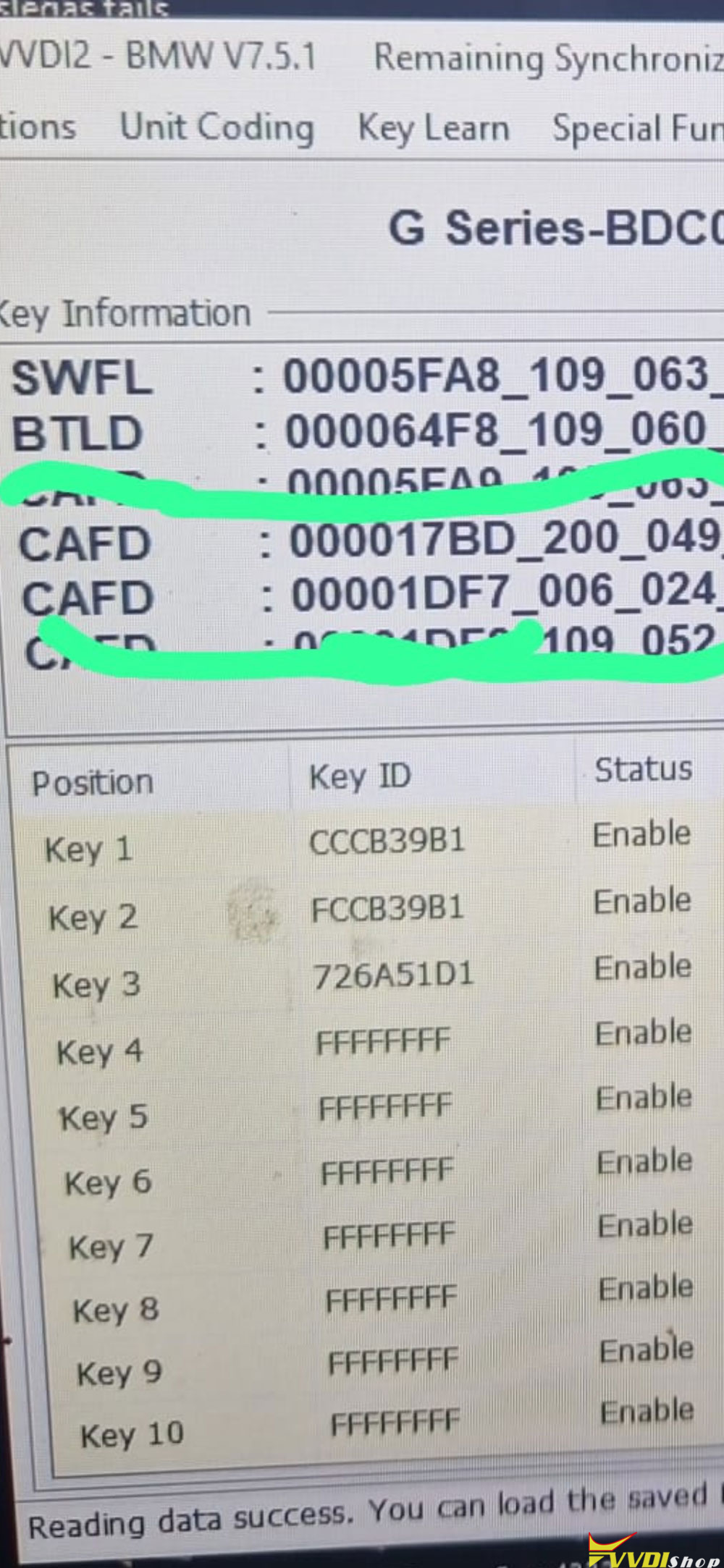
Problem:
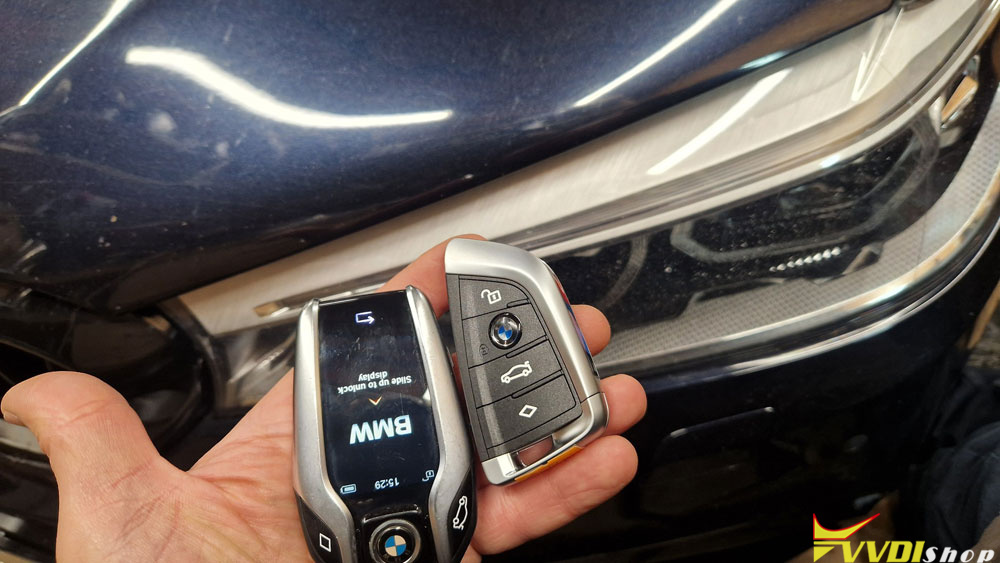
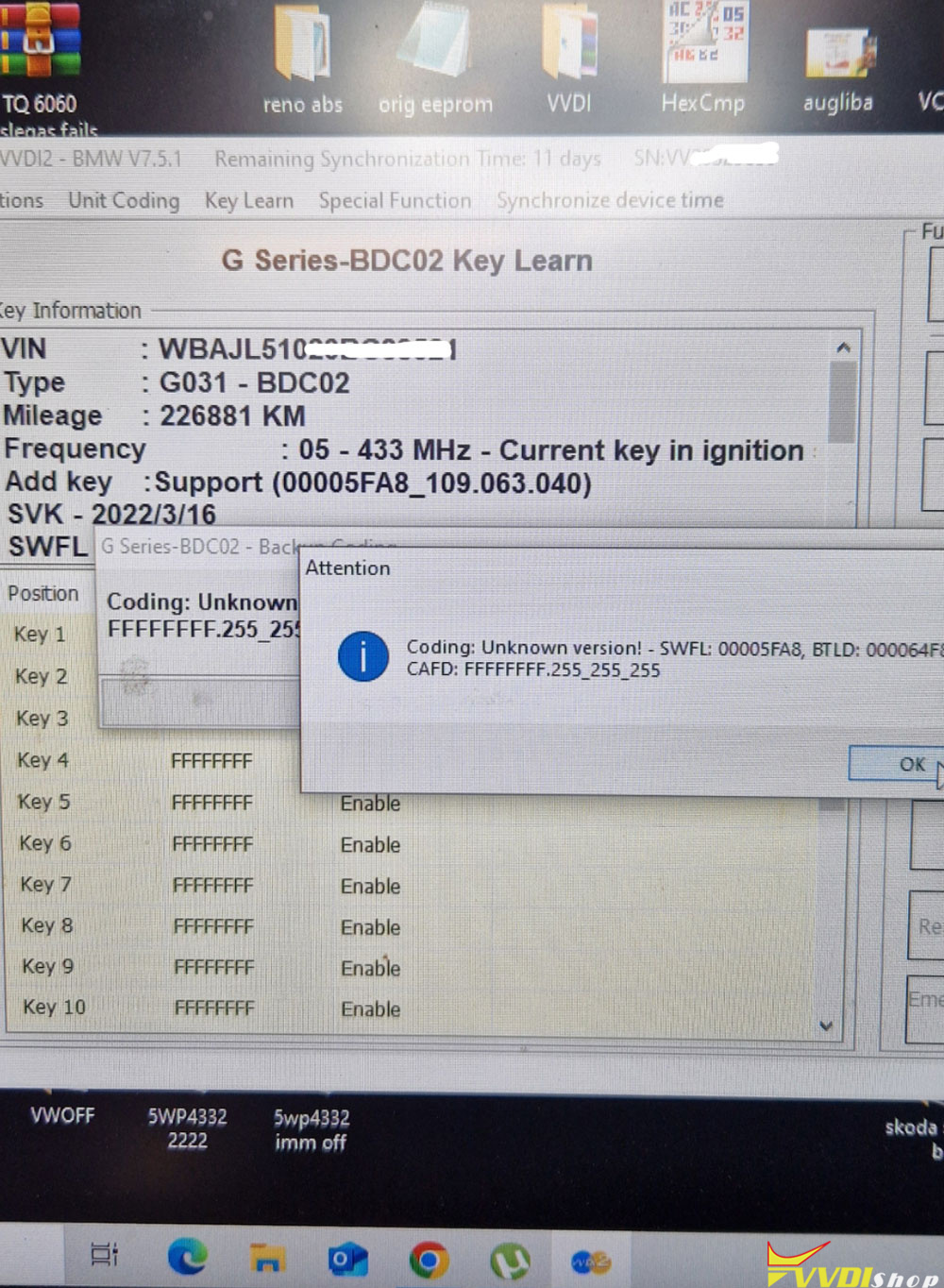
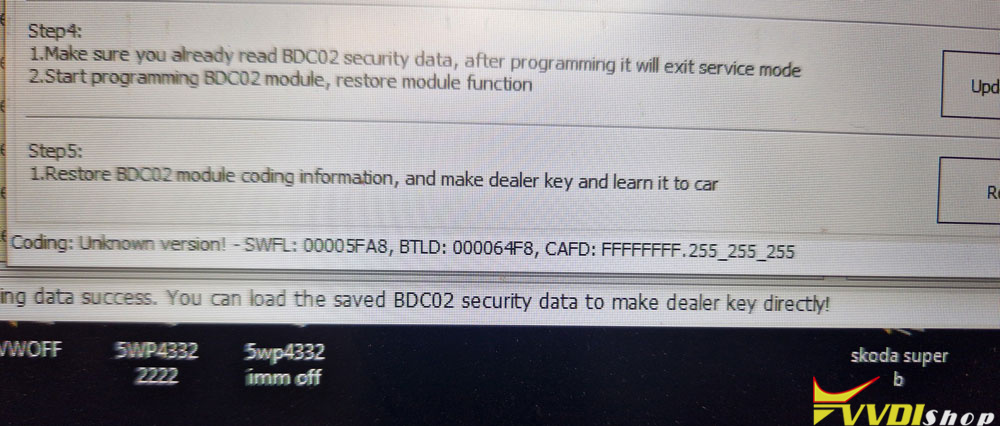
Want to add a new key to BMW G31 BDC2 system with xhorse vvdi2 and BMW BDC2 adapter. but I can’t get past reading the code.
VVDI2 gave an error coding unknown version.
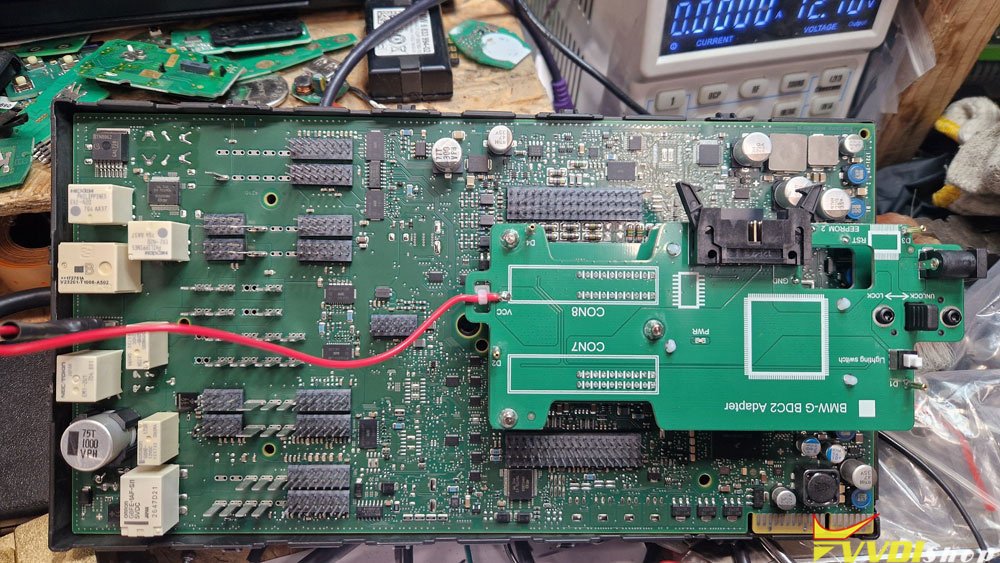
Solution:
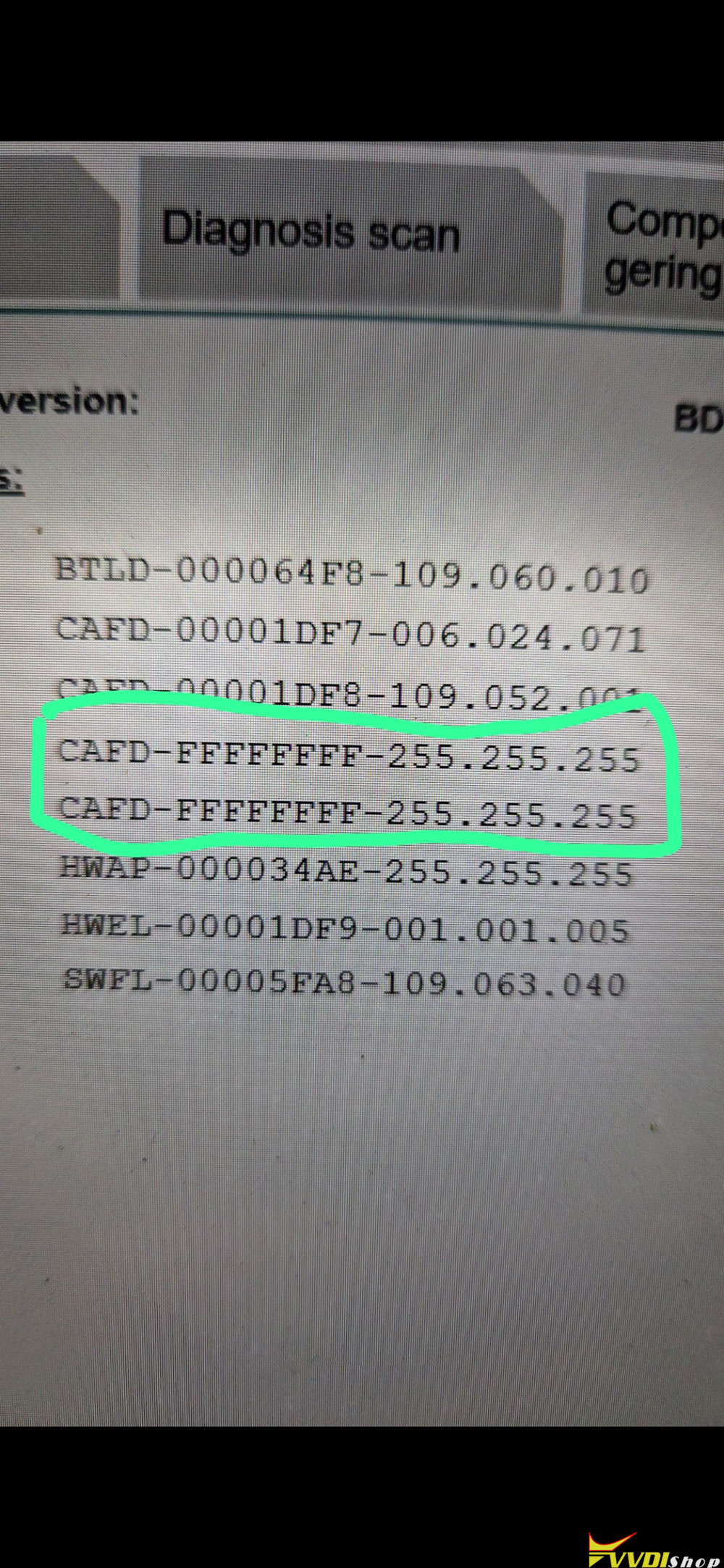
Coding file is corrupt. Put it into the car and add coding file with your tool.
The car has a software version from 2021, but the coding data is missing, you can do your work normally, it has to be imported cafd manuel later, but that only works with a coding program, car missin cafd from S15A-21-11-560.
User report:
The problem has been solved and VVDI2 handled it very well. The problem was that the client arrived with corrupted CAFD data. Didn’t notice it at first. I put the BDC back in the car and fixed it via obd2 using the X-Diag program and Launch adapter. Then I went back to the previous steps and everything went smoothly.
I changed the BDC coding via OBD and the vvdi2 program accepted the new coding allowing me to program the new key.