


Replacing lost keys for a 2005 BMW 3 Series (EWS3 System) used to be a dealer-only nightmare. Today, the combination of the Xhorse VVDI Key Tool Plus + Condor II makes this complex job efficient and profitable.
This guide outlines the professional bench method for programming a new key when all keys lost.
Essential Tools Required
- VVDI Key Tool Plus: The all-in-one tablet for IMMO programming.
- Condor XC-Mini Plus II: A high-precision automatic key cutting machine.
- Lishi HU92 2-in-1 Decoder: To decode the door lock without disassembly.
- Soldering Station: For connecting the MCU cable to the EWS module.
Step 1: EWS3 Module Removal
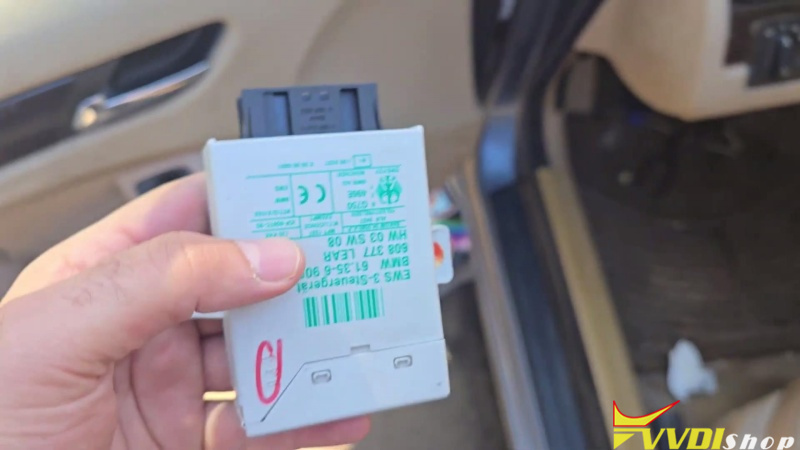
Since the 2005 BMW 3 Series (E46) uses the legacy EWS3 security system, direct OBD programming is not possible. You must perform a bench read by removing the module located behind the driver-side lower dash panel.
- Safety First: Disconnect the vehicle battery located in the trunk.
- Access the Module: Remove the driver-side dash panel by unscrewing the three retaining screws and releasing the clips.
- Extract the Unit: Locate the white EWS box held by two bolts. Disconnect the connector and remove the module from the vehicle.
Step 2: Read IMMO Data (EEPROM)
To generate a key, you must read the data directly from the EWS3 chip.
- Open the Module: Release the four plastic clips on the white casing to reveal the circuit board.
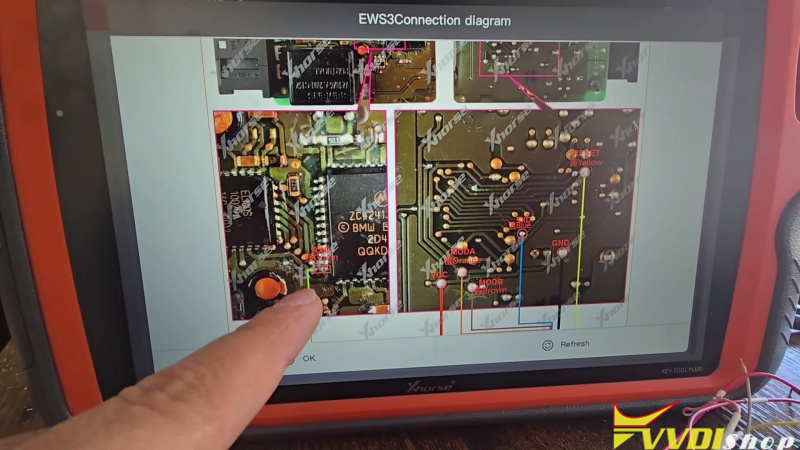
- Prepare for Soldering: Clean the coating/glue off the specific pins on the chip to ensure a solid connection.
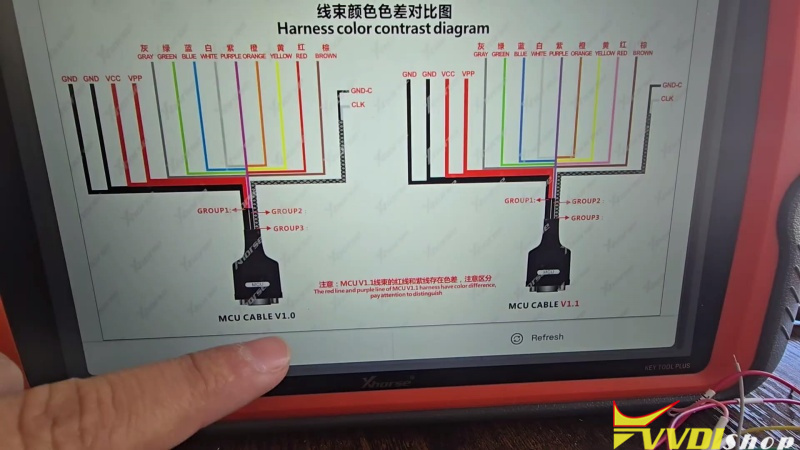
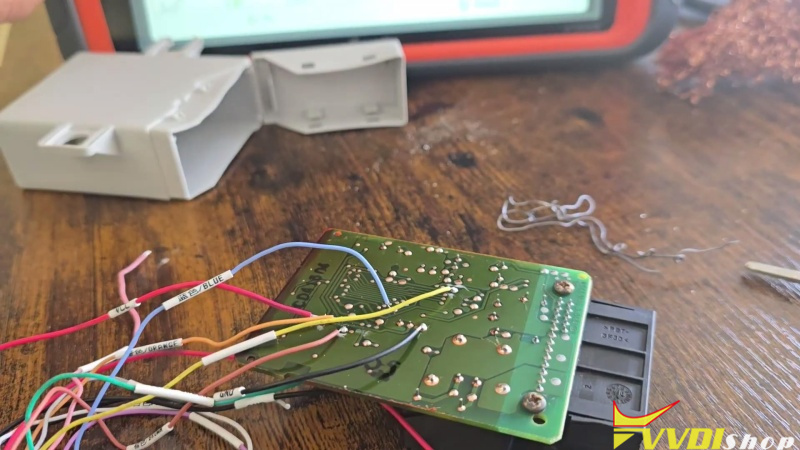
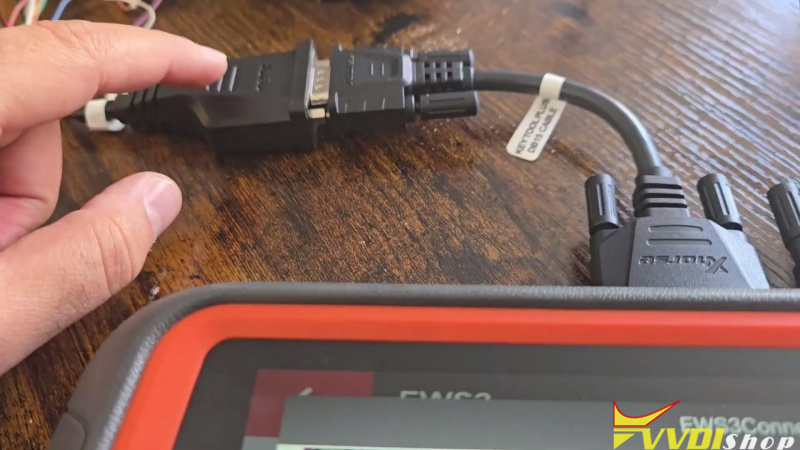
- Wiring: Use the MCU Cable included with the Key Tool Plus. Follow the on-screen diagram to solder the colored wires (Red, Black, Yellow, Blue, etc.) to the back of the board.
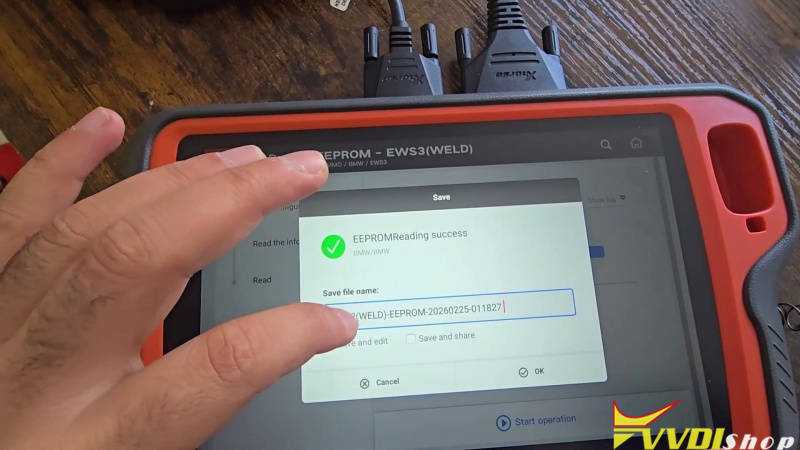
- Read & Save: Connect the cable to the Key Tool Plus. Select Prog -> IMMO -> BMW -> EWS3, then click Read and save the file.
Step 3: Generate the Dealer Key
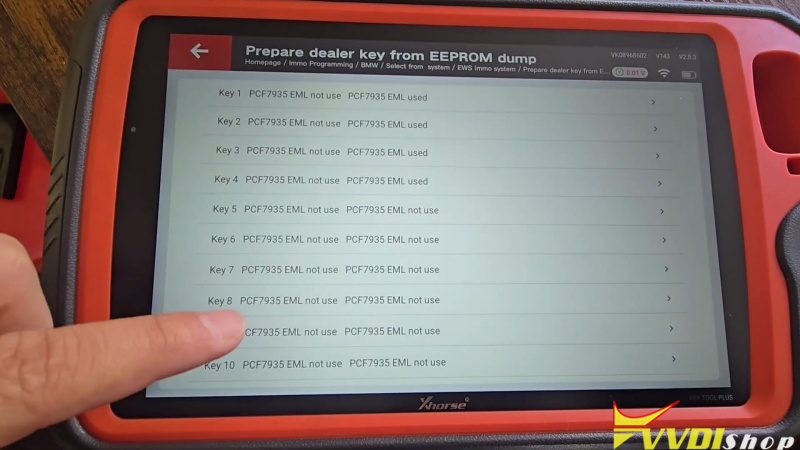
- Navigate to Immo Data Tool (Prepare Dealer Key) on the tablet.
- Load the EWS3 file you just saved.
- Select an “Unused” key slot (e.g., Key 10).
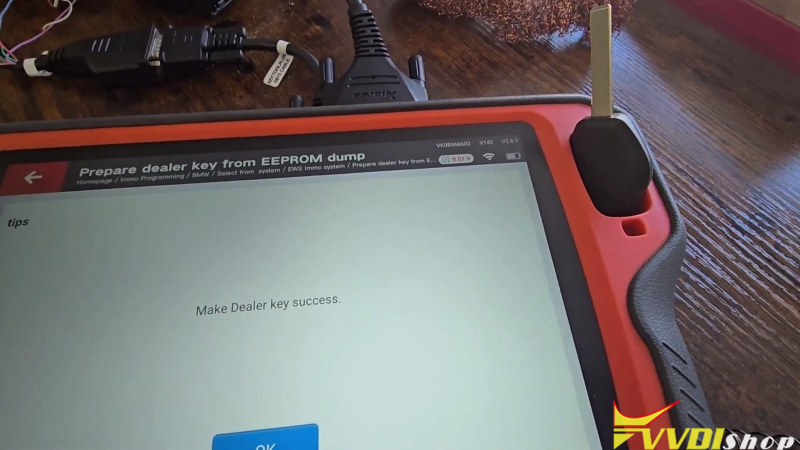
- Insert a new Xhorse transponder or remote key into the Key Tool Plus coil and click Prepare Dealer Key.
Step 4: Decode & Cut the Key Blade
- Decode the door lock using a Lishi HU92 2-in-1 tool.
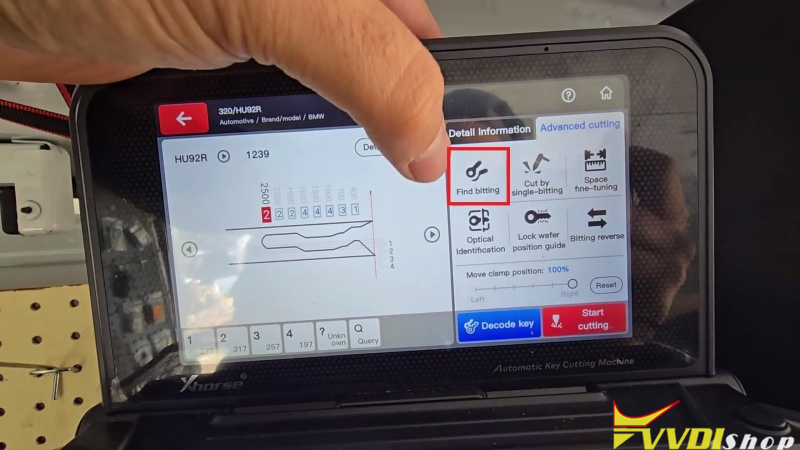
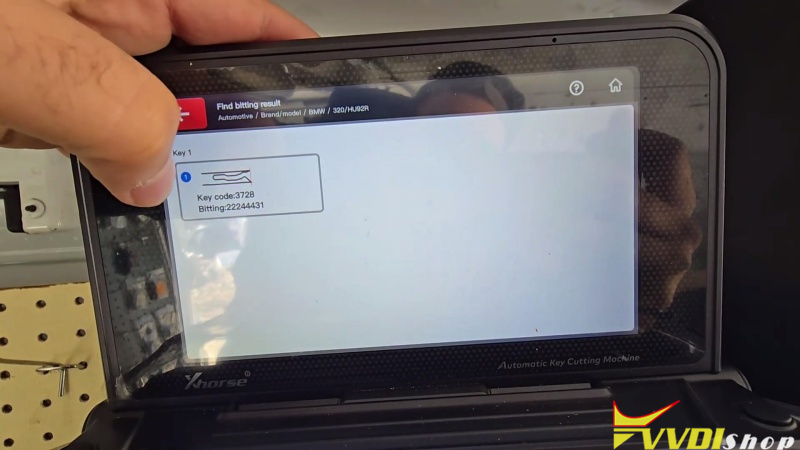
- Once you have the biting code, enter it directly into the Condor II database under BMW -> 3 Series -> HU92R ->Find Bitting for a factory-standard cut
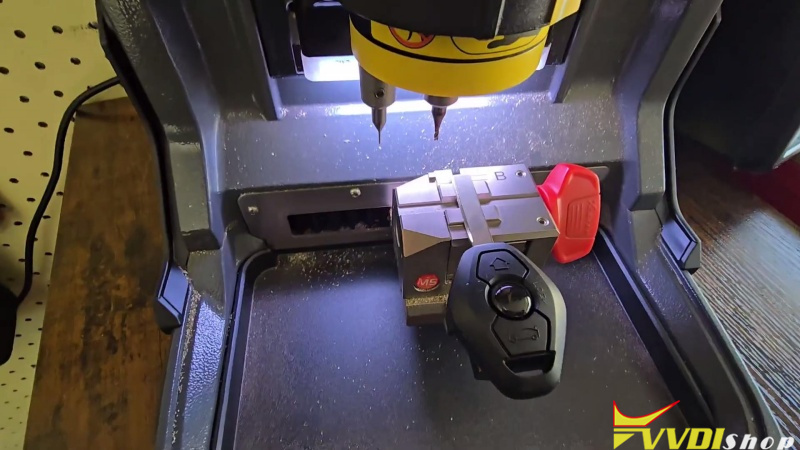
- Use the M5-B Clamp (position 2). Place the blank key, close the shield, and let the Dolphin automatically cut both sides.
Step 5: Final Synchronization & Remote Pairing
- Reinstall the EWS3 module and reconnect the car battery.
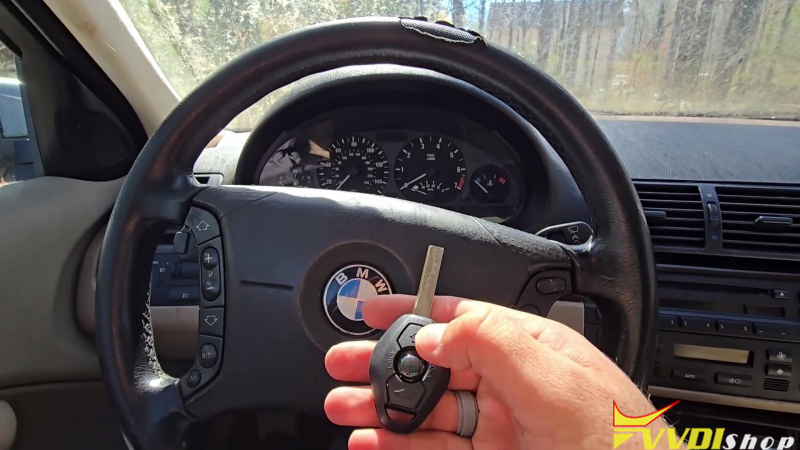
- Start the Engine: Insert the new key. If it doesn’t start on the first try, remove it and re-insert it to sync the rolling code.
- Remote Programming:
- Turn the ignition to Step 1 (Accessory) and back off within 5 seconds; remove the key.
- Hold the Unlock button. While holding, press the Lock (Logo) button 3 times.
- The door locks will cycle to confirm success.
Why Choose Xhorse Tools?
The Xhorse Key Tool Plus and Dolphin XC-Mini Plus provide a seamless ecosystem. They eliminate the need for multiple devices, offering a stable, guided workflow that reduces the risk of bricking modules while providing professional-grade key cutting.
Ready to upgrade your locksmith kit?
Get the best prices on genuine Xhorse tools at www.vvdishop.com.