



If your newly bought Xhorse Dolphin XP005L key cutting machine failed to charge battery, you may need to test the battery cell.
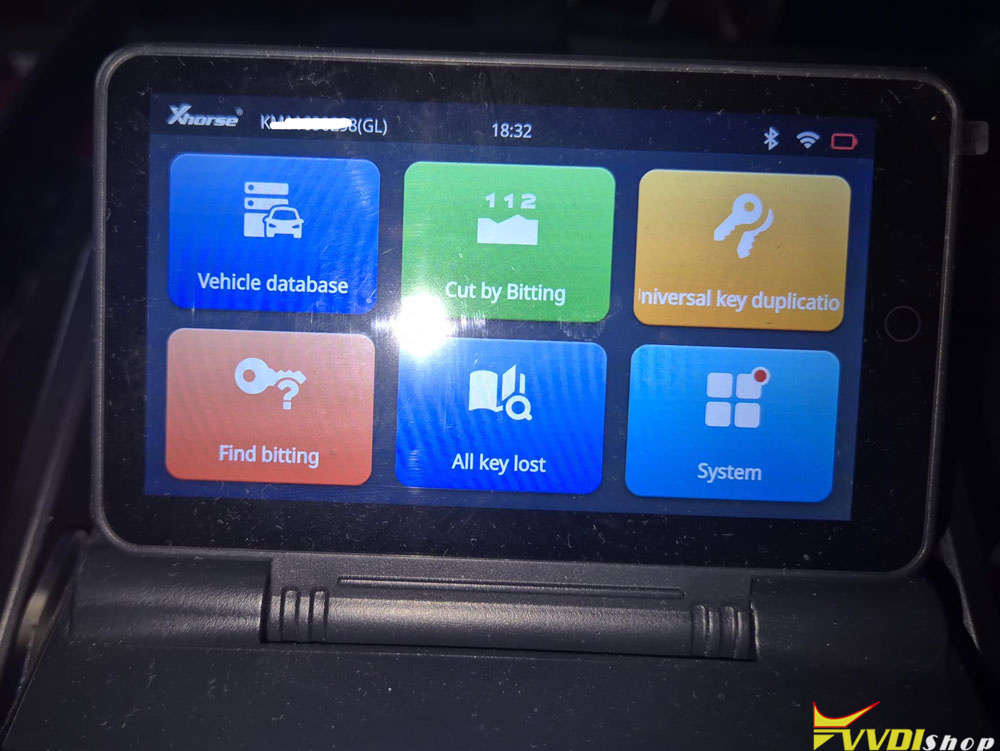
Remove the battery module.
Dolphin II Battery cell testing method:
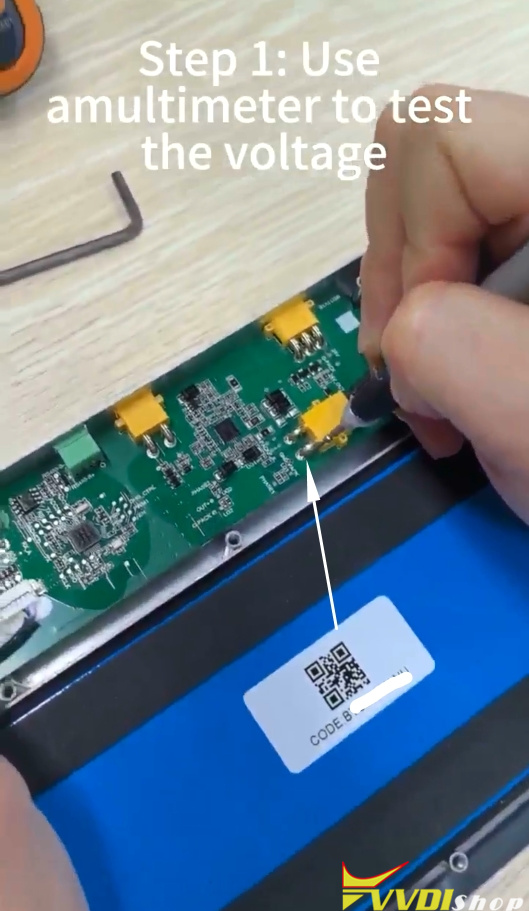
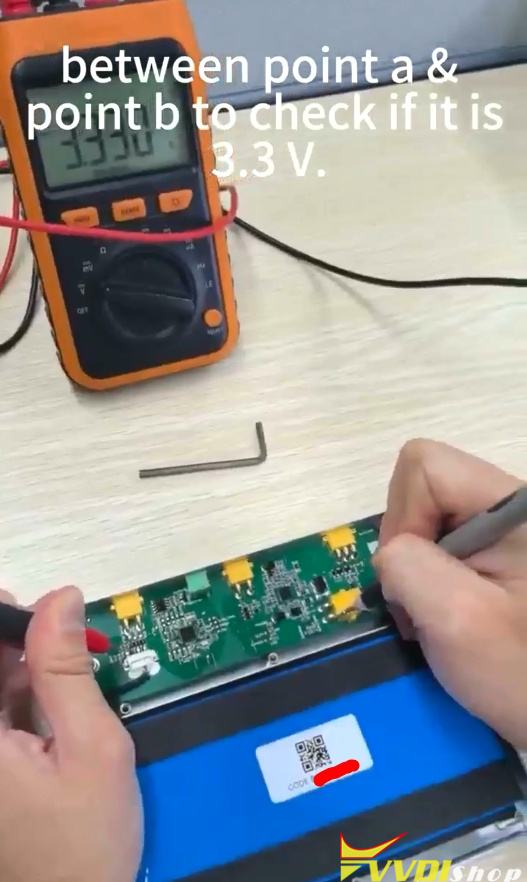
Step 1: Use a multimeter to test the voltage between point A & point b to check if it is 3.3V.
Steop 2: Circuit the switch
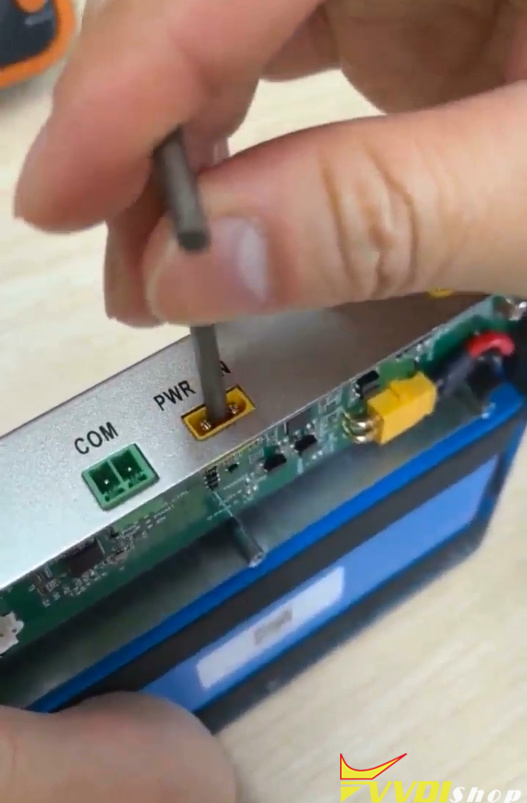
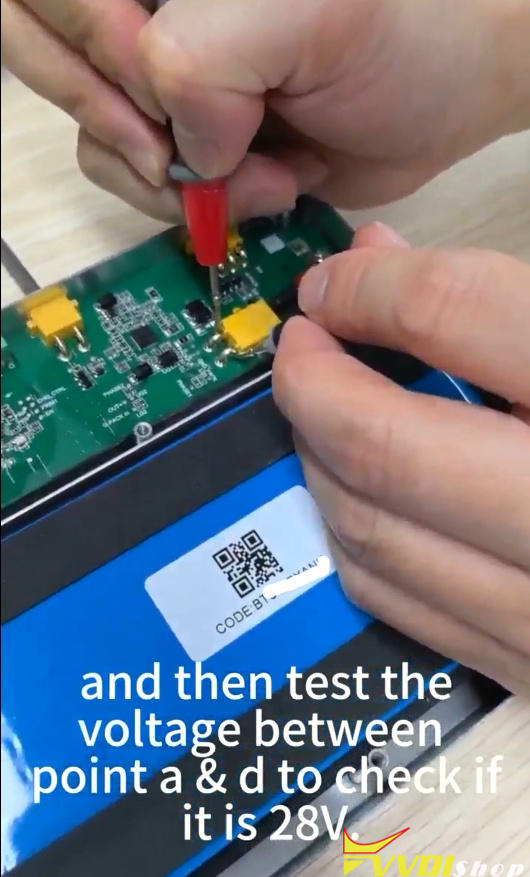
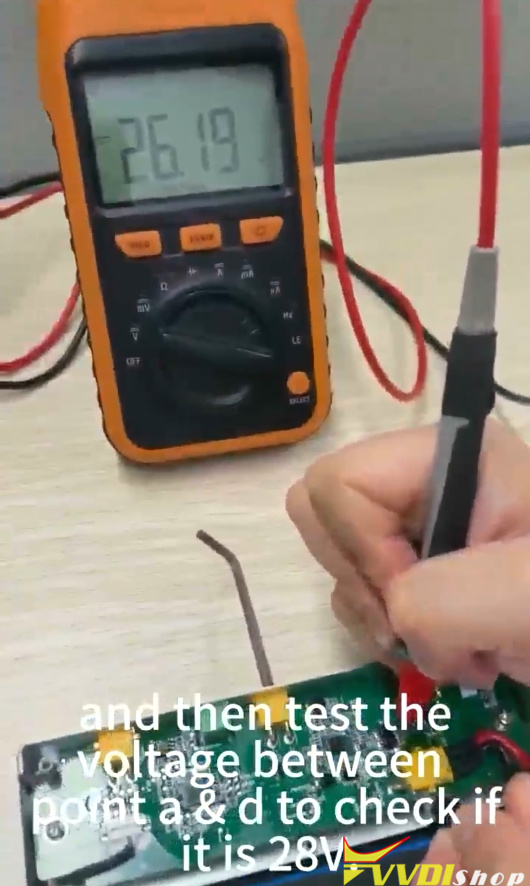
Circuit the switch and then test the voltage between point a & d to check if it is 28V.
Step 3:
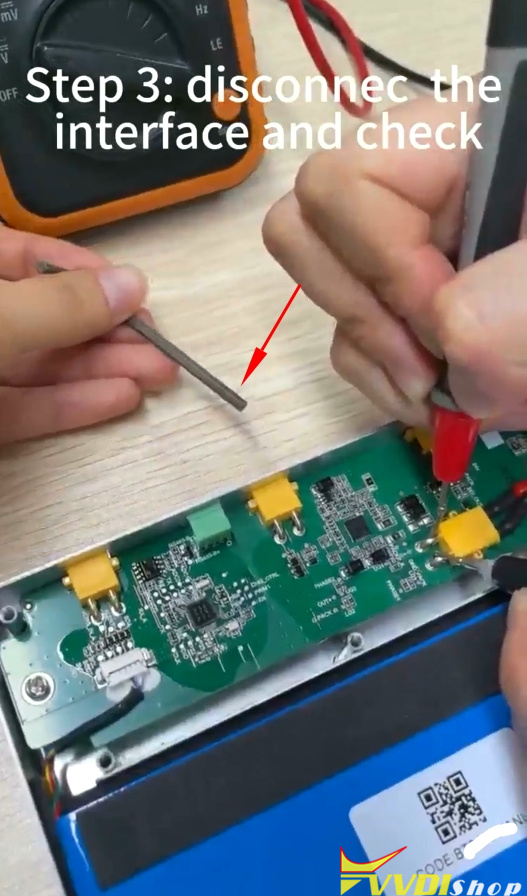
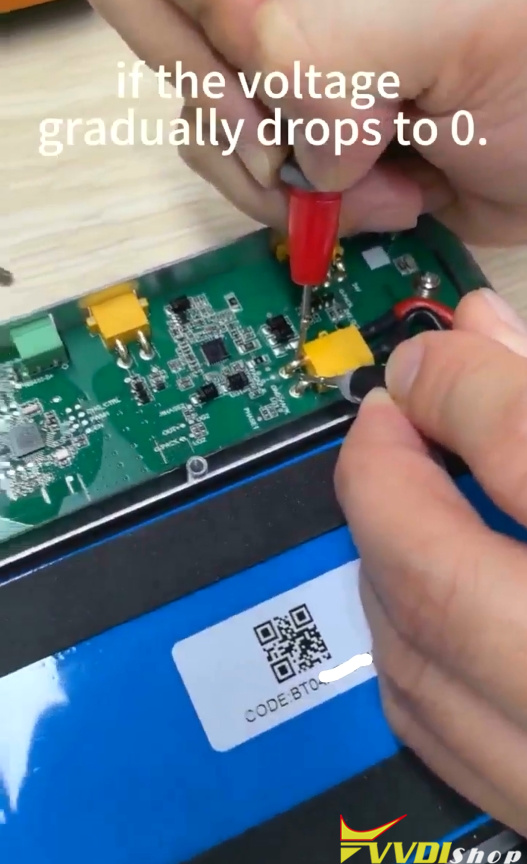
Disconnect the interface and check if the voltage gradually drops to 0.
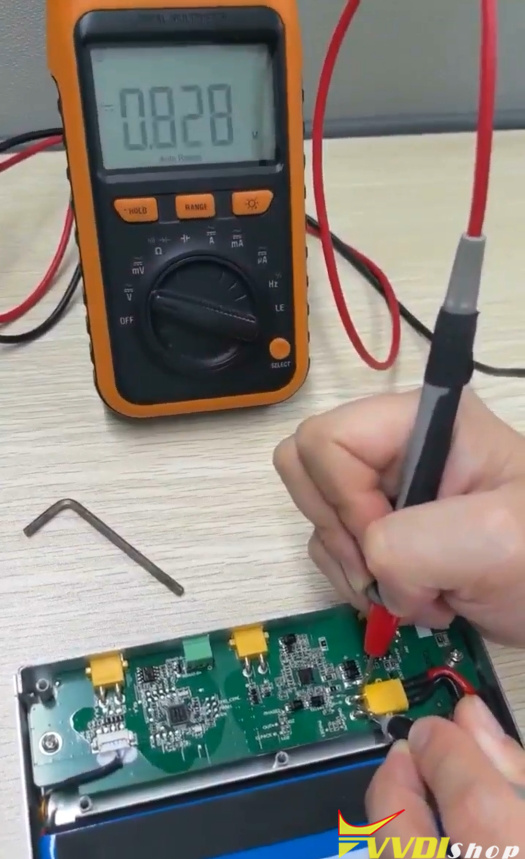
If fulfull the above conditions, it indicates that the battery is in good condition; otherwise, a battery replacement may be necessary.