

Successfully added an MQB key to a 2014 Skoda Octavia A7 using Xhorse VVDI Key Tool Plus.
Here’s the background:
The car originally had two keys, but after some time, the remote control on one of them began intermittently malfunctioning (no response to button presses), and the car wouldn’t start ( the SAFE sign on the dashboard indicates that the anti-theft system is preventing starting because the correct key was not detected). As expected, replacing the battery didn’t help. The owner decided to add a new key, as it was extremely inconvenient to be left with just one, especially in the current environment, where such keys are not routinely registered.
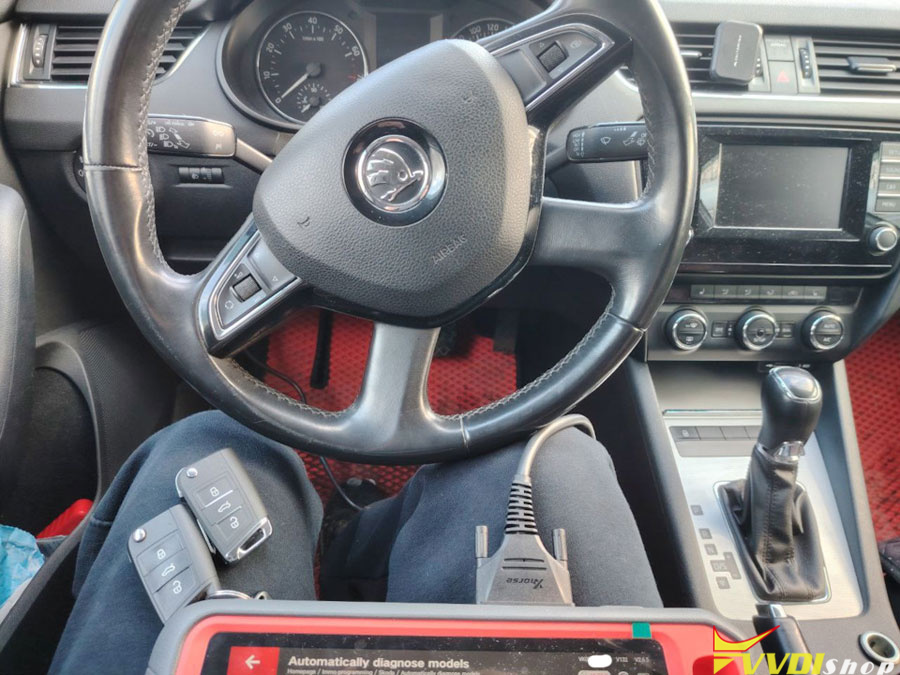
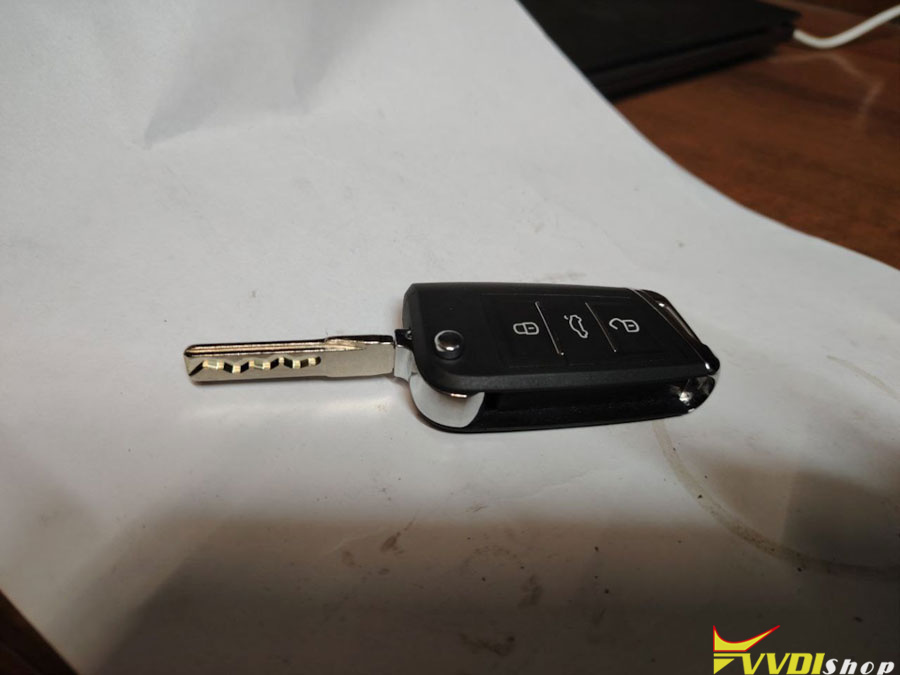
So, let’s get started. Upon identifying a working key, we find that its chip type is MQB48 . Next, based on this information, we select the appropriate key blank. Then we connect to the car via the OBD connector and determine the type of installed instrument panel (the immobilizer data is stored in it).
It’s worth noting that there are a number of specific features when working with MQB platform vehicles :
1) There are two methods for reading immobilizer data for adding a key, depending on the instrument cluster processor type: via the OBD port or by removing and opening the instrument cluster.
2) The method for generating a dealer key. It’s important to clearly understand the logic of the process, as this may affect repair work using an online connection to VAG servers.
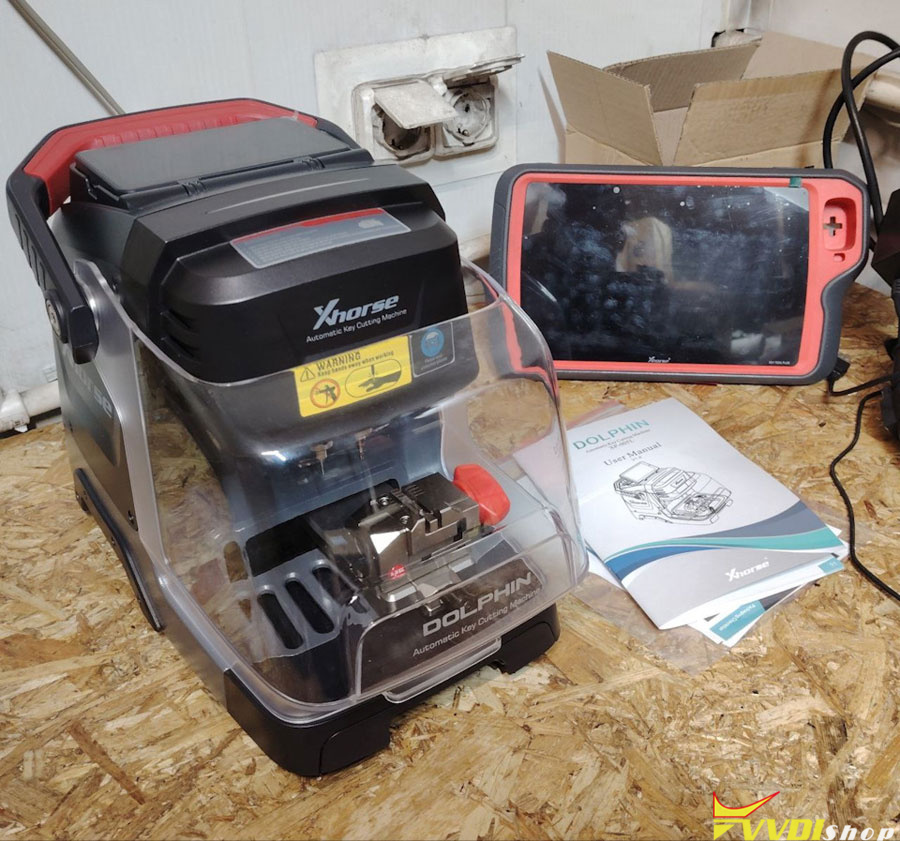
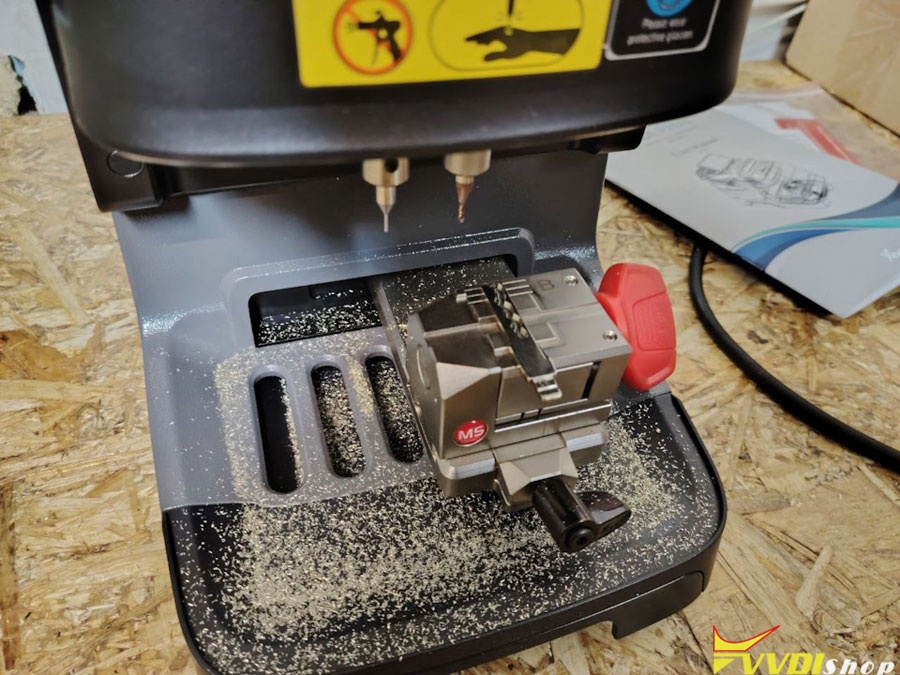
In our case, all the necessary data was obtained via the OBD port, the key was prepared, and successfully added to the vehicle. The blade was cut on a high-precision Xhorse Dolphin XP005 CNC key cutting machine.
We made a fully functional second key for the car.
Not every new VAG-group vehicle can be keyed without removing and opening the dashboard. For example, some 2018 Skoda Kodiaqs have a chip in the dashboard that can’t be read via OBD.
Add 2018 Skoda Kodiaq MQB48 Key with MQB48 Adapter and Key Tool Plus