



In this tutorial, we demonstrate how to unlock, disable the skim (security) module, and change the VIN on a GPEC2 ECU using the Xhorse Multi Prog tool. This process is essential for tasks such as ECU cloning, repair, or replacement, where the original VIN and security data must be updated.
Step 1: Establishing Connection
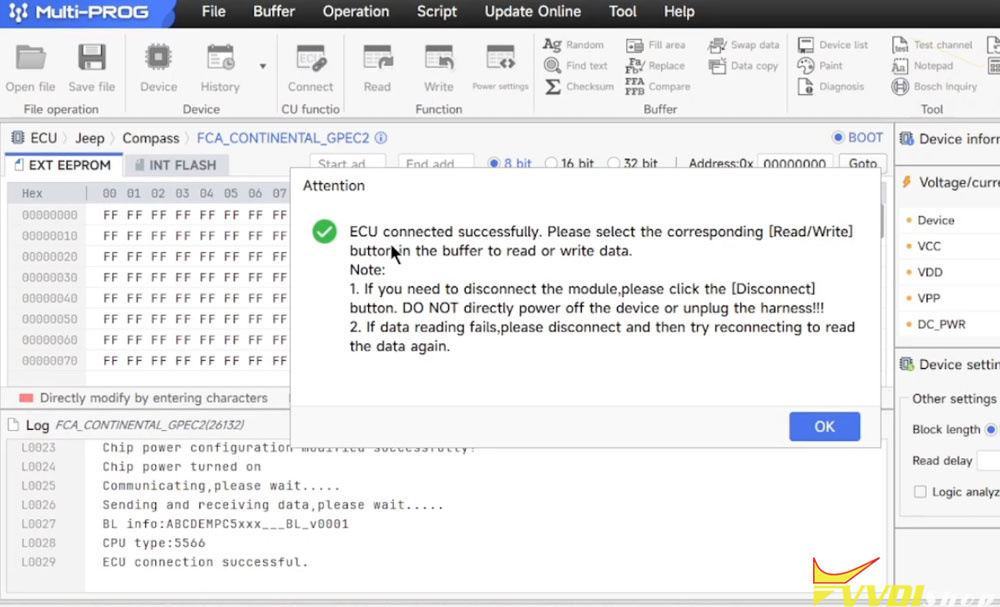
The first step is to connect the ECU to the Multi-Prog software. A new helpful feature in Multi-Prog is the dedicated Connect function, which establishes a stable link to the ECU before reading or writing. This prevents the tool from attempting to reconnect during the process, improving reliability.
A strong internet connection is required, as the tool communicates with online servers for certain operations.
Step 2: Reading the Data
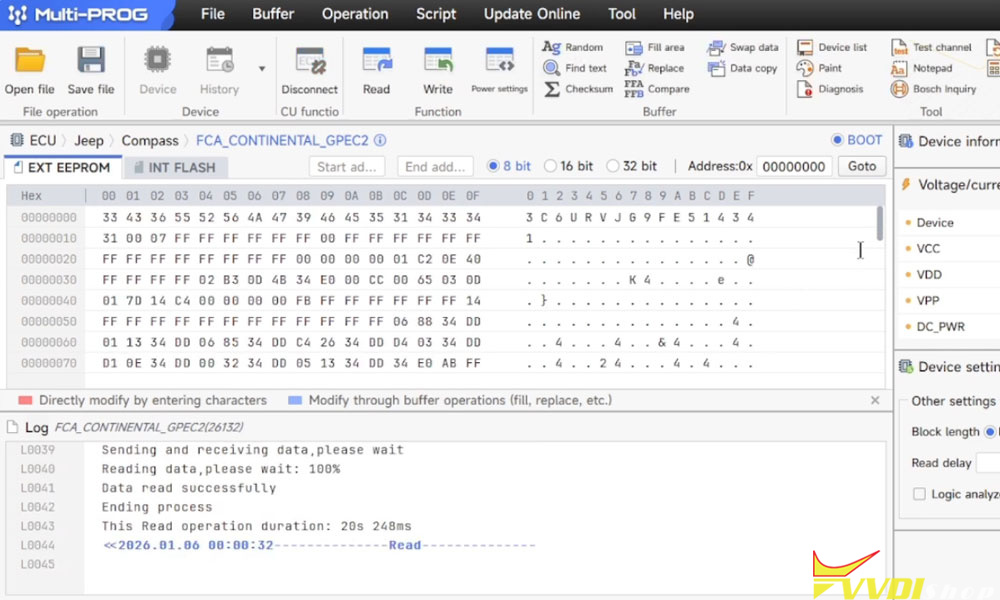
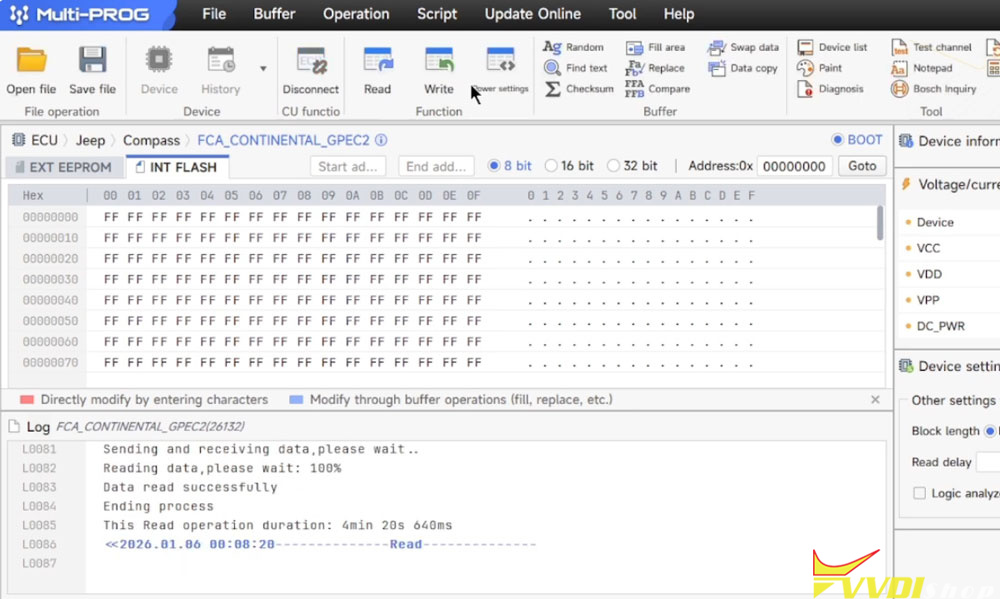
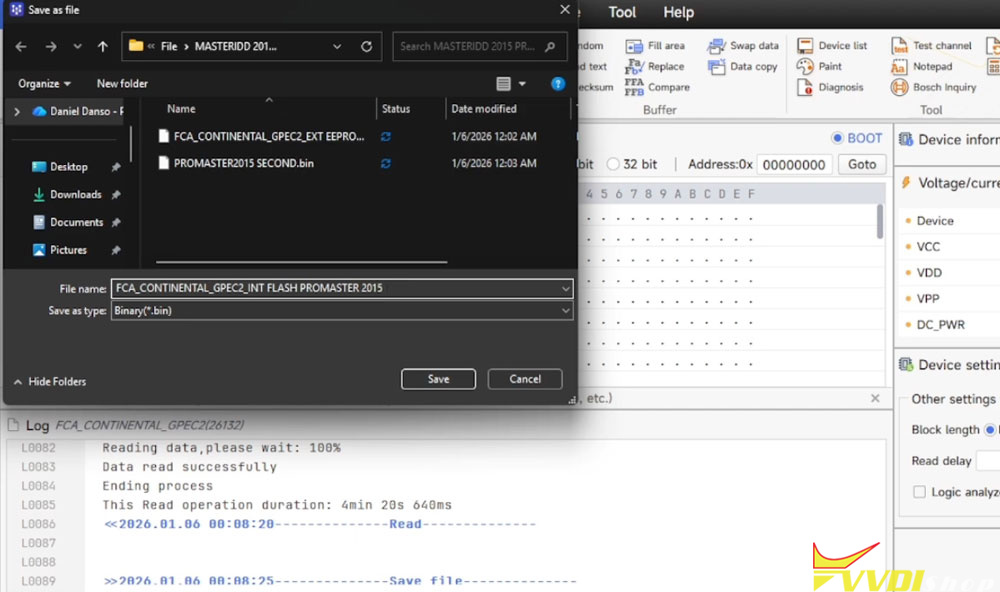
Once connected, we need to read both the external EEPROM and the flash memory. It is recommended to perform each read twice for verification, ensuring data integrity before making changes.
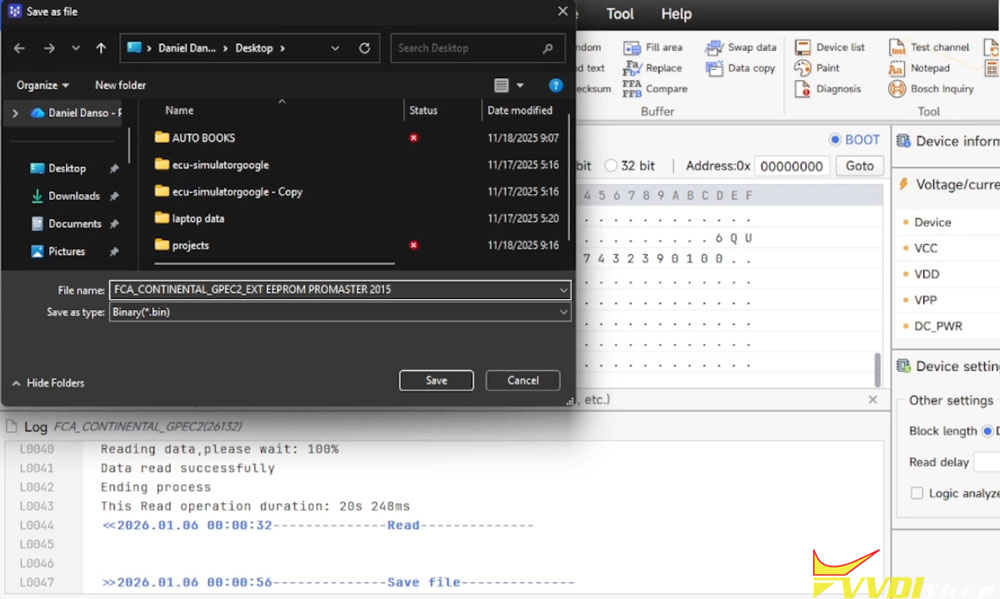
EEPROM Read: Saved with a descriptive filename (e.g., including vehicle model and year) for easy retrieval.
Flash Read: The flash memory is larger and takes longer to read. Again, it is read twice and saved separately.
Step 3: Editing the Files – Unlocking and VIN Change
The actual modification is done outside of Multi-Prog using a dedicated file editing service. In this case, contact 3rd party to unlock the ECU and disable the skim (security) module.
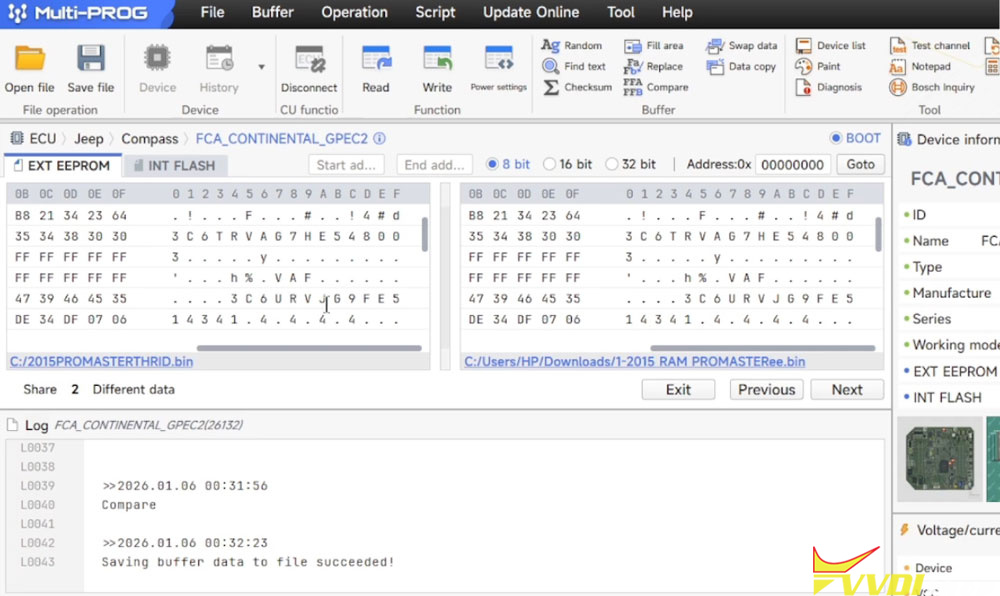
Additionally, the VIN must be updated in the EEPROM file. In GPEC2 ECUs, the VIN typically appears in multiple locations, including:
The original VIN
The current VIN
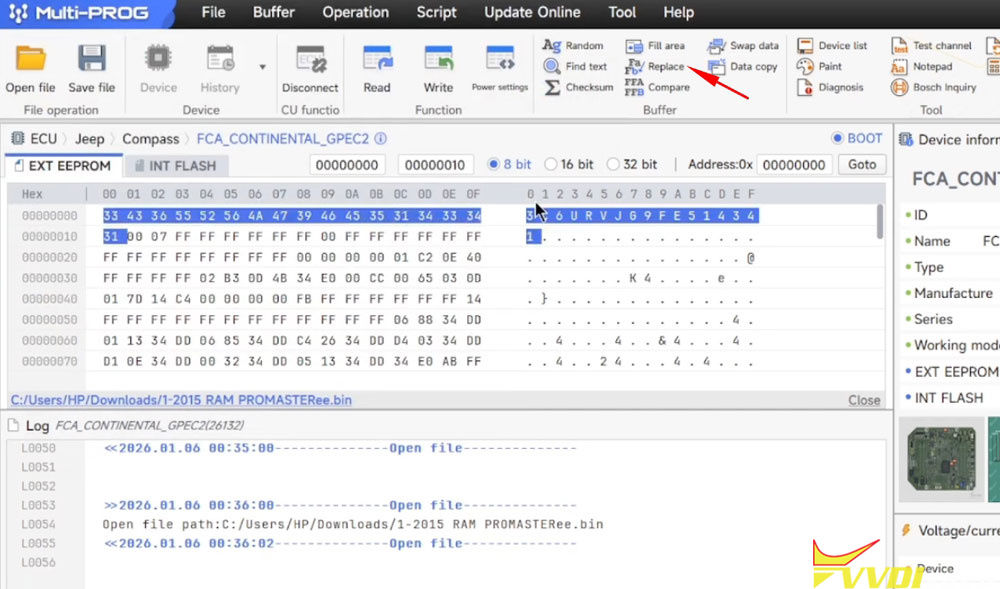
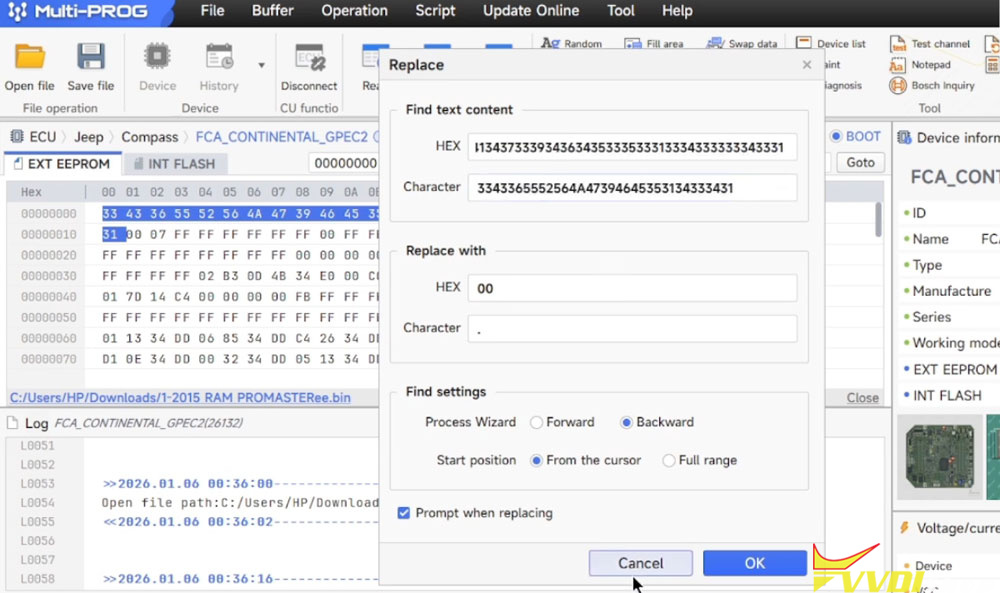
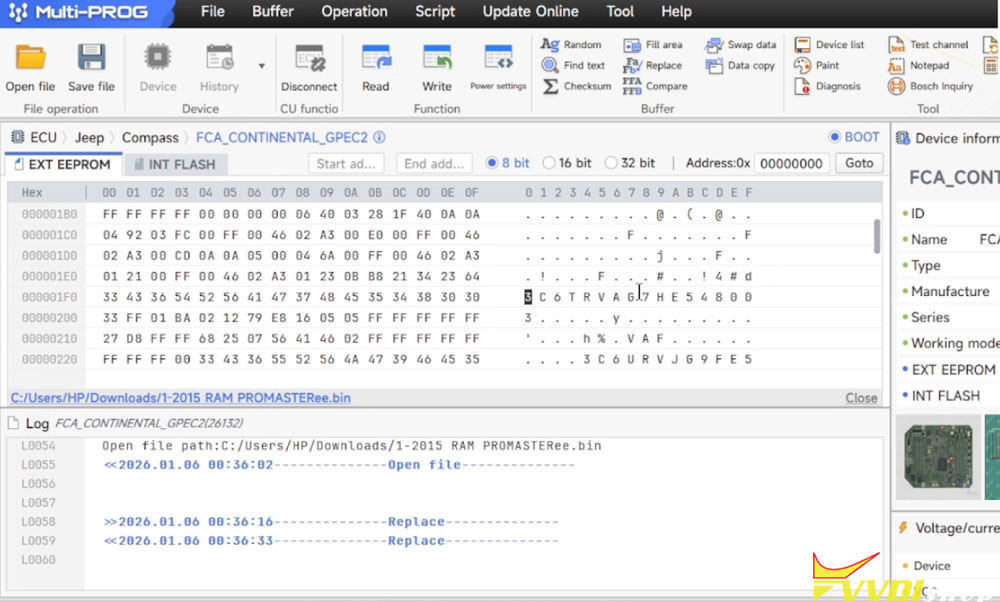
Using a hex editor, we locate these VIN entries and changes them to the new desired VIN. This ensures both the original and current VIN records match the new vehicle identity.
Step 4: Writing the Modified Data Back to the ECU
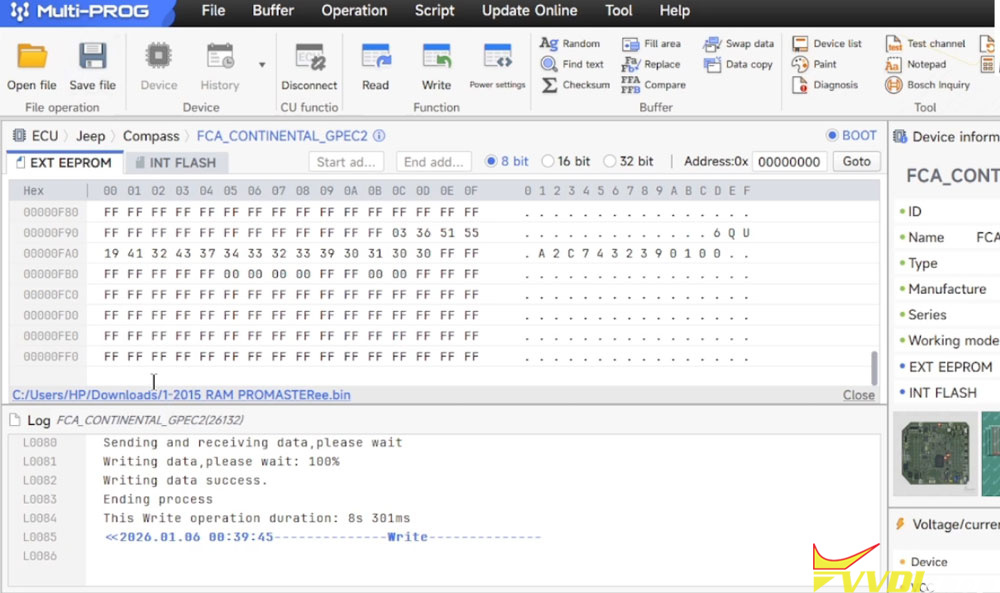
After editing, the modified EEPROM file is written back to the ECU using Multi-Prog. It is good practice to write the data twice to ensure completeness. Some ECUs may skip certain sectors during writing, but Multi-Prog generally rewrites all sectors.
Step 5: Verification
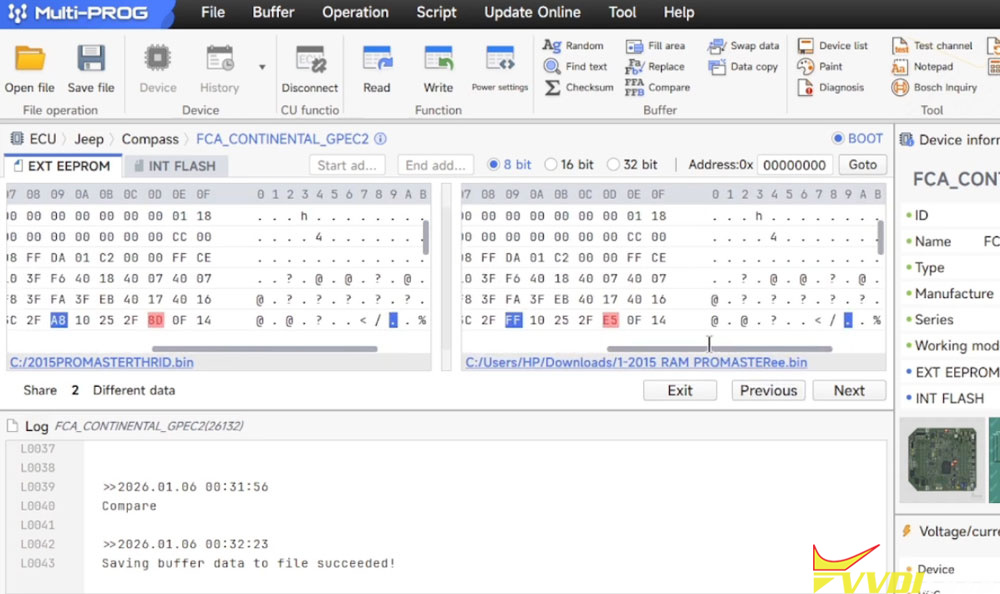
Finally, a fresh read of the EEPROM is performed and compared with the edited file. A successful comparison will show only the intentional differences—the changed VIN and unlocked status—confirming the write was accurate.
Important Considerations
Internet Dependency: Multi-Prog requires a stable internet connection to function, as it relies on Xhorse servers. If the servers are down, the tool may be unusable.
Double-Check Everything: Always read and write twice, and verify files before and after editing to avoid errors.
Tool Versatility: While this demonstration focuses on GPEC2, Multi-Prog supports cloning and programming various ECUs, though processes may differ.