


Problem:
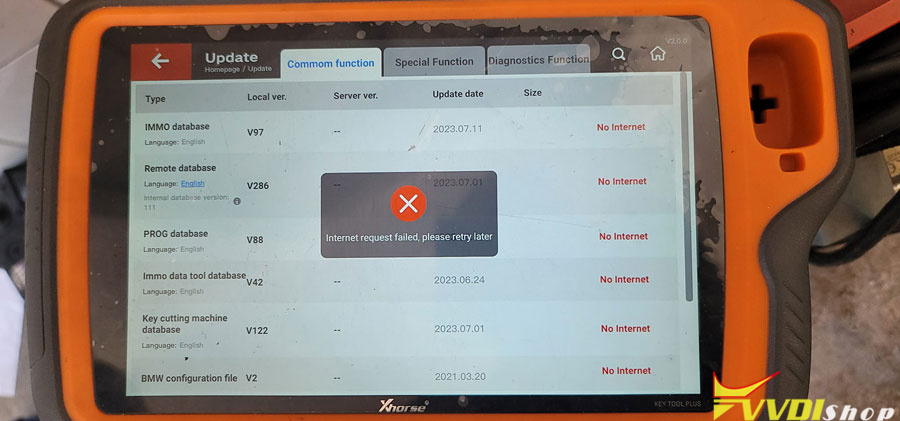
After update my xhorse vvdi key tool plus is not connecting to the internet anymore.
Error “Internet Request Failed”. Any solution?
Solution:
Go to settings, put it back to factory settings, deleted the updates and it works.
If failed, try the following solutions in order:
1. Switch to a Mobile Hotspot
Many users resolve this by switching from a standard Wi-Fi network to a mobile phone hotspot. Standard Wi-Fi networks (especially in shops) can have firewalls or DNS settings that block the tool’s specialized update requests.
2. Manual Sync and Cache Clear
Use the Update menu to force a server reconnection. If that fails, consider clearing the system cache to resolve stuck connection data.