



Problem:
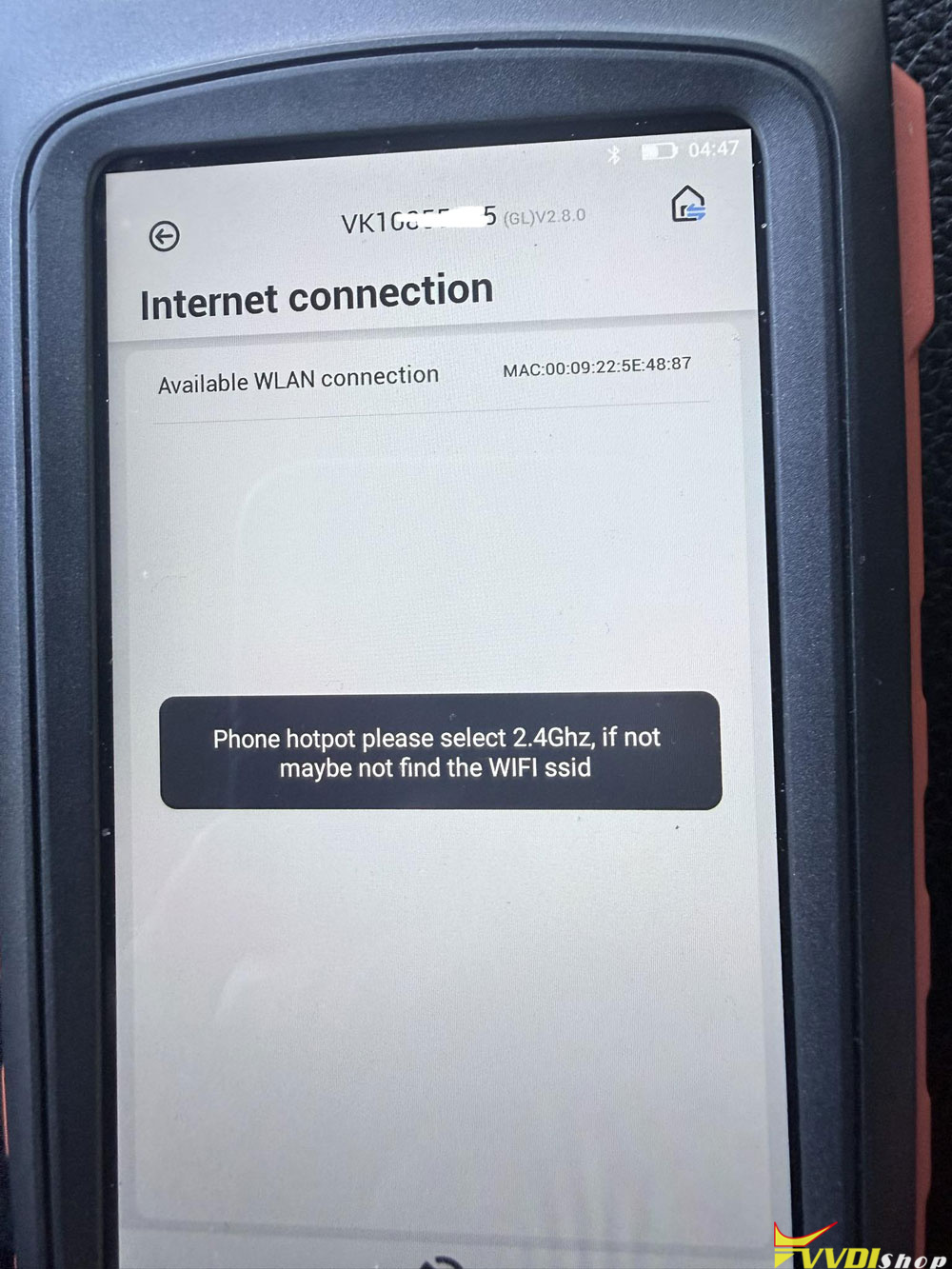
I cannot connect Xhorse VVDI Key Tool Max Pro to my hotspot. It only allows me to connect to my house Wi-Fi. What can I do to fix this problem?
Solution:
Configure your Hotspot to be 2.4GHz.
Xhorse key tool series only supports 2.4ghz.
Configure your Hotspot to be 2.4GHz.
If you’re using an iPhone as a hotspot, turn this setting on. If not, disable the 5Ghz band on the hotspot and make sure 2.4Ghz is enabled.
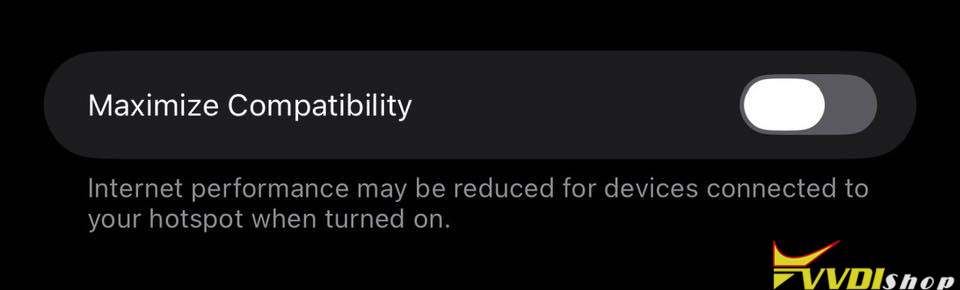
You need to select to use both 2.4ghz and 5ghz in the hotspot options.