


Not sure which remote type your car uses? Xhorse Remote Cloud Recognition helps you identify it fast.
Supported Devices:
How to Use Remote Cloud Recognition:
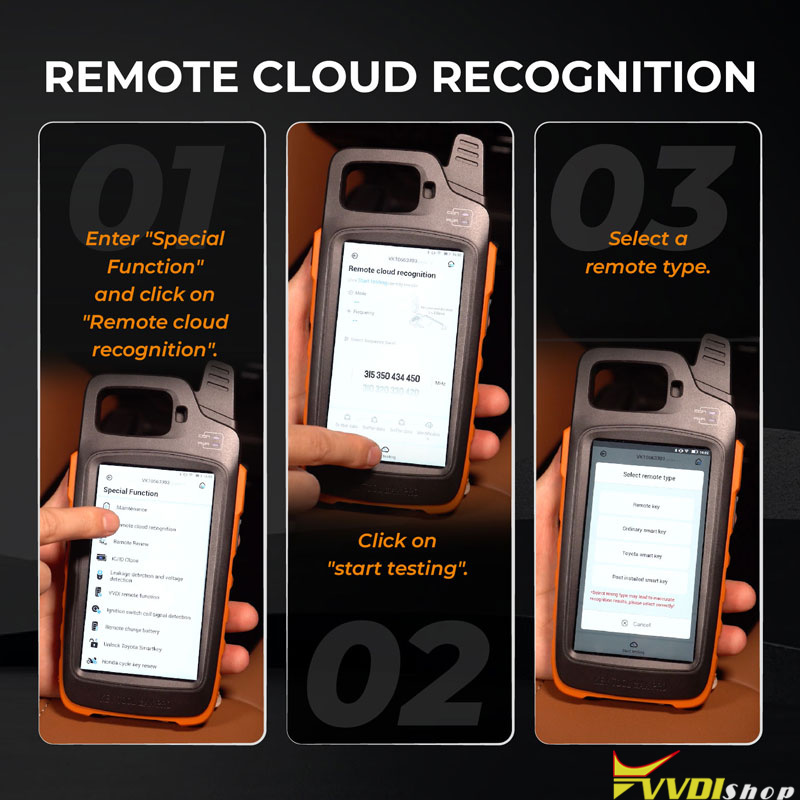
- Go to “Special Function” and select “Remote cloud recognition.”
- Tap “Start testing.”
- Choose a remote type from the list.
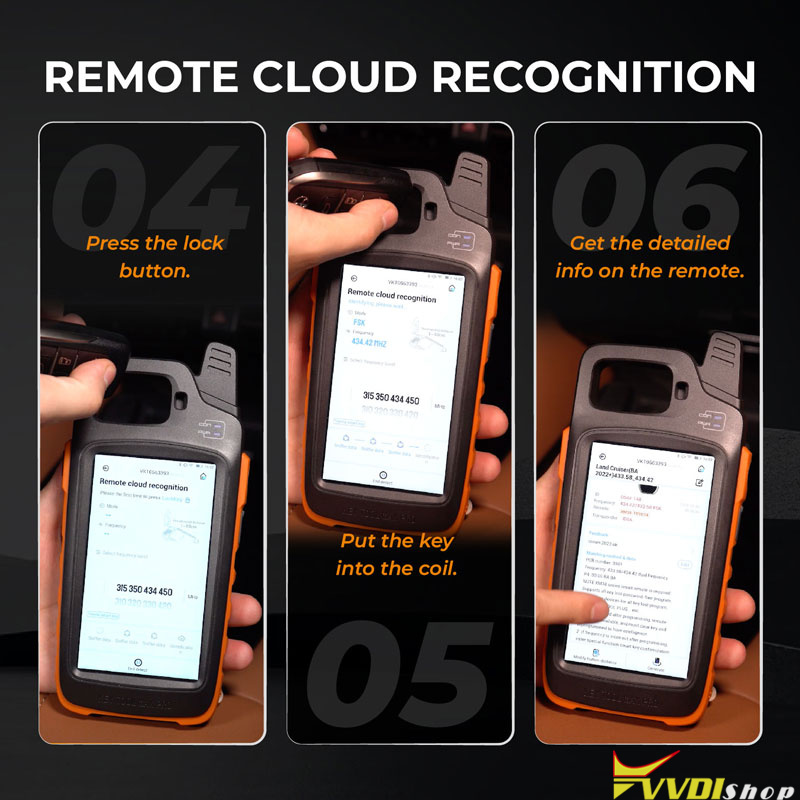
- Press the lock button on the remote.
- Place the key inside the device coil.
- View detailed remote information instantly.
Simplify your remote identification process with Xhorse – accurate, fast, and user-friendly.