



Problem:
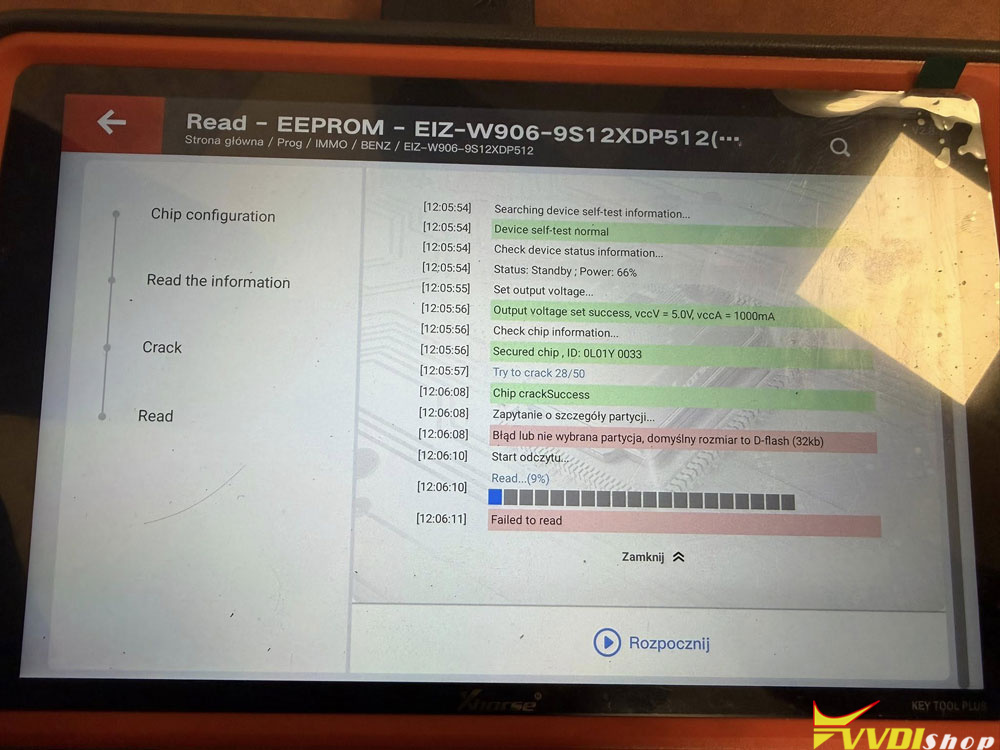
Failed to read eeprom from EIS MB Sprinter 2014 with Xhorse VVDI Key Tool Plus.
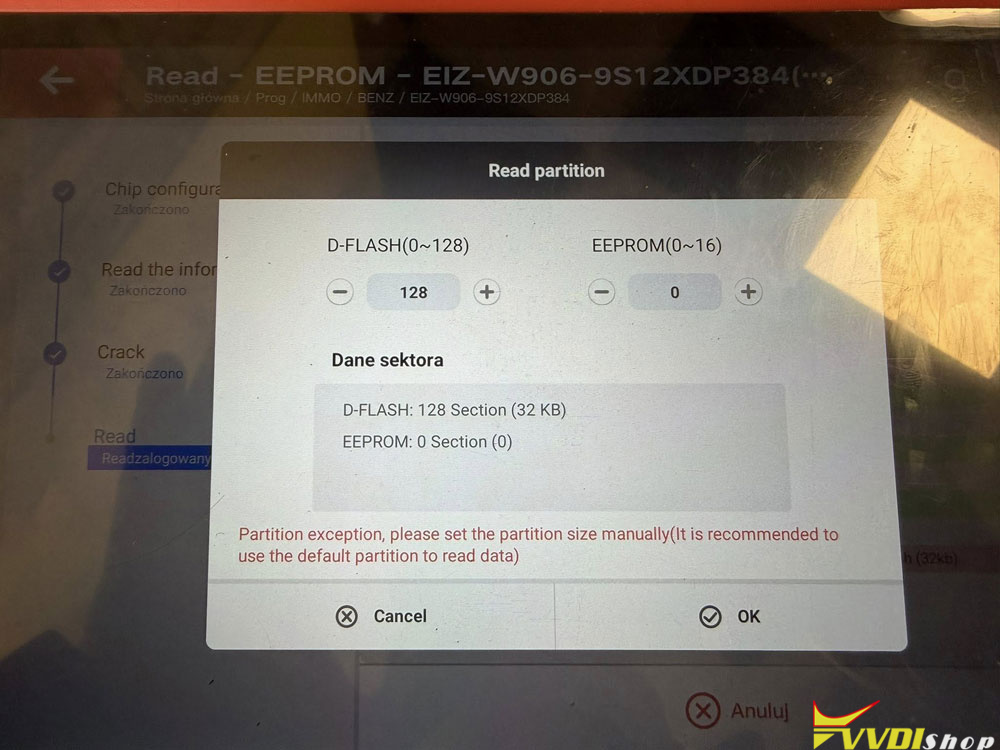
How to set partition?
It says partition exception. Set the partition size manually.
Solution:
Use default partition do not change it manually.
Set d flash 128 and eeprom 16 then read again. If still fail then problem is not the partition.
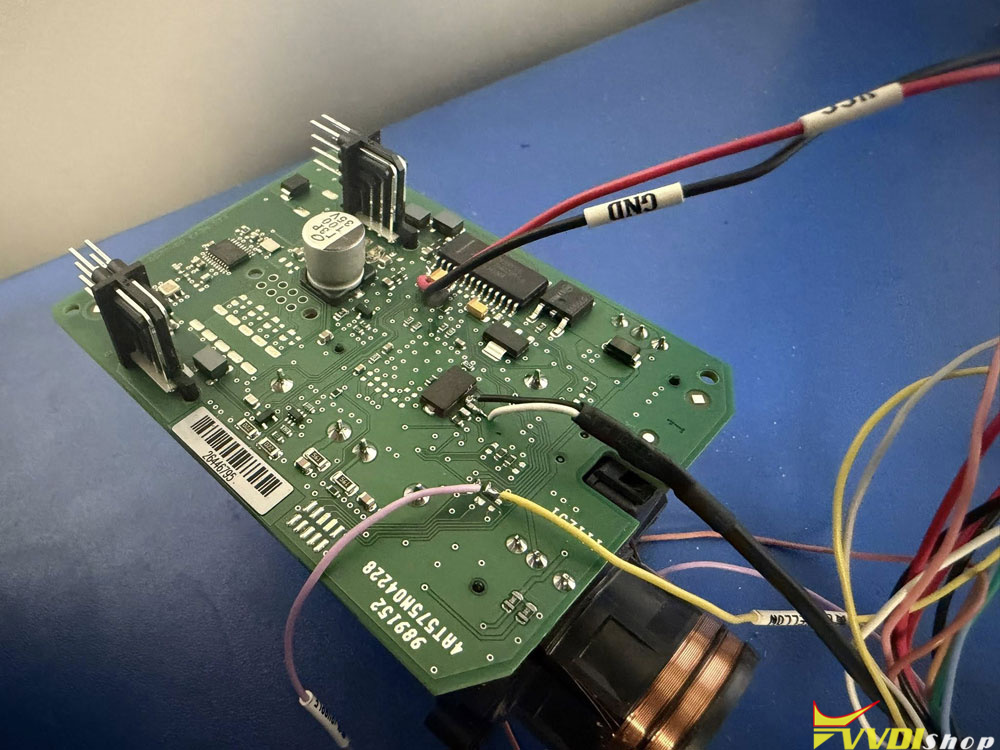
Check wiring again and power stable because these EIS are sensitive. Also make sure you selected the correct mask.
If crack done but read fail usually connection or chip not stable.
Here we can see the wiring is not correct. Connect the wiring follow the diagram using MCU cable.
Or read it with VVDI Prog or multi prog first then transfer file to key tool plus.
Works as charm.

Read also: