



Problem:
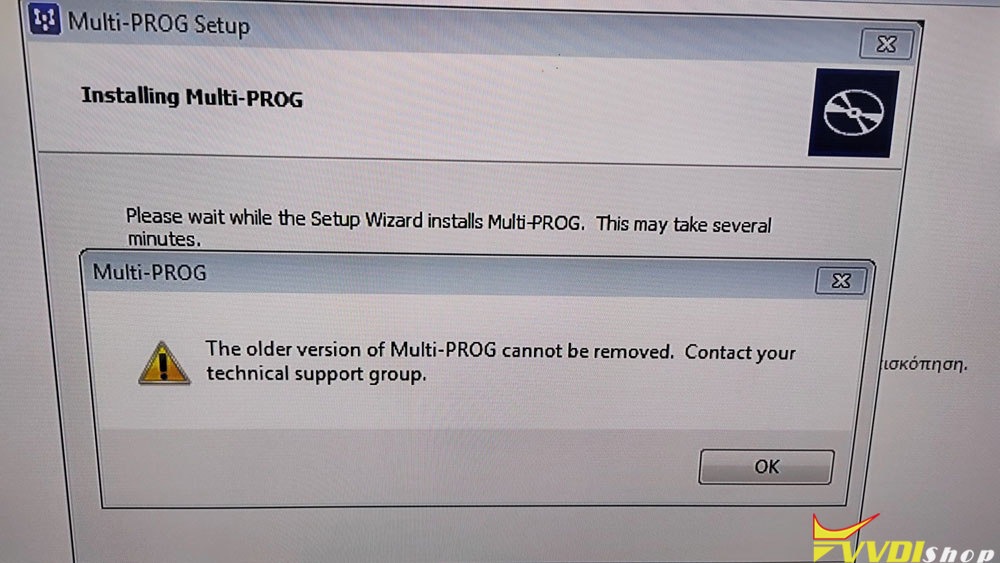
I have this problem with Xhorse Multi Prog programmer software on Windows 7 32bit system.
It said the older version of Multi-Prog cannot be removed.
How to fix it?
Xhorse solution:
Uninstall the software, shut down and restart your computer, and then download the new version software via link.
Customer possible solutions:
1. Remove from taskbar
2. Remove manually then delete program folder(s) and any dll’s installed. Search and delete values in registry. Or install a decent uninstaller. Reinstall and use the uninstaller.
3. Download Revo Uninstaller, use advanced feature and remove the old version.