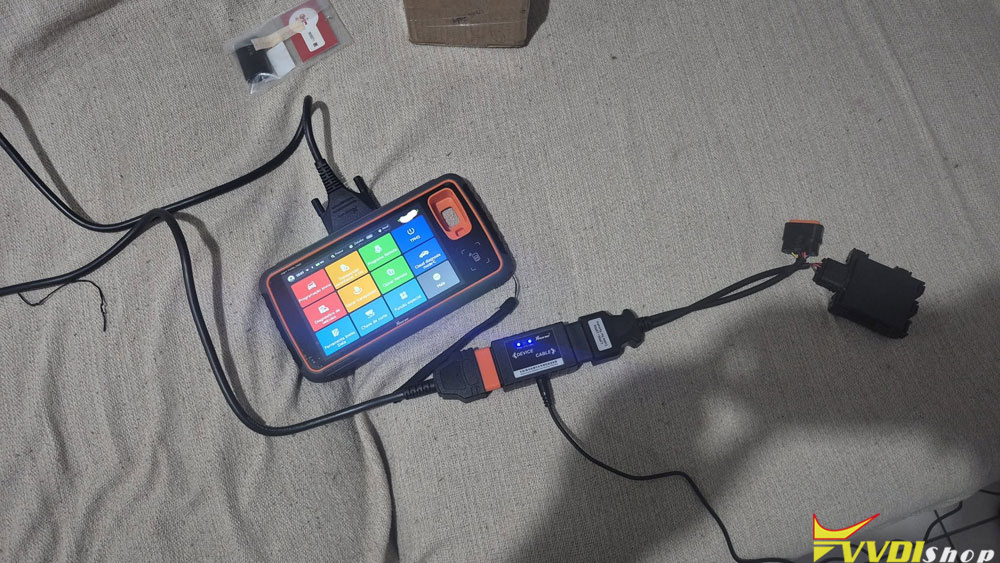



Xhorse released a Xhorse XDKP92GL Motorcycle Adapter for various Honda/Yamaha motorcycles with 12PIN, 18PIN, 21PIN, and 33PIN diagnostic connectors.
Here vvdishop.com will show how to connect the motorcycle adapter with vvdi key tool plus to program Honda motorcycle smart keys.
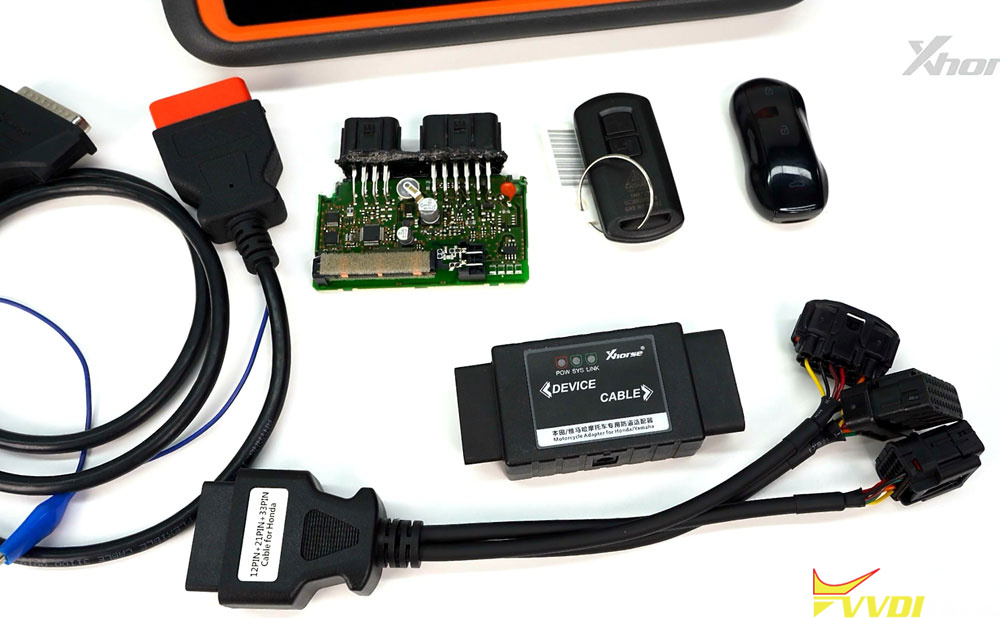
Go to IMMO programming- Motorcycle-Honda- Select from system or select from model.
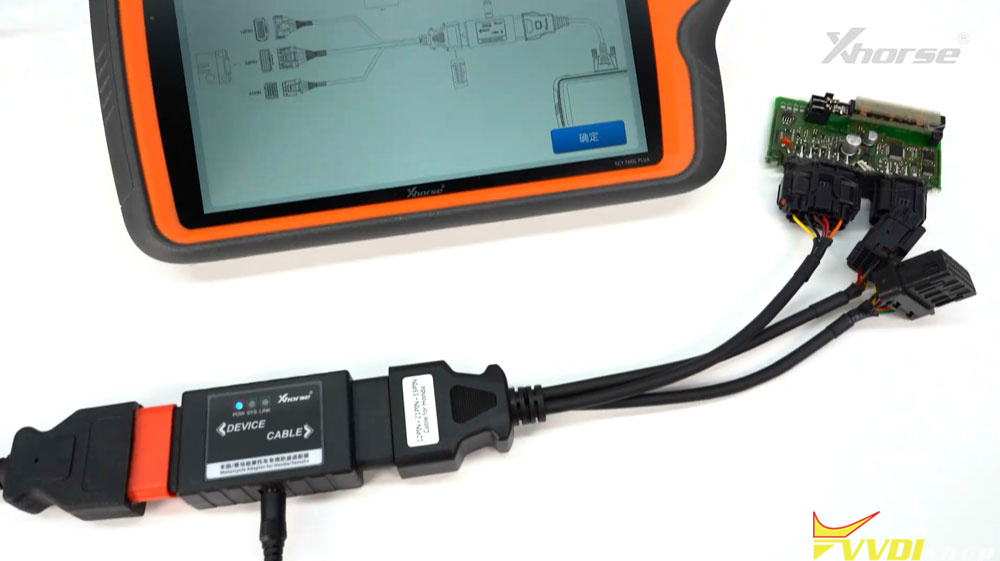
Check connection diagram.
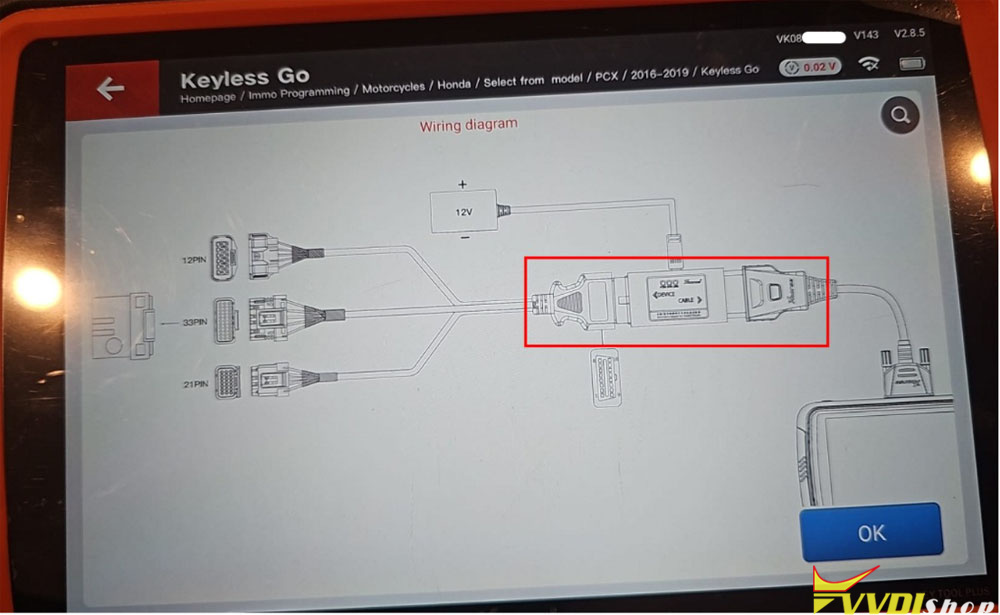
Connect XDKP92GL Motorcycle Adapter with SCU via 12PIN/33PIN/21PIN connector.
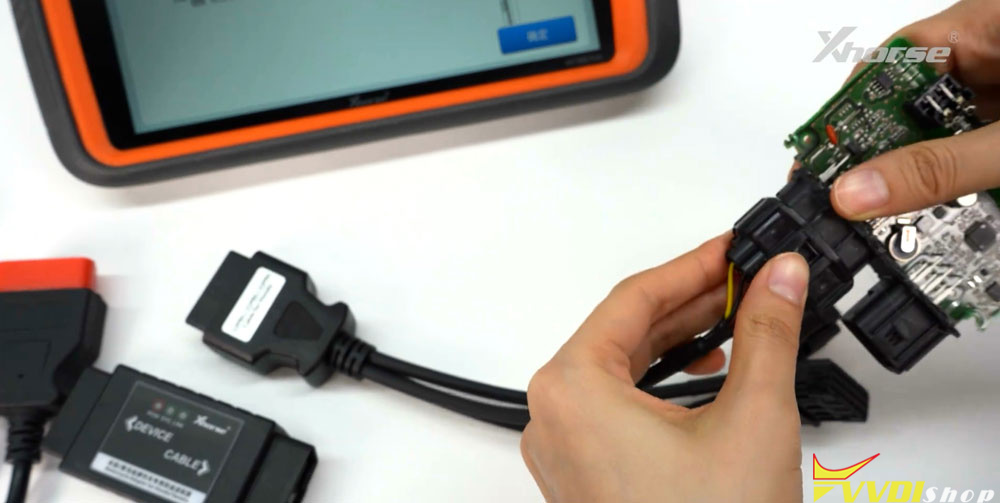
Then connect cable with motorcycle adapter and key tool plus main cable.
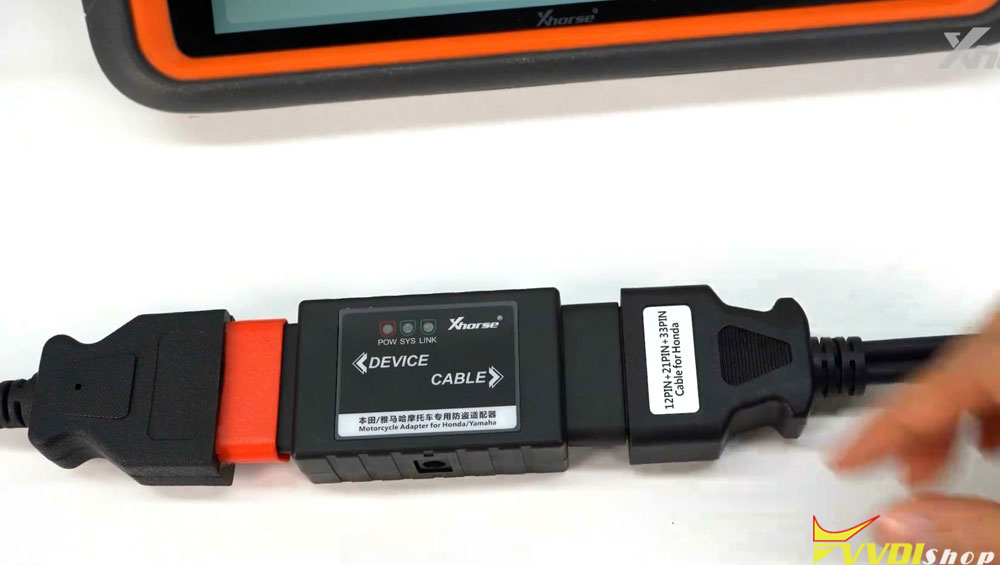
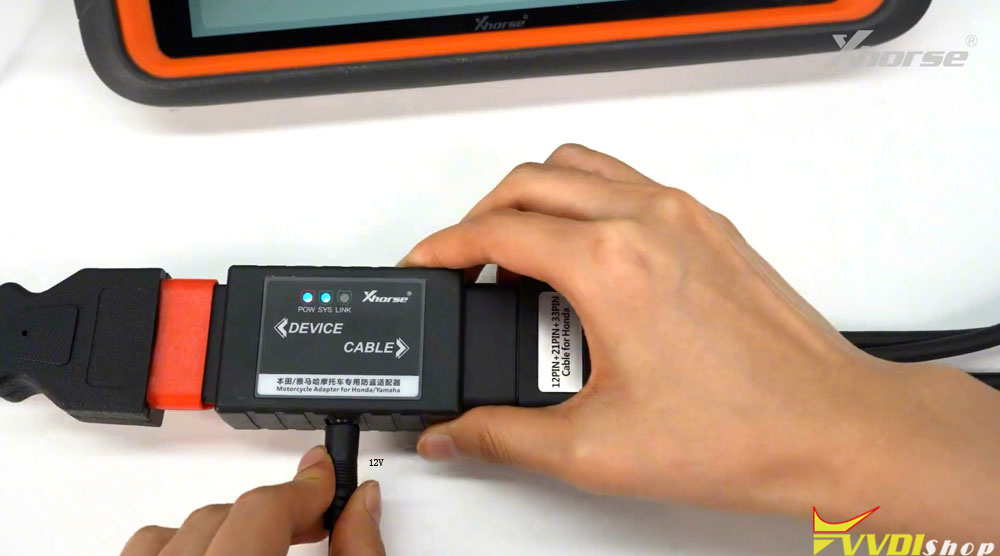
Also requires connecting a 12V power supply to the Motorcycle adapter.
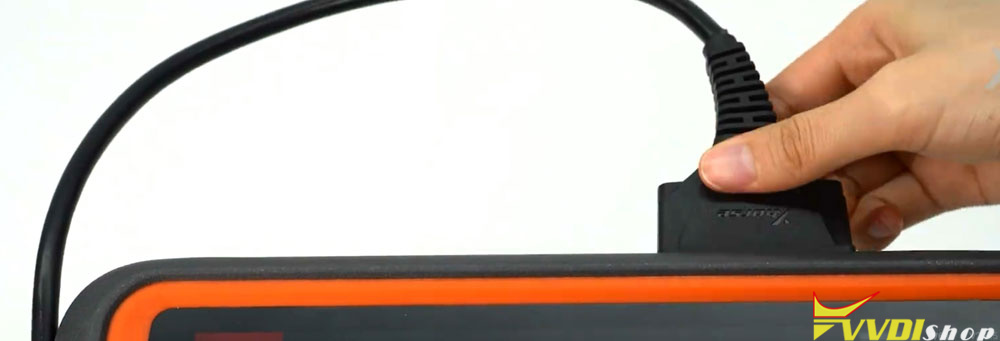
Connect main cable with key tool plus.
Now follow key tool plus menu prompts to program keys for Honda/Yamaha motorcycles.
The Xhorse XDKP92GL adapter is also compatible with Key Tool MIDI.
Connect motorcycle adapter with Key Tool MIDI like this: