


Here we will show how to add a spare MLB key to a 2019 Audi Q5 using Xhorse VVDI MLB Tool and VVDI2 tools. The process is much simpler than for the MQB platform. You don’t need to remove the dashboard, disassemble it, and connect to the processor. Here, you only need to read the original factory key, which must be CAREFULLY disassembled.
After opening the key, you need to determine the connection type according to the VVDI MLB Tool manual.
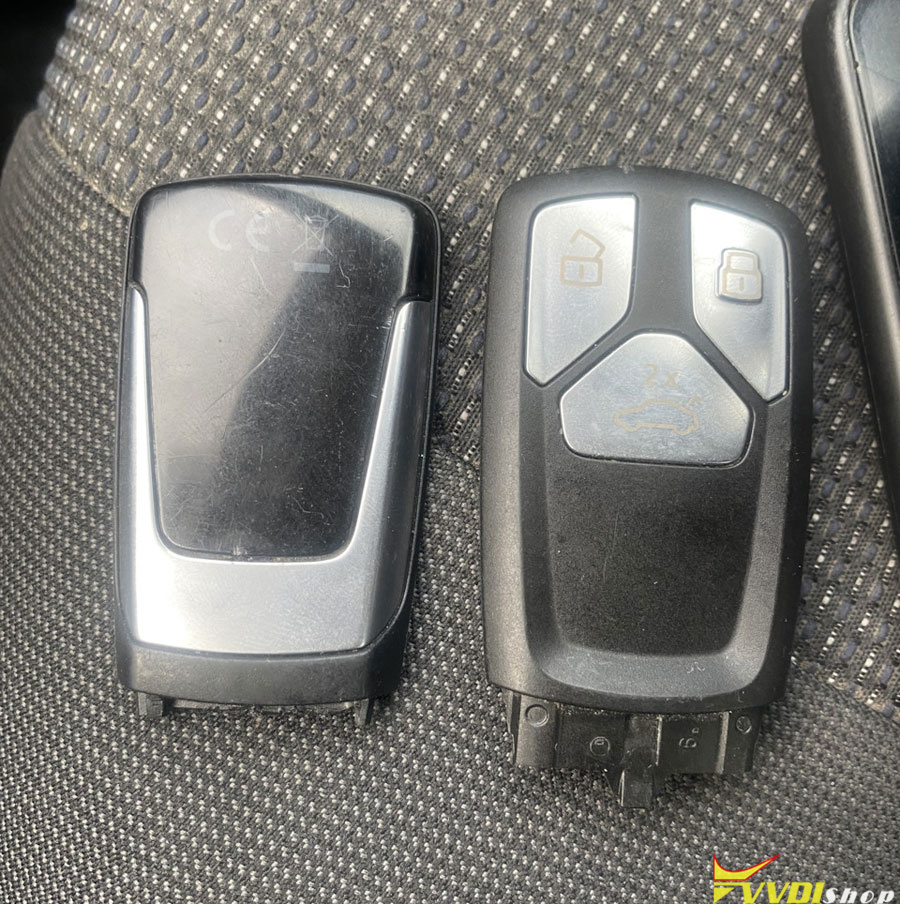
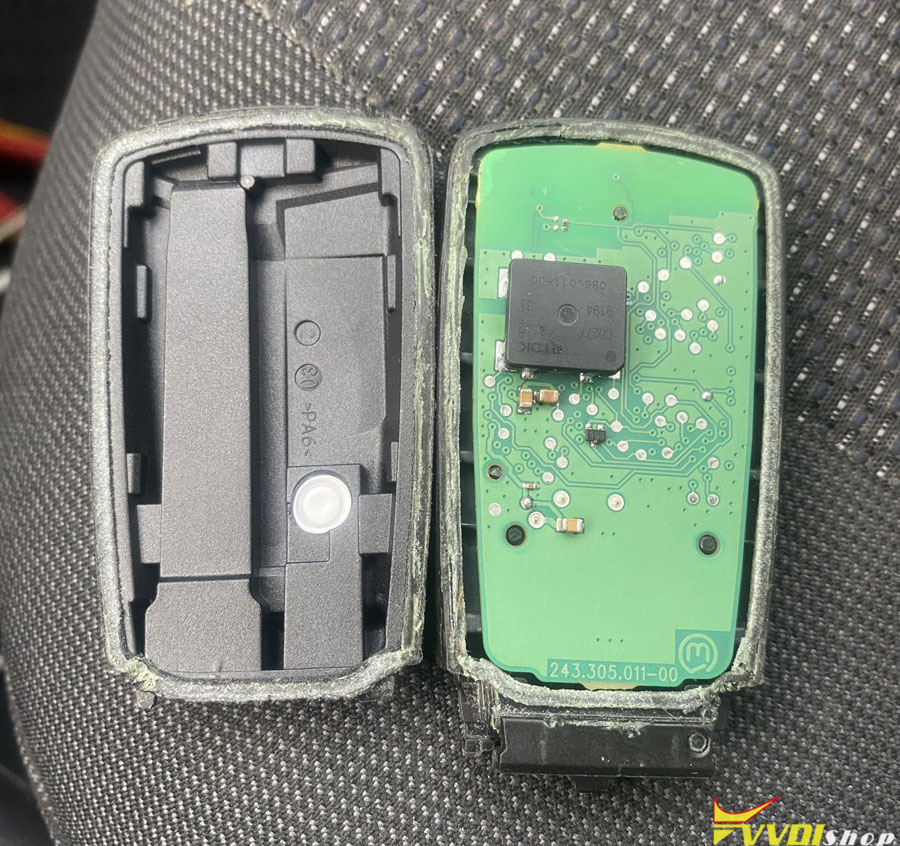
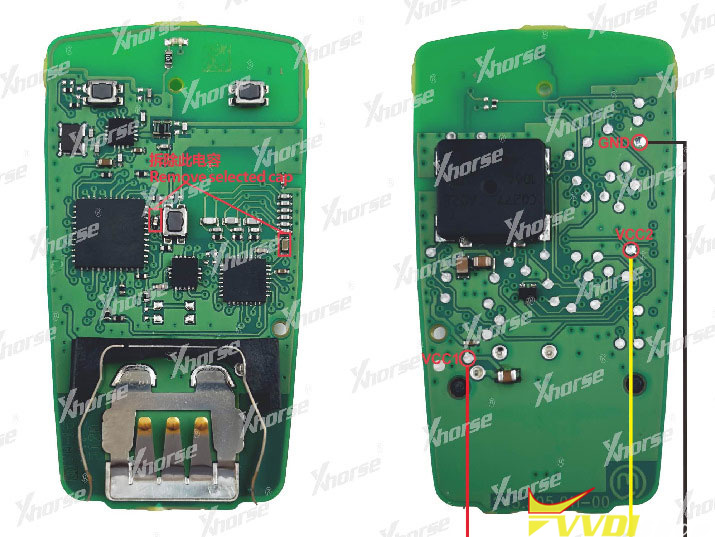
Next, the information from the key is read by the MLB tool and sent to the server, which generates a file to prepare a dealer key.
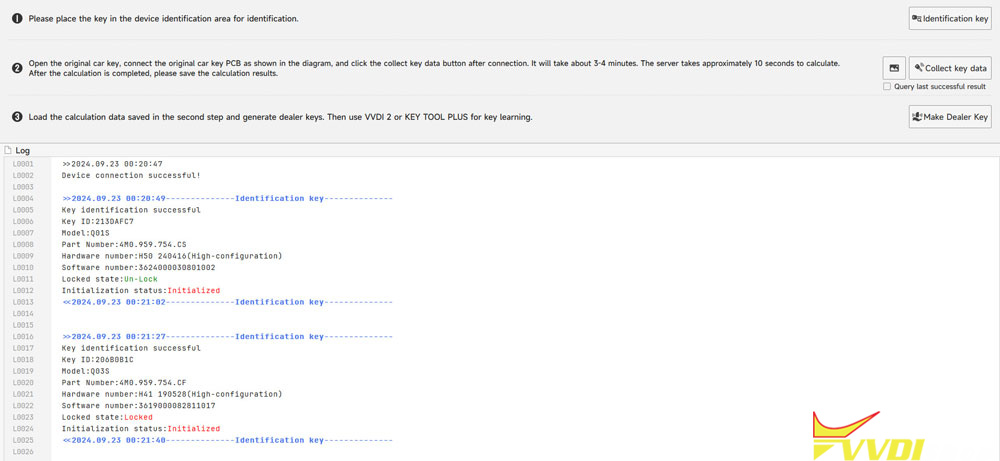
Once the dealer key has been successfully prepared, we reassemble it in reverse order. Ideally, we’d order a new housing, but I decided against it because the client needed a third key for remote start. Therefore, the broken key will be buried in the car. The blade blank fits the original key into the housing of the Chinese key, and vice versa, indicating the quality of the Chinese key.
Next, we go into the car and program it. This isn’t difficult either; just place the working key in a designated area. In the case of the Q5, this is the left side of the cup holder.
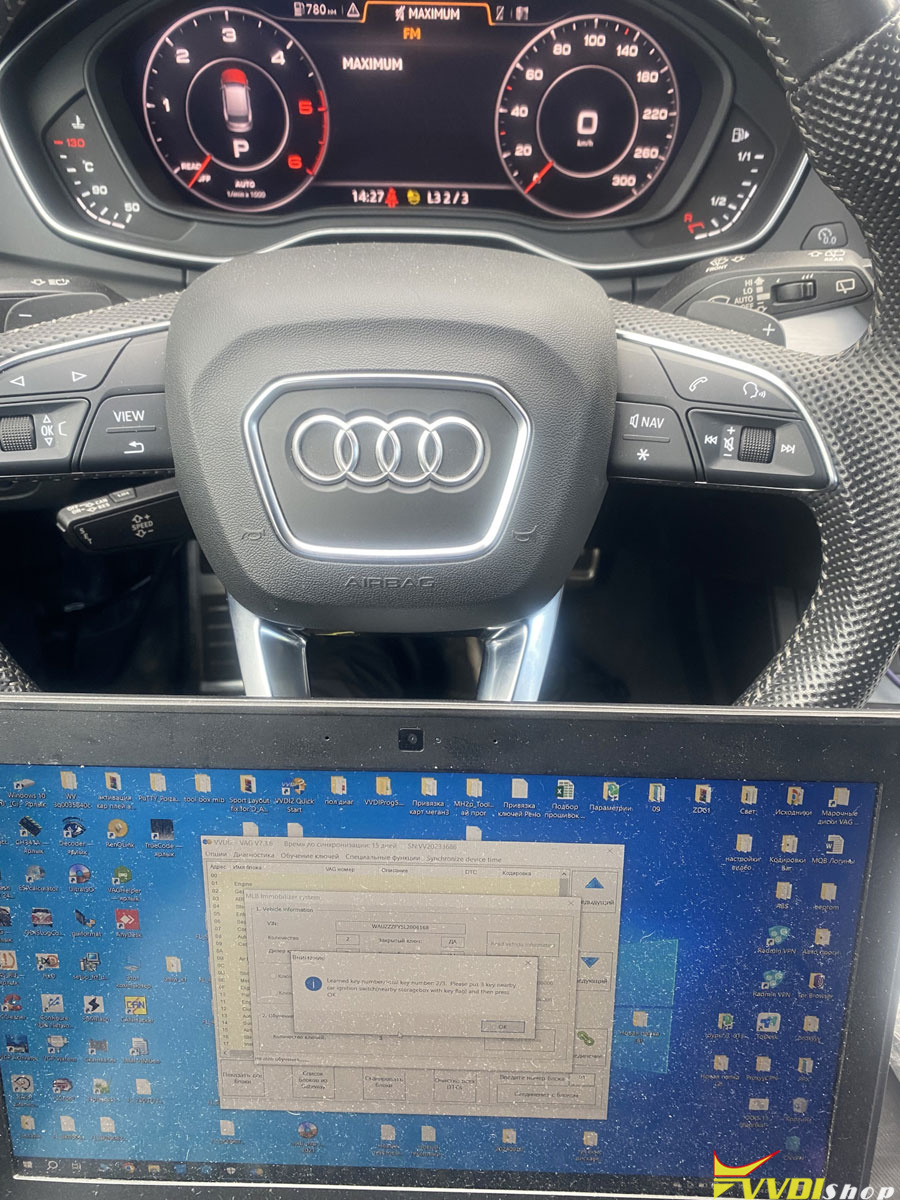
The next procedure is as close to the dealer procedure as possible, but without configuring unit 46. Simply insert each key one by one and confirm that they have been taught.
This is visible on the instrument cluster; in my case, it’s 0-3, 1-3, 2-3, 3-3.
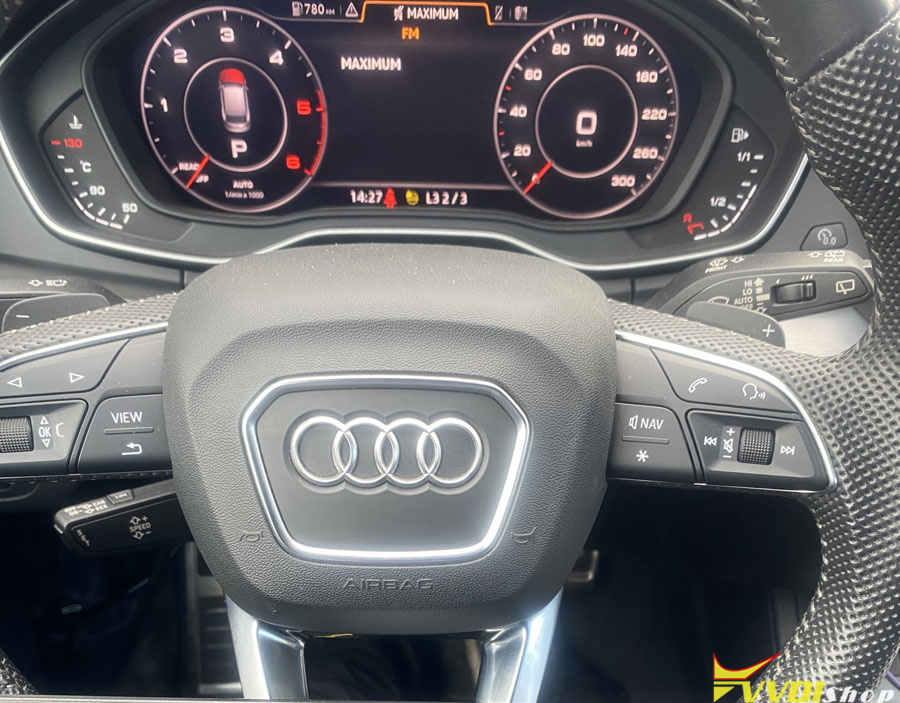
The new key is working perfectly, no issues.